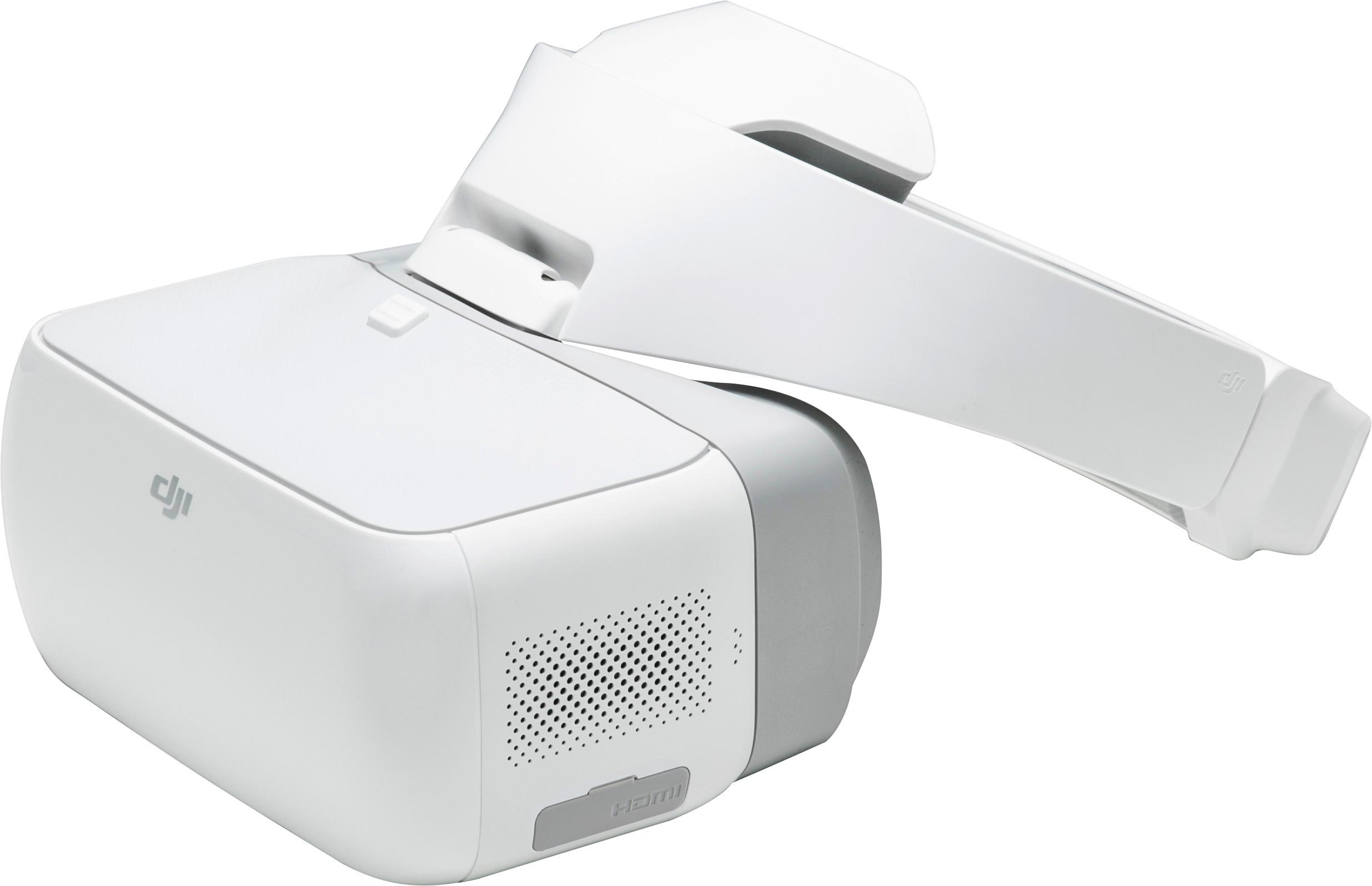
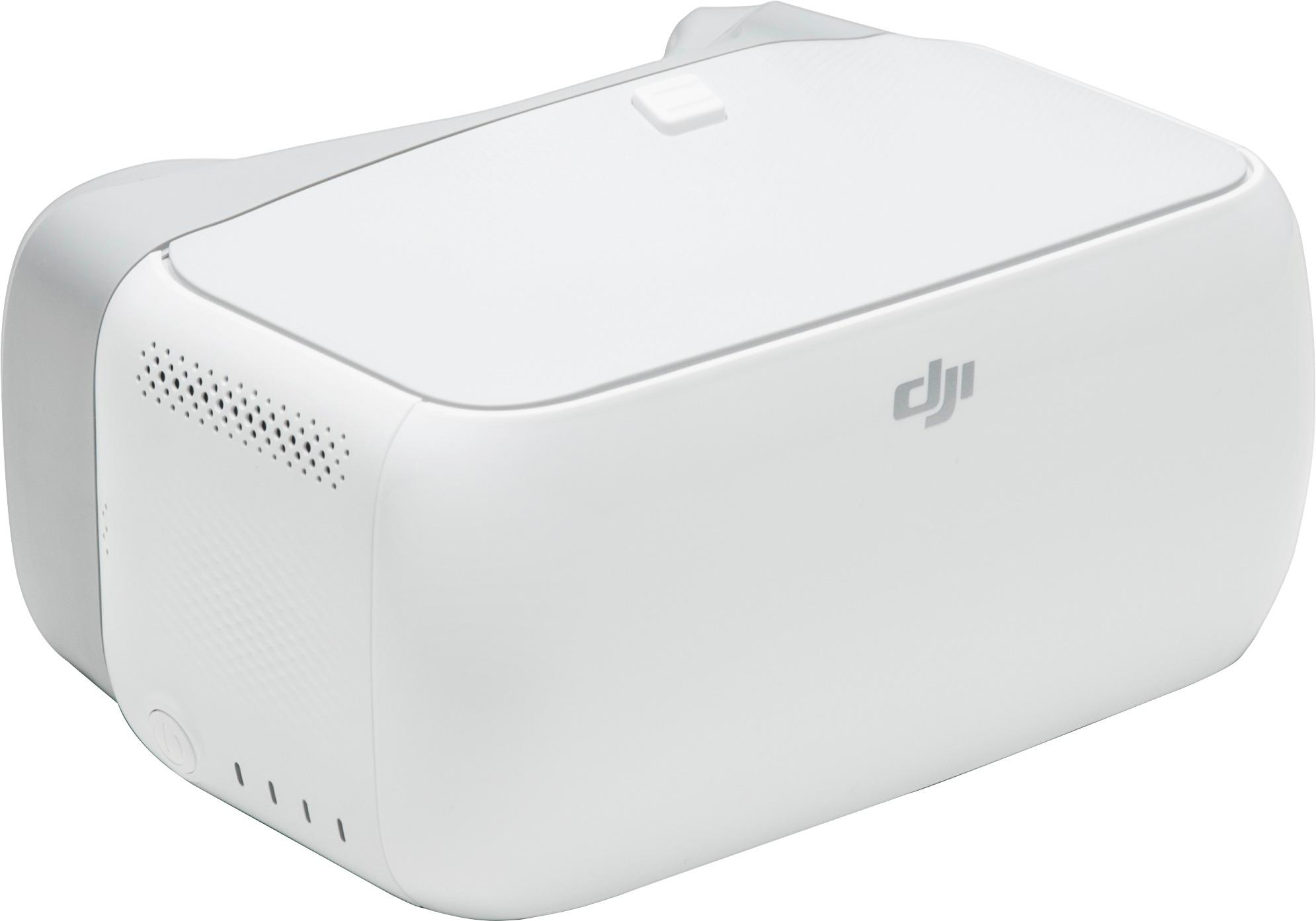
A:AnswerYes it will definitely work with the hdmi module. You can actually use any device that has an hdmi output and display the video thru the Dji Goggles with sound.
A:AnswerRonald,
not sure if anyone has answered this for you or not but the video output on these goggles is the same for each eye. They do not support 3D or anything like that so I would imagine that you would see it as you would any phone or tv in front of your face. While wearing them the screen is larger than my front field of view and I found myself trying to turnmy head to focus on the corners of the image but then realized I just had to move my eyes and not my head. Hope this was helpful
A:AnswerOnly DJI can give a definitive answer, but I do not believe these goggles are compatible with the mini. It uses a completely different broadcast signal from the Mavic 2 and a different app for the controller.
A:AnswerI believe it works best with the mavic pro I have a mavic air and phantom 4pro and really am glad I added these goggles although I’m still learning them
A:AnswerWith the Mavic Pro you do not NEED to use a phone or iPad. With that being said, it still is a good idea simply because you do not get the same HUD you do with the phone/tablet. I use my iPad when I fly with the headset just because landing / takeoff is very disorienting with the FPV display.
A:AnswerWhen I was able to order I set up an alert. Once the alert triggered I was able to order. I know this doesn't answer when but I think this may help.