A:AnswerOculus is not officially compatible with Chromecast devices. It may or may not work. With that being said, while using an Oculus device on a compatible Android phone, you may be able to mirror the phone's display to show at the same time on your Chromecast. On iPhone or any iOS devices, screen mirroring is currently not supported.
You may also contact our support team for any other questions and concerns here: https://support.google.com/chromecast/gethelp
A:AnswerYes. You can use an HDMI cable splitter to hook up one Chromecast to two TVs. The limitation of this option is you will need an HDMI cable running between the two TVs and the splitter will need to be plugged into a power outlet. You will also have to display the same content on the two TVs connected to the same Chromecast.
A:AnswerChromecast is a streaming device that uses cast-enabled video streaming apps that are on your phone/tablet and streams them on a bigger screen for a better experience. You can only access the app on your phone/tablet and cast it to your Chromecast. There's no option to download an app to your Chromecast.
You may check this link for more info:
- Setup requirements and guide on how to setup Chromecast: https://support.google.com/chromecast/answer/2998456
- Quick guide on how to cast:
https://support.google.com/chromecast/answer/6006232
List of cast-enabled apps: https://store.google.com/us/product/chromecast_apps
A:AnswerIn general, Chromecast works with most TVs, even old, non-smart ones as long as it has an HDMI input. Take a look at this link for the setup requirements and guide on how to setup Chromecast: https://support.google.com/chromecast/answer/2998456
Oculus is not officially compatible with Chromecast devices. It may or may not work. With that being said, while using an Oculus device on a compatible Android phone, you may be able to mirror the phone's display to show at the same time on your Chromecast. On iPhone or any iOS devices, screen mirroring is currently not supported.
You may also contact our support team for any other questions and concerns here: https://support.google.com/chromecast/gethelp
A:AnswerUnfortunately, the Spectrum TV app is not included on the list of cast-enabled apps. However, If you have an Android device, you can mirror your phone screen to the Chromecast to watch content from the Spectrum TV app.
You may check the following support articles for more information:
Cast your Android screen: https://support.google.com/chromecast/answer/6059461
List of cast-enabled apps: https://store.google.com/us/product/chromecast_apps
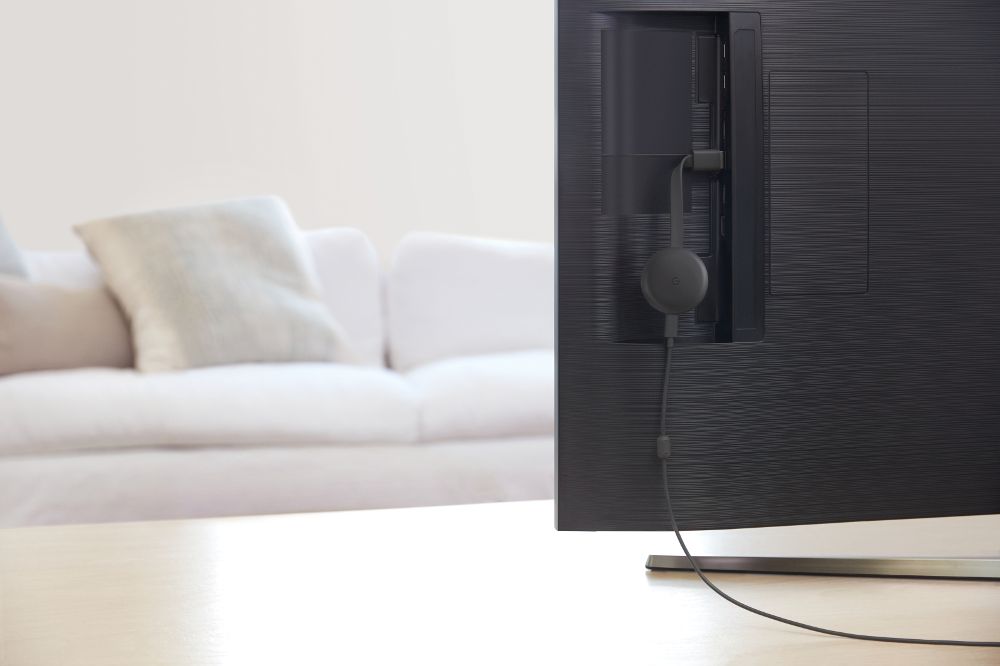
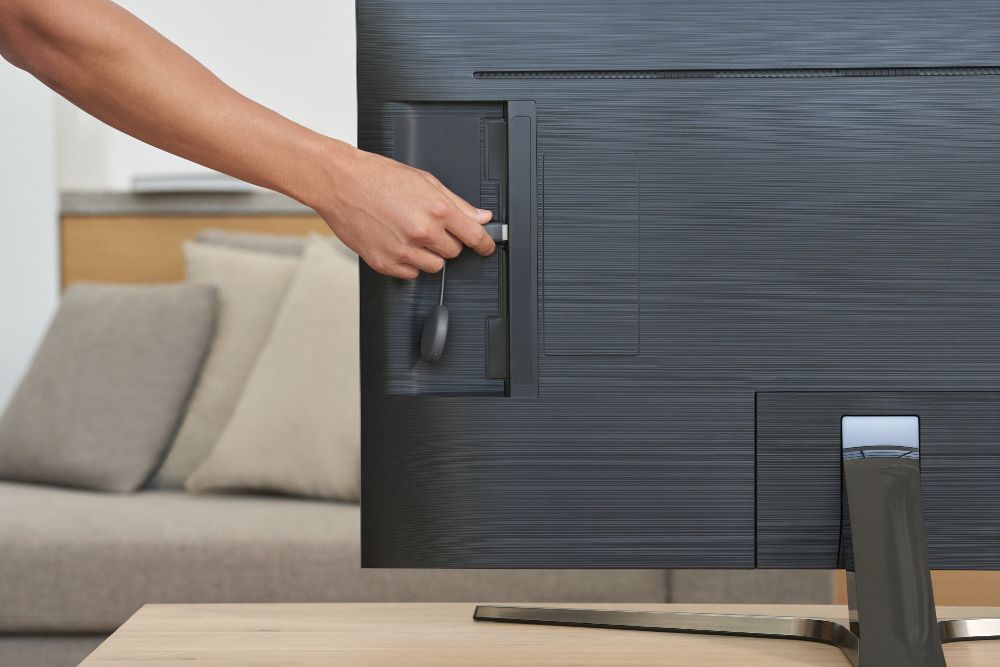
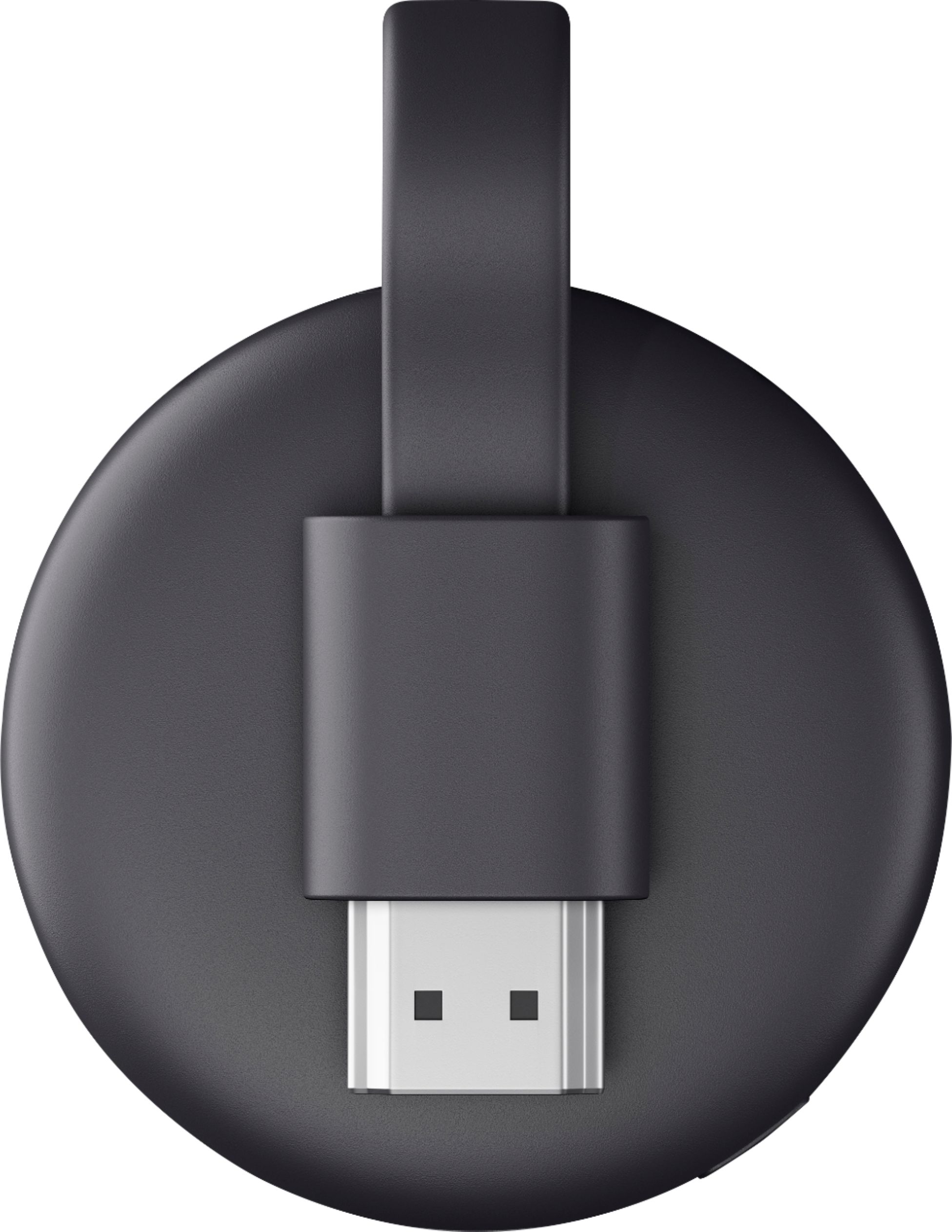
A:AnswerThis is a Chromecast (3rd gen). Chromecast is a streaming device that uses all of your cast-enabled video streaming apps (e.g. Disney+, YouTube TV, Nestflix, etc) that are on your phone/tablet and streams them on a bigger screen for a better experience. You may check the list of cast-enabled apps here: https://store.google.com/gb/product/chromecast_apps
In general, Chromecast works with most TVs that have an HDMI input, regardless of the TV brand. But availability and performance of certain features, services, and applications are device and network dependent. You may check the following link to know all the requirements and setup guide for Chromecast: https://support.google.com/chromecast/answer/2998456