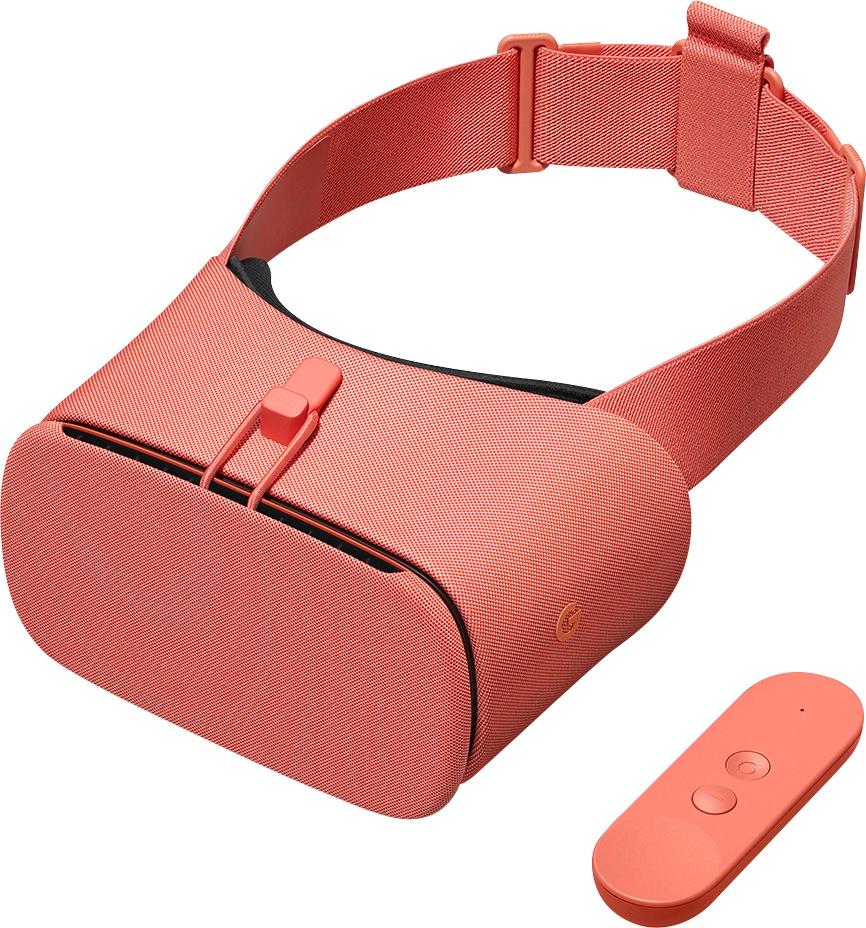
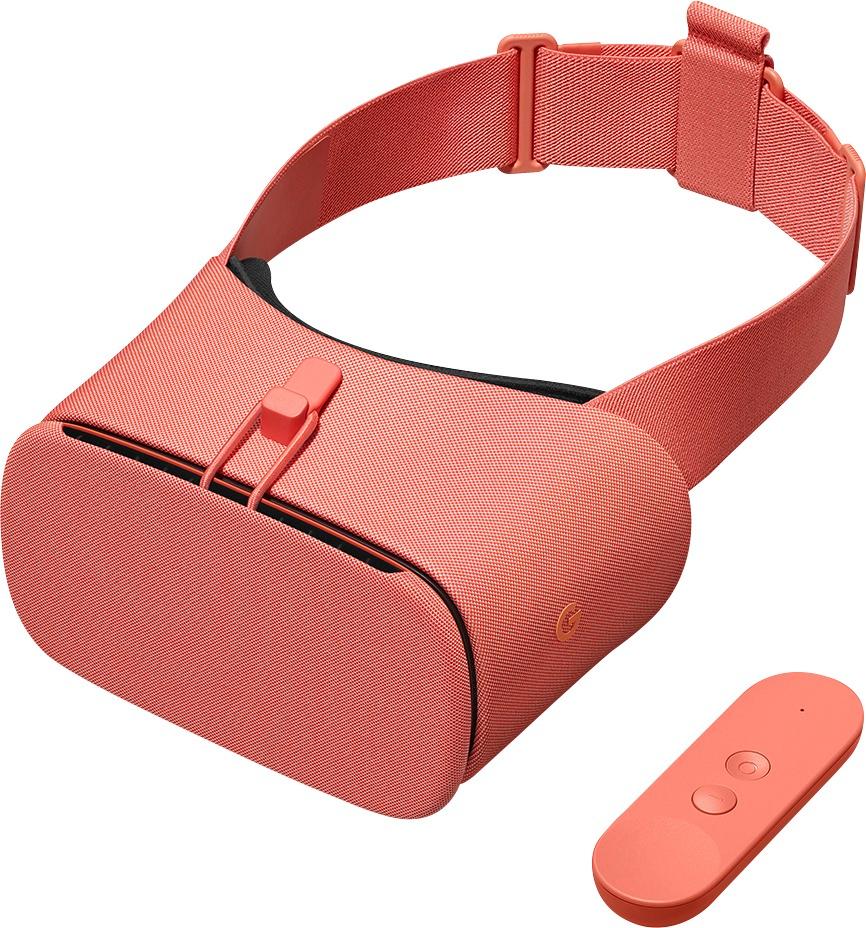
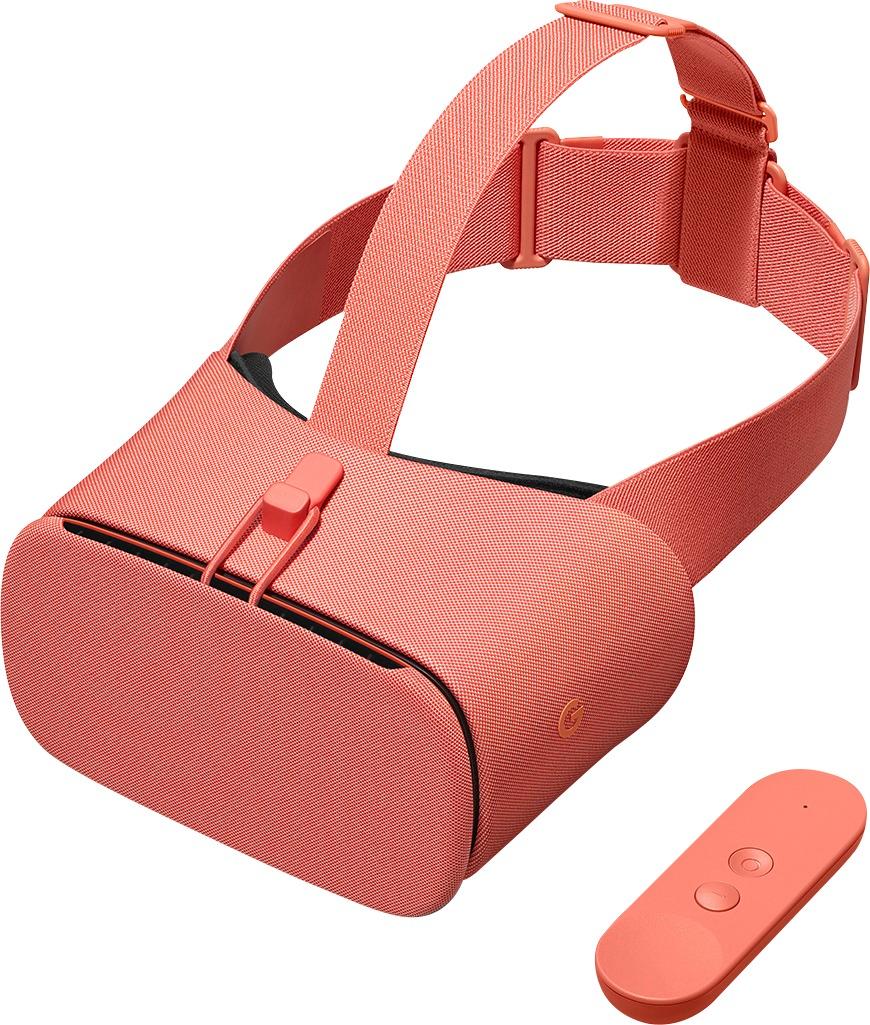
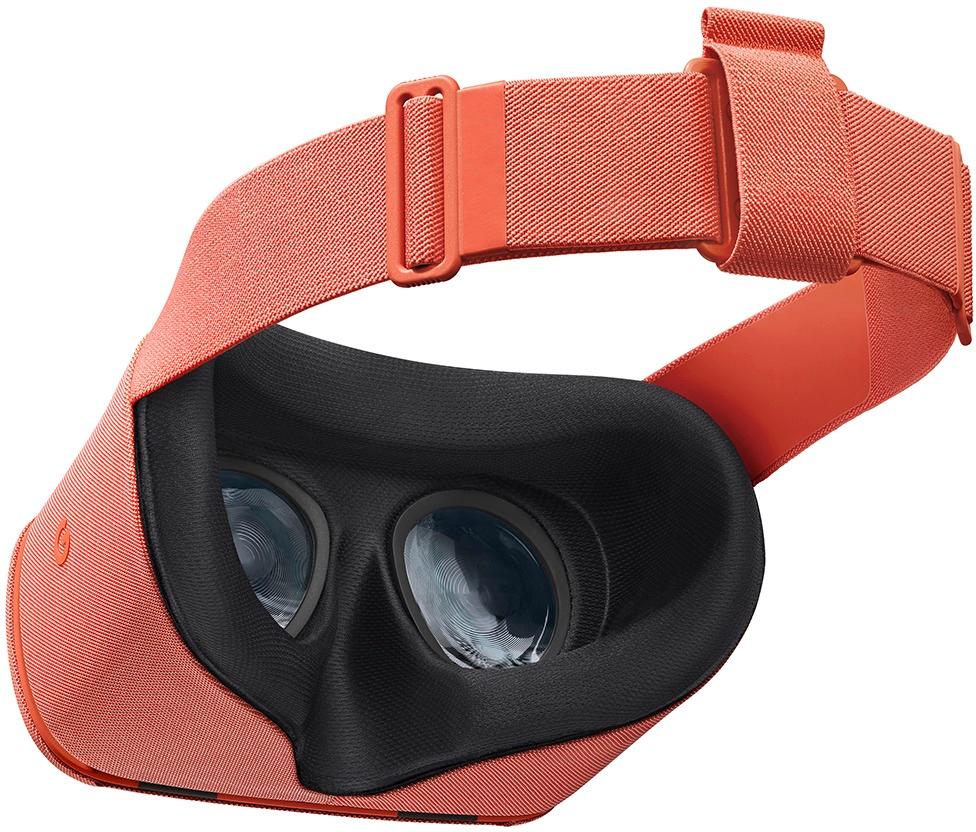
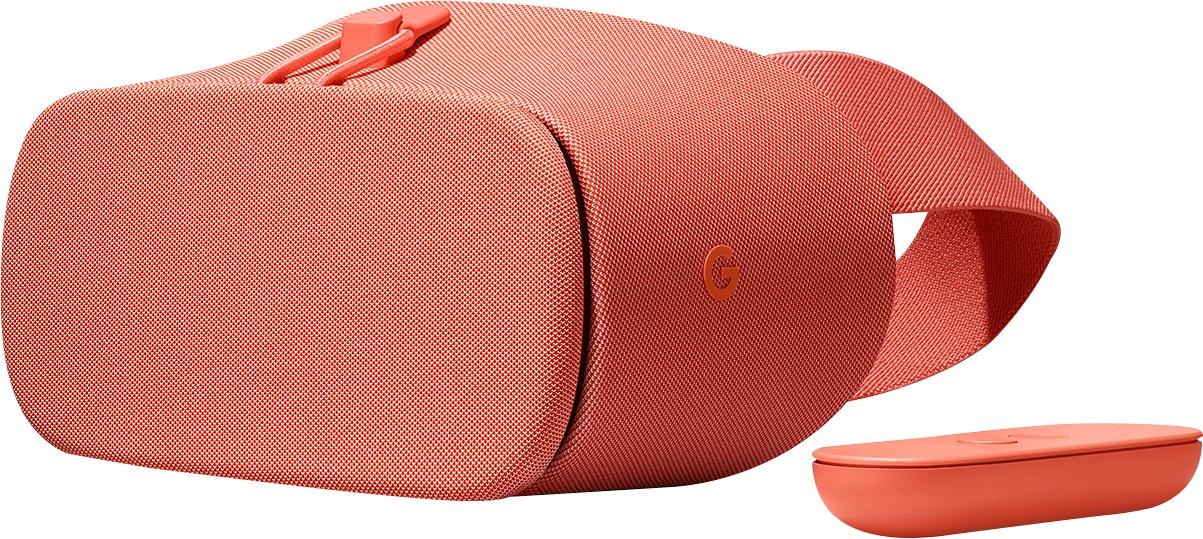
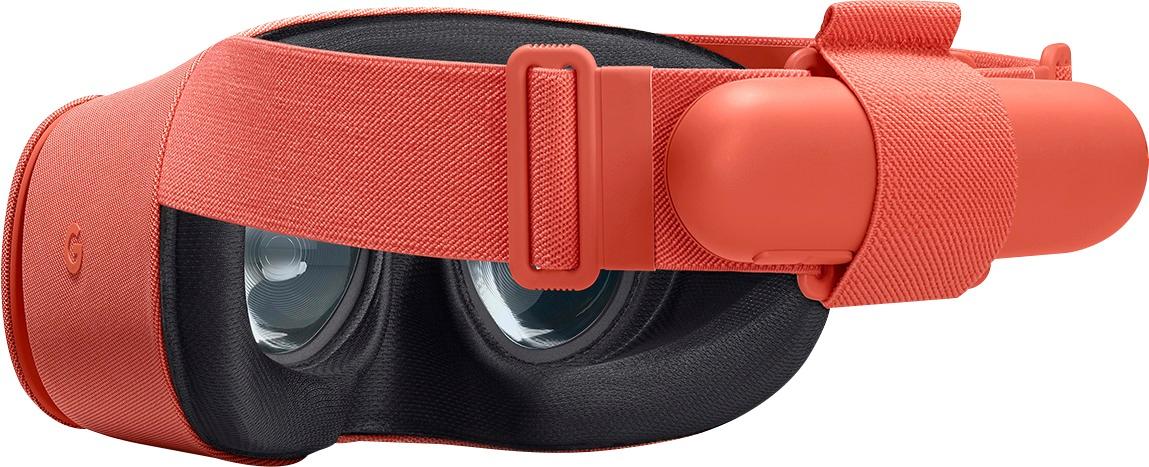
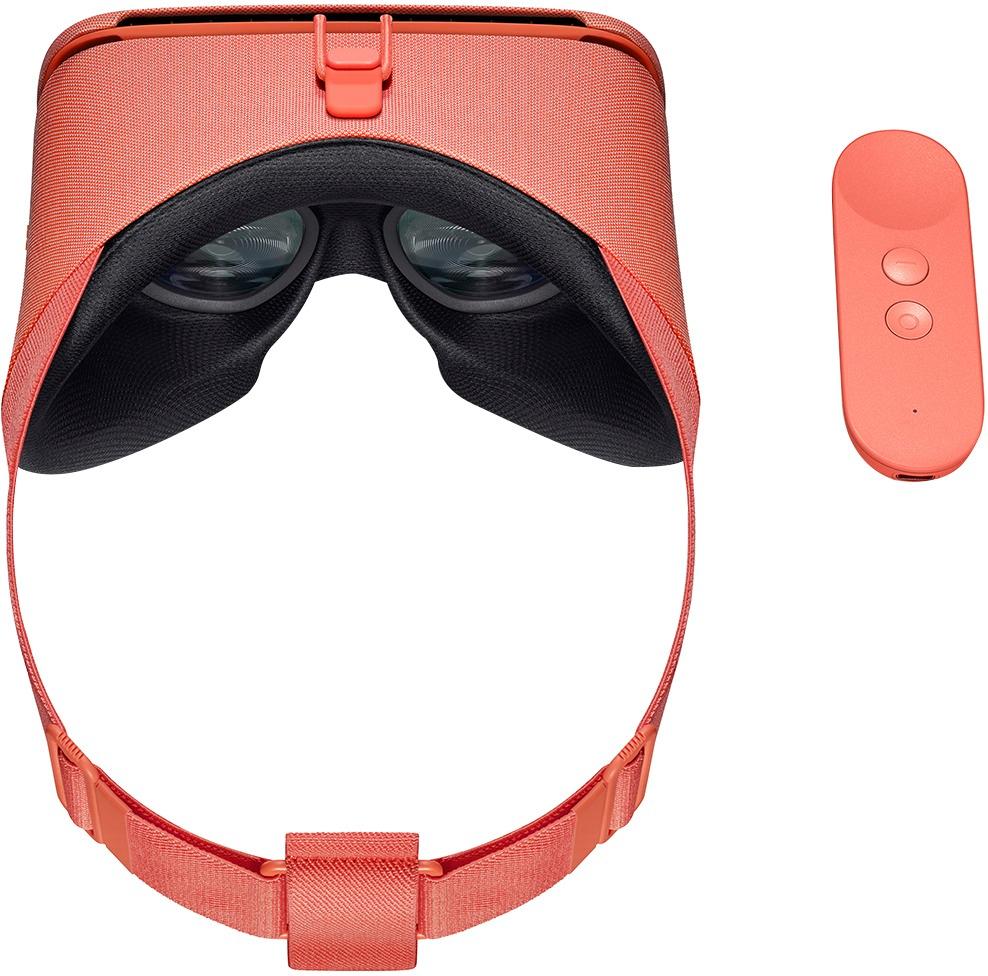
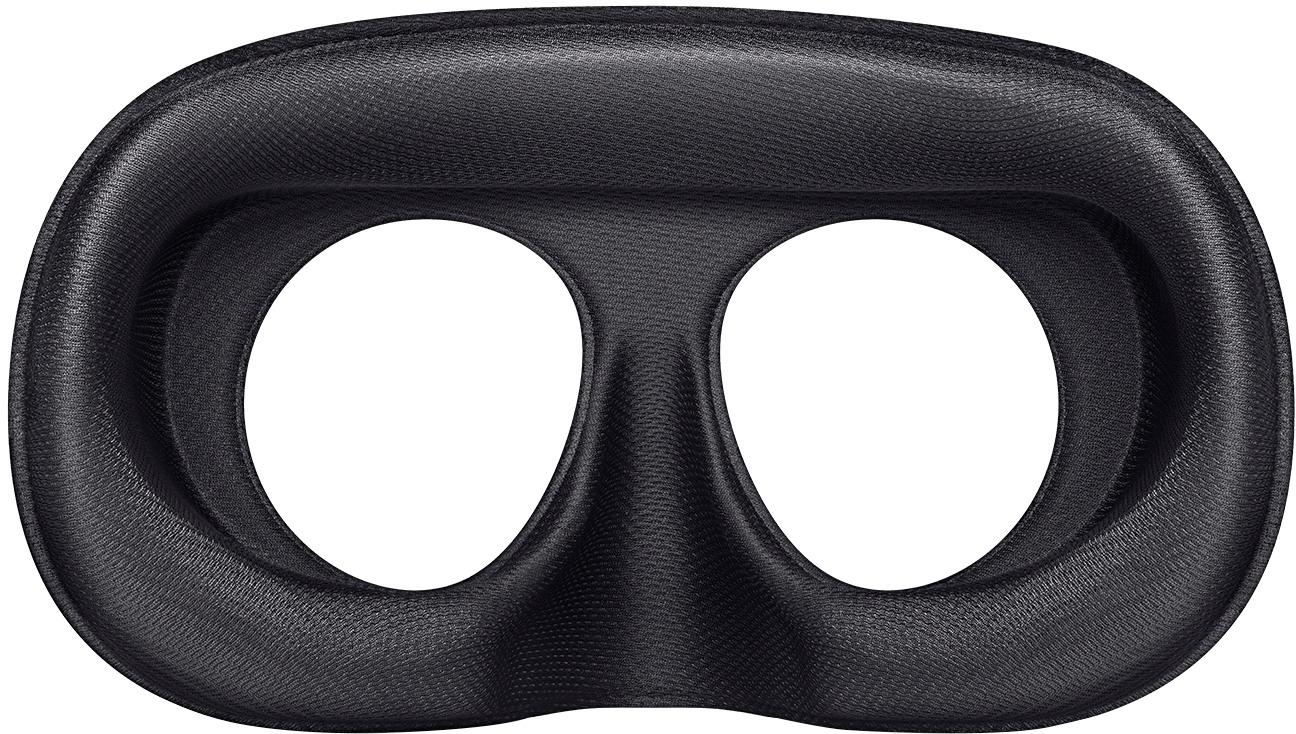
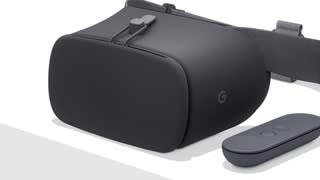
A:Answer No, this particular viewer is intended for phones built to Google's Daydream standard for VR. The number of phones that meet this standard is growing slowly, but is still mostly limited to a handful of flagship handsets released in the last two years.
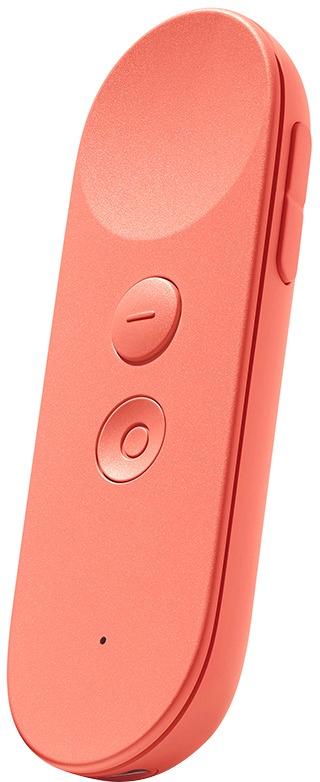
As for what it can do, it's basically a scaled down version of desktop VR. In addition to providing an immersive visual environment, it comes with a single motion controller which can be used to play games or interact with VR content. It's nowhere near as good as desktop VR when it comes to tracking, but it offers pretty decent orientation tracking (ie: where the controller is pointing) and some rudimentary motion tracking about on par with the first generation Wii controllers.