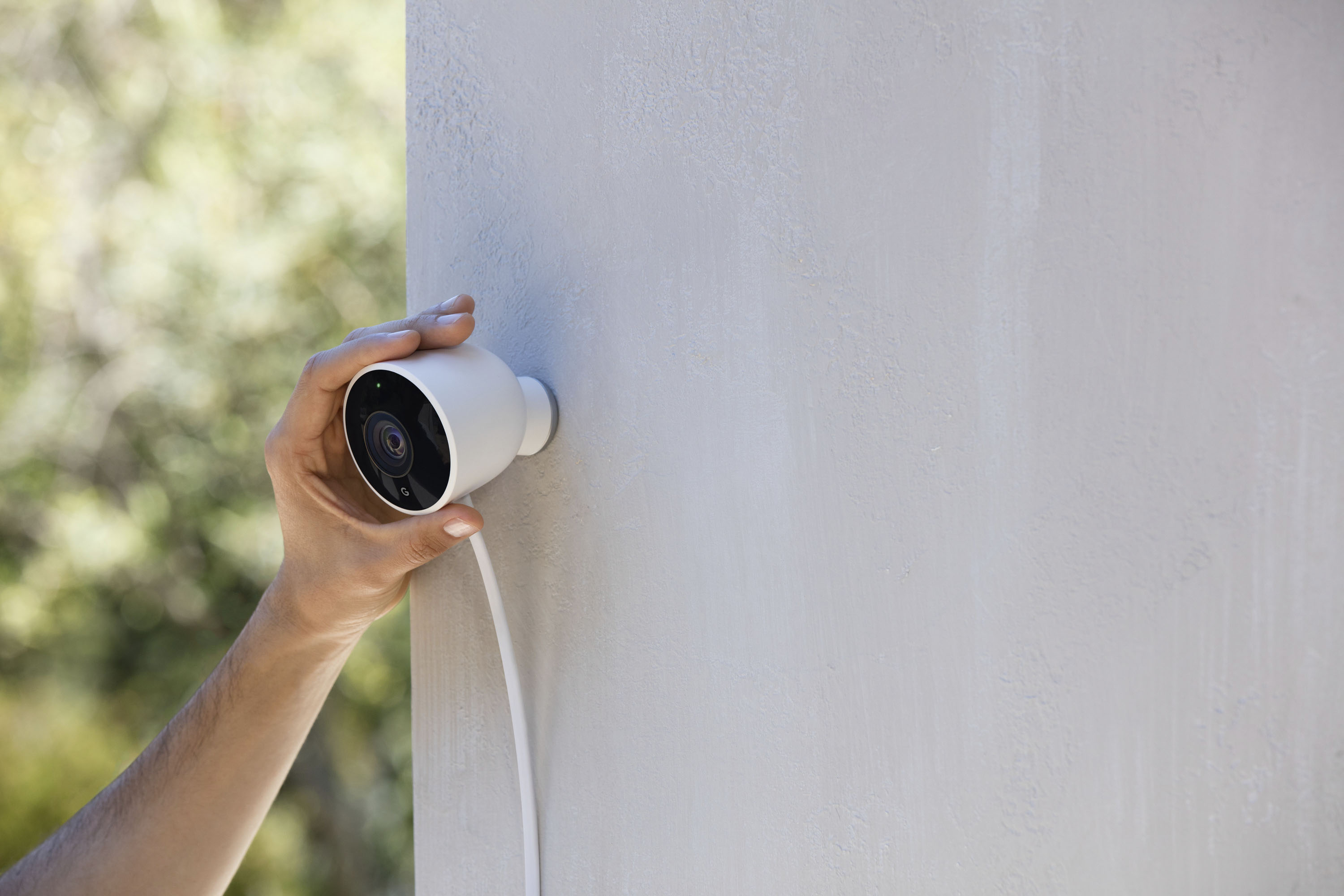
A:AnswerI have used the nest indoor cameras for years. I just purchased the outdoor cameras. Nest has upgraded their recording software so it continually records any movement seen plus highlights when it recognizes what it thinks might a person (car, animal, pet, etc). I turned my indoor camera to the outside temporarily and I could scroll thru what it captured such as clouds moving, shade from trees moving, etc. When someone walked by my house it also captured it but highlighted it so you didn't have to scroll looking for it. I get alerted via email/text when it sees what it interprets as people so I can check it no matter if I'm home, out of state or country. I also like the fact that I can set each camera to turn on to a set schedule, on all the time or like on my internal cameras, whenever my cell phone or iPad have left my house with me.
I love the nest products. I also have & love their thermostat & am looking into their smoke/C02 detectors. Now if they would come out with a doorbell camera.
A:AnswerI drilled a hole in the garage wall (7/8" diameter), went through the wall and routed the wire to a plug inside. Filled the hole with caulk and may paint it soon even though the color mismatch isn't terribly noticeable. See pic.
A:AnswerYou need to have a Nest Ware subscription to have a continuous video history depending on what plan you have. You can learn more about the Nest Aware here: https://support.google.com/googlenest/answer/9546397
A:AnswerThere's a lot of dependencies here. How many walls are between the router and the camera? What kind of walls are they? What's the distance? What kind of router do you have?
Best way to test is take your phone, attached to WiFi, to the spot you want to mount the camera. Do speed testing from there. Determine if your phone can stay reliably connected. If it works well on your phone, it will probably be good to go with the camera.
A:AnswerOur outdoor Nest cameras can easily see to the end of our street (about 100 yards -which is 300 feet), so depends on the angle you set up and how much room you have to work with.
A:AnswerThe Nest Cam outdoor is designed to be used outside but it will still work if placed inside and facing out a window. You may run into issues with the Night visions IR filter lights causing a reflection on the window but this can be resolved by moving the Nest Cam slightly to prevent the glare. The Nest Cam should still provide motion alerts within its field of view when looking out a window.
A:Answerit's not motion detection so it records 24/7 with audio. you can go back to look at the recording and make videos, I would say about 2 min each is good, if it's too big, you can't share it since it takes so many megabits, unless you have the capability to send large files.
A:AnswerI don't think a signal will travel that far with the rare times one may have a very directional antenna that can used. Trying a Wi-Fi extender may help but you would need power in the middle. Another option is to run a Cat6 cable to about 250ft from your router (underground or maybe on a fence) and use a Wi-Fi extender as a Access Point. The best option is to run a fiber optic line from your main router(with a media converter) all the way to the pool. Add a router and AP and you got very high speeds for everything internet.
A:AnswerI can't answer your legal question but you can disable audio in the nest app so it only does video. Also this is the camera that is meant for outdoors. You can get the nest indoor cam which is a little cheaper if you it's going to be kept indoors.
A:Answeryes, you have access to 24/7 live audio and video from the camera. You can set up alerts for movements and sound to send notifications to your phone. in fact the notifications on an iPhone are force pressable so you can see a brief animation of the initial movement or sound. You can then swipe right to go right to that time in the recording to view the whole clip.
Note: Camera will record 3 previous hours without a subscription. With a subscription, you have access to 10 or 30 days of your recordings.
A:AnswerYes, the camera will lose power if unplugged. That is why I plugged my camera in such a way that the person is recorded if they feel they have to unplug or cut the cord. For my front porch I ran the camera cord inside the house so they will have to come completely on the porch to the front door to cut the cord. All the while being recorded by the camera. No camera is foolproof. Many times they get spray painted over or if they are completely wireless just stolen. The key to catching a person is to get a camera that does high quality video so that if and when the incident happens, the video is good enough to catch the person and identify them.
A:AnswerThe total cable length of Nest Cam Outdoor is 25 ft. (7.5 m); 10 ft (3 m) captive cable that plugs into an outdoor power adapter and a 15 ft. (4.5 m) power cord.