A:AnswerNest Cams can connect directly to your WiFi network. They don't need a hub to help them connect to the WiFi network in your home. We recommend you have a broadband internet connection with at least 2 Mbps of upload speed for each Nest camera in your home. You can find out more information about this in this article: https://nest.com/support/article/FAQs-about-Nest-Cam-Outdoor#outdoor-faq-good-enough
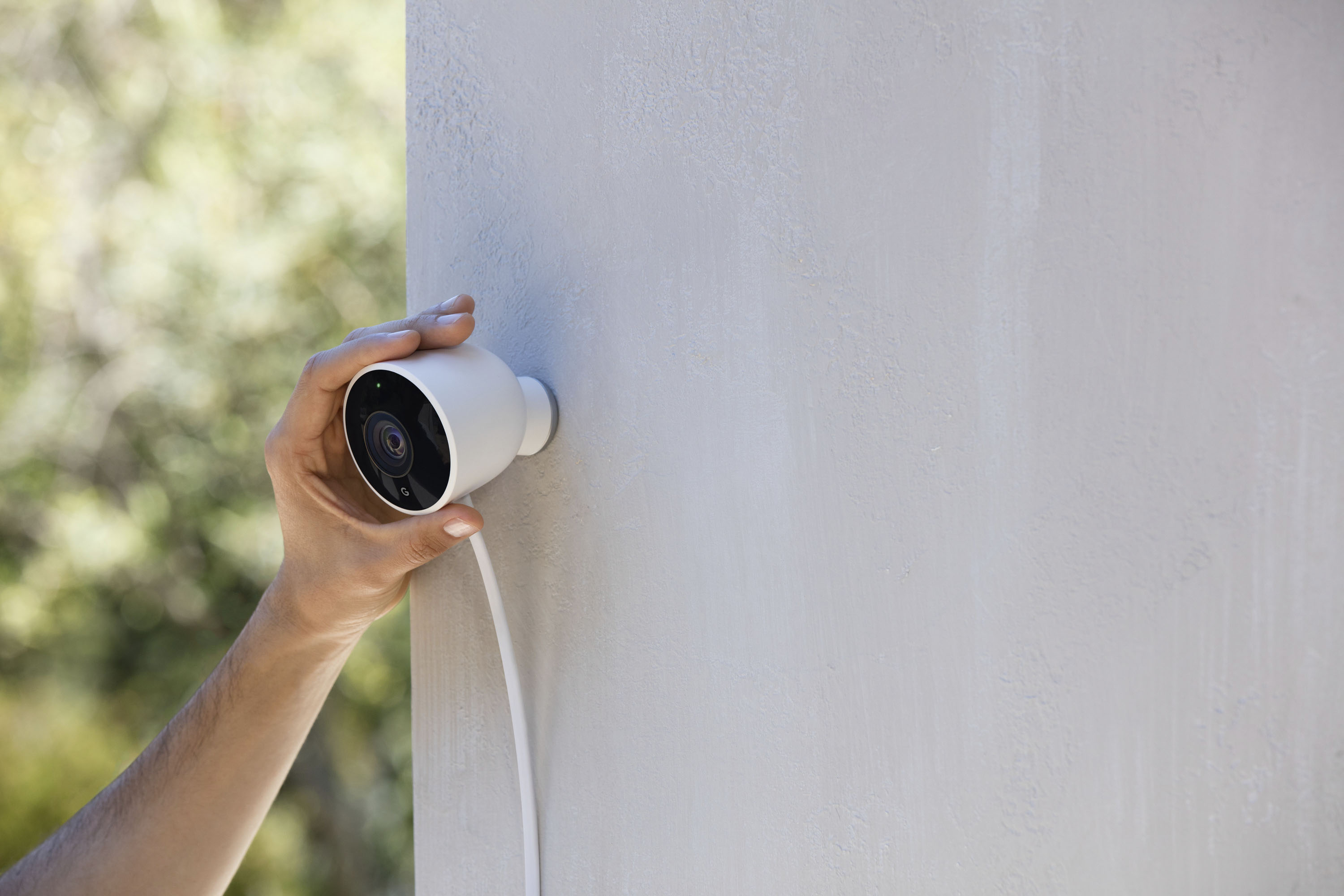
A:AnswerIf I’m understanding your question the answer is yes. I have mounted to separate cameras on two separate garages where the camera is mounted to the face of the building adjacent to the garage door. Like you I did not want to drill through or into the walls for the camera wire, so I carefully ran it through the corner of the top garage door seal. Did this on both doors several months ago and works great. I did not mount mine on the eaves as they are mounted on the face of the building closer to the door seal but high enough people cannot reach. I did this so you see very little of the white camera cord. By looking at your picture you would have a few feet of camera cord visible from the eve to the top your garage door seal. Maybe consider mounting the camera bracket which is small the size of a 50 Cent piece closer to the garage door seal with a heavy duty dab of caulking. You would have very little bit of cord showing then and no drilling. There’s my two cents. I hope this helps they are great cameras
A:AnswerIf you want to see them in great detail at 150', then NO. When I max zoom to someone walking on the street about 50-75' away, the detail is lacking, I can't recognize the face. You would at best catch their presence, but again if you're looking for identifiable video evidence then definitely NOT. I still love all 4 of my cameras though! My homes' perimeter is excellently covered against intruders.
A:AnswerLet can be zoomed. You pinch the image and zoom up. Very good if your on 1080p. It will be pixelated just because it is digital and not using a lens for zoom. Waterproof housing.
A:AnswerI have three of these all with the 10 day recording nest aware. Two are at my house indoor and one at my shop outdoor. All three come up on the nest app, very nice and are only limited by your router or internet capability to upload HD footage.
A:AnswerNest charges per camera for their service. For example if you have the 5 day video for your doorbell at $50 a year they will charge $50 a year for the additional camera as well. They sometimes offer discounts on service for additional cameras depending on your plan. They are putting out a new Nest Aware subscription services sometime this year where it will be either a flat $6 or $12 a month depending on the amount of video recording. This fee will be one flat fee that covers all the cameras on your account. I hope that helps
A:AnswerNo, Nest Cam Outdoor is not compatible with Vivint security system. Google Nest products including Nest Cam Outdoor require to be set up and controlled on either Google Home app and/or Nest app.
A:AnswerYes, you can plug it into an outdoor outlet. You might want to install a lockable “while in use” cover over the outlet to prevent your camera from being unplugged. You can check this video: https://www.youtube.com/watch?v=wG3F8xzhPlo on how to set up and install Nest Cam Outdoor.
A:AnswerThe Nest Outdoor camera is plugged into an A/C outlet. There is a 25 cord length design in two sections--one 10 feet and the other 15 feet. The cord lengths cannot be shortened or you void the warranty.