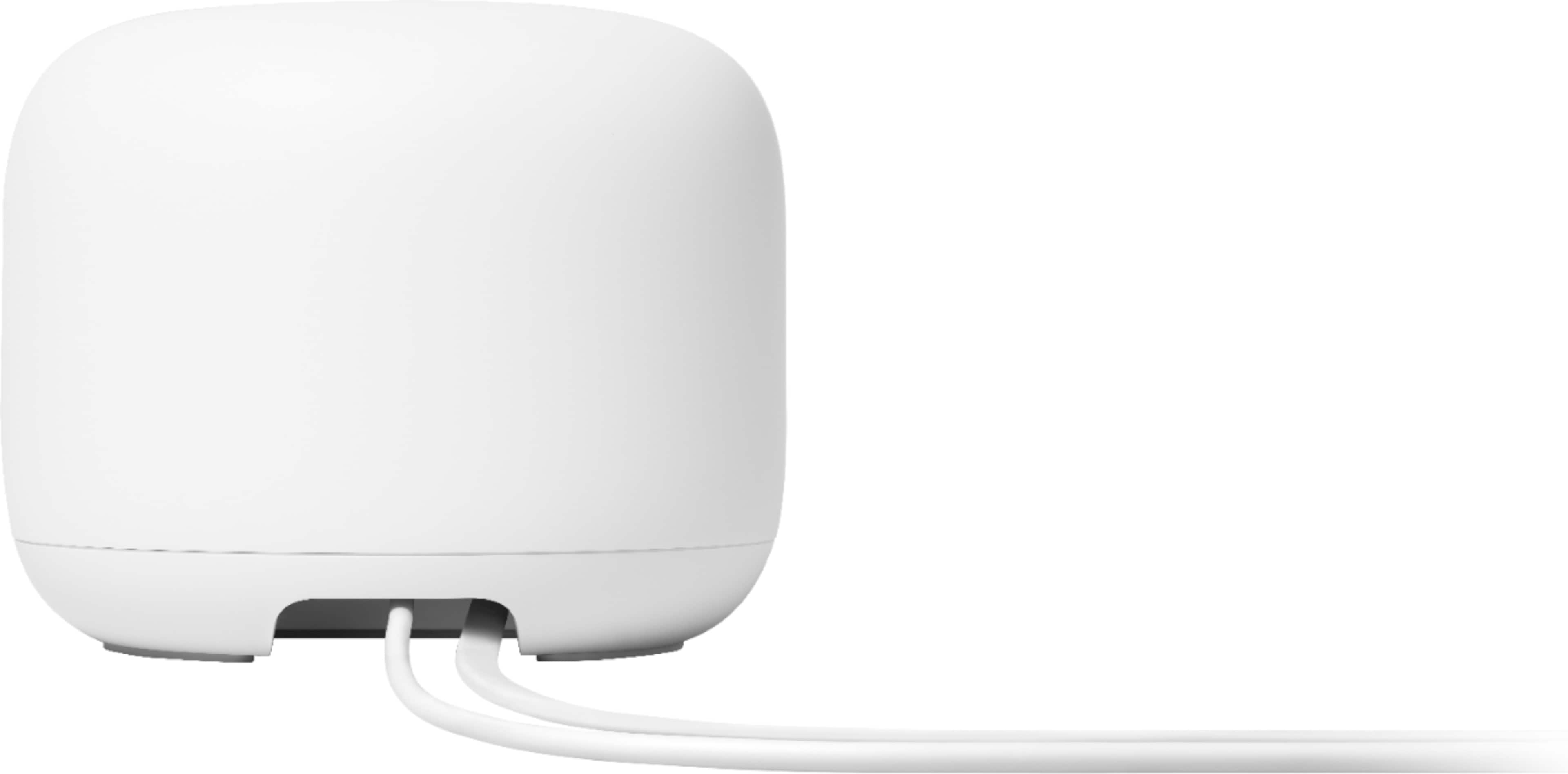
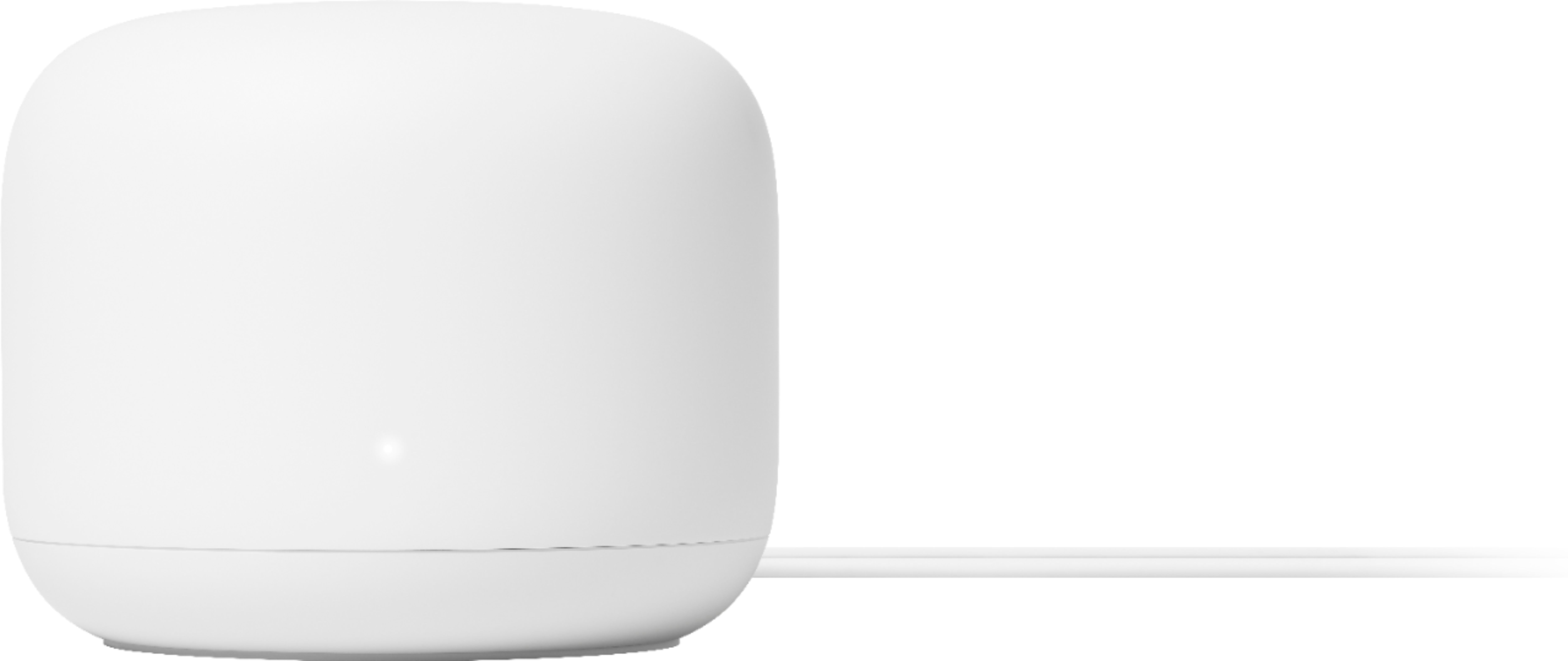
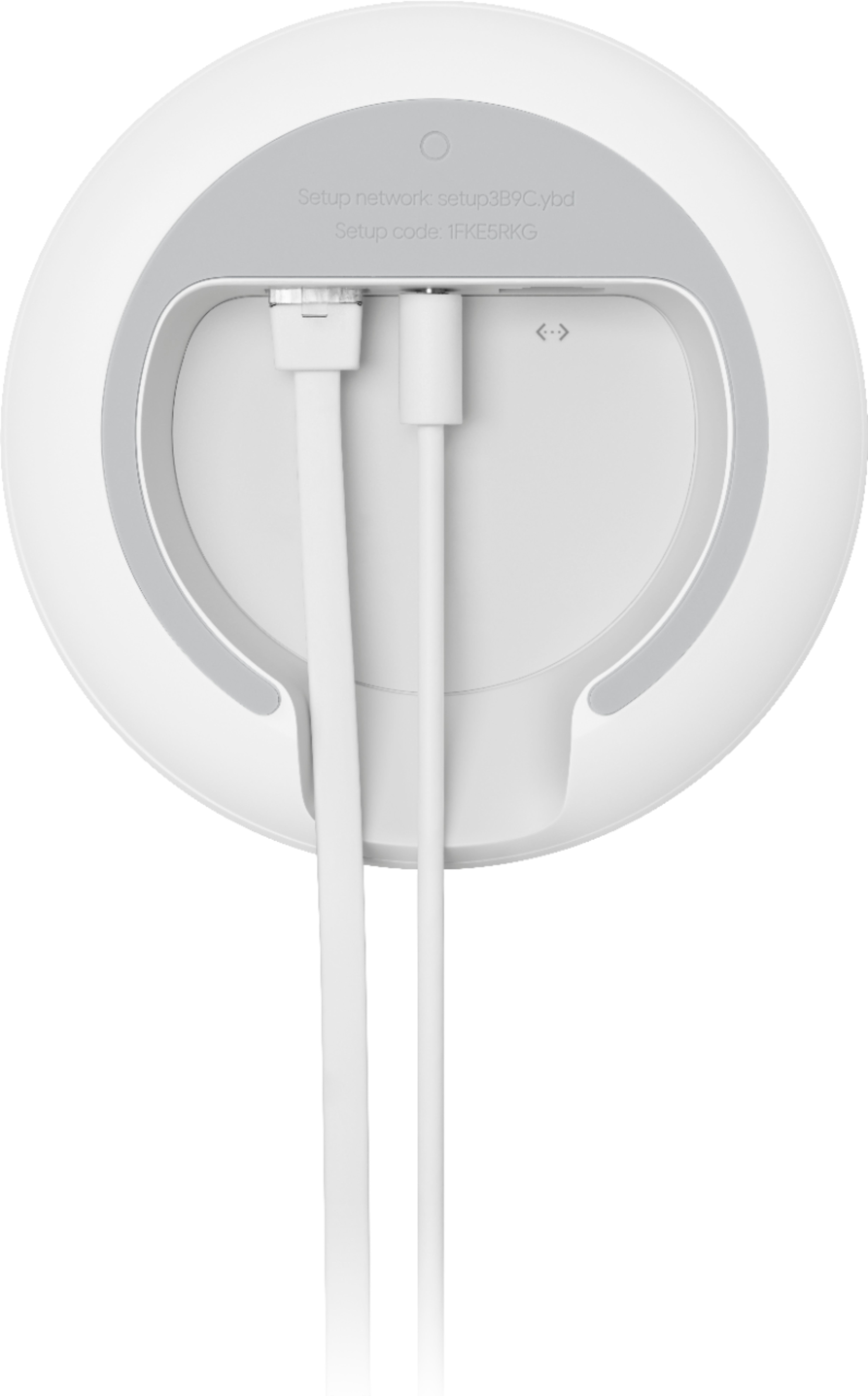
A:AnswerThe Nest WiFi will plug into any general ISP router and from experience it is faster and more reliable than xfinity products for WiFi. The mesh capability is a big boost if it is needed to gain stronger signals in other floors or in outdoor areas.
A:AnswerNest Wifi is a whole home Wi-Fi system. It replaces your current router to provide reliable Wi-Fi coverage throughout your home.
It works with most service providers including Comcast as long as the internet service includes a modem as you need to wire Nest Wifi router to the WAN port of your modem to start the setup.
If you're using modem/router combo from Comcast, we recommend disabling the Wi-Fi functionality of the combo to avoid a Double NAT case which may cause connectivity issues.
A:AnswerNo.. The internet provider will enable you to use Wi-Fi, There's no way around that. If you want to save costs, get a cheaper router than this and get a cheap internet plan as well. Some internet providers will even give you a modem and router for free with your plan. So look into that before buying an expensive router.
A:AnswerYes, it's possible for you to plug the Nest Wifi router to your router/modem with Spectrum. Please be informed that the Nest Wifi uses both 5Ghz and 2.4Ghz at the same time. If your security cameras support both frequencies then you should be able to use it.
For further assistance to identify what network your cameras support, contact our customer support team: https://support.google.com/
A:AnswerIf your Nest Wifi points were successfully set up, but they don't show up in the app, we suggest performing a factory reset. You can check out the following support article for performing a factory reset: https://support.google.com/wifi/answer/6246619
If you still can't find the points in the app, you can try adding them manually with the setup code on the bottom of each point. You can follow the setup steps outlined in this support article: https://support.google.com/wifi/answer/9548301#addpoints to add them to the network.
If you still experience the issue, please feel free to reach out to us for further assistance: https://support.google.com/wifi/contactflow
A:AnswerYes, you can try to perform a power cycle. Here is how you can perform it:
- Disconnect both your modem and Nest Wifi router,
- Leave them unplugged for 5 minutes, make sure that the modem and Nest Wifi router lights turn off completely before plugging them back in.
- Some modems have backup battery packs, you will need to disconnect battery packs too.
- Plug your modem and Nest Wifi router back to the power outlet, and allow them to turn on fully, then connect the router to the modem via the WAN port.
If power cycling doesn't work, try resetting to its factory default and re-setup. To factory reset, you can check out this support article: https://support.google.com/wifi/answer/6246619
If the issue still persists, please feel free to contact us here: https://support.google.com/googlenest/contactflow
A:AnswerNo they are not compatible to extend each other's signals. However you can buy the 3 pack of the Nest. You can have 1 as the main router and 2 of them extending the signal, like how you have the Airport express. I've noticed that the nest has pretty good range. I have the Extreme as well and noticed the Nest is much faster too.
A:AnswerNest Wifi can work with most internet services including HughesNet. Nest Wifi router needs to be wired to your modem's WAN port and it can support up to 1 Gigabit. However, the internet speed depends on several factors such as the reception, netwok plan, physical obstruction, or interception.
A:AnswerNest Wifi point can only be used with Nest Wifi router and Google Wifi points. It is not compatible with 3rd party routers and it can't be wired to a modem.
A:AnswerYes, Nest Wifi system is compatible with most broadband internet services including WOW. We recommend setting up Nest Wifi router as your primary router directly wired into the WAN port of modem with an Ethernet cable. You can then create your mesh system with as many points as you need to extend the Wi-Fi coverage to your backyard. Here's a support article that may give you an idea on how many points you may need: https://support.google.com/wifi/answer/7182840
A:AnswerGoogle Nest Wifi is a Wi-Fi mesh system that connects to your modem provided by your internet service provider. Most Wi-Fi enabled devices including Alexa can connect to internet via Google Nest Wifi.
A:AnswerTo my knowledge it must be setup using mobile apps, so a phone or tablet would need the google wifi and google home apps to setup from what I remember. There is no desktop/laptop apps available for these. In fact people have made their own onhub desktop client to modify the nest wifi settings in more complex ways than the google app allows. Not sure if using that unlicensed onhub client you could set up a router though. If you're interested the subredit for google wifi has lots of good information.