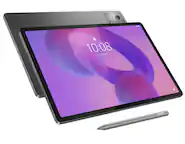
A:AnswerGreat question, Kgs13. The Pixel Tablet is compatible with third-party USI 2.0-compliant styluses. For more information, here’s a link: https://support.google.com/googlepixeltablet/answer/13555449
A:AnswerHi there, officerripley. While there isn't a way to remove the blue light completely, using Night Light will reduce the blue light significantly. Here's a link with more details: https://support.google.com/pixelphone/answer/7169926?hl=en
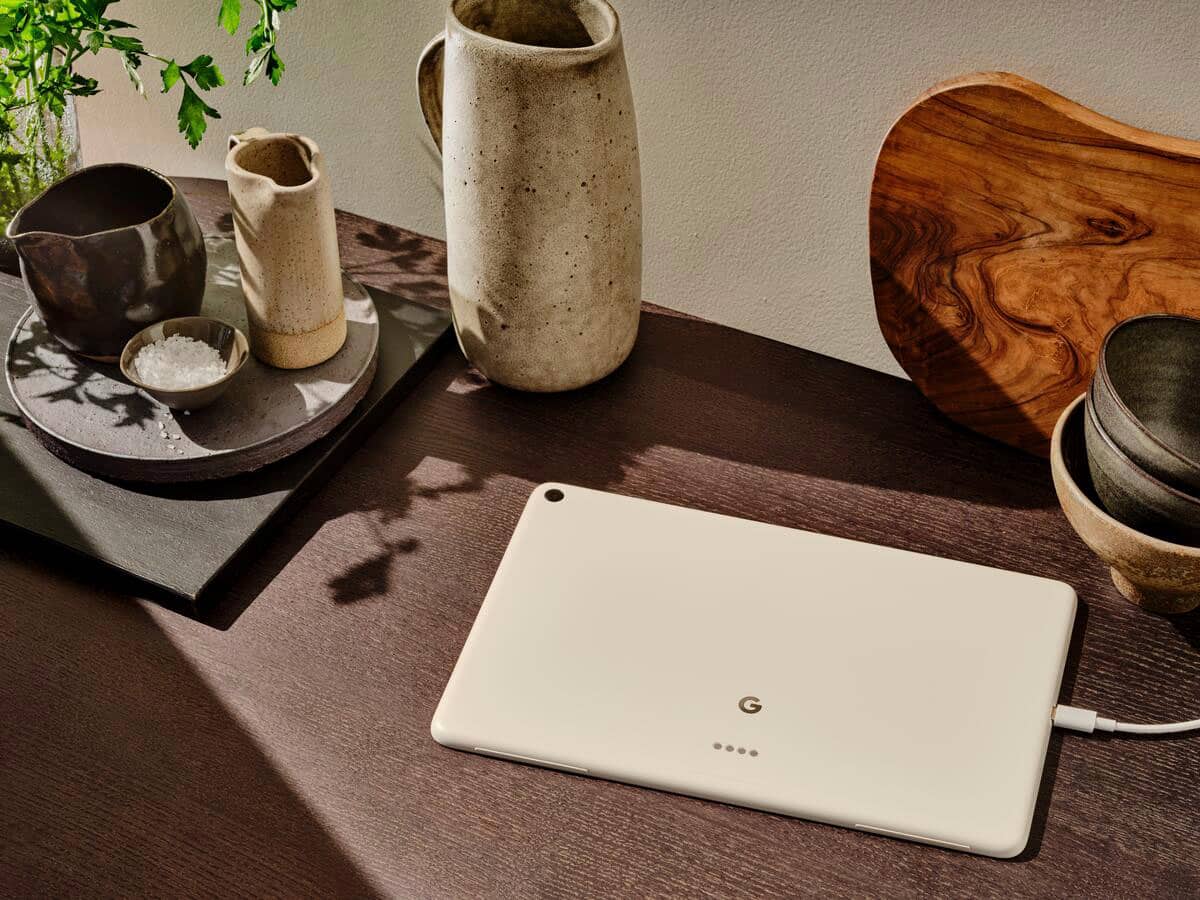
A:AnswerHi there, Jason. The Pixel Tablet has a USB Type-C port and does not support video output. You can cast media, your entire screen, or a specific app from your Pixel Tablet to another device that works with Google Cast, like a smart TV. Here's a link with more details: https://support.google.com/googlepixeltablet/answer/13554939?hl=en
A:AnswerHey there, Jese. The Google Pixel Tablet doesn’t have a way to tell you if there is water in the charging port. Avoid getting moisture or soap in openings, like the USB-C port. Allow the tablet to dry completely before you dock it or plug it into a power socket. For more details here’s a guide: https://support.google.com/googlepixeltablet/answer/13555449?hl=en-AU&sjid=6789597054135585056-NC#zippy=%2Care-the-pixel-tablet-charging-speaker-dock-and-pixel-tablet-case-waterproof-or-water-resistant
A:AnswerGreat question, Danny. Absolutely you can! You can transfer all your photos and memories from the Google Pixel Tablet straight to your computer. For exact details how to do so, here’s a guide: https://support.google.com/googlepixeltablet/answer/13591684
A:AnswerAbsolutely. Will be great for that. Not the most high end tablet available but it will do everything you could want it to including gaming with no lag.
A:AnswerHi Virgi007. Yes, the Pixel Tablet has drawing capabilities. It's compatible with USI 2.0 styluses, which allow for precise and responsive drawing and note-taking. Also includes Android OS: the Pixel Tablet runs on Android, giving you access to a wide range of professional-grade art and design apps. The vibrant display with its high resolution provides a great canvas for digital art. Take a look at this article to find more details about the Google Pixel Tablet: https://support.google.com/googlepixeltablet/answer/13555146?hl=en&sjid=9358474643778825954-NC
A:AnswerHi, Karlav. Yes, the games runs in the Pixel Tablet. To guide you in playing games on your Pixel Tablet, please refer to the following link: https://support.google.com/googlepixeltablet/answer/13554743
A:AnswerHi DeanWerx. That's a great question.We don't currently offer a stylus specifically designed for the Pixel Tablet. However, we appreciate your feedback and will definitely consider it for future development.
A:AnswerHi bapswe, thanks for your interest on the Pixel Tablet. It boasts a variety of sensors, including an ambient light sensor, accelerometer, gyroscope, magnetometer and hall sensor — To know more details about tech specs of the Pixel Tablet, check out this article: https://support.google.com/googlepixeltablet/answer/13555146?hl=en&sjid=4592241169574899950-NC
A:AnswerGreat inquiry, DonMannino. Yes, the Pixel Tablet is capable of being updated to Android 15. You’ll get guaranteed Android version updates until at least June 2026. Check this link for more details: https://support.google.com/googlepixeltablet/answer/13399216
A:AnswerHi Jeff, that's a good question. We want to let you know our Pixel Tablet, Charging Speaker Dock, and Pixel Tablet Case aren't water-resistant or waterproof, also aren't dustproof — To know more details about the Pixel Tablet, check out this guide: https://support.google.com/googlepixeltablet/answer/13555449?hl=en&sjid=17231495946766307373-NA#zippy=