A:AnswerYou would open your Android browser and go to the page that you want to bookmark. 2. Tap "Menu" and wait for the menu to appear from the bottom of the screen. Select "Add Bookmark.
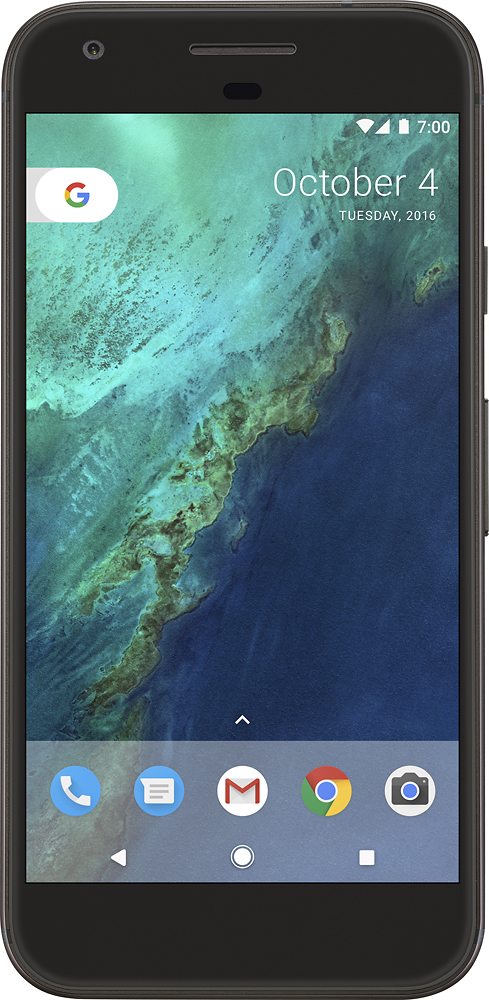
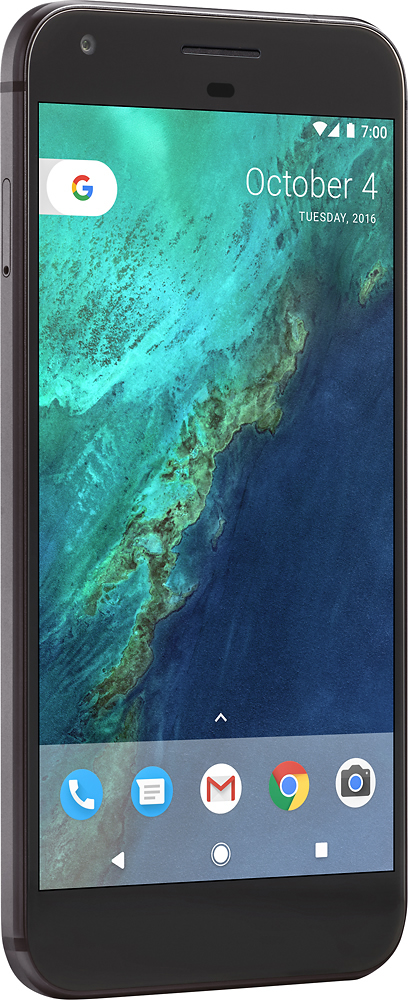
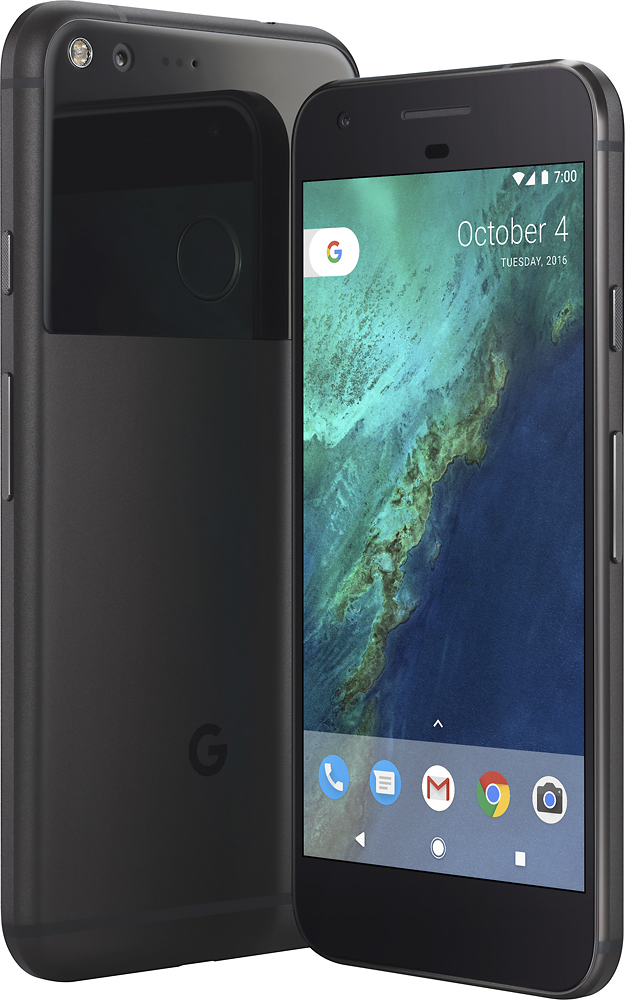
A:AnswerFrankly, I don't know what "bands" are but I just bought the Google Pixel and I have Verizon and everything works perfectly for me. I don't watch any movies or shows on my phone, so maybe there would be issues related to that, I don't know.