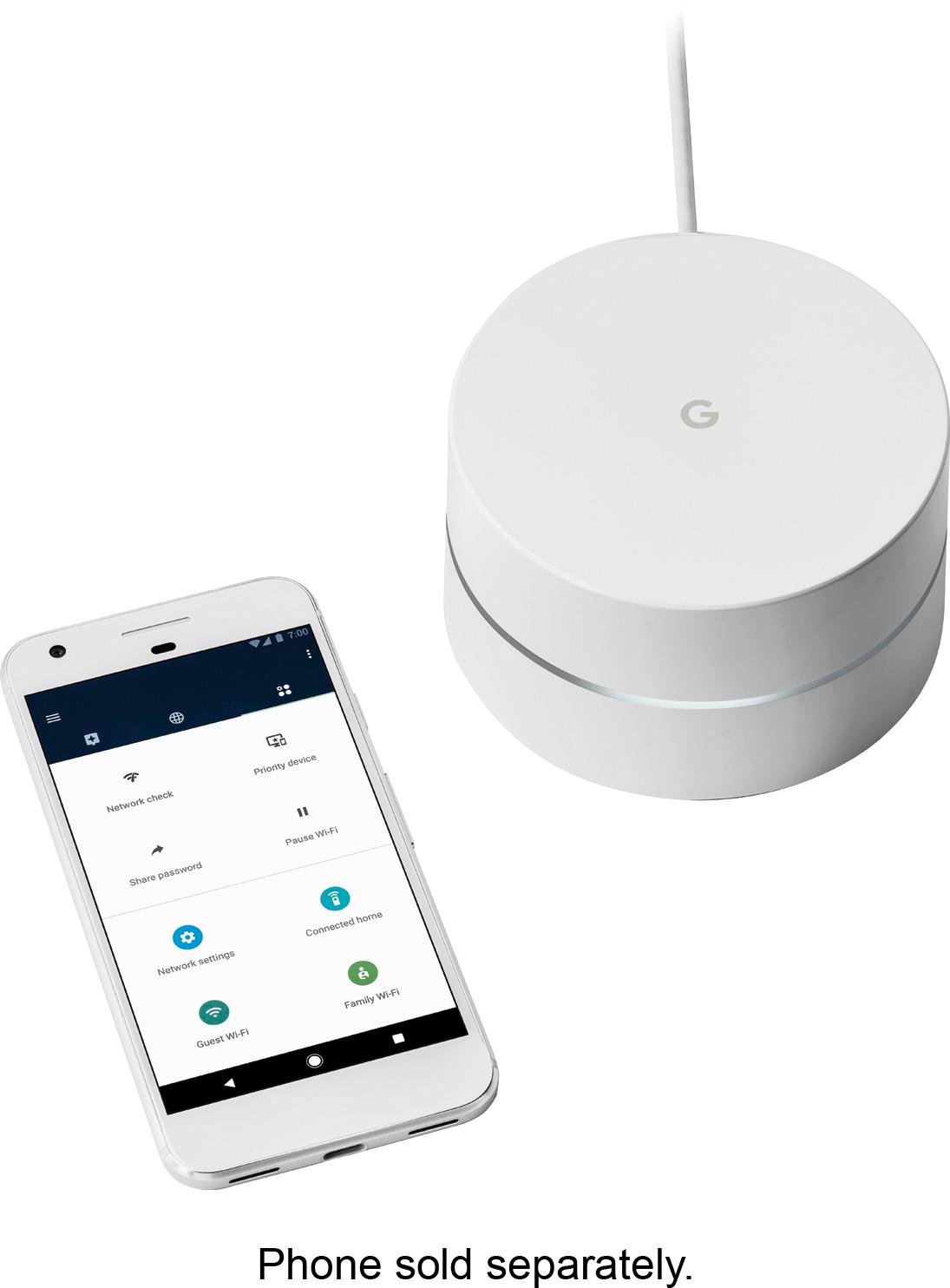
A:AnswerThe 2.4 and 5.0 frequency bands use the same SSID (which you are able to set) - but this should not cause any problem for your 2.4 band only devices (these devices would only "see" the 2.4 band anyhow, and devices that can "see" both bands would either be able to pick the "best" band to use at any given time, or have a way to set which band to use). If you really want to use a second SSID for some reason, I would suggest using the guest network capability, which has a separate ID (that you can also rename, as long as you don't pick the same one as your main network). The guest network even allows you to share certain devices from your main network with the guest network, without sharing other devices. For example, you might share a printer or smart light, but keep a network-attached drive restricted to just the main network.
A:AnswerI didn’t have an issue I placed where I Ineeded speed in the basement. For my sons game room ,and bedroom. The router was flat on the shelf due to space.
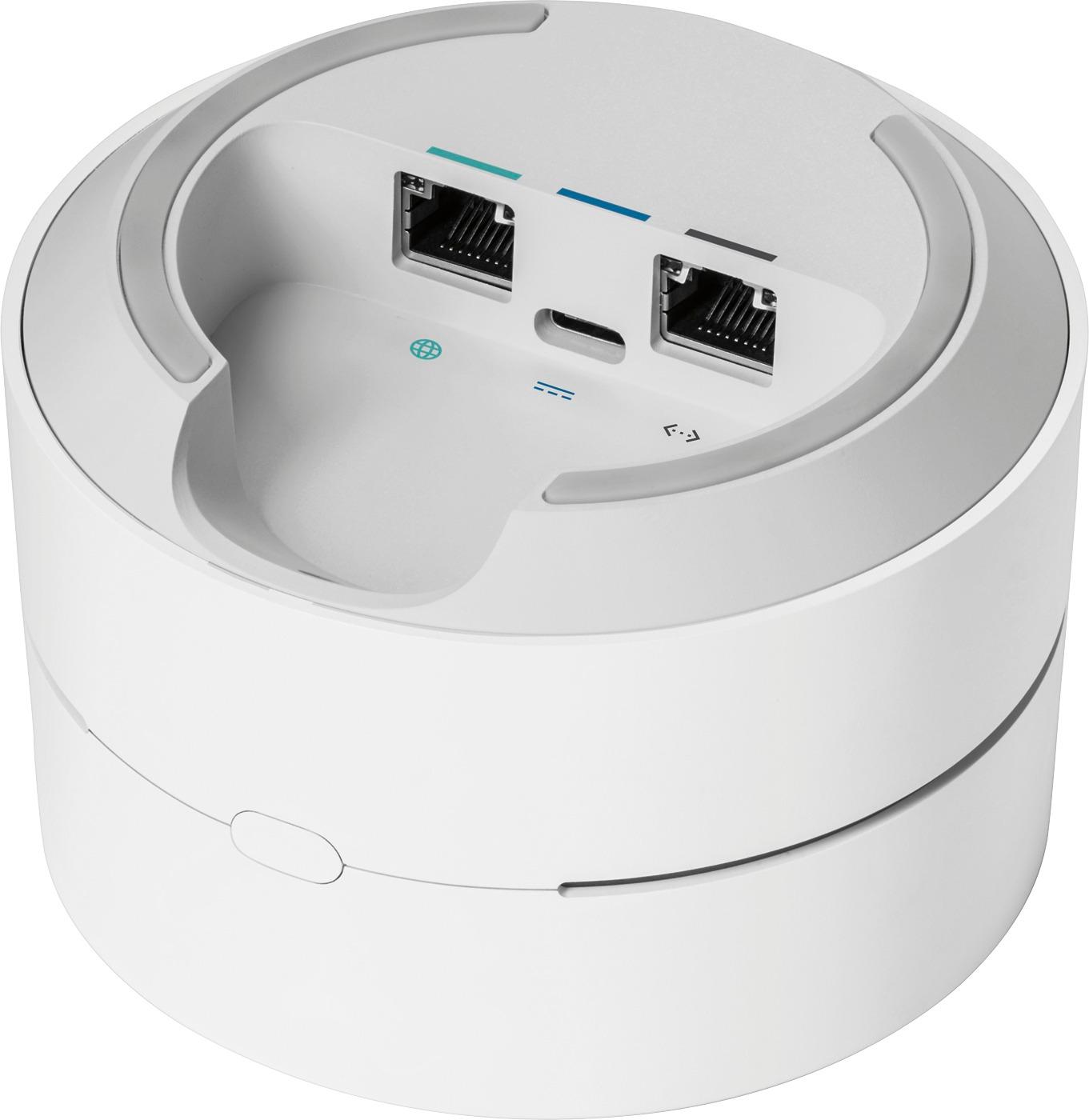
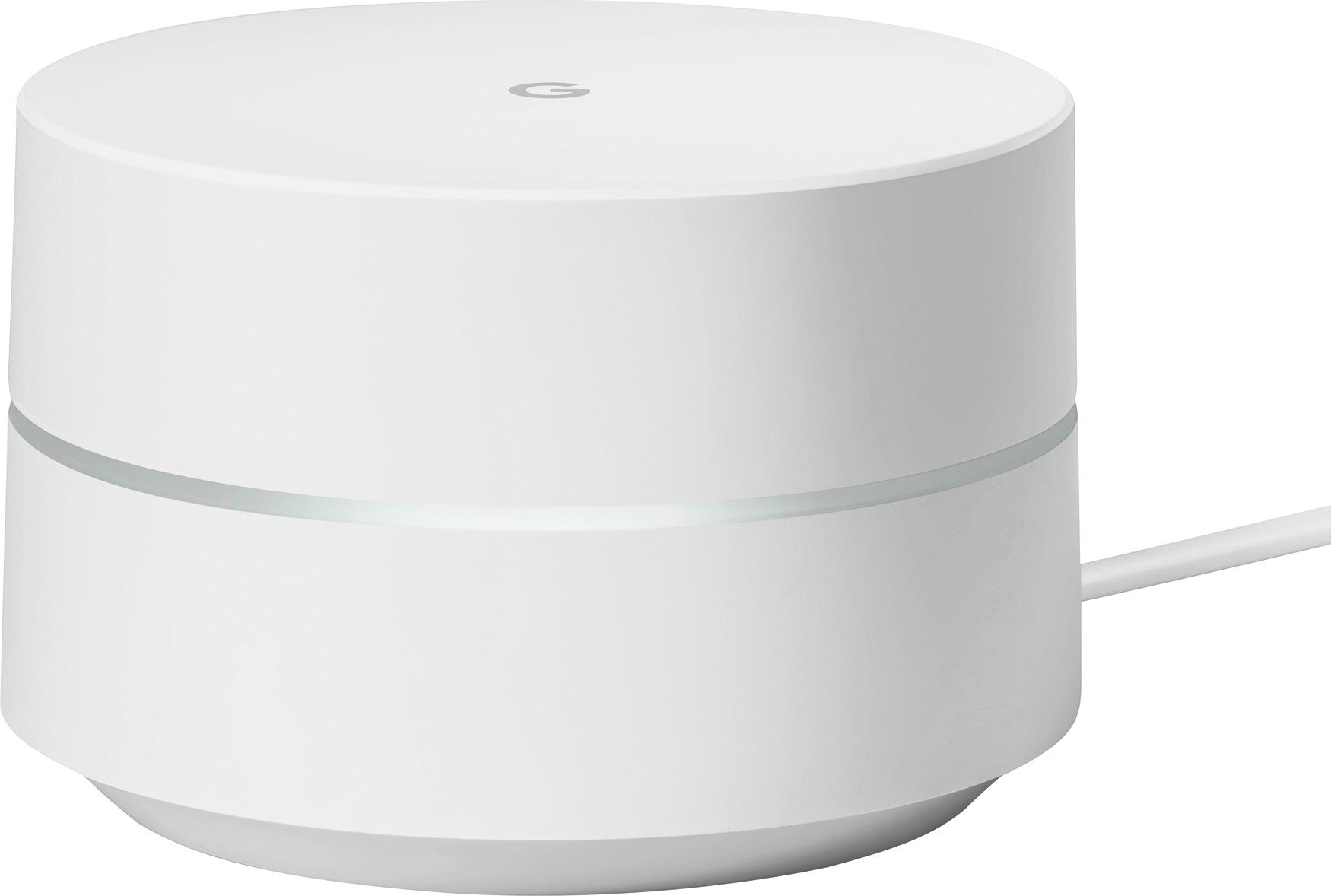
A:AnswerPower cable is about 5.5 feet long. Please note that the power plug sticks out about 2.5 inches - it is designed to not block other sockets in an outlet, but could be in the way if plugged into a wall socket that you want to place furniture in front of. In that case, a simple adapter to allow the power plug to be swung out of the way could be used.
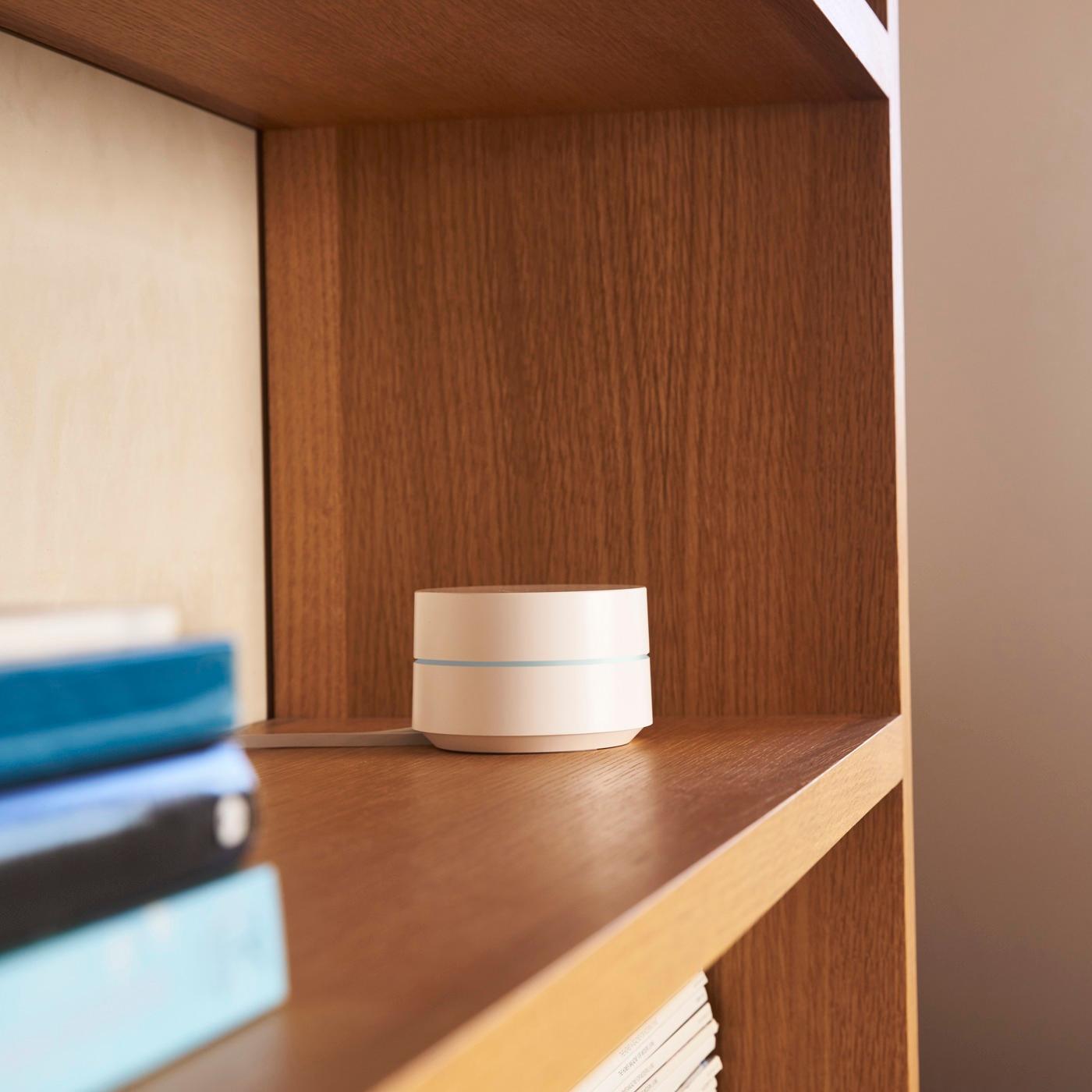
A:AnswerIt would depend on how you would want to mount them - they are designed more for sitting on top of furniture or a shelf - there are no keyholes for mounting screws in the bottom of the unit, for example. Also, units have a somewhat high profile (a bit under 3 inches) and you would have to run cable(s) (power, incoming internet connection for the main unit).
A:AnswerDepends on walls stuff in between. If your more than. 2 rooms away you’ll speed will decrease. If it open it will probably cover over 1000 sq feet on one. I have a 3400 sq foot house and I have 4 and probably need 5.
A:AnswerBecause of the variable in housing floor plans, construction, and material, that's almost impossible to answer really. Anyone that does is likely blowing smoke. No one should give you an answer that is much more that avg range. So, I think you would have to find out for yourself. If it were me, I'd buy the package of three because it's overall cheaper than buying one at a time. Then i would add only one initially to see if your satisfied. They do provide a great signal and maybe that will suffice for your needs. If that's the case, then I would take the whole thing back and buy a single unit. That said, once you have one set up try it with two and see the difference in and around your house. The mesh system is great. OR you can buy one and try it out and if you're satisfied, you're good to go, but if you're not, then buy another one and your cost per unit is more.
My experience is that the mesh system of three is awesome and worth every penny. I will never regret buying the whole system. My home now has complete coverage (with my internet service coming into my upstairs). but its great out in the garage, on the patio, out on the deck and everywhere in the house.
A:AnswerHe can keep connection. The google WiFi creates a separate subnet. So his device hardwired into modem will be in that subnet and all wireless devices will be in a separate subnet. Ideally, hardwire everything can. That is where your speeds are guaranteed
A:Answer“In short, your router creates a network between the computers in your home, while your modem connects that network—and thus the computers on it—to the internet.”
You MUST have the modem from your ISP. The main google wifi hub will be connected to that modem and then the signal will be spread.
A:AnswerYep it will. All you have to do is make sure all are on the same wireless system. so when you set up Google Wifi, you will give it a ingle name for all 3 units. It's a single system with a single name and everything that is connected to it can communicate. In fact it will allow for some 200 devices. You will love it because the signal will be strong throughout your home.
A:AnswerI have a 3500 sqft house and I bought the package of 3 and 1 individual for a total of 4. And I can walk anywhere in my house or anywhere in my backyard and front yard and have coverage.
A:AnswerNo, it is not limited to just 3 units. You can buy as many as you would like to connect. I personally have 5 connected. They run flawlessly. I love these systems because each unit basically runs as it’s own router. So when you leave the area of one, another unit will pick up the device in its area.