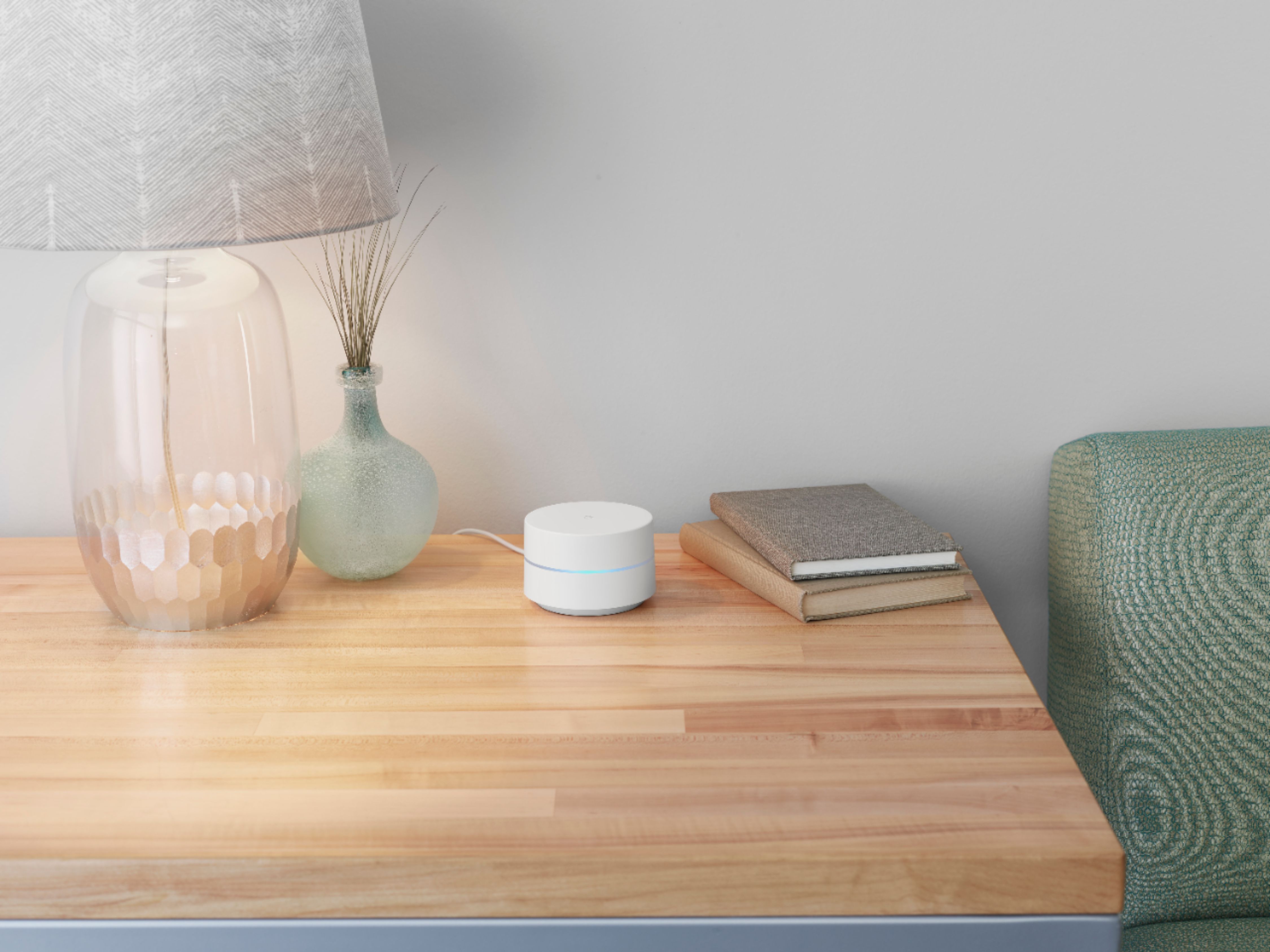
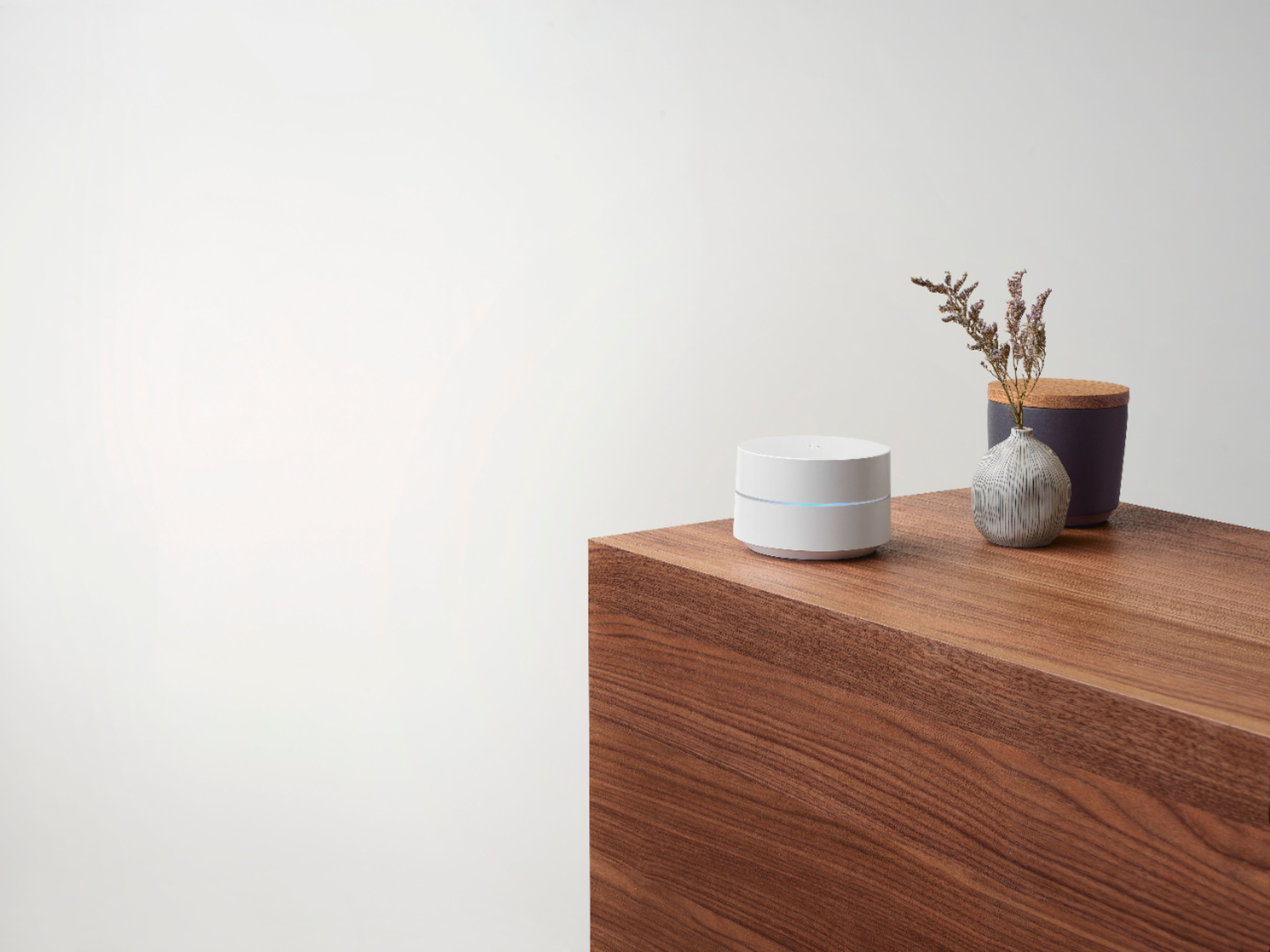
A:AnswerThe Google app you downloaded to set up the mesh network should tell you how your system is working. If they are to far apart or covered by shelves or cabinets it will affect the performance. Always keep in mind, this system does not improve your internet speeds or bandwidth, it only improves your WiFi coverage in your home.
"Garbage in"- "Garbage Out" is the saying. If you are getting poor internet speeds this will not improve it.
A:AnswerYes. It will help improve your streaming experience. As long as the Pod is out in the open and has a good connection to your router it can help.
A:AnswerGoogle Wifi requires to be connected to a modem with an internet connection from your preferred internet service provider. Take a look at this link for the setup requirements and guide on how to setup Google Wifi: https://support.google.com/wifi/answer/7183148
A:AnswerI don't know if it would reach that distance and through a metal enclosure. Your best option with this would be to run a cat5 connection from your home to your house. The good thing on this set is that you can hook ethernet into any of the points. I have done this and gotten rid of some wiring in my house. So have a point somewhere facing your building and then run, either on poles or underground in a conduit, an ethernet line to your building. you can then either use the line to connect your device or add another of the points by connecting it to the ethernet cable. This will form a bridge and doesn't require the point to connect to the mesh via wifi.
A:AnswerAbsolutely! Google Wifi has a "Family Wi-Fi" feature where you can pause Wi-Fi access on demand, schedule internet time-outs, automatically block millions of adult websites, and control multiple devices with groups. Take a look at this link for more details: https://support.google.com/wifi/answer/7506043
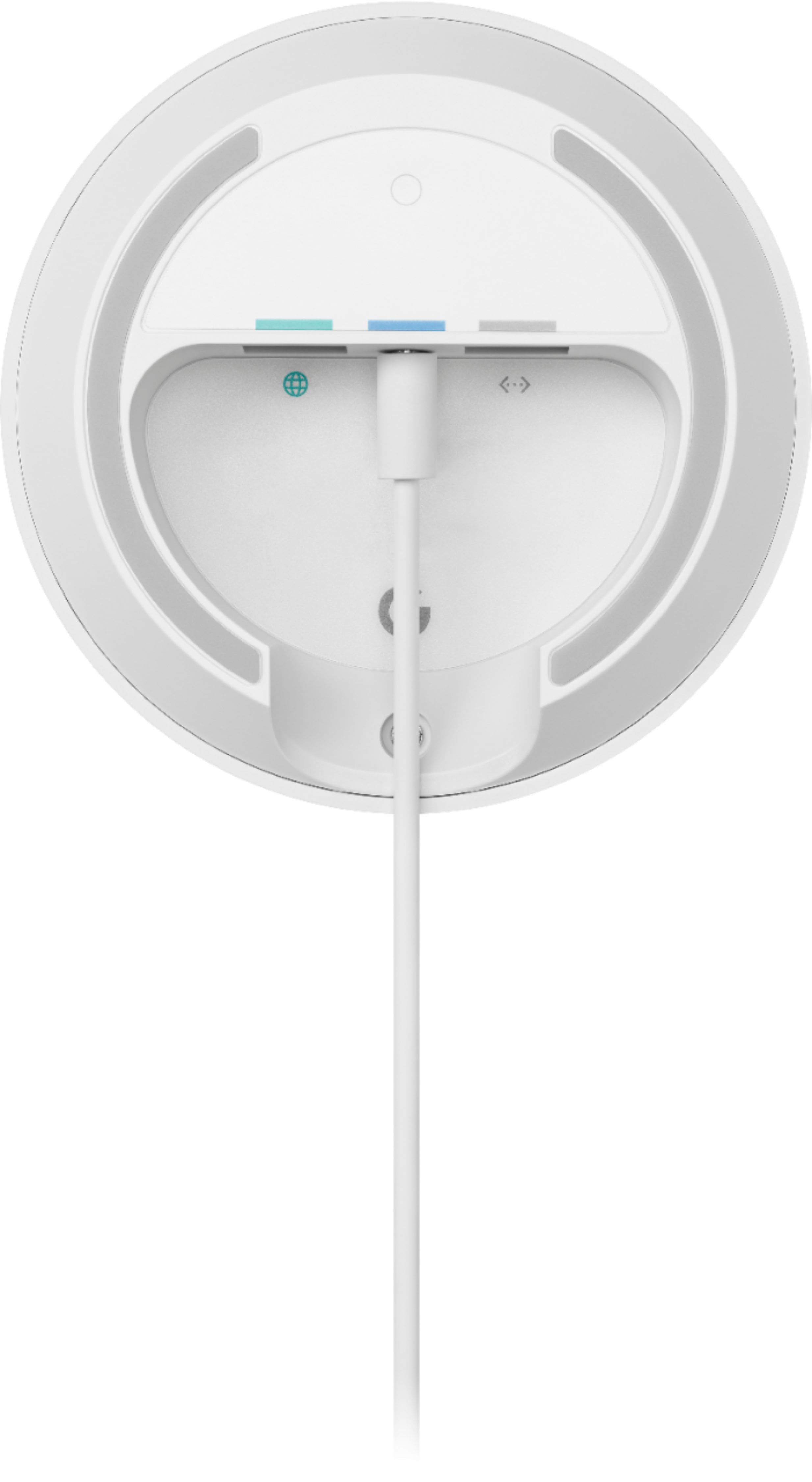
A:AnswerOne is for your internet connection (yellow port). The other is for hooking other devices (like an XBOX or TV) for a wired connection (blue port).
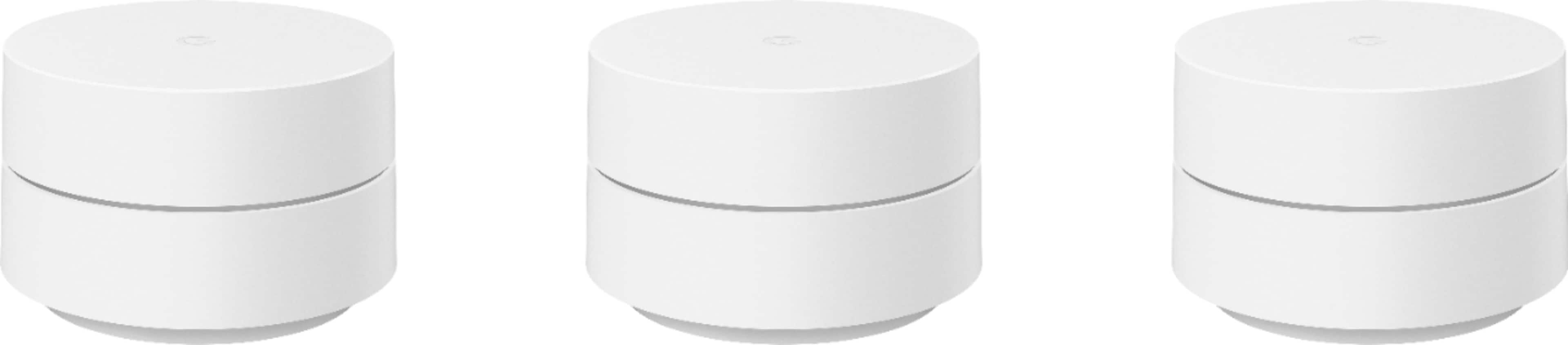
A:AnswerThere should be no issue with this. All three points are the same with this pack. As you already have one setup as the router, you would just add the 3 new ones in the pack as additional points through the app just as you did the additional 2 in the original pack.
A:AnswerNo. Google Wifi requires to be connected to a modem with internet connection from your Internet Service Provider (ISP). Take a look at this link for the setup requirements and guide on how to setup Google Wifi: https://support.google.com/wifi/answer/7183148
A:AnswerGoogle Wifi replaces your old router to provide seamless and reliable internet connection. The primary Google Wifi router needs to be connected to a modem from your internet service provider(ISP) to set it up and get internet connection. It can cover up to 1,500 sq ft. But where they are placed, the layout of your house, and physical obstructions like furniture can impact the total coverage. You can check this link for an estimate of how much Wi-Fi coverage you’ll get with Google Wifi and a guide to how many Wifi points you need: https://support.google.com/googlenest/answer/7182840
A:AnswerIt depends on how large the area that needs to be covered. Ideally, Google Wifi can cover up to 1,500 sqft. But where they are placed, the layout of your house, and physical obstructions like furniture can impact the total coverage. As a general rule, Google Wifi work best when they’re no more than two rooms away from each other. For an estimate of how much Wi-Fi coverage you’ll get with Google Wifi and a guide to how many Wifi points you need check here: https://support.google.com/googlenest/answer/7182840
A:AnswerIdeally, one Google Wifi can cover up to 1,500 sqft. But where they are placed, the layout of your house, and physical obstructions like furniture can impact the total coverage. As a general rule, Google Wifi work best when they’re no more than two rooms away from each other. For an estimate of how much Wi-Fi coverage you’ll get with Google Wifi and a guide to how many Wifi points you need check here: https://support.google.com/googlenest/answer/7182840
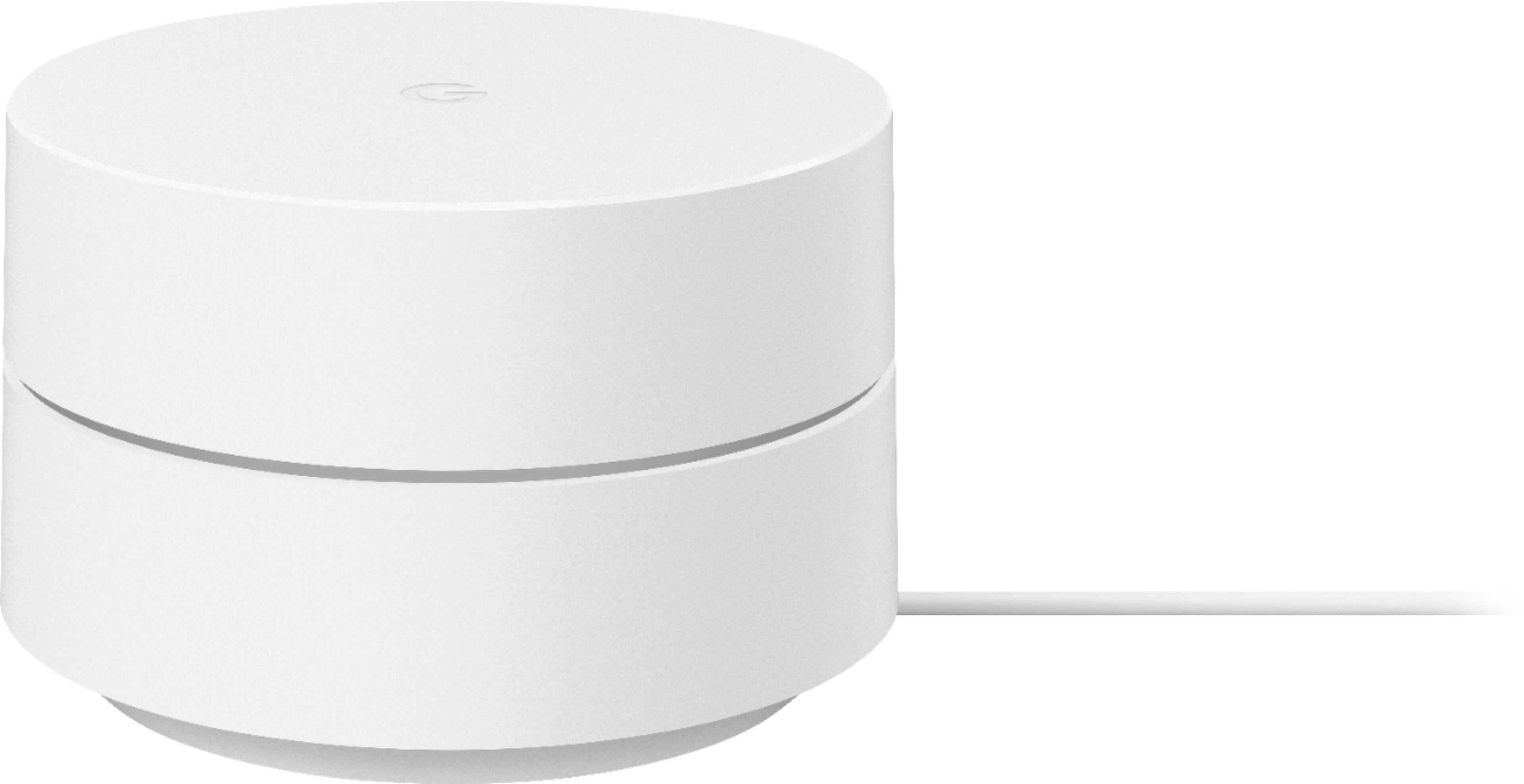
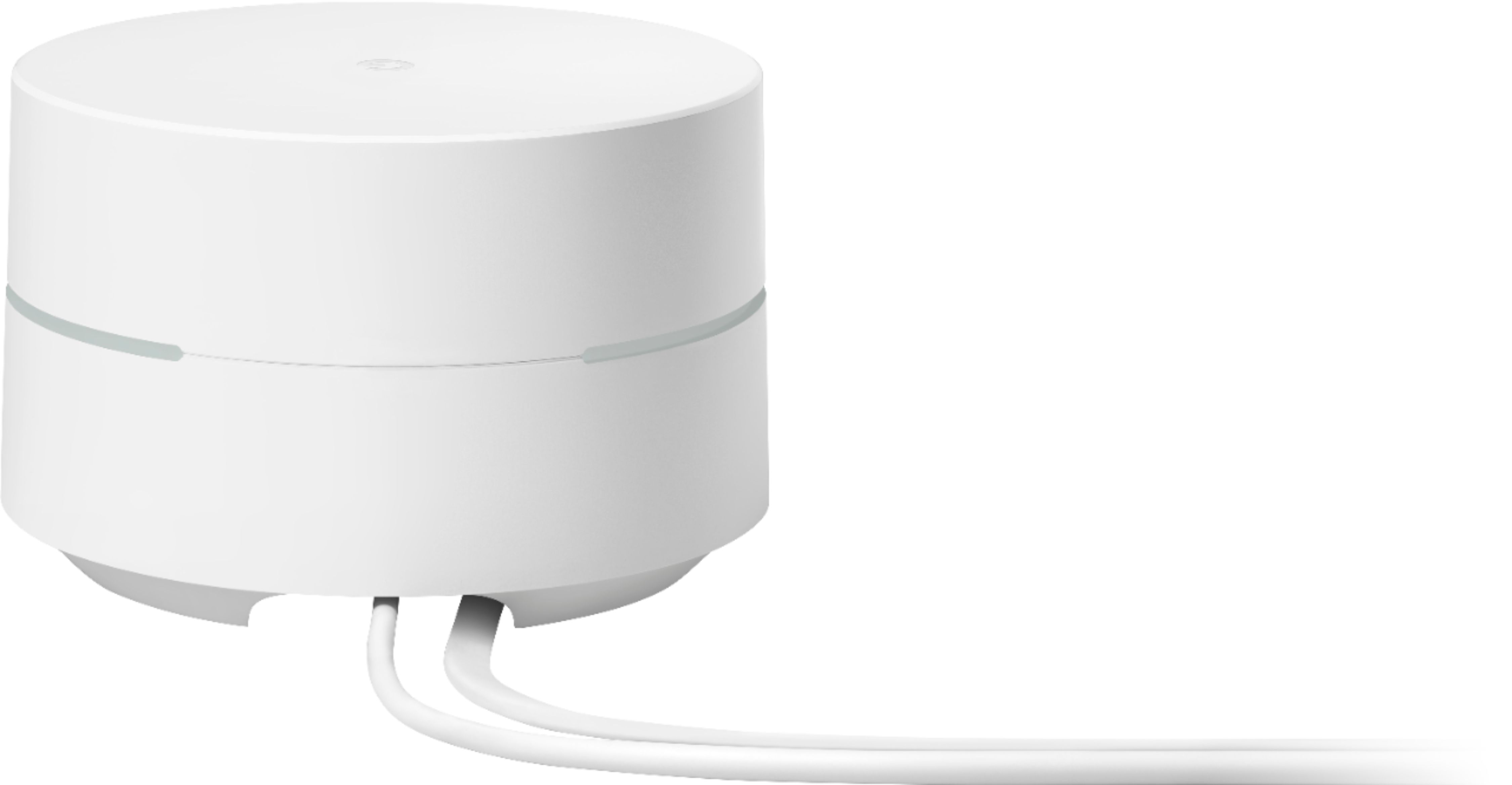
A:AnswerThis is a Google Wifi. It is a router that broadcasts Wi-Fi to any Wi-Fi capable device. It replaces your traditional router and is compatible with most Internet Service Providers. Google Wifi connects directly to your modem using an Ethernet cable to set it up and get an internet connection. Take a look at this link for the setup requirements and guide on how to setup Google Wifi: https://support.google.com/wifi/answer/7183148
A:AnswerNo. Google Wifi is a router that broadcasts Wi-Fi to any Wi-Fi capable device. It replaces your traditional router to provide seamless and reliable internet connection. It doesn't have the capability to record sound. Learn more about Google Wifi here: https://support.google.com/wifi/answer/7168315
A:AnswerGoogle Wifi helps extend the coverage of your network and helps provide a strong and reliable connection throughout your home. Ideally, Google Wifi can cover up to 1,500 sqft. But where they are placed, the layout of your house, and physical obstructions like furniture can impact the total coverage. As a general rule, Google Wifi work best when they’re no more than two rooms away from each other. For an estimate of how much Wi-Fi coverage you’ll get with Google Wifi and a guide to how many Wifi points you need check here: https://support.google.com/googlenest/answer/7182840
Also, Google Wifi works with most modems and internet service providers (ISP). You can connect Google Wifi directly to your modem with the Ethernet cable to set it up and broadcast your Wi-Fi network. Take a look at this link for the setup requirements and guide on how to setup: https://support.google.com/wifi/answer/7183148
A:AnswerYes. Google Wifi requires to be connected to a modem with internet connection from your Internet Service Provider (ISP). Take a look at this link for the setup requirements and guide on how to setup Google Wifi: https://support.google.com/wifi/answer/7183148