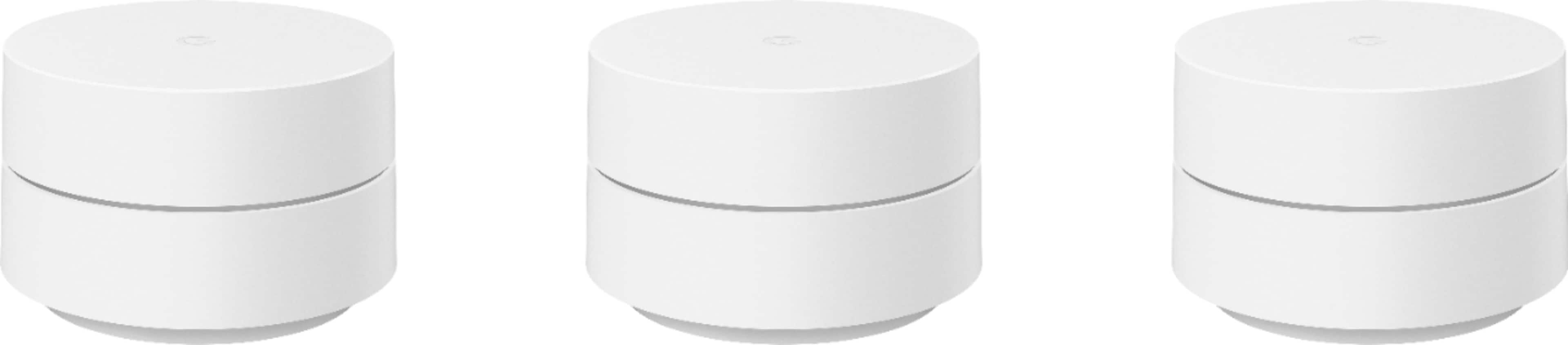
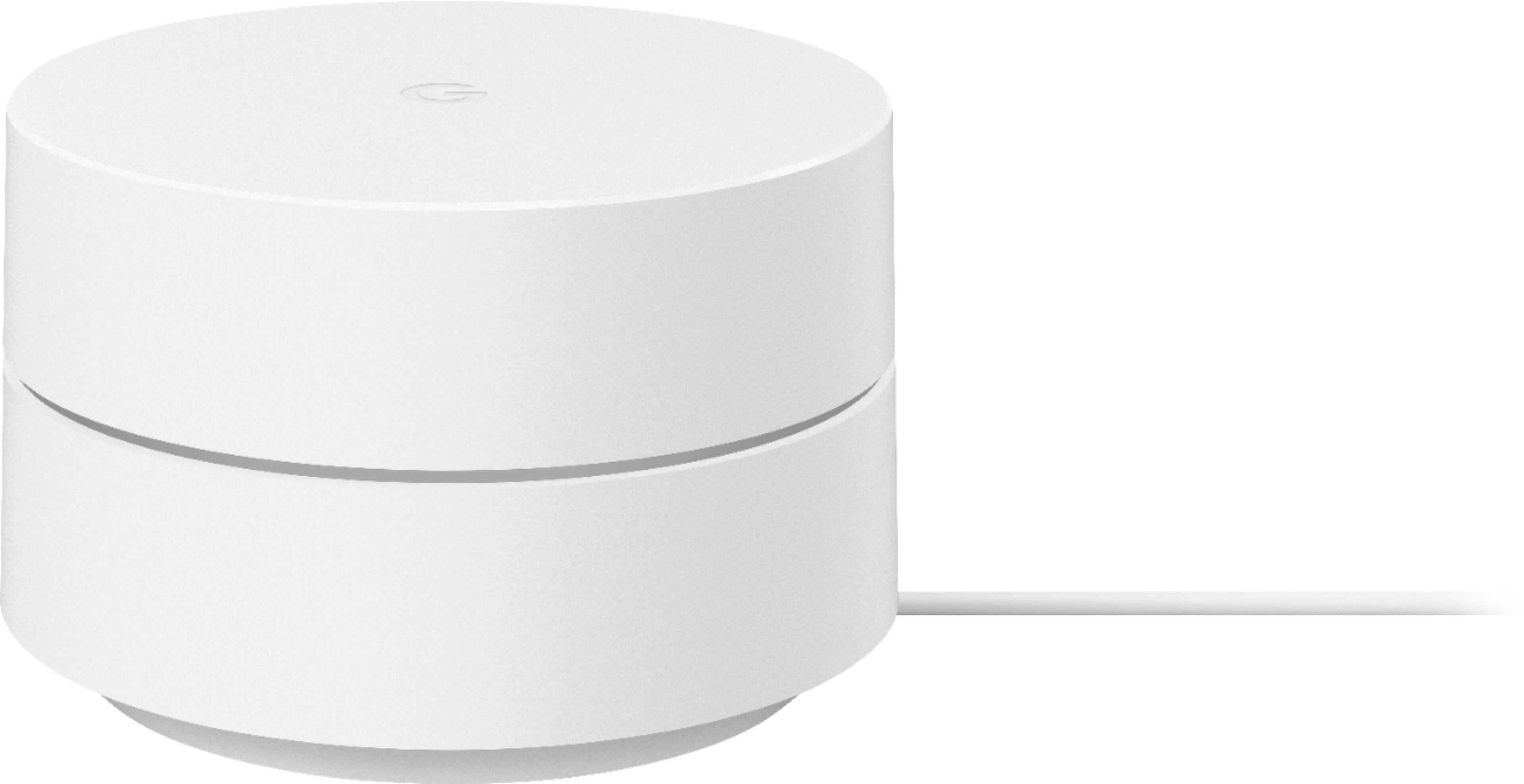
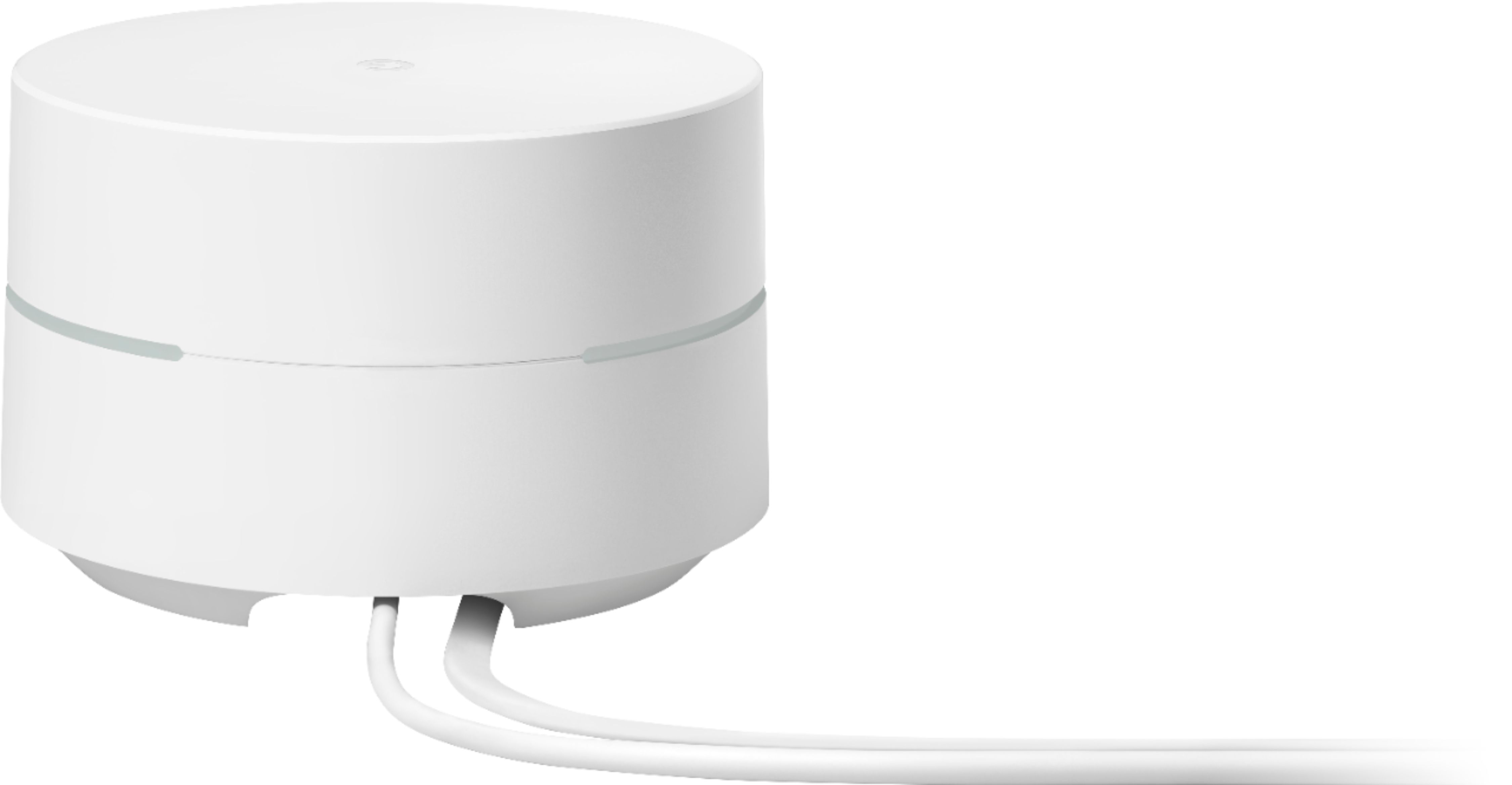
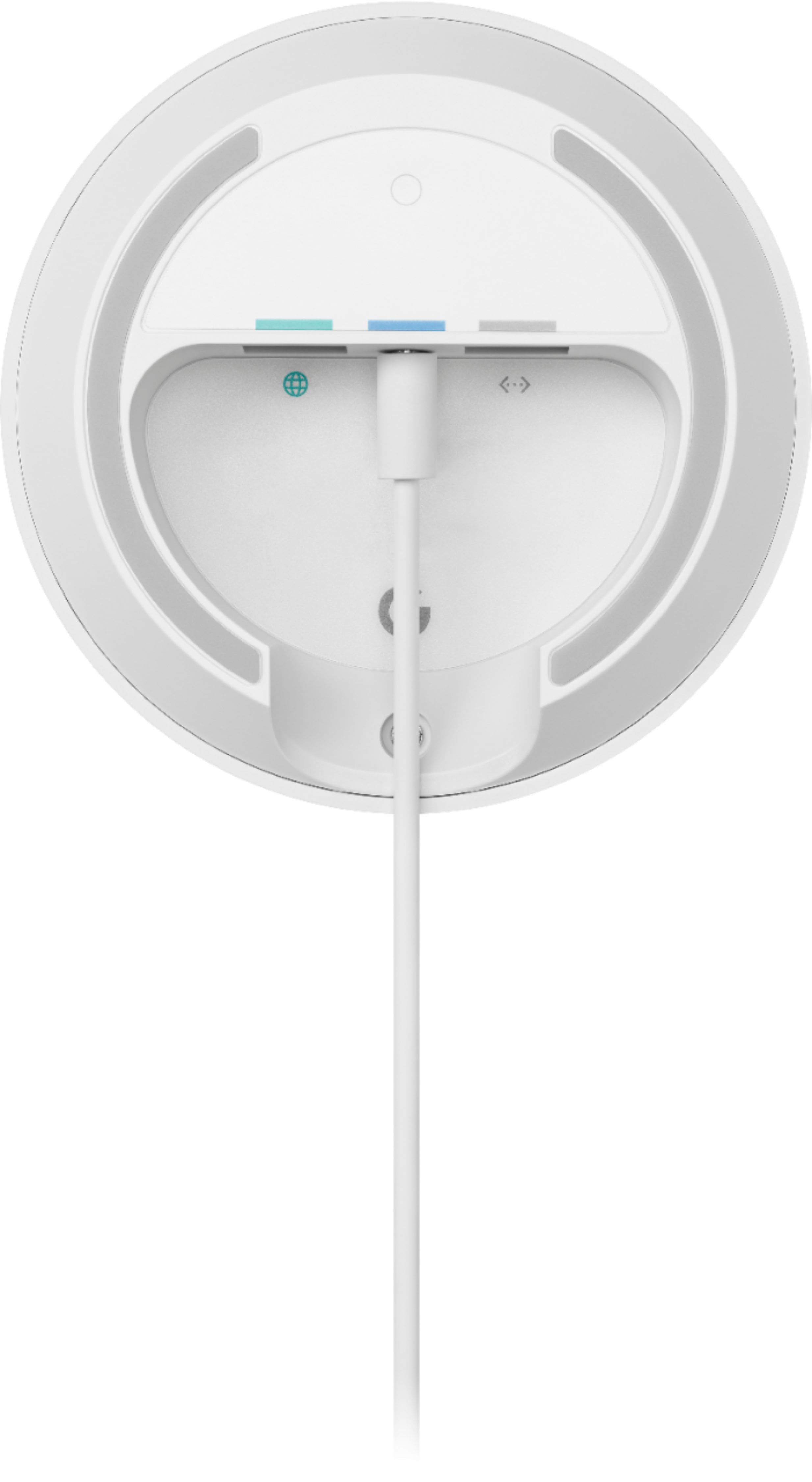
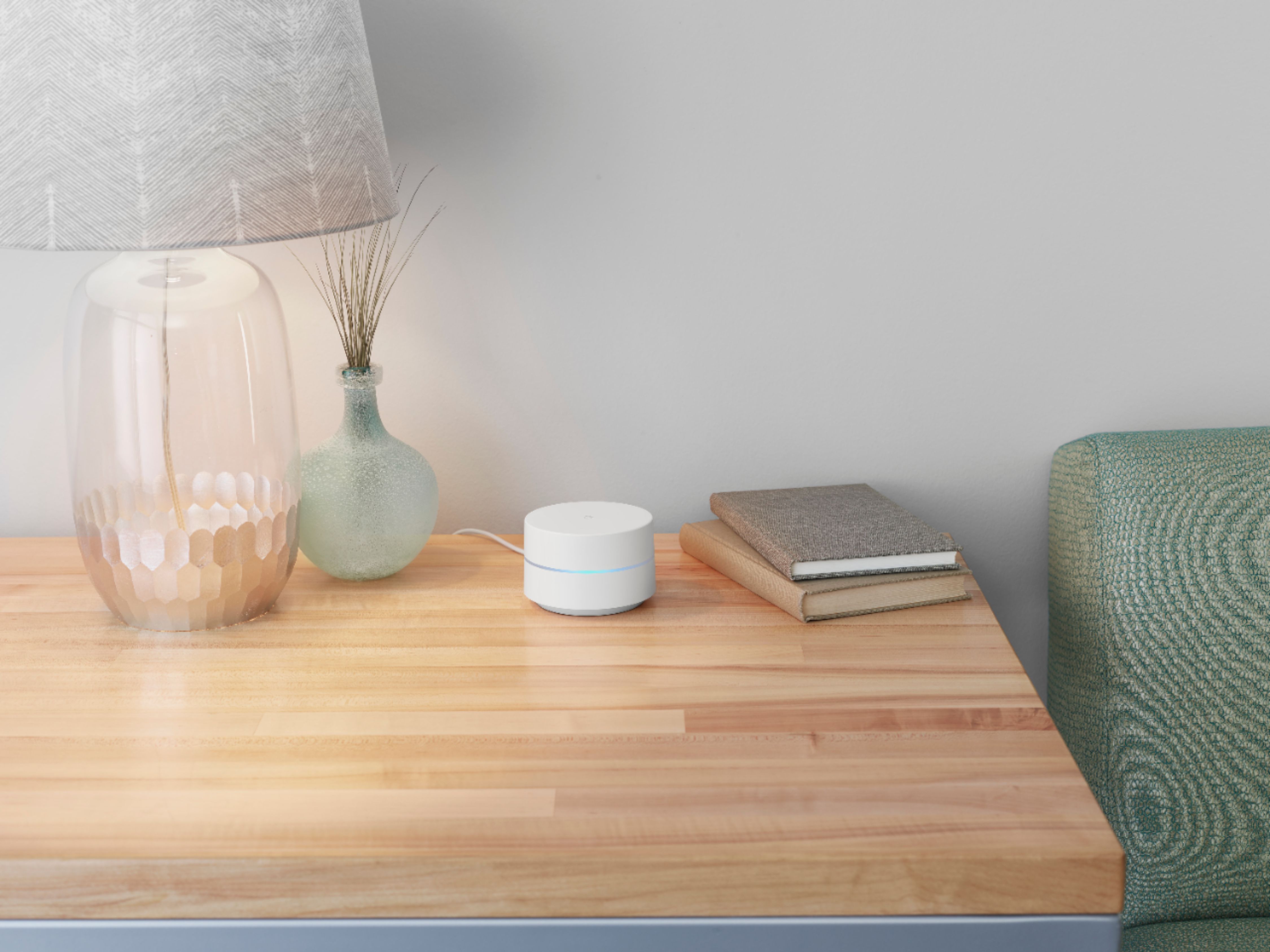
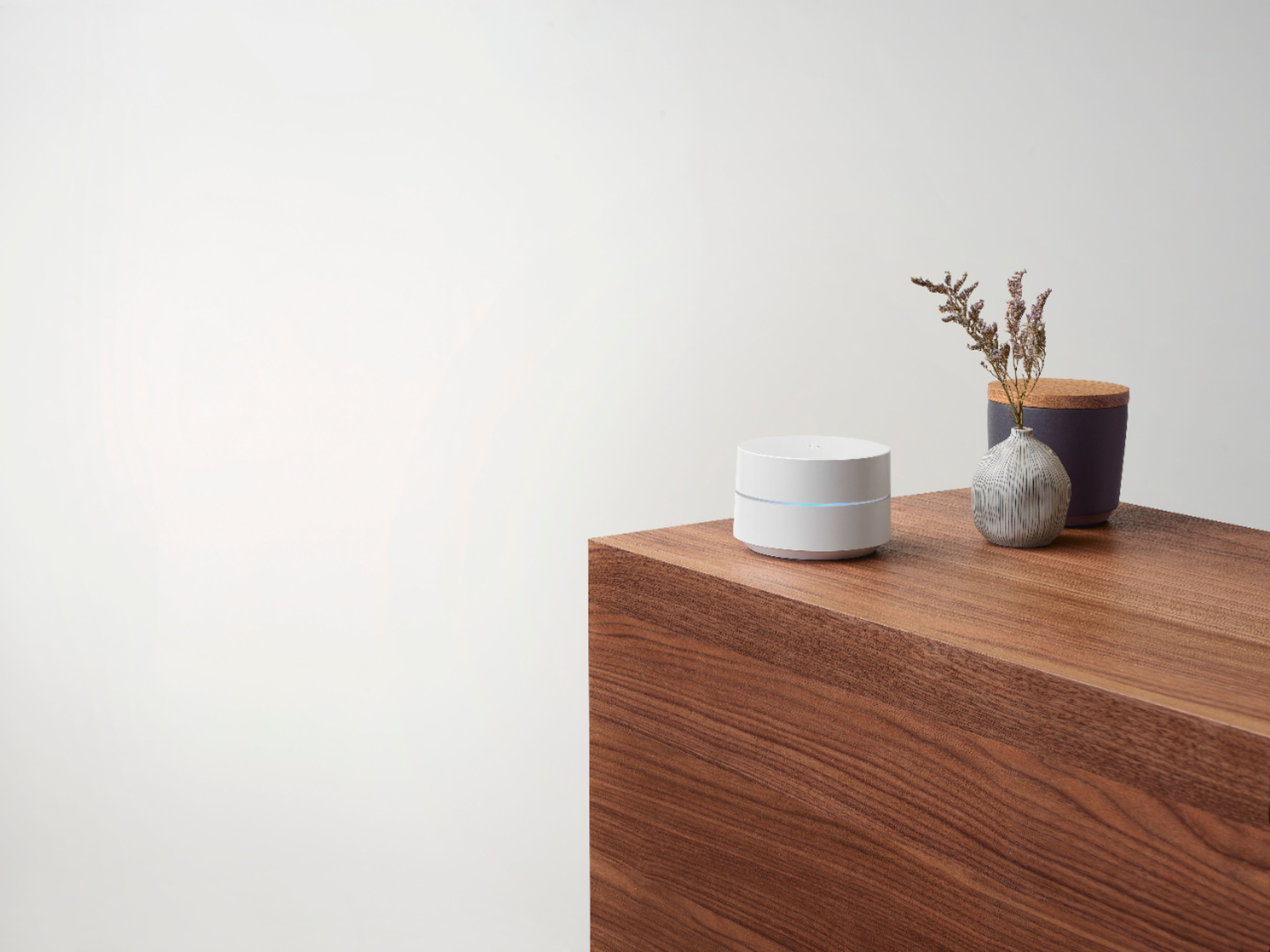
A:Answer Google Wifi replaces your traditional router. You can connect it directly to your modem using an Ethernet cable to set it up and get an internet connection from your Internet Service Provider (ISP). Since you're using a modem/router combo, we suggest disabling the Wi-Fi functionality of the combo or putting it in Bridge mode to avoid Double NAT as it may cause connectivity issues.
Ideally, one Google Wifi can cover up to 1,500 sqft. But where they are placed, the layout of your house, and physical obstructions like furniture can impact the total coverage. For an estimate of how much Wi-Fi coverage you’ll get with Google Wifi and a guide to how many Wifi points you need check here: https://support.google.com/googlenest/answer/7182840