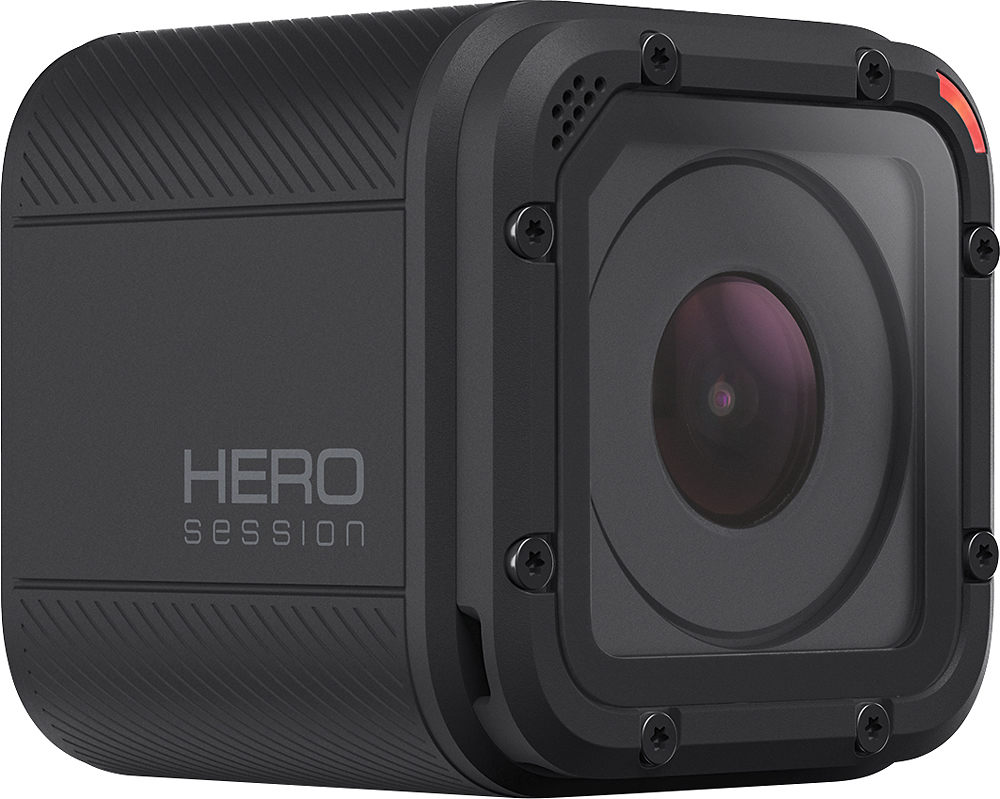
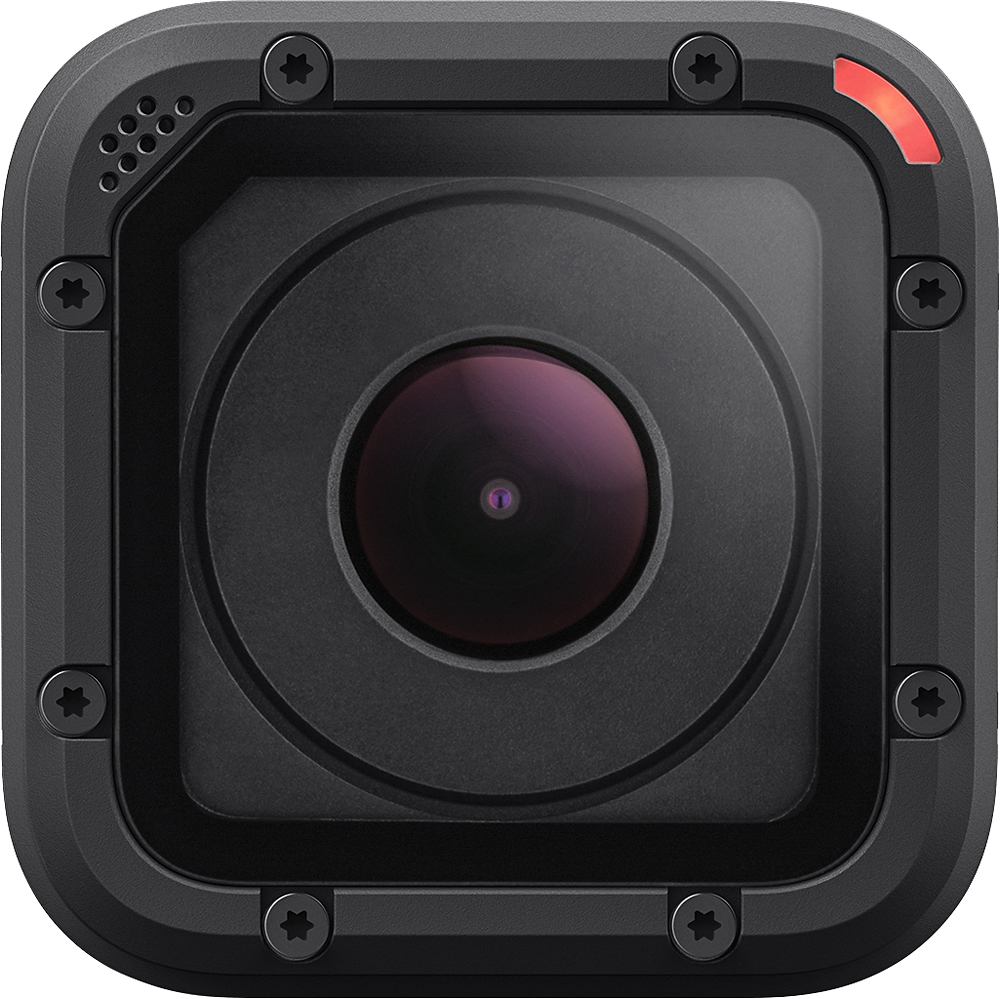
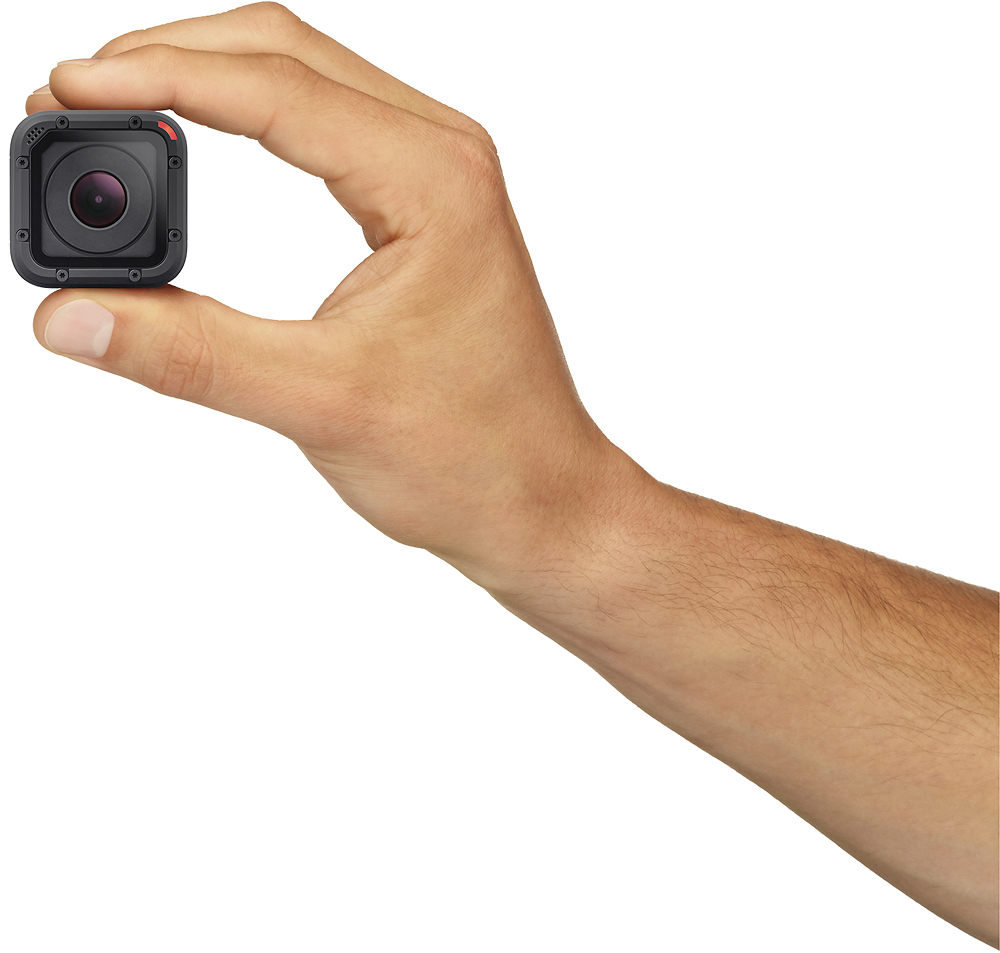
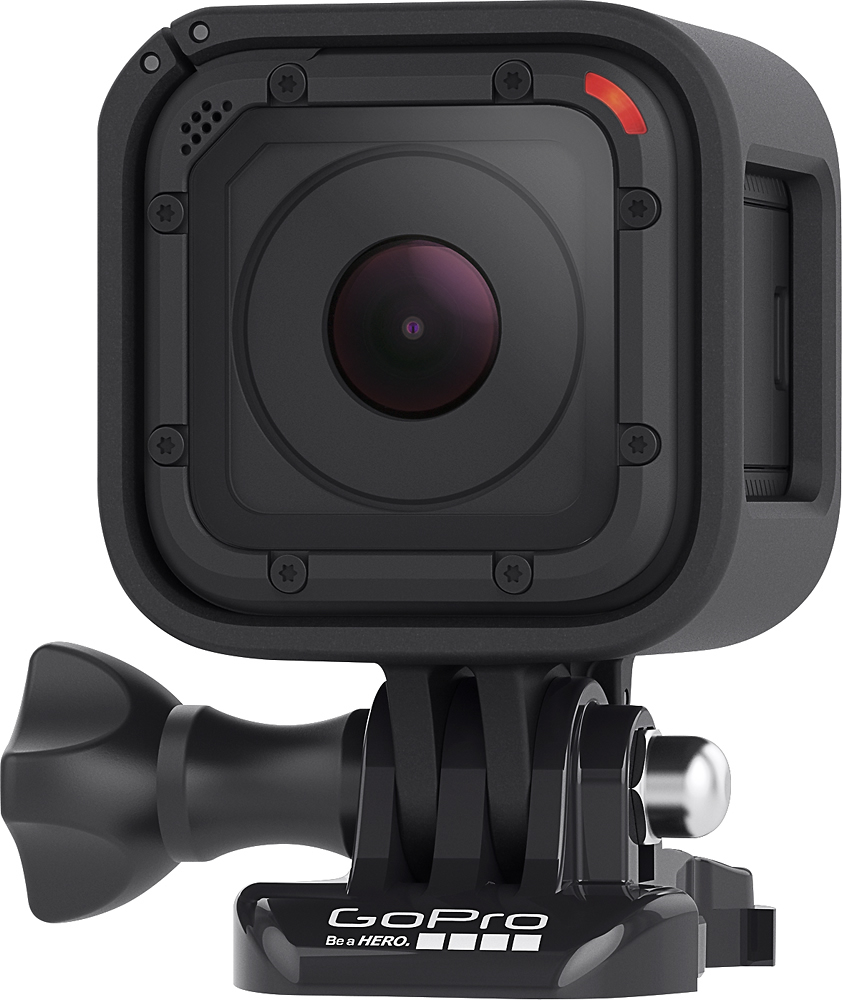
A:AnswerI asked myself the same question before I bought mine. The built in WiFi on the Hero Session allows you to very easily pair it with a smart phone. Just download the GoPro app with your phone, turn on the Session's WiFi and you can see what the camera sees within moments.
A:AnswerI just bought mine at a best buy near my place, when I got home and opened it the only extra stuff included were two adhesive mounts and USB cable, the already attached frame and mount that's usually on display, It didn't have the extra frame or two extra mounts that were on the list of "what's included" contacted CSR regarding this to be sure it wasn't a mistake
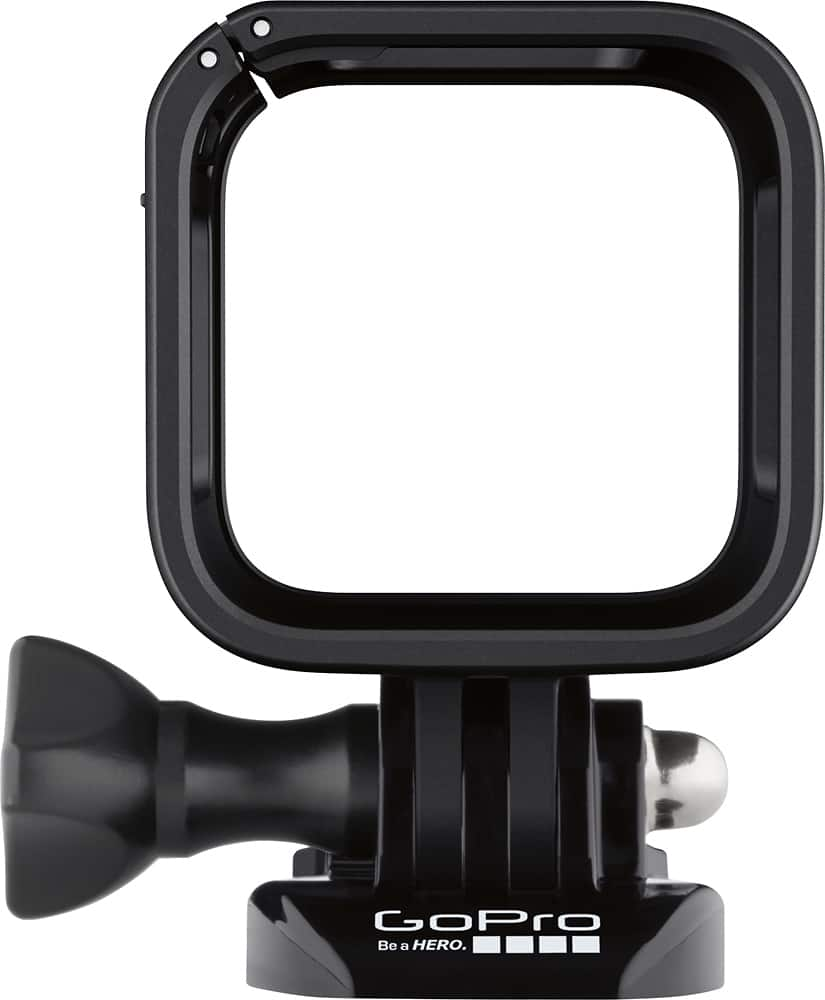
A:AnswerIt does come with a flat and curved mount. The curved mount works well with a helmet that is soild like a snowboard helmet if you want to mount it on a road bike helmet that has large vents you will have to buy a different mount. Go pro has many different types if you go to their website you can find many different ones
A:AnswerThere's a display on the top that stays active while filming (showing duration and battery life). If you aren't filming and want to see the battery life remaining, all you have to do is press the button on the back of the cam. The cam will wake up and display info such as battery life, sd capacity and current settings.
A:AnswerThe camera itself is the exact same, the difference is what comes in the box, Originally when the Session came out it retailed for $400 and you got the standard mount, low profile mount and ball joint mount. when they realized that hardly anyone was willing to pay $400 for it they dropped it down to $200 but to save on costs they excluded the low profile and ball joint mounts. and now instead they are offering those mounts as a separate $40 purchase. so if you can still find the "HERO4 Session" get that one as it has more included. If you don't care about the few extra mounts then it doesn't matter which version you get.
A:AnswerYes, Nightmode is a feature that enables you to record video in environments ranging from low light to completely dark. This is performed using a beam of infrared light that's emitted from the camera to illuminate the scene.
A:AnswerProbably. I tried to used the hero sessions for a trip to the beach, and it would overheat constantly, which cause it to corrupt videos, IF a video could be saved at all. I believe the design is bad, with no good way to dissipate heat (if you're not moving fast enough).
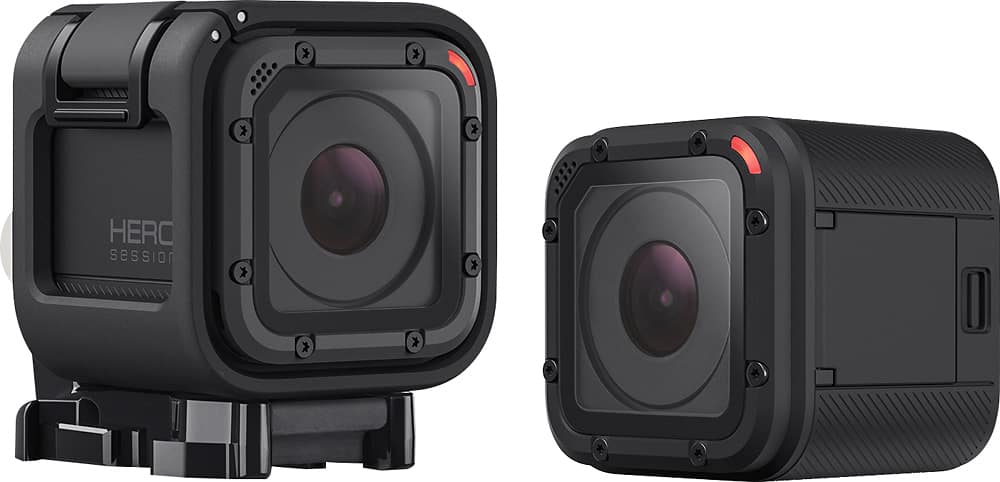
A:Answerthere is a little button on the back of the camera touch it and wait 2 seconds a menu will pot up touch the same button on the back to scroll through the different settings one you reach camera setting res the record button to access it the you choose the definition that you want to record at
A:AnswerYes we use it fishing and take amazing underwater video. It can be submerged up to 33 feet so we can't wait for ice fishing season. I'm sure it will lo9k great in a pool.