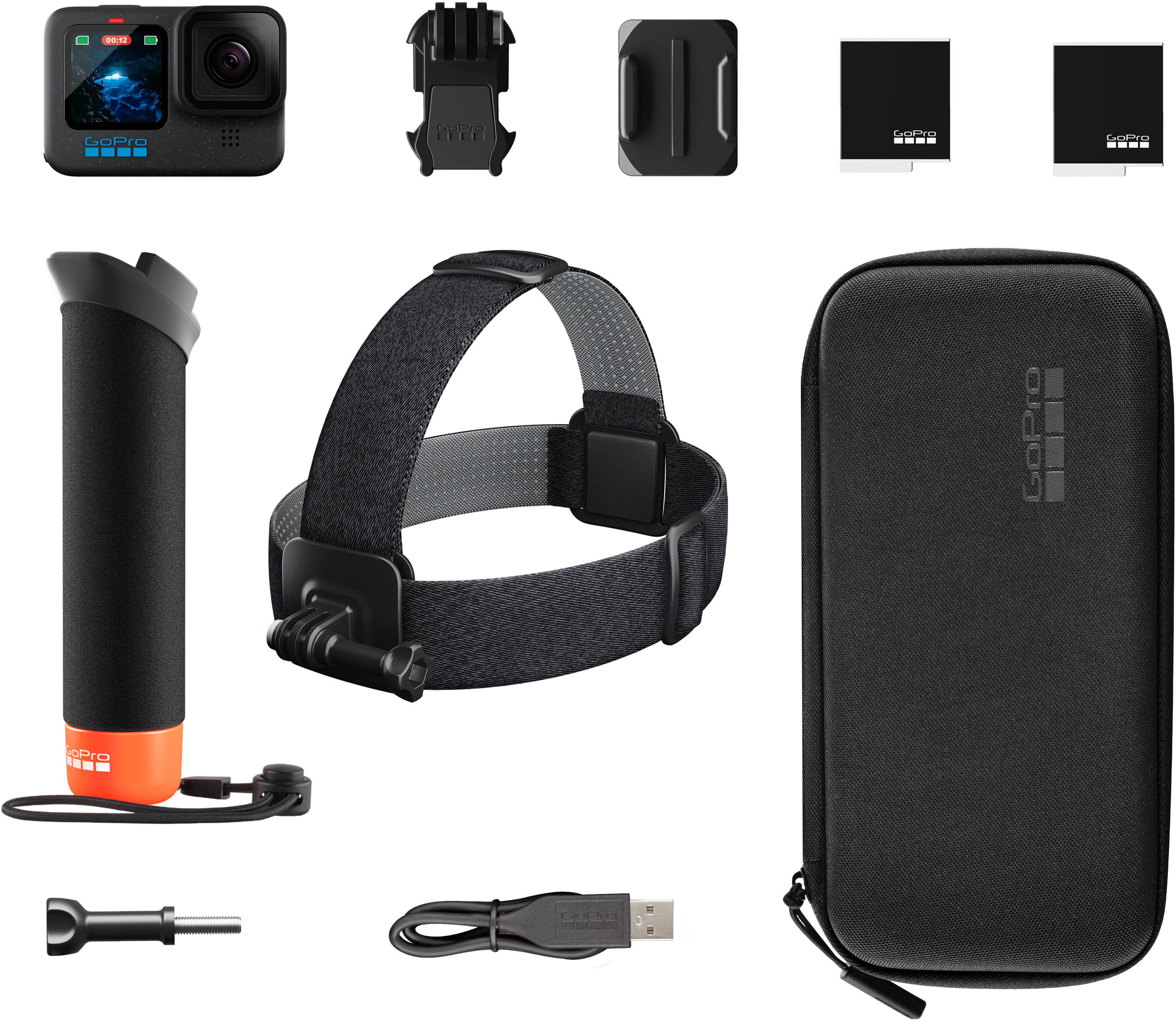
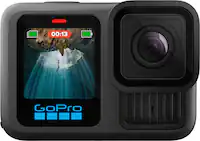
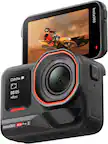
A:Answer There are a few options you can use to download your content, so you can choose the one that works best for you. One of the most direct methods is to remove the SD card from the camera and connect that card to your computer using an SD card adapter. From there, you can download the original files directly onto your computer. Another option is to connect your GoPro to your computer using the USB-C cable and importing directly from the camera. Another option is to become a GoPro subscriber. Once subscribed, you can upload your content to the cloud from the HERO12 Black. Once the content is in the cloud, you can easily download it to your computer.