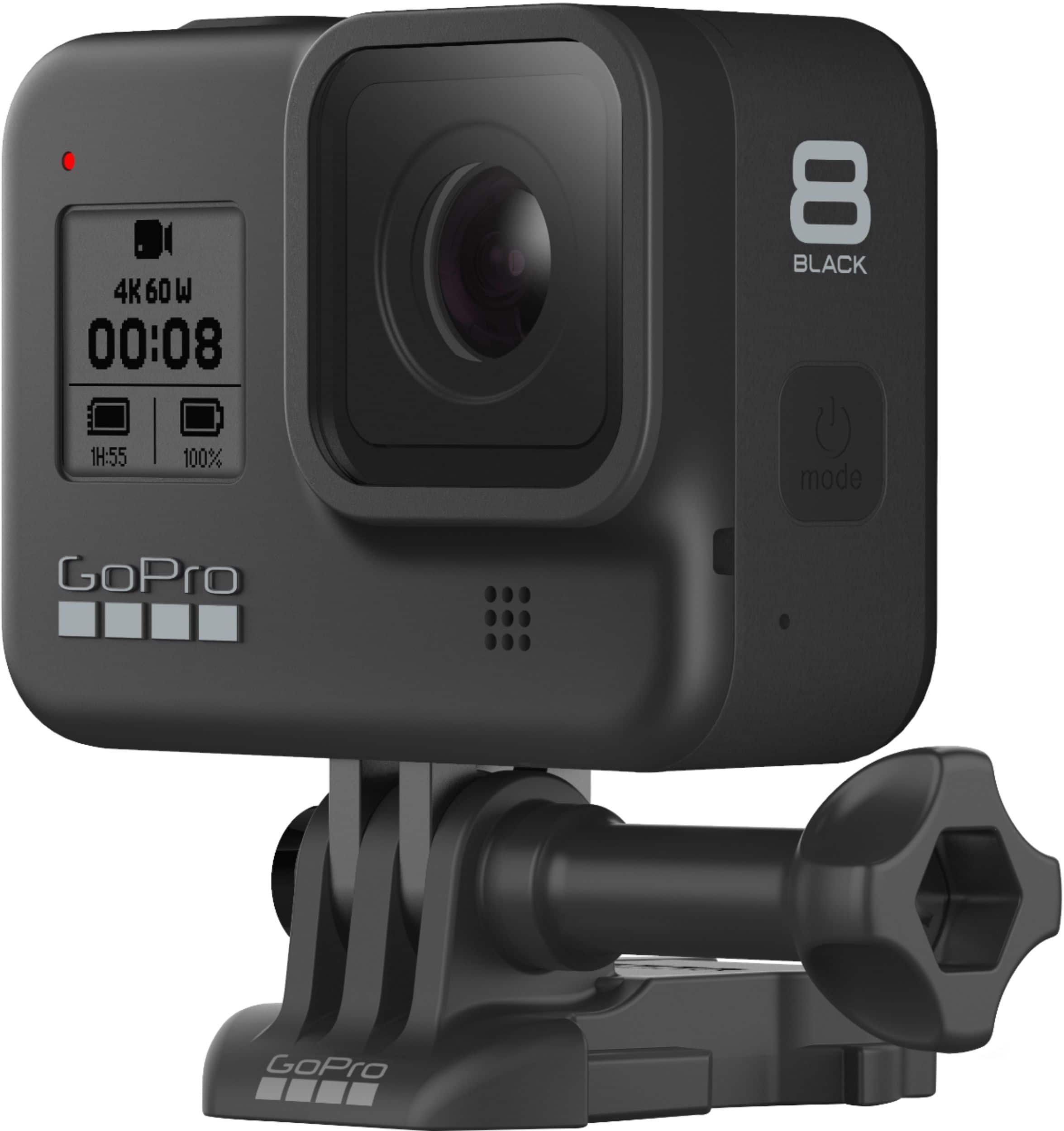
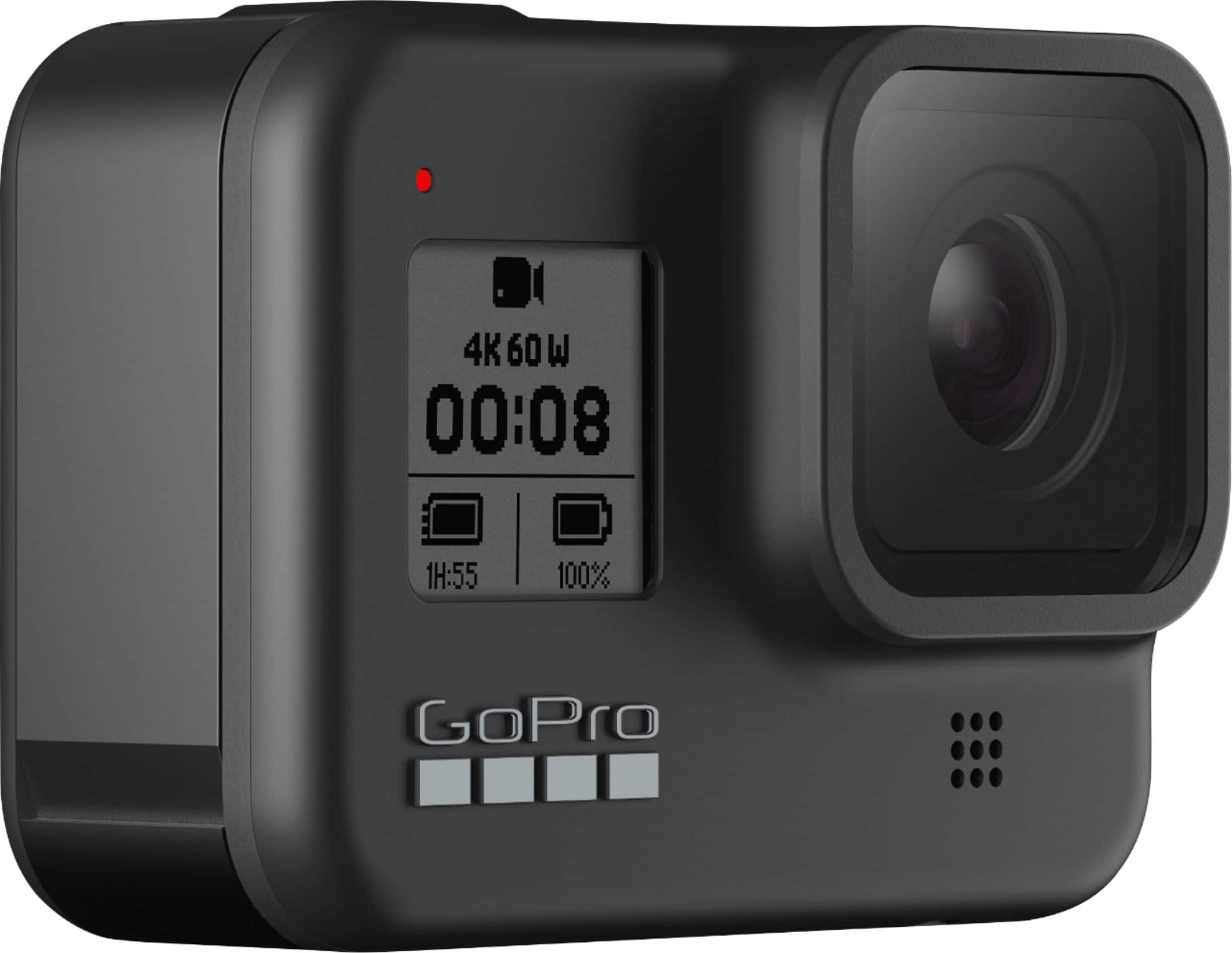
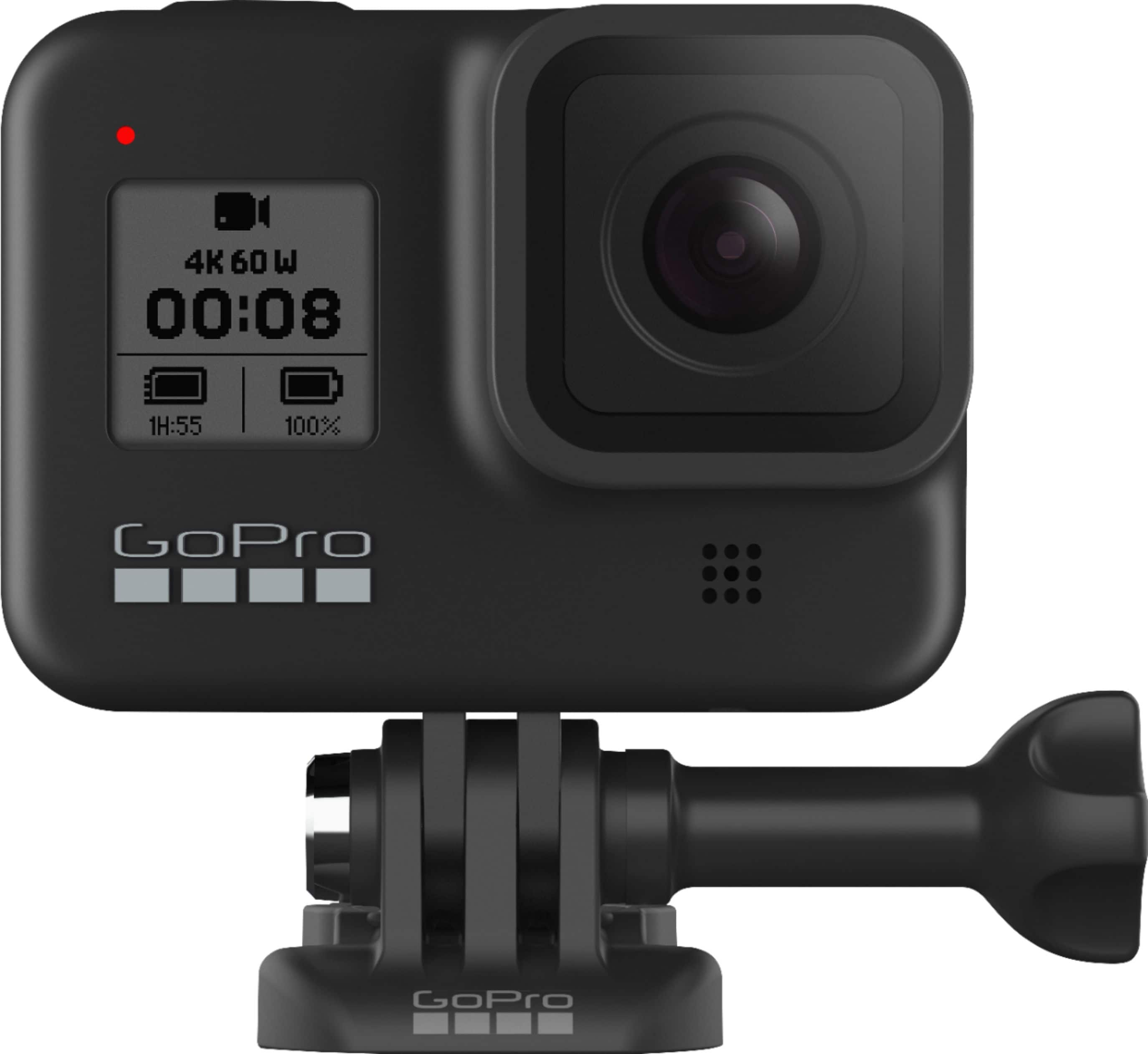
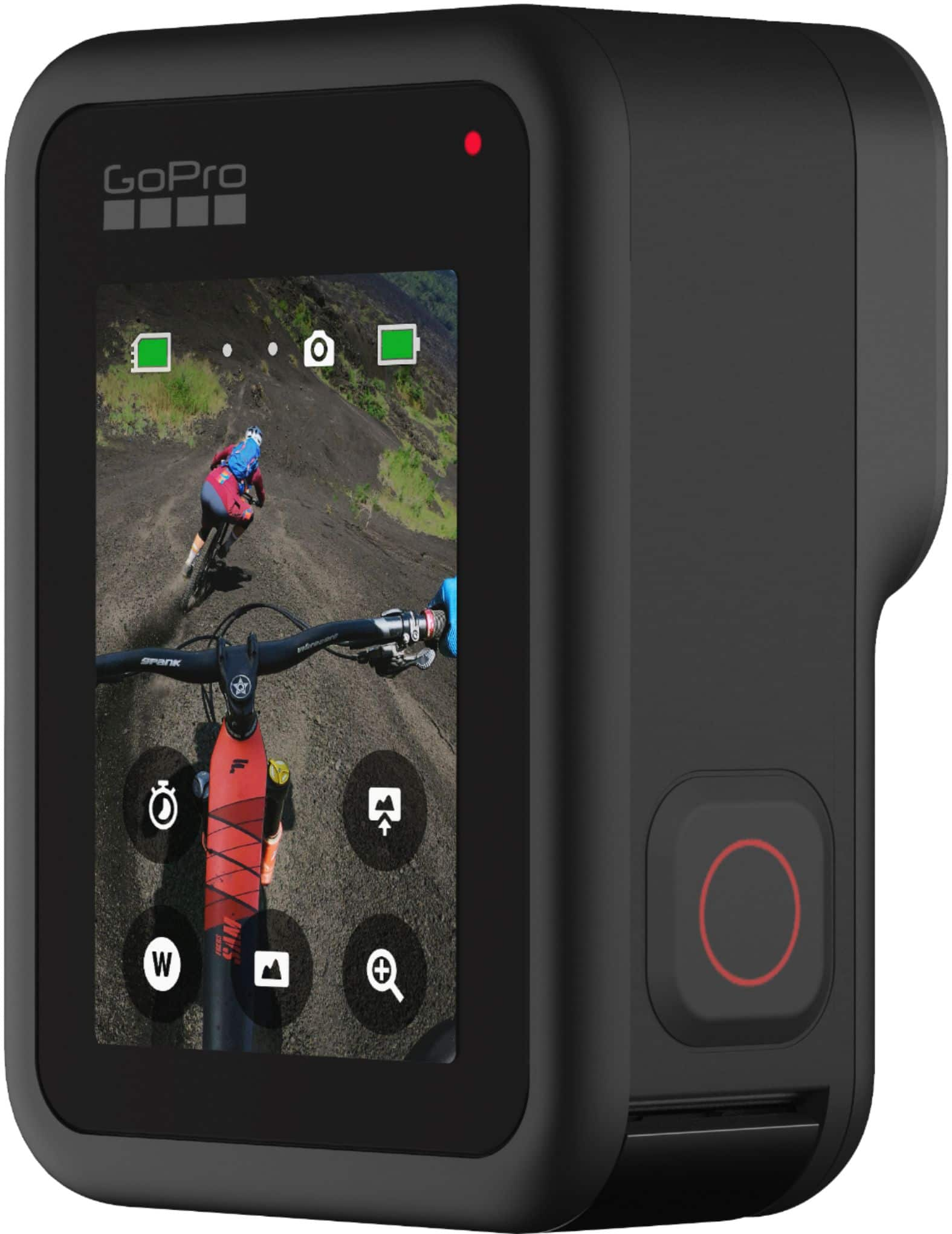
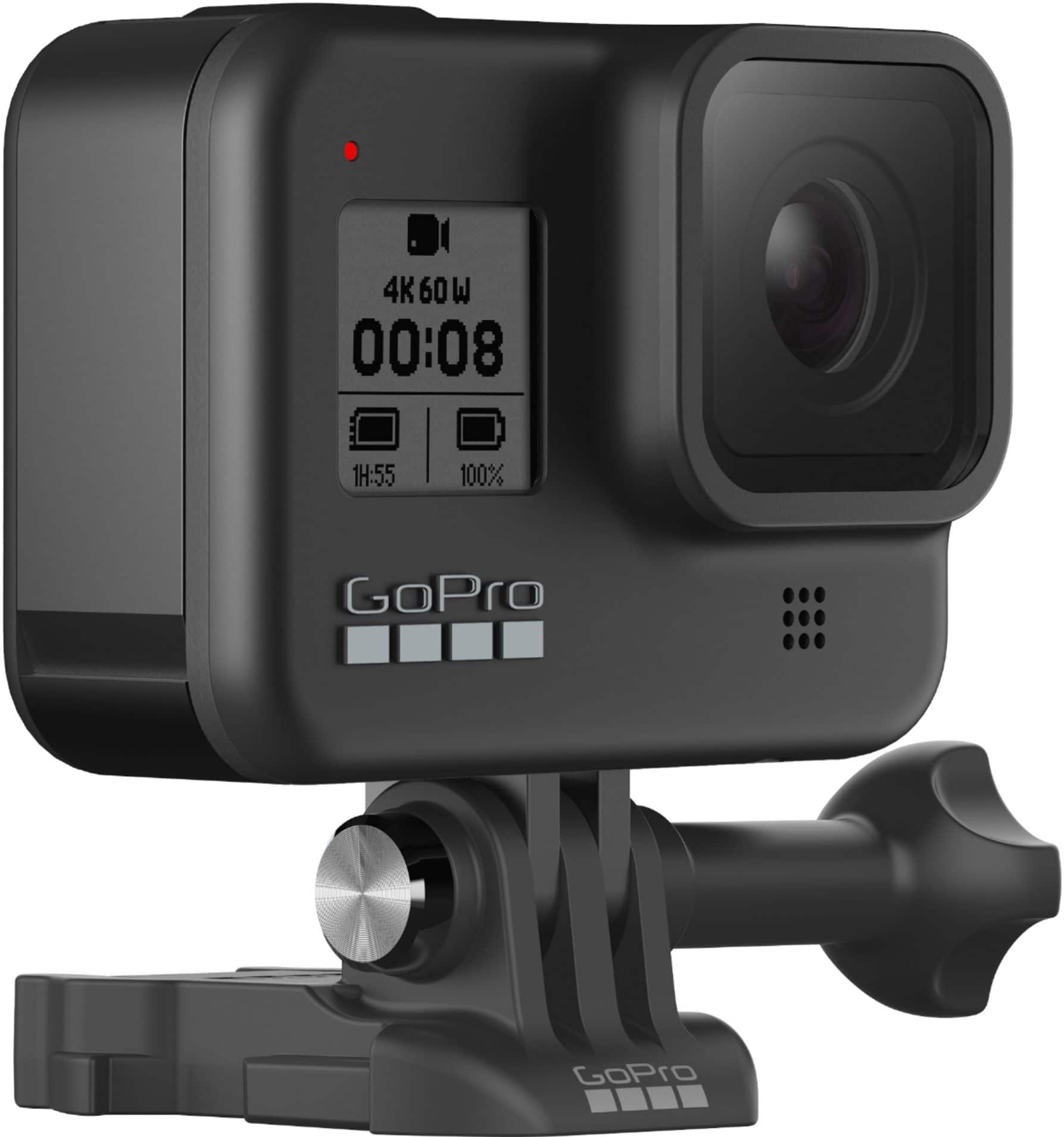
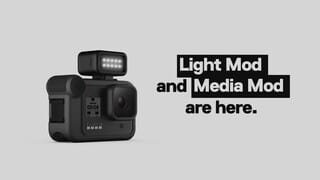
A:AnswerSome of the new features launched with the HERO8 include an improved stabilization process called HyperSmooth 2.0, an improved stabilized time lapse option that allows you to toggle a single shot in and out of real time to time lapse, and built-in mounting fingers that mean you don't need an extra Frame to mount the GoPro. The HERO8 is also compatible with our upcoming Mods, which will allow you to add on a microphone, a light, and an additional display screen.
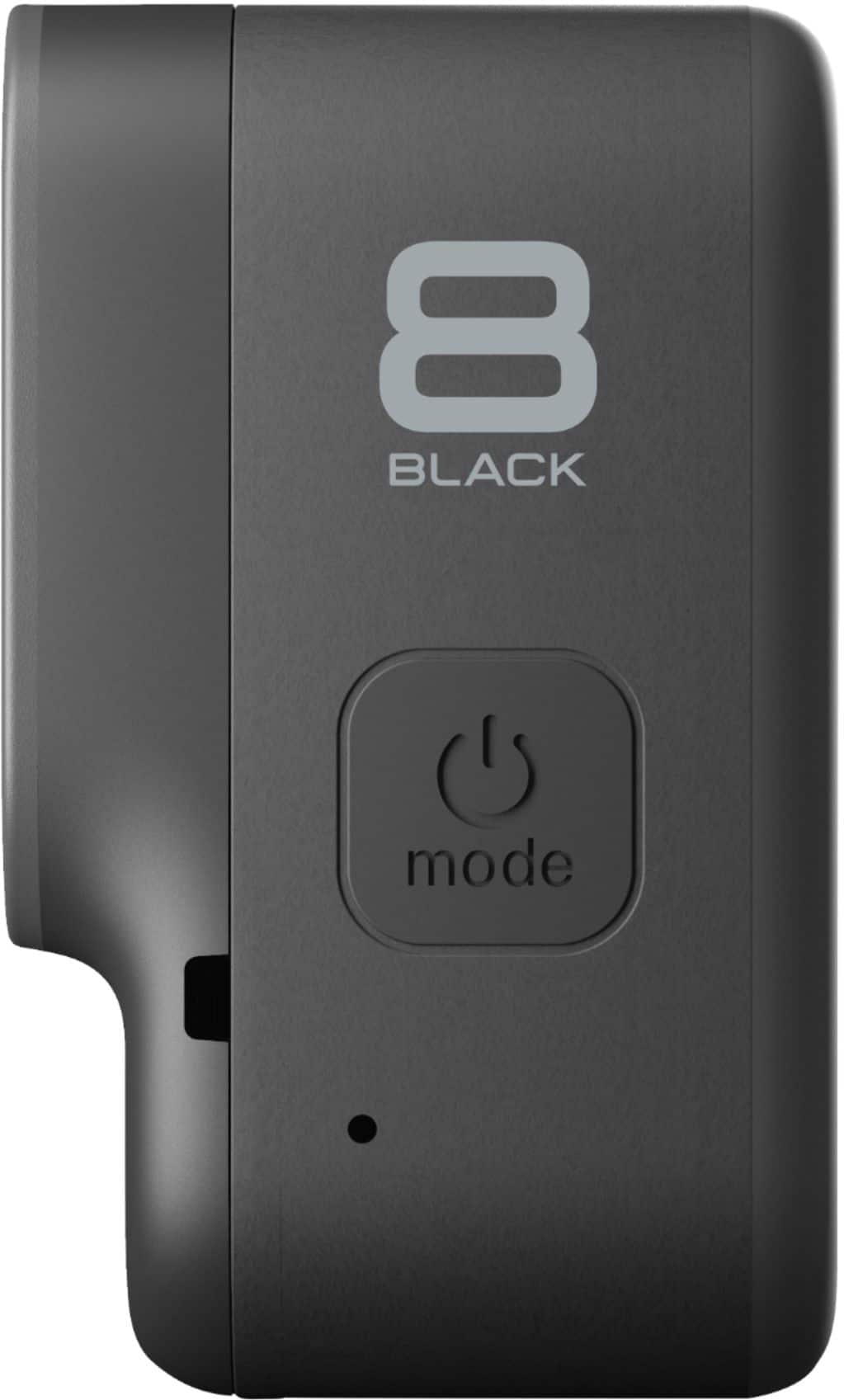
A:AnswerThis GoPro is waterproof down to 33 feet without the need for an additional housing, so the HERO8 Black does not come with a separate underwater case. If you plan to take the HERO8 Black deeper than 33 feet, there is a separate protective housing available.
A:AnswerIf you're charging the battery in the camera or using GoPro's Dual Battery Charger, the charging automatically stops when the battery is fully charged.
A:AnswerYes, the HERO8 Black can be powered externally by connecting a power supply to the GoPro using the USB-C port. You'll want to make sure the power supply can provide power at 5v 1-2A. Most USB power plugs like an iPhone power plug will work great. And yes, GoPro cameras use chaptering to break long recordings into shorter files. You can then join the files together into a single clip when you edit the clips.
A:AnswerIt does not. There are 3rd party "tricks" for getting it to work as a webcam but it is clunky and requires you to download software onto your PC from less reputable sources. The "livestream" feature works through social media platforms and actually has about a full minute of delay. I wanted this camera for teaching class live but it did not work.
A:AnswerFor the HERO8 Black, cards up to 512GB are on our list of recommended cards. Note that GoPro cameras require high-quality cards. Please check out the list of recommended cards on the GoPro site for more details.
A:AnswerWith the HERO8 Black, this time can range from 45 to about 80 minutes depending on what settings you choose. Details are available at https://gopro.com/help/articles/block/gopro-camera-battery-life#HERO8_Black.
A:AnswerThe battery is removable, and when the HERO8 Black is used with the new Media Mod (coming soon), you will be able to output through an HDMI connection.
A:AnswerYou can set your HOER8 Black to record 5, 20, 60, or 120 minute loops. You can also set a loop to "Max", which will record until your SD card is full before looping back to record over the start of the video.
A:AnswerNo - I edit 4K video on a 1080p screen quite frequently (Dell G3 laptop). You will need significantly more processor power than you think to render the video, especially if you are downscaling, adding effects, titles etc. WIth a 6 core I7, 32GB ram, I can get just over 30 FPS rendering 4K Video with DaVinci Resolve. It's very heavy on the CPU. The advantage is more room to zoom in, crop, etc.
A:AnswerNearly all accessories that work with the HERO5 will also work with the HERO8 Black. The key exceptions will be housings since the HERO8 is slightly different in size and shape than the HERO5 and there are some limitations on newer features in the HERO8 if you use batteries made for the HERO5, but the core functions would still work. But nearly all mounts or other attachments will work fine with both models.
A:AnswerYes, you can set the orientation in the camera to adjust so that if the GoPro is mounted upside down that it will record the video right side up.
A:AnswerAny GoPro is great for this type of shoot, but there are some new features like advanced image stabilization in the HERO8 Black and the HERO9 Black that can make these videos even better.
A:AnswerI use it to livestream my daughter's volleyball games and it works well. However, some of the venues didn't have great lighting so the video was a bit dark, but there are accessories you can add to improve the lighting.
A:AnswerYes, the HERO8 Black can be attached to a helmet in a couple of ways. First, you can use the included adhesive mount to stick that mount to the helmet and then attach the GoPro to the helmet whenever you want. If the helmet has vented slots (like a bicycle helmet), you can use the Vented Helmet Strap mount to attach the GoPro whenever you need it.
A:AnswerYes, I use the GoPro Hero 8 for my moto Vlog channel on You Tube.
Needs mic adaptor, and the Panda Purple does not work with the 8.
You need a Lavalier mic.
A:AnswerNo, unfortunately the Hero 8 Black is not compatible with either of these due to the design of the side ports. I loved the Karma Drone and the Karma Grip so that is a bit sad, but it gives me a reason to hang onto an older GoPro, too.