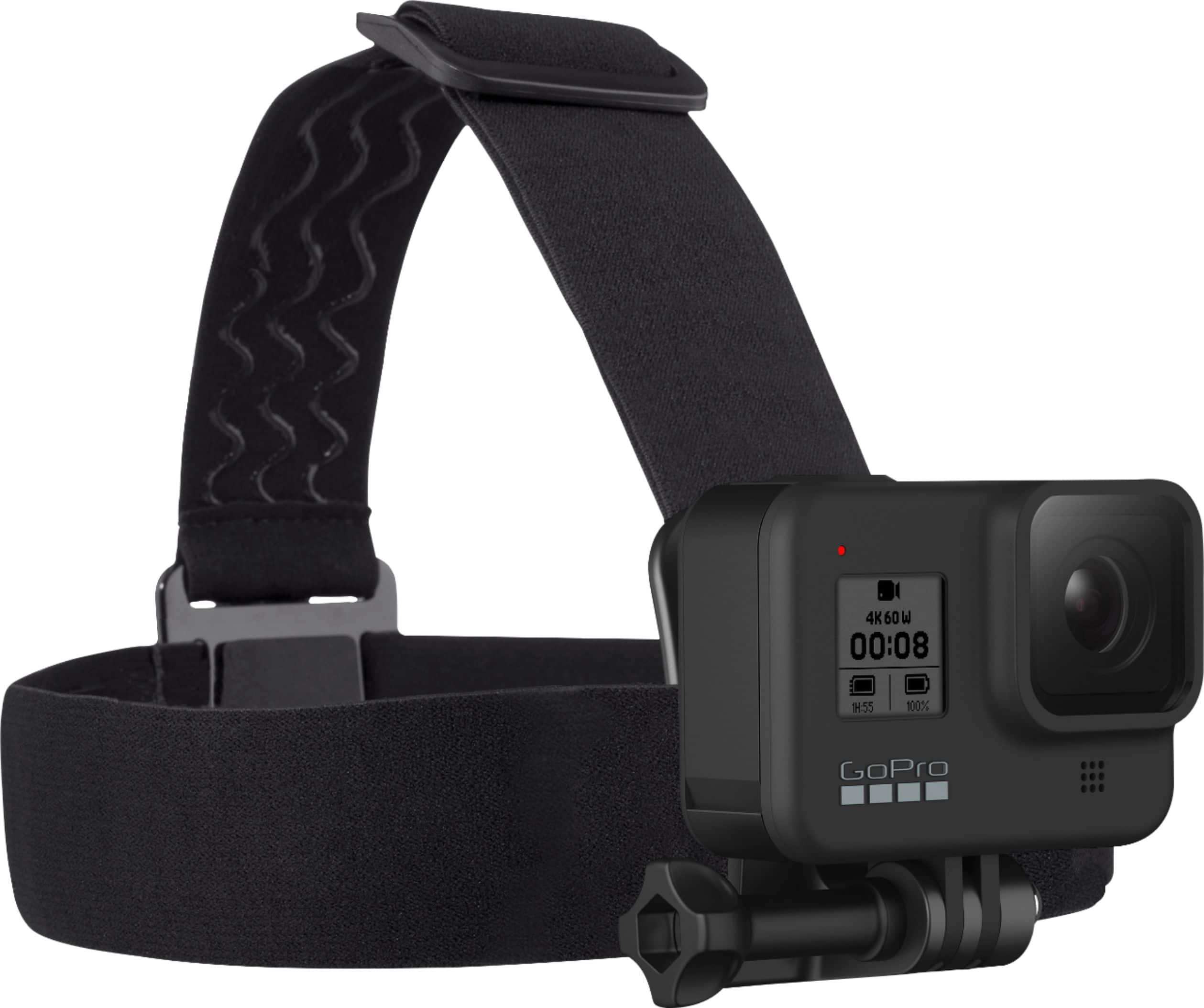
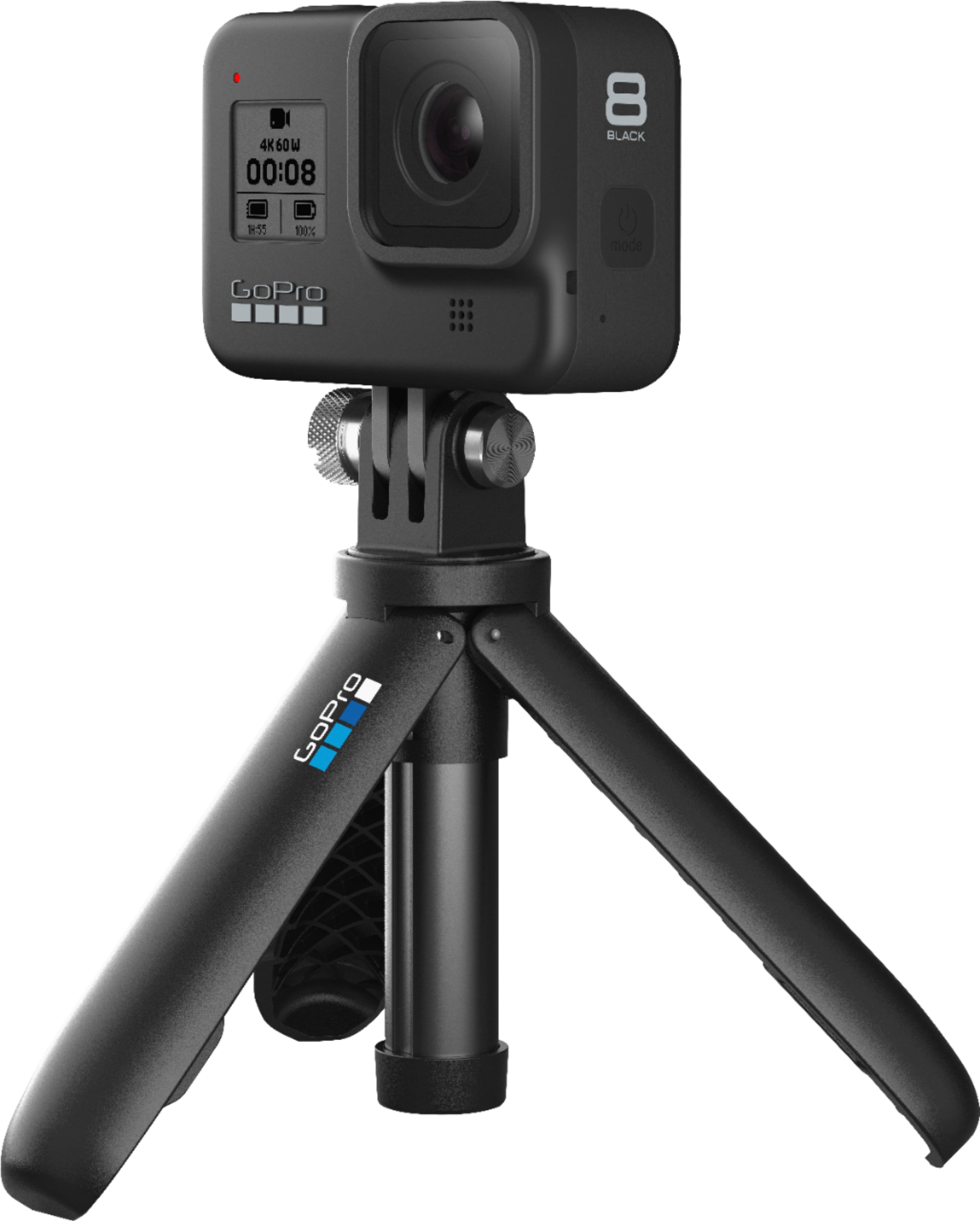
A:AnswerYes, you can use the HERO8 Black to live stream. Audio quality depends on several factors, including the acoustics where you're recording and the quality of your streaming service/platform, but audio in general with the HERO8 Black is very good.
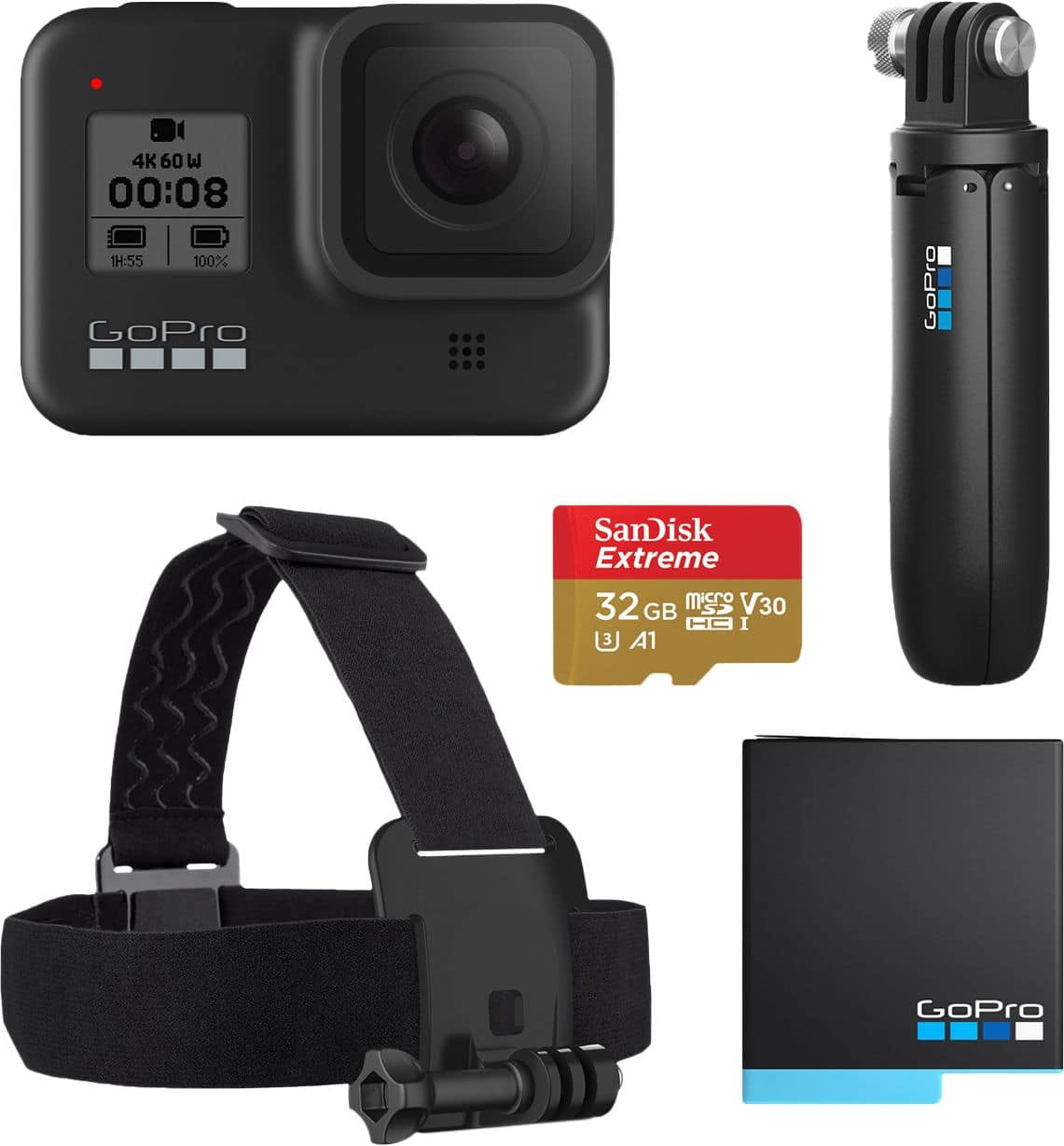
A:AnswerBattery life depends on the settings you choose. At the highest frame rates and resolutions, you should get about 45 minutes of recording time. At lower or more standard frame rates and resolutions, you can expect up to about an hour and 20 minutes of recording time.
A:AnswerYes, it is possible to live stream to YouTube using the HERO8 Black. We have some instructional information at https://community.gopro.com/t5/en/Getting-Started-With-Live-Streaming/ta-p/395877 that will help get that started.
A:AnswerTo connect an external mic to the HERO8 Black, you'll need to use either the new Media Mod or the Pro 3.5mm Mic Adapter. With either of these, you can connect a 3.5mm mic to the GoPro.
A:AnswerNot a good option for a security camera. The go pro does not have motion sensing and is battery powered. Nest security cameras is the way to go.
A:AnswerYes, all GoPro cameras record audio using built-in microphones. In addition, if you want to connect an external mic to the HERO8 Black, you can do that by using the GoPro with the new Media Mod.
A:AnswerYou can’t. I was hoping for the same but apparently upon researching it I found that at one point LOTO did but they must have had a falling out because the ability was removed with an update.
A:AnswerThe battery may need to be charged, but there's a good chance it will have enough power to get you started. Also, you will need to use an SD card to save your photos and videos to. We have a list of recommended cards at https://gopro.com/help/articles/block/microSD-Card-Considerations.
A:AnswerGopro takes good picturea nd better action video's. Gopro has many apps that edit and can do cool stuff with using an iOS or android, uploading via wifi, bluetooth or cable. I have a Nikon camera for formal pictures.