A:AnswerYes. The easiest method is to pair the HERO8 Black to your smartphone using the GoPro app. The app will allow you to control the camera's functions and will even show you a preview of what the camera sees. The range with the app varies, but it's typically good for about 25 feet. Another option is to get the GoPro Smart Remote. It has a range of up to 600 feet and can control multiple GoPro cameras simultaneously.
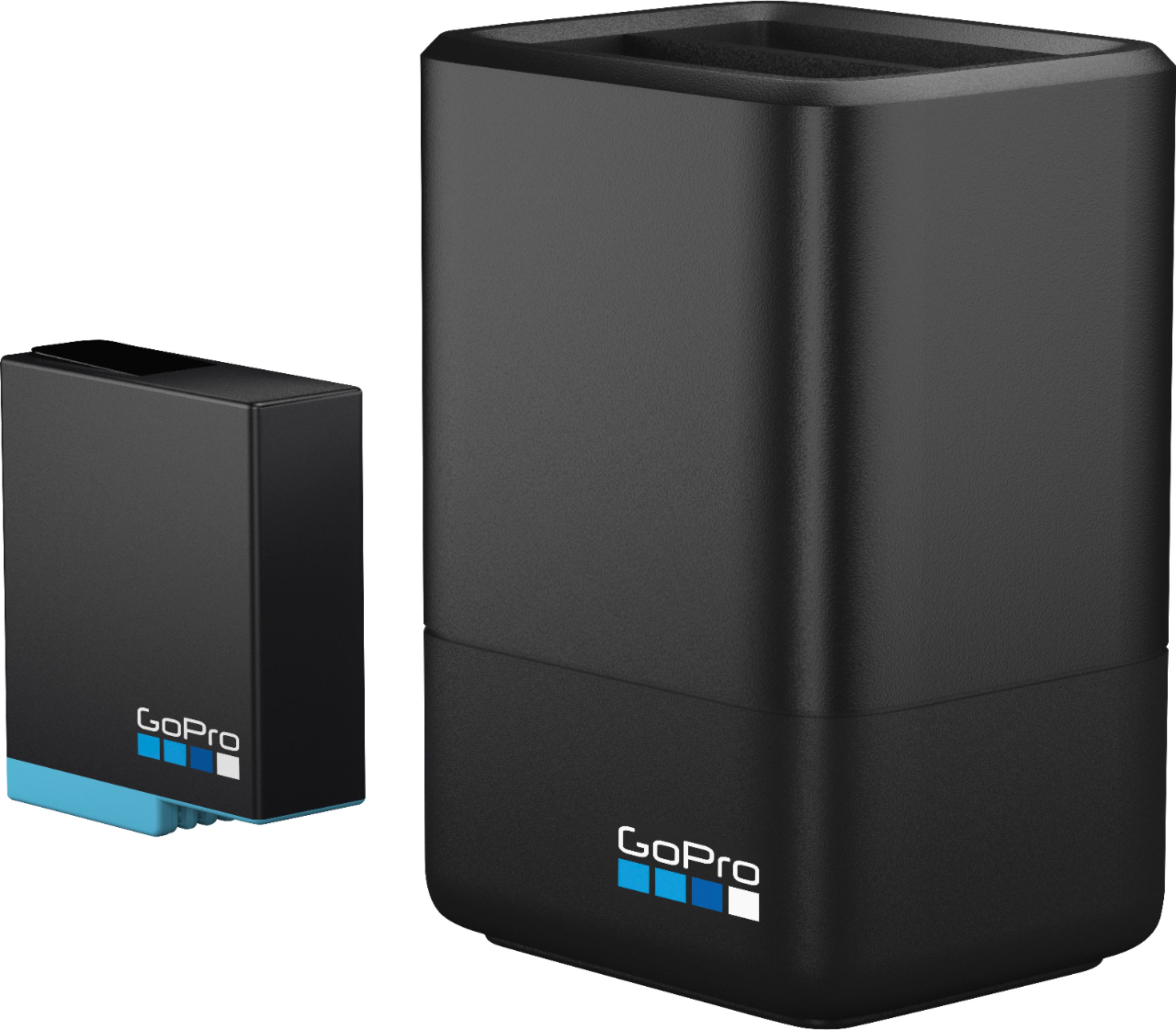
A:AnswerThe HERO8 Black does have a removable battery, so you can keep several batteries charged up and swap them in and out whenever you need to if you'd like.
A:AnswerFor continuous recording you will not get more than 45 minutes to an hour. That is with it set to 1080P. If you have a 128 gig card it will record longer than the battery will last.
I have emptied 2 batteries and still had 1/2 the cards memory available.
A:AnswerYes it is waterproof down to 33 feet without the need for an additional housing. If you want to take it deeper than 33 feet, there is a separate housing available.
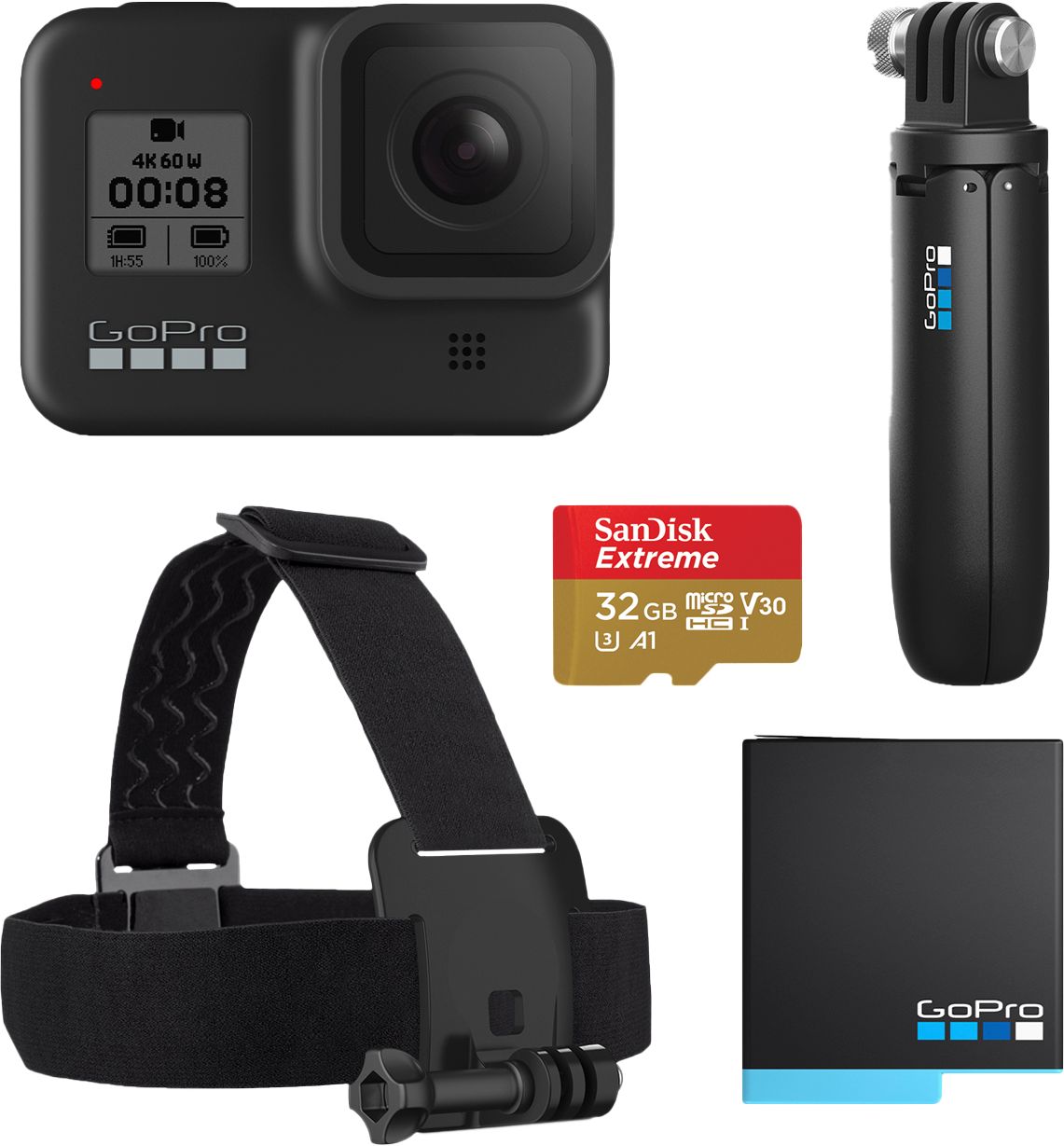
A:AnswerThere is a rear screen on the HERO8 Black where you can see what you're recording as you record it, or you can play back photos and videos you've already recorded and see them on that same screen. And, of course, you can share the content you record to your smartphone or move the files to your computer or other device and play or share them just as you would any other image of video files.
A:AnswerSpeed is one of the measures you can display using the gauges through the GoPro's Quik app. The speed won't show up on the camera in real-time, but as you process the video through our app, the GPS data you capture while you're recording can be displayed as a speedometer overlay on your video.
A:AnswerThe HERO8 Black is a great option for capturing photos and videos, and since it's waterproof to 33 feet, rain is not going to have an impact on it. Safe travels.
A:AnswerIt sounds like your question may be about the GoPro Chesty mount. If that's the case, we've found that the Chesty will comfortably fit people who wear a 3XL shirt. The Chesty is adjustable.
A:AnswerYes, you should be able to do that. The mount in the Tacoma is GoPro's standard mount connector, so it will work with nearly all GoPro cameras, including the HERO8 Black.
A:AnswerThere aren't any specific anti-fog features, but since the HERO8 Black is a waterproof camera, as long as no moisture has gotten into the camera or inside the lens protector, fog should not be a significant issue.
A:AnswerYou can output using an HDMI cable to TV with an HDMI input if you connect your HERO8 Black to the GoPro Media Mod for the HERO8 Black. The Media Mod has the HDMI port that allows that connection.
A:AnswerThis is a tricky question. The recharge on it is very slow when you configure it this way. I've only tried this twice, although I didn't see the battery drain during my drive, as soon as I turned my truck off the camera went dead. The camera was a little hot after this try. I had to do a recharge in a normal house outlet. I'm still trying to see if it is the cable that is causing the heat or something else. I thought I would do the same thing with the camera, I plugged mine in and it got hot. I drove like that for 2 hours recording without damage. [email protected]