Skip to contentGo to Product Search
Main Content

Questions & Answers

$79.99
Page Showing 1-20 of 40 questions
  • QuestionCan I customize the colors on these Govee TV lights?

    • Answer Yes, you can customize the color and brightness of each segment of the light strip.
    This question and answer was generated by AI based on customer and product data.

  • QuestionCan I customize the colors on the Govee backlight?

    • Answer Yes, you can customize the color and brightness of each segment on the backlight.
    This question and answer was generated by AI based on customer and product data.

  • QuestionWhat kind of lighting technology does this Govee backlight use?

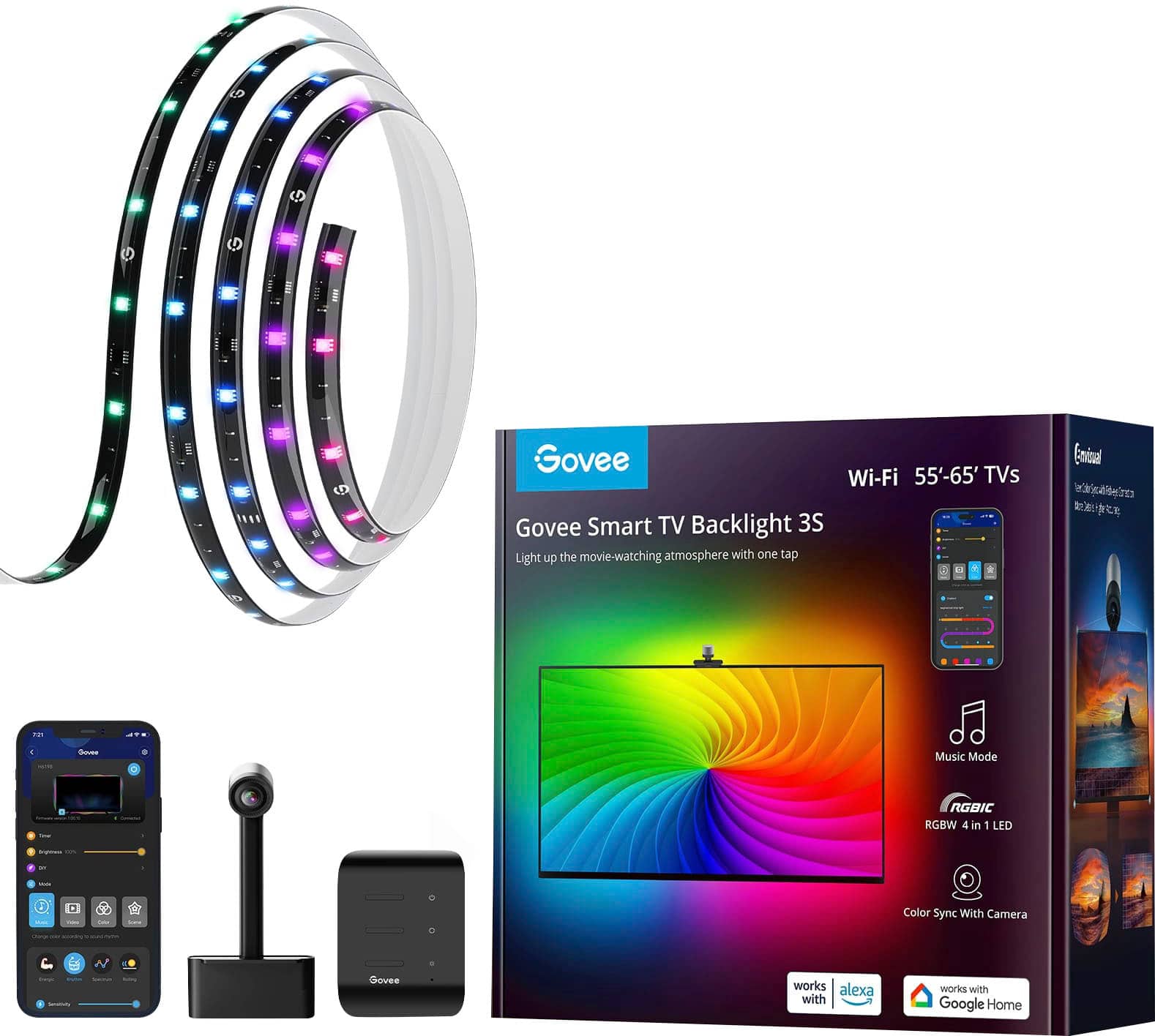
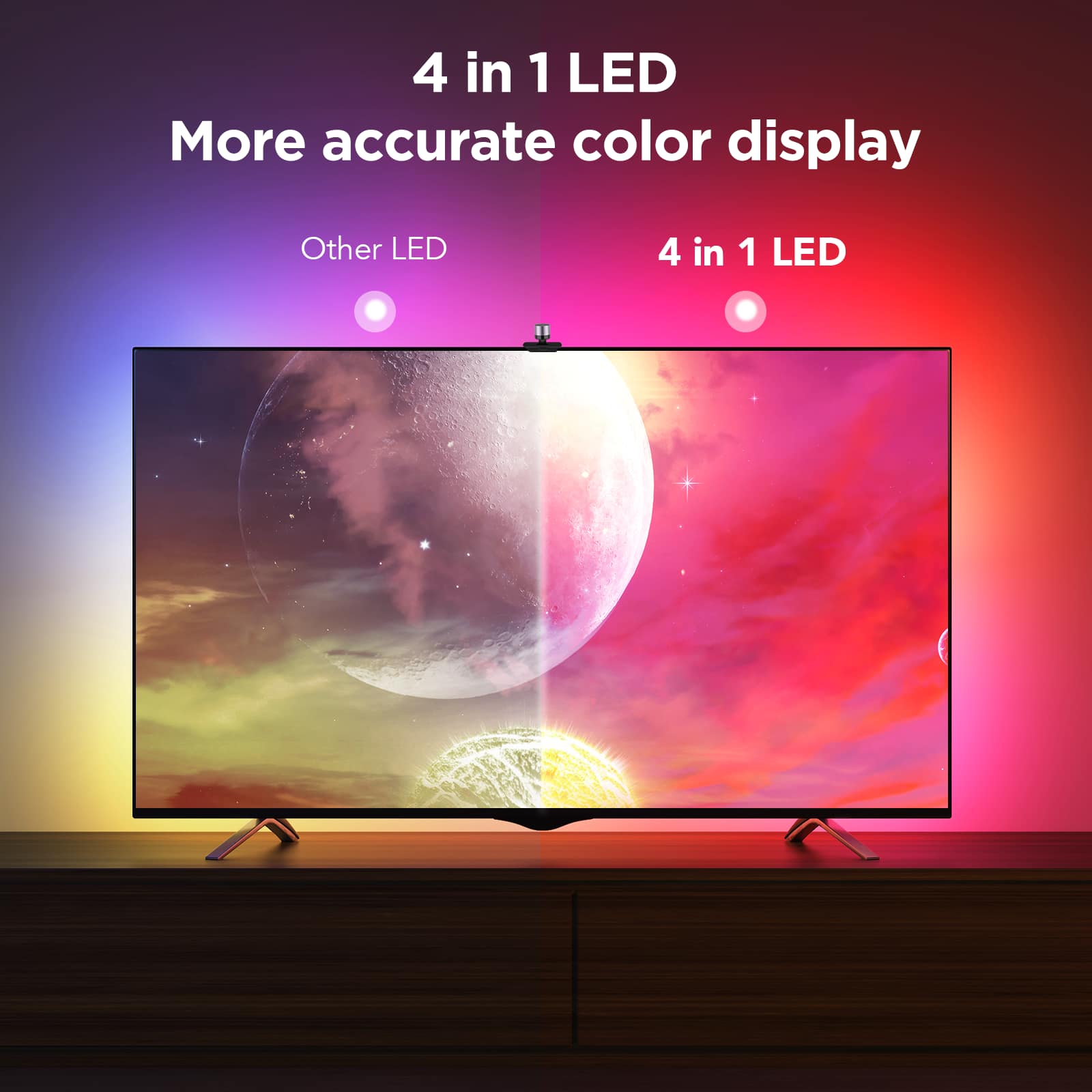
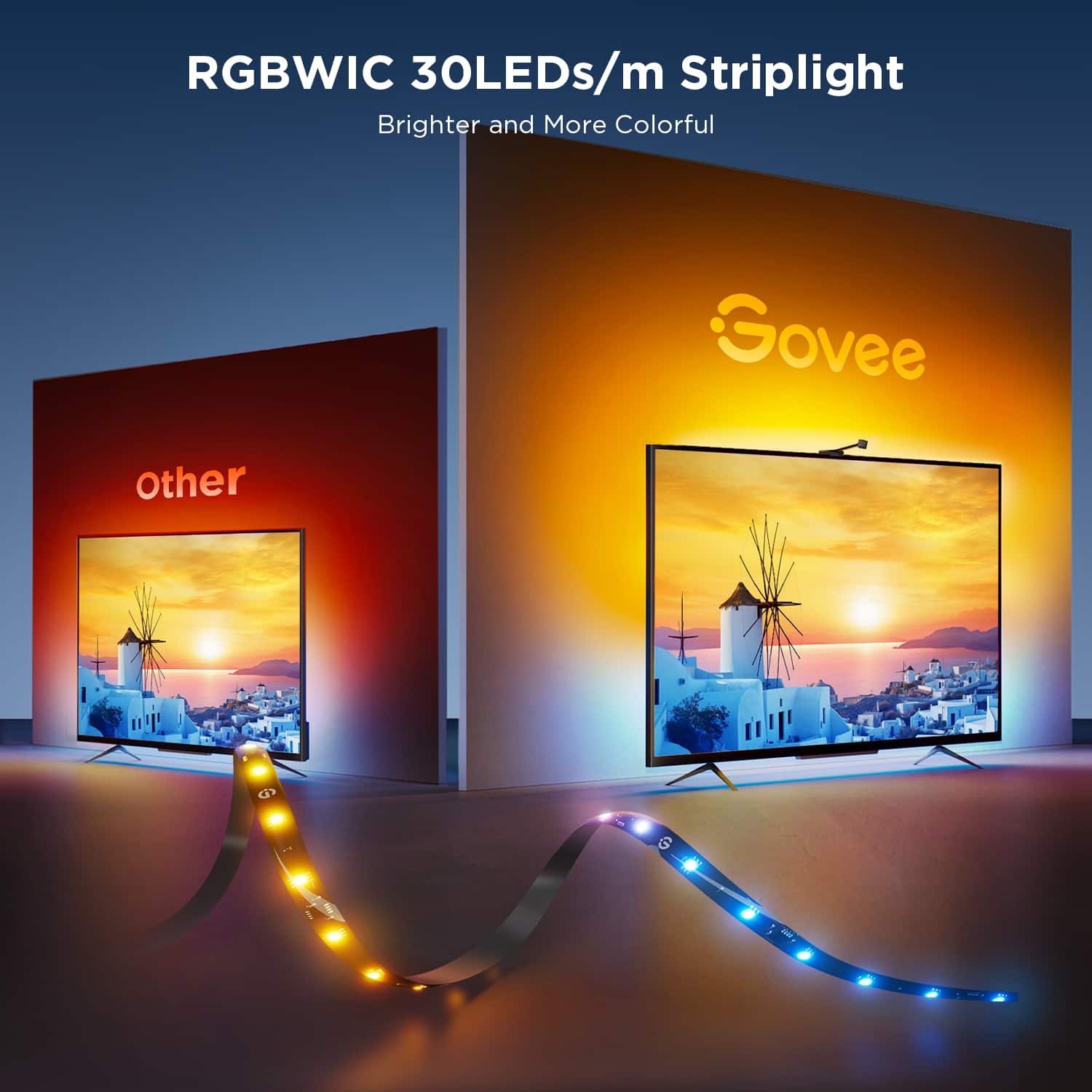
    • Answer This backlight uses RGBIC technology, which allows for segmented color control, an enhanced music mode, and ultra-bright beads.
    This question and answer was generated by AI based on customer and product data.
  • QuestionDoes this Govee backlight work with music?

    • Answer Yes, it has an enhanced music mode with a highly sensitive microphone that syncs the lights to any type of music.
    This question and answer was generated by AI based on customer and product data.
  • QuestionDoes this Govee backlight have a music mode?

    • Answer Yes, it has an enhanced music mode with an ultrasensitive mic that easily syncs to any type of music.
    This question and answer was generated by AI based on customer and product data.
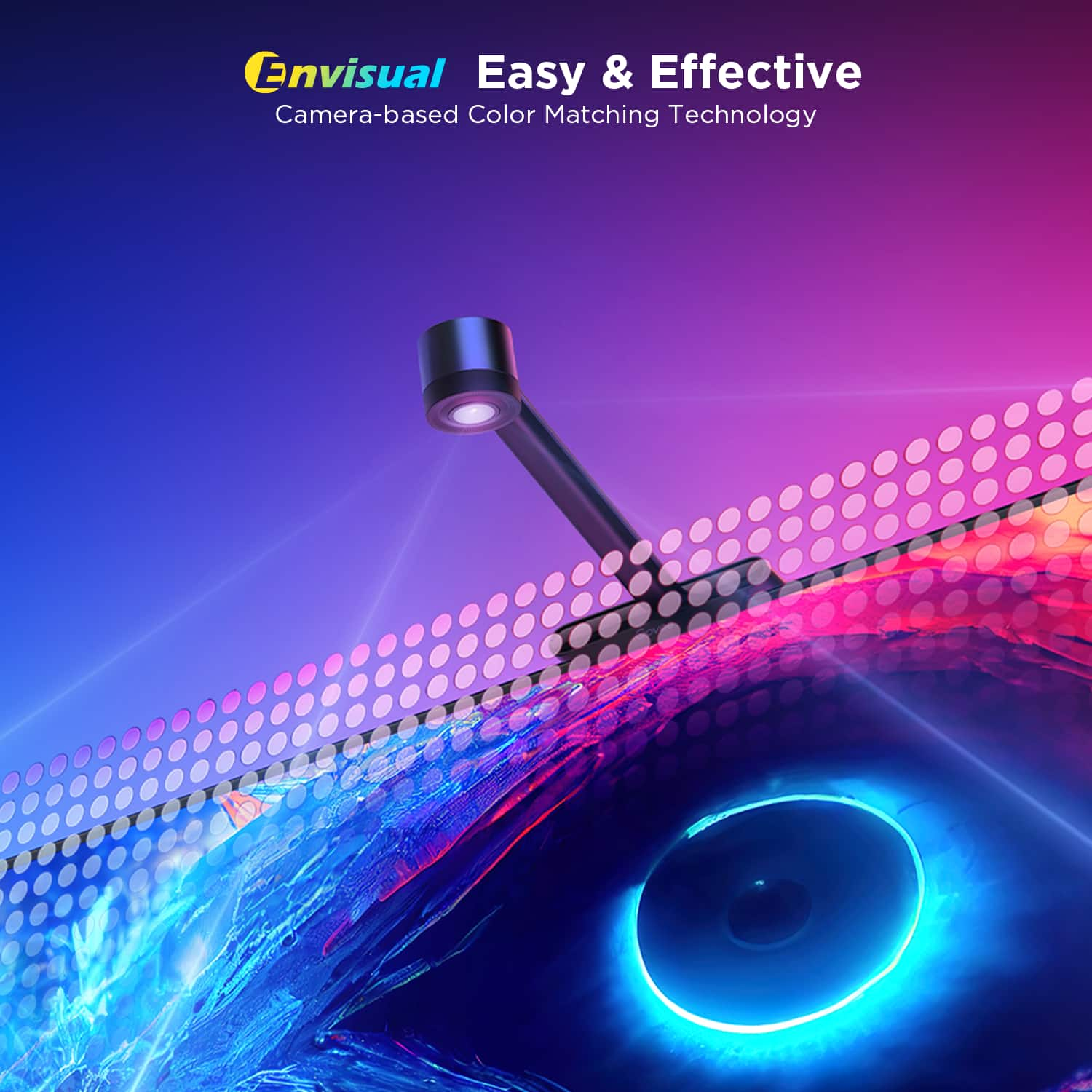
  • QuestionHow does the ColorSense Technology work in this Govee backlight?

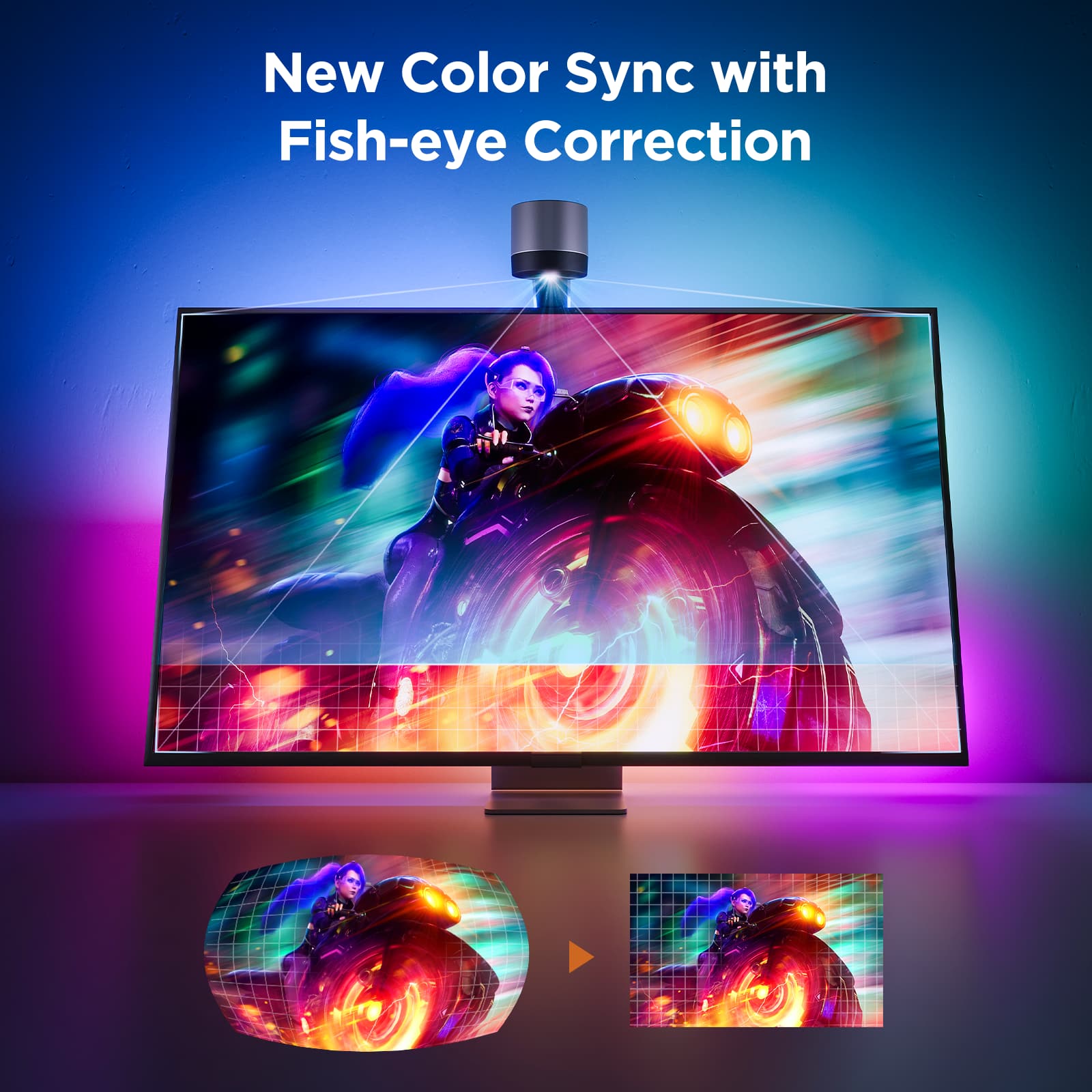
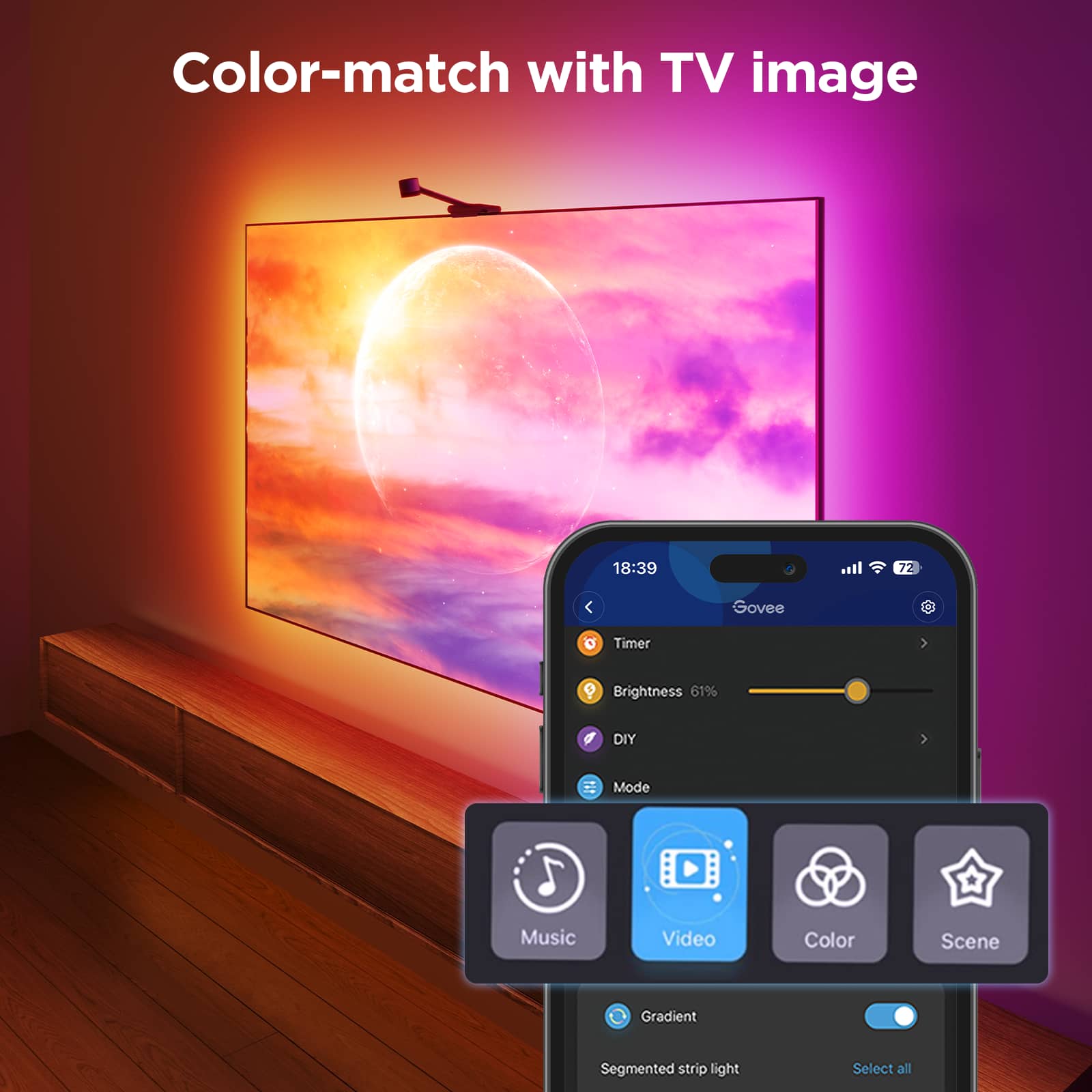
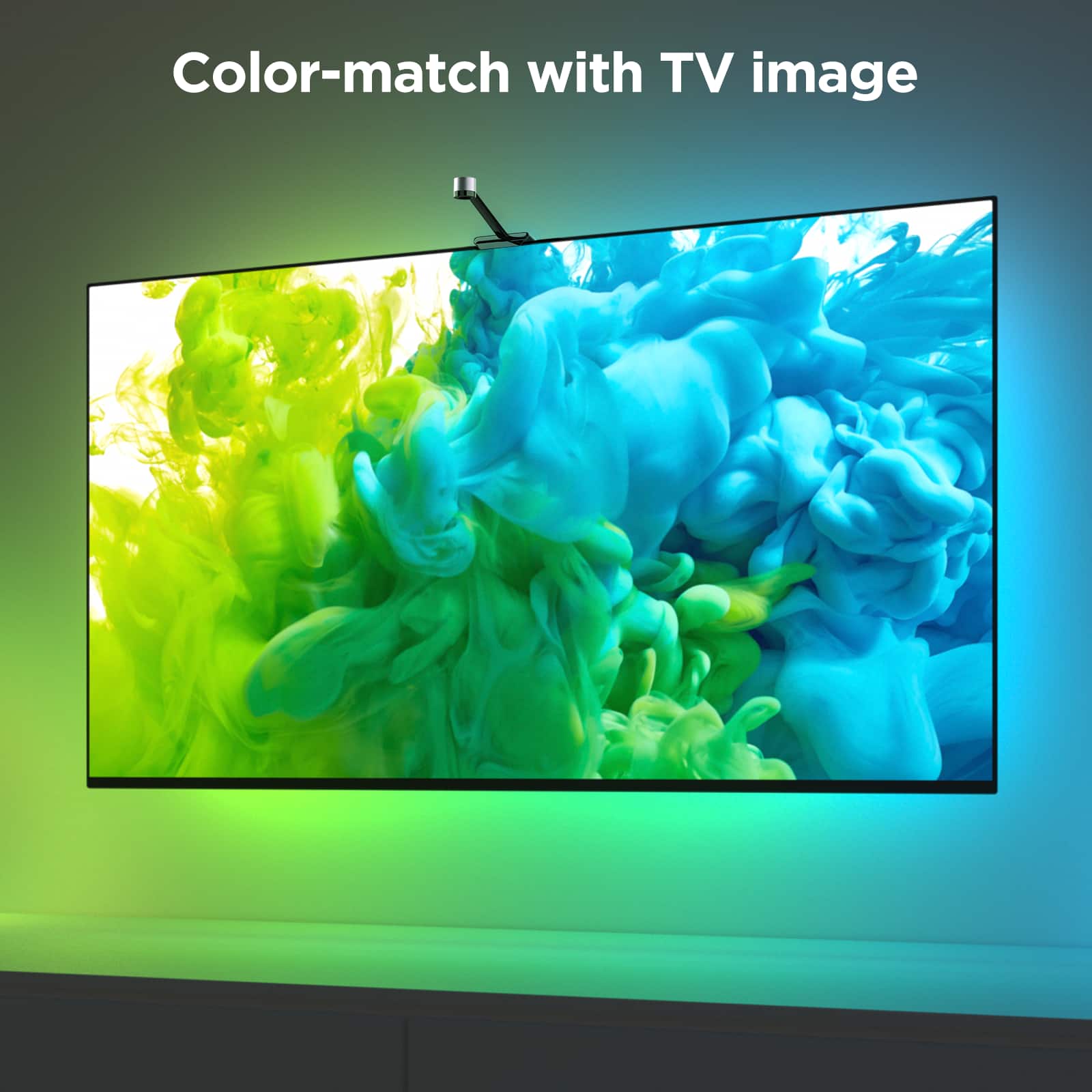
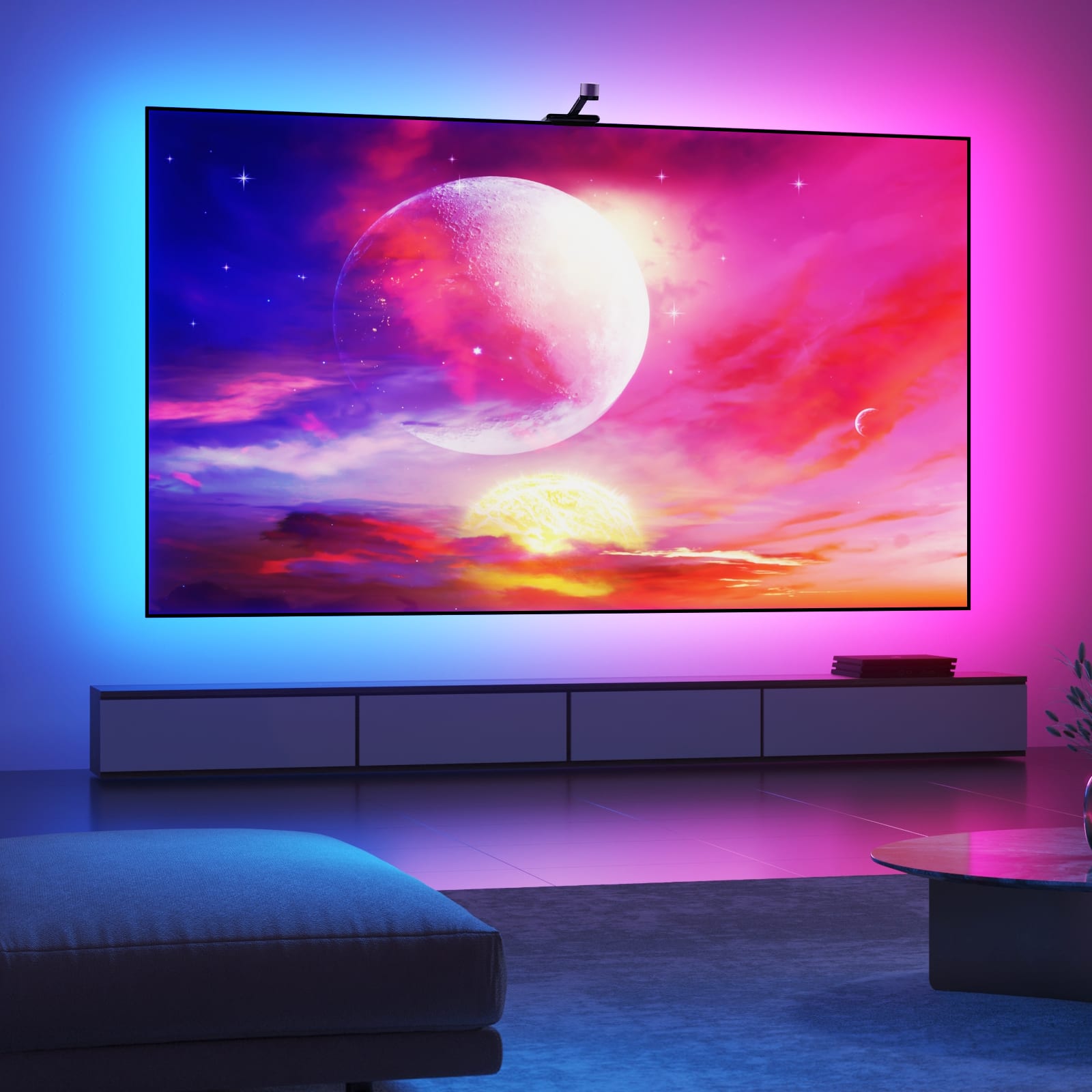
    • Answer The ColorSense Technology uses a 1080p smart camera to capture the colors on your TV screen and then automatically applies those colors to the backlight.
    This question and answer was generated by AI based on customer and product data.
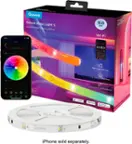
  • QuestionIs there an app I can use to control these Govee lights?

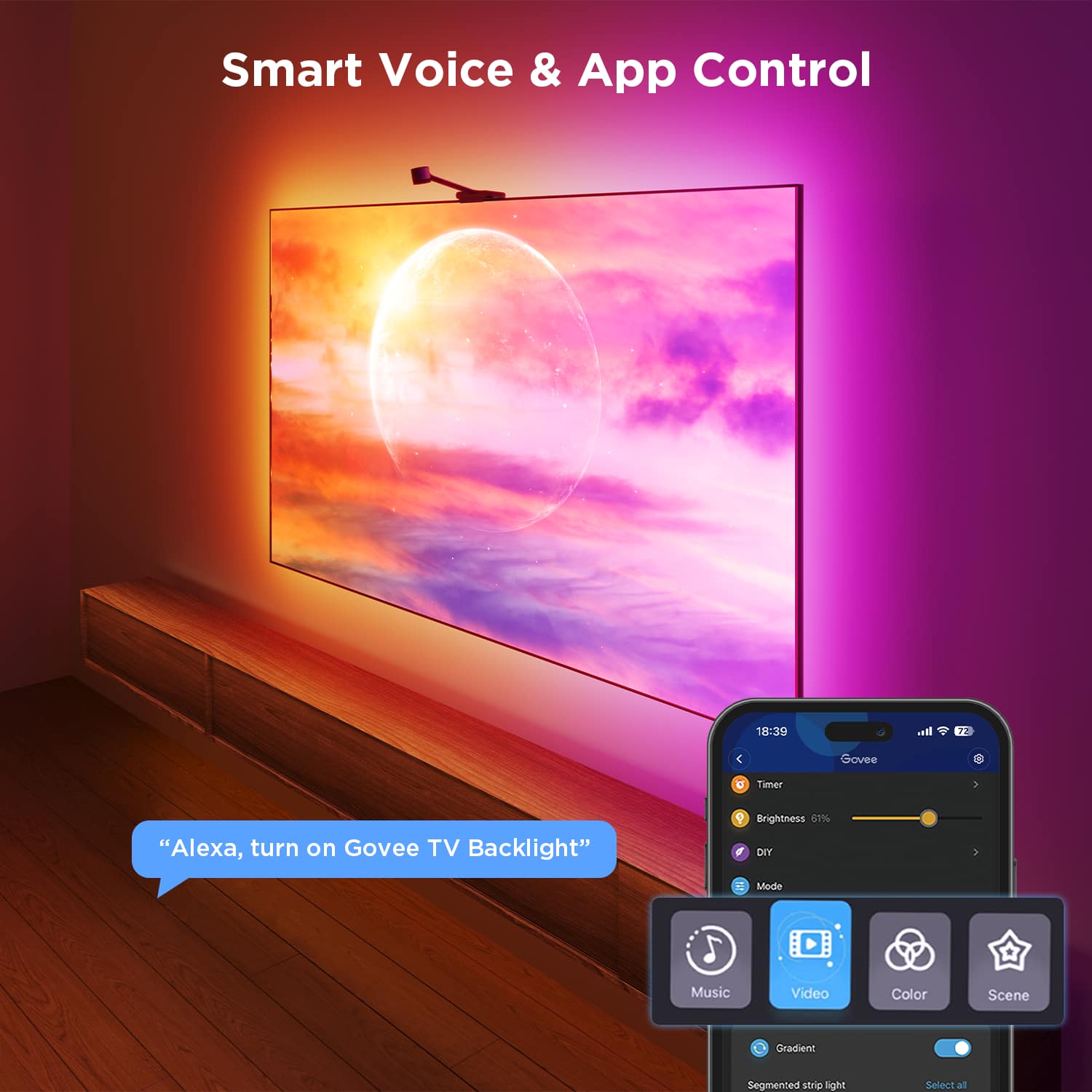
    • Answer Yes, this Govee backlight is compatible with an app.
    This question and answer was generated by AI based on customer and product data.
  • QuestionWhat kind of lighting effect does this Govee backlight have?

    • Answer This backlight uses RGBIC lighting technology, which allows each LED module to be controlled independently and display multiple colors at the same time.
    This question and answer was generated by AI based on customer and product data.
  • QuestionHow does the ColorSense Technology work with this Govee backlight?

    • Answer The ColorSense Technology uses a 1080p smart camera to capture the colors on your TV screen and then automatically applies those colors to the backlight.
    This question and answer was generated by AI based on customer and product data.
  • QuestionIs this Govee backlight flexible?

    • Answer Yes, the Govee backlight has a flexible design.
    This question and answer was generated by AI based on customer and product data.
  • QuestionWill the lights work with an android phone or do you need an IPhone?

    Asked by StitchnCount.

    • Answer Thank you for your question.This product works with Android phones and Apple phones.

      Answered by Govee Official

  • QuestionDoes this work well with a projector and screen?

    Asked by JamesH.

    • Answer Hello, thank you for your question.It does not work with any projector and screen.It is for TV.

      Answered by Govee Official

  • QuestionIs this a t2 govee

    Asked by Awesome.

    • Answer Thank you for your inquiry. The product you referenced is the Govee TV Backlight 3 Lite. It is not the T2 model.

      Answered by Govee Official

  • QuestionCan the installation team install it on my new TV when it arrives?

    Asked by ButcherOfBakersfield.

    • Answer No. By my self

      Answered by KennethDavila

  • QuestionThe camera was broke. Can you replace just this piece and make the lights work again?

    Asked by ValerieP.

    • Answer Thank you for your question.Given the circumstances, we kindly recommend that you contact the customer service team of the platform where you made your purchase as soon as possible to utilize the warranty service. Please be assured that we are dedicated to supporting you throughout this process and are committed to ensuring your satisfaction.

      Answered by Govee Official

  • Questionhow are the light strips attached to the tv ?

    Asked by BigMac.

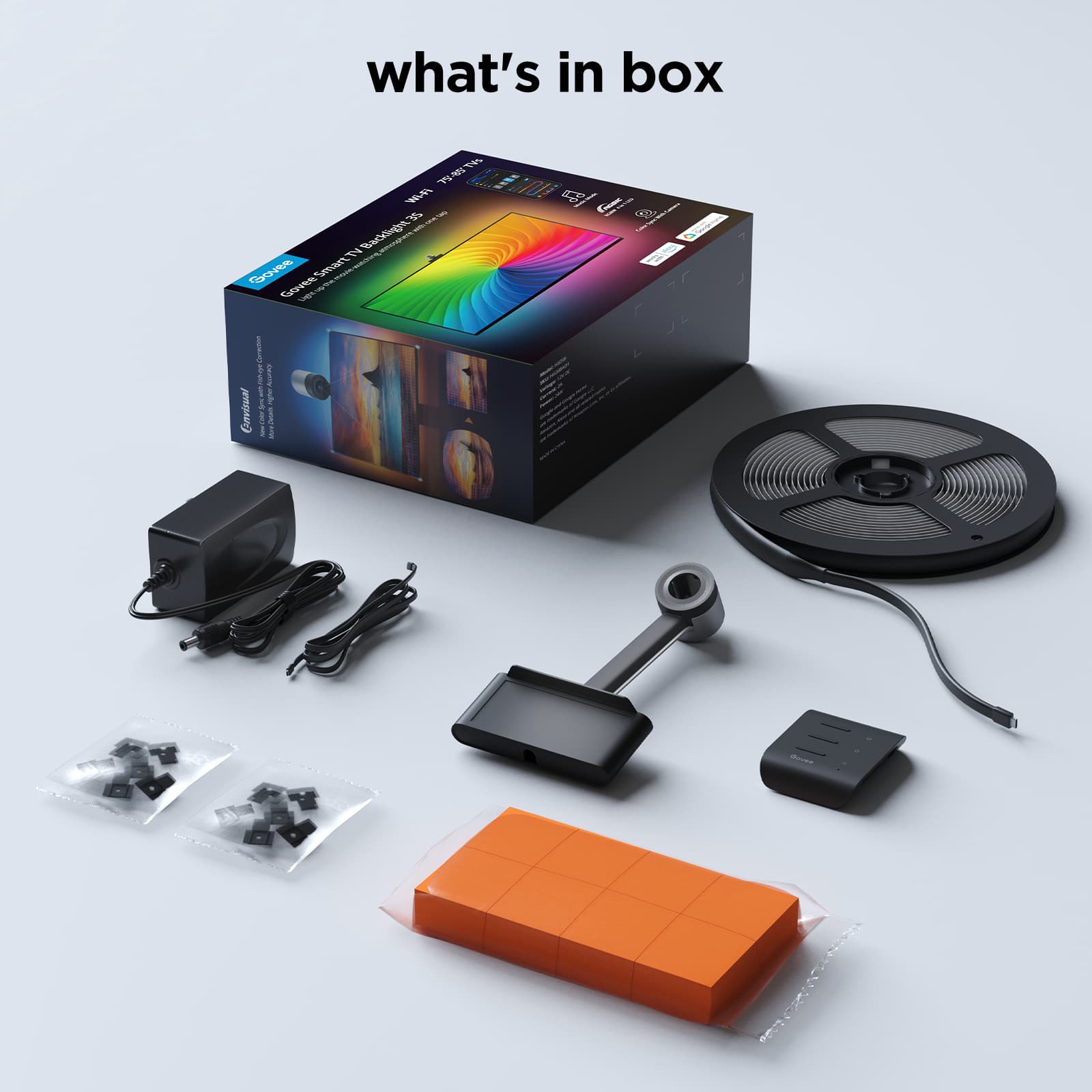
    • Answer Thank you for your question.The steps for attaching the light strip to the back of your TV are as follows: 1. Preparation Before Installation: a. Unbox the light strip and verify that all items listed in the packing list are included. b. Connect the light strip to a power source to ensure it functions properly. 2. Installation Steps: a. Thoroughly clean and dry the installation surface to ensure optimal adhesion. b. Affix the light strip to the back of your TV, pressing it firmly into place. For added security, use the provided clips to reinforce the installation. For your convenience, our user manual includes illustrated instructions to guide you through each step.

      Answered by Govee Official

  • QuestionCan I connect more than 1 light strip to it?

    Asked by Andrew.

    • Answer Thank you for your question.This product does not support extension or splicing.

      Answered by Govee Official

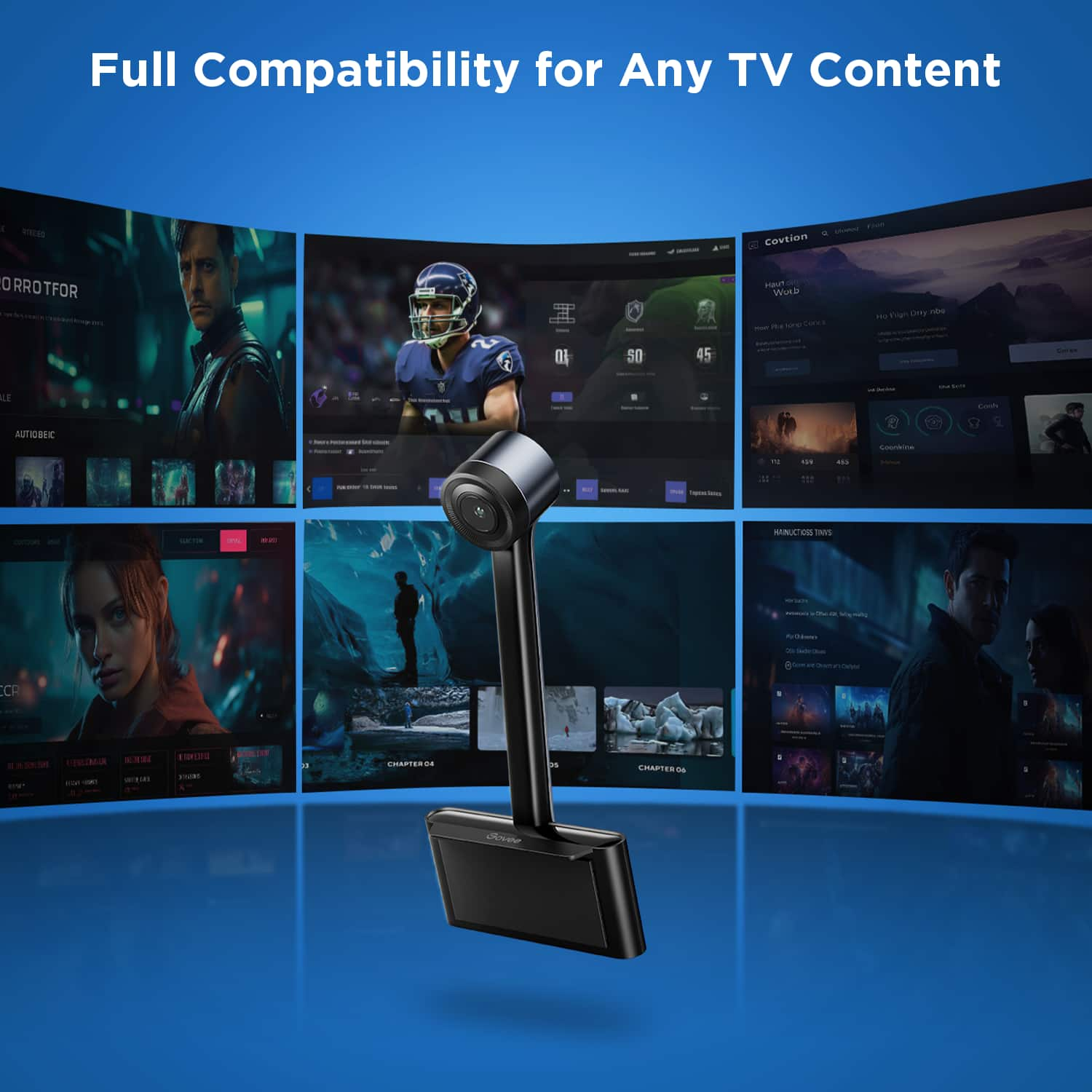
  • QuestionHow does the camera attach to tv screen?

    Asked by Kmf.

    • Answer 3m adhesive and a foam block if your tv is to thin

      Answered by MarkK

  • QuestionWill this work on an 86 inch LG TV?

    Asked by Pmaz.

    • Answer Thank you for your question.This product is compatible with 86-inch LG TVs.

      Answered by Govee Official

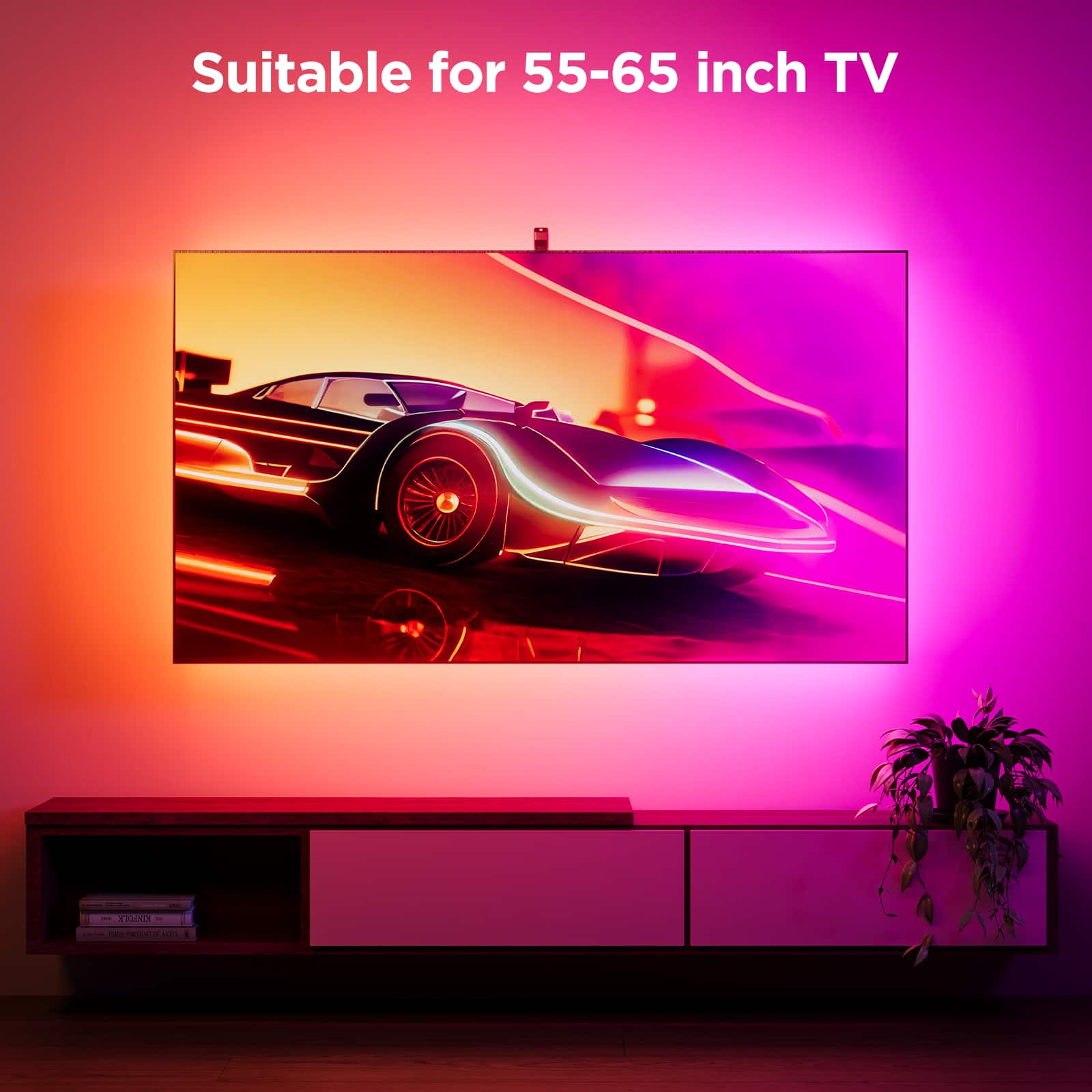
  • QuestionIf I have a 70" Vizio, should I buy this or the 55in - 66in option?

    Asked by BigBadBruin.

    • Answer The 55-65 will be too small. its better too have a little more light than a section behind the tv with no light.

      Answered by ChrisP