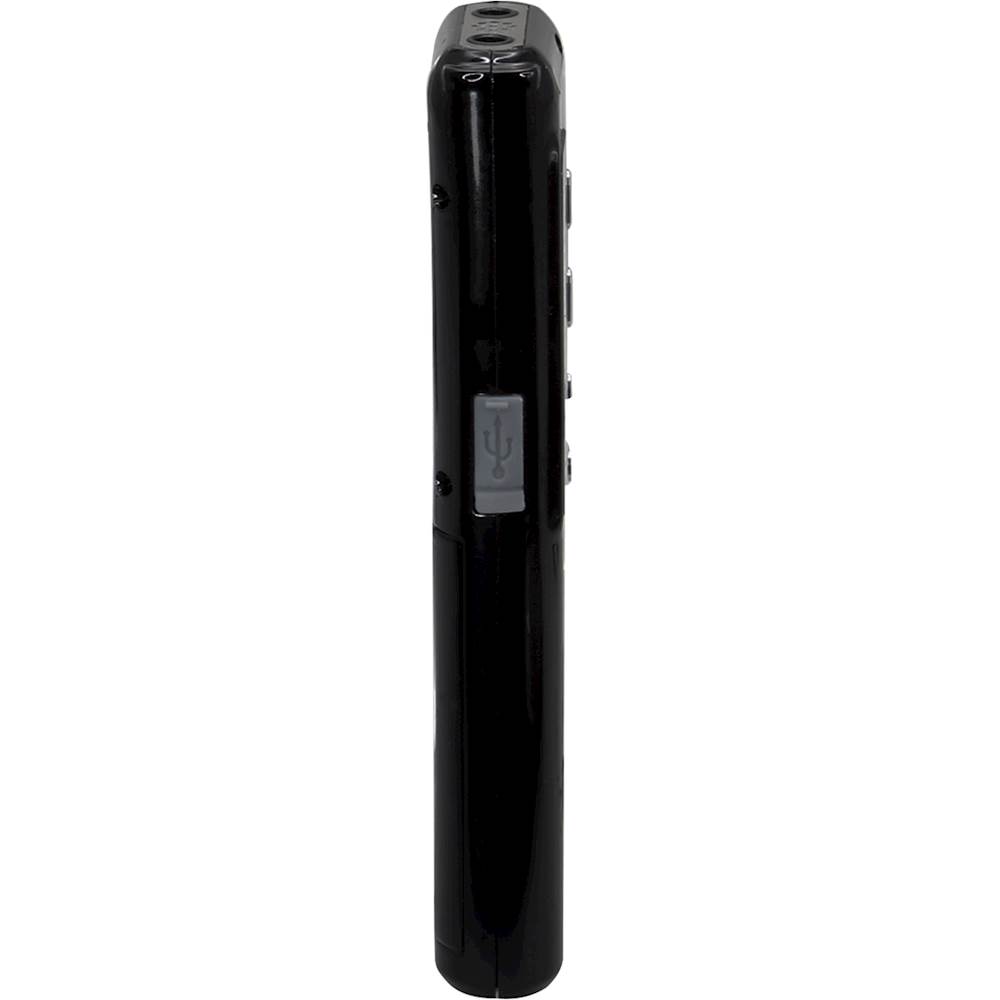
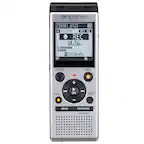
A:AnswerUsing a Mini-USB to USB cable (included), connect the Mini-USB port on the recorder to a USB port on a powered on computer. Using the computer’s file/folder browser, you can access, transfer or delete files on the recorder.
A:AnswerHello,
Sorry that the recorder is not working as expected. Please reach out to our Customer Support team at [email protected] and they can assist you with the product.
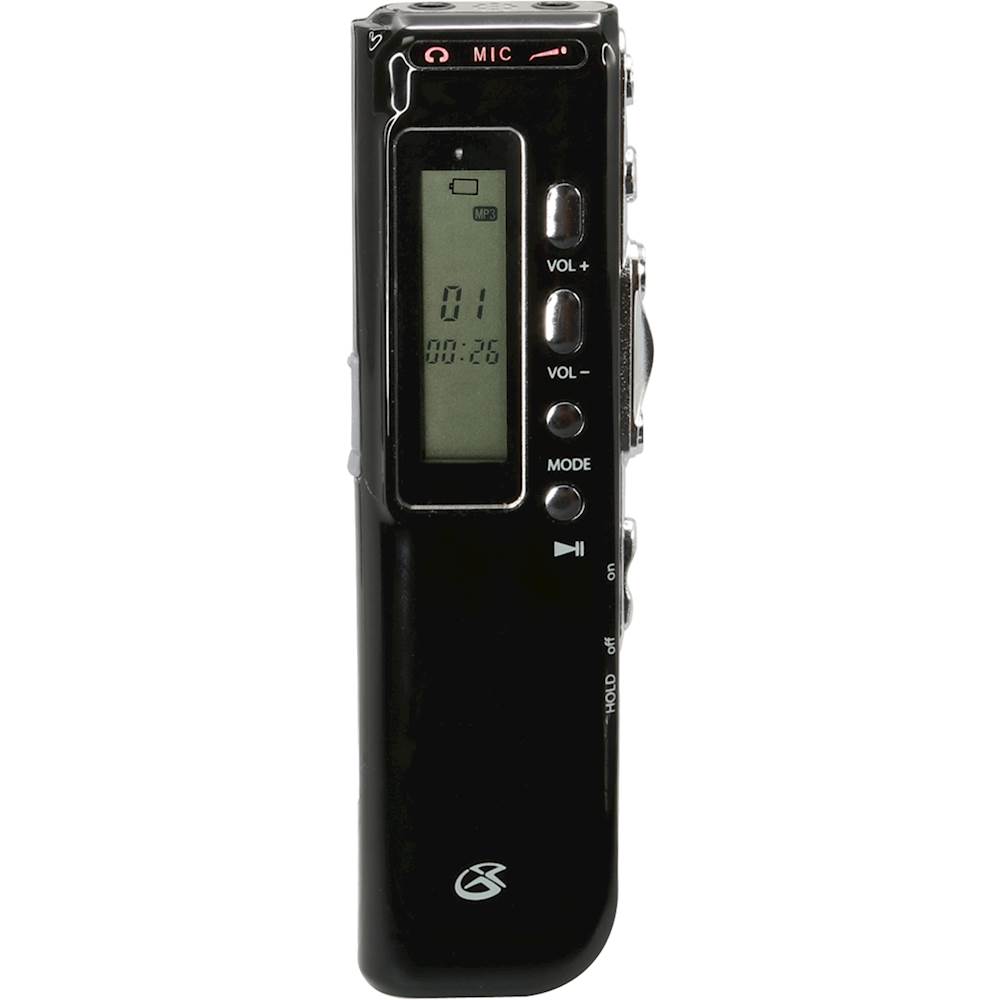
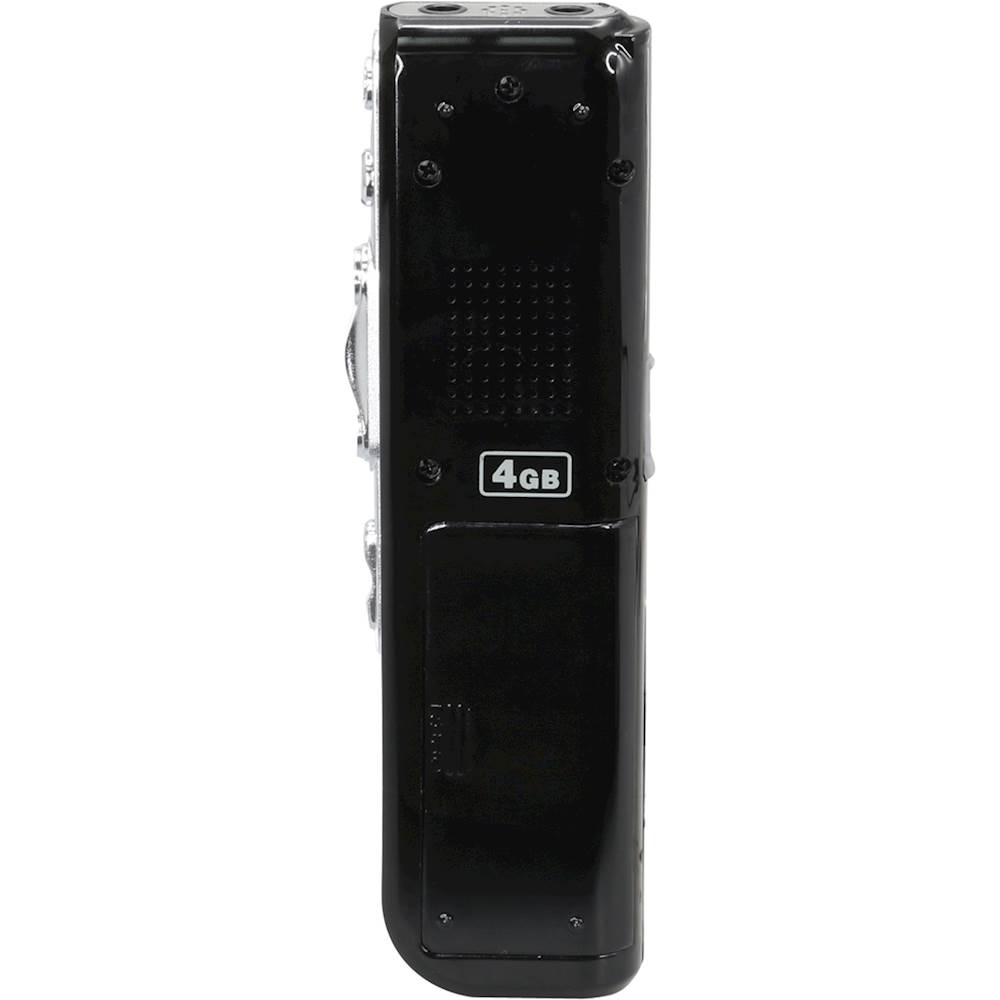
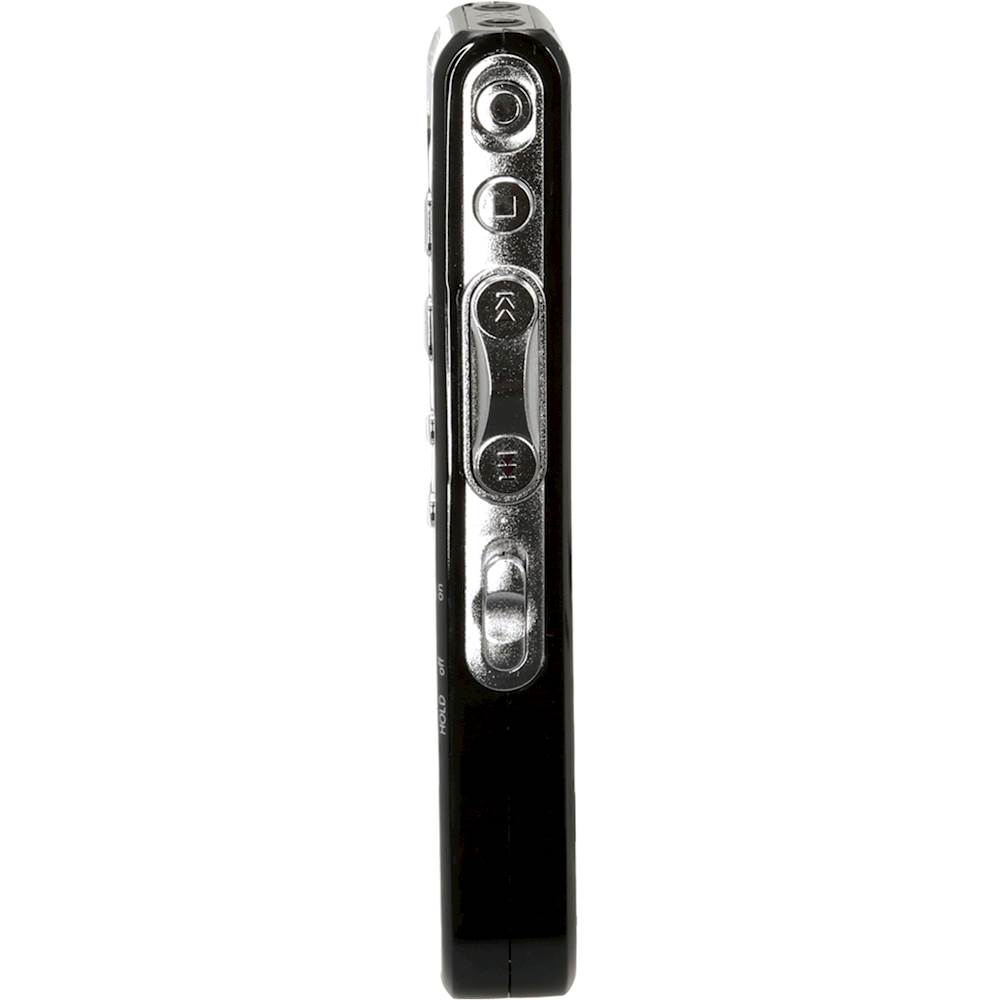
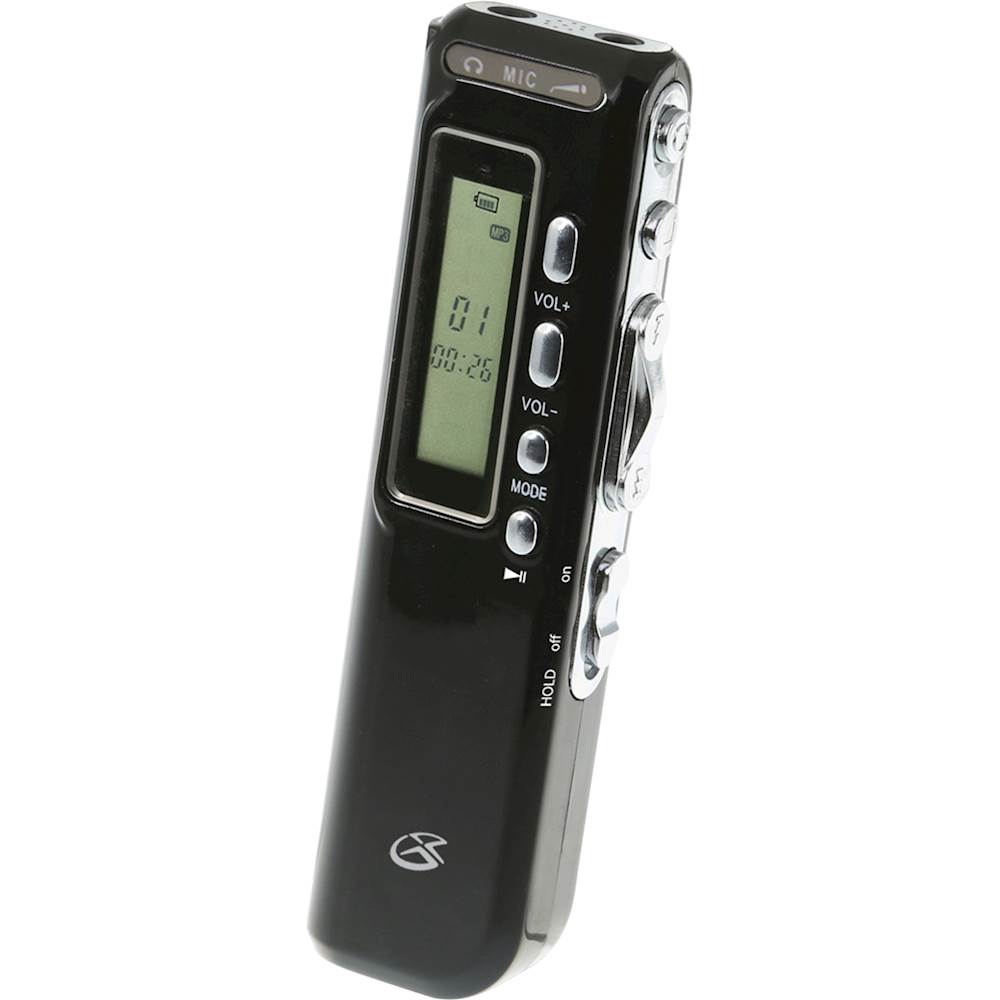
A:AnswerThe GPX PRO47B has a built-in microphone on the top of the device, and there is also a jack for an external microphone that's adjacent to the built-in microphone.(see photo)
A:AnswerVoice Activate Function:
1. In DVR Mode, long press the Mode button, then short press the Mode button until the display reads “VOR”.
2. Press Up/Down to turn Voice Activation ON, indicated by “On” on the display. Press Play/Pause to confirm the selection.
3. Press Record to begin recording. The unit will pause recording when no sound is detected and will resume recording when sound is detected.