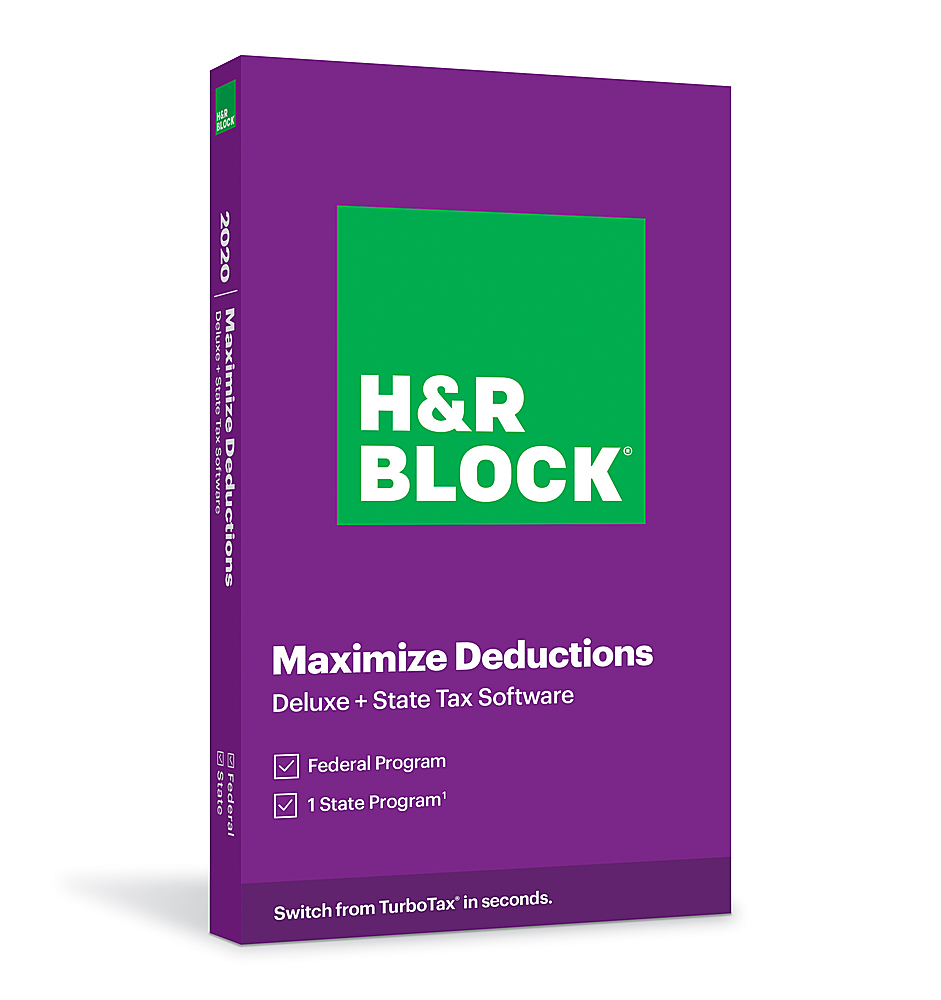
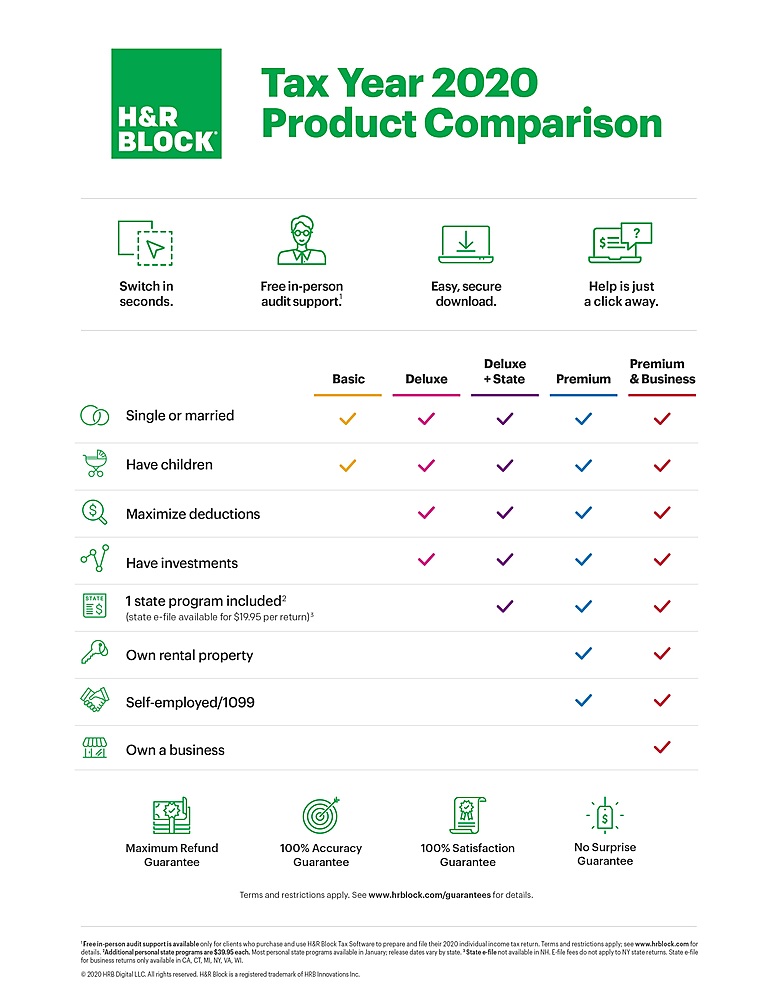
A:AnswerOne state program is included in your Deluxe package. I believe you are given an option (from within the program) to download the 2nd state program for an extra charge.
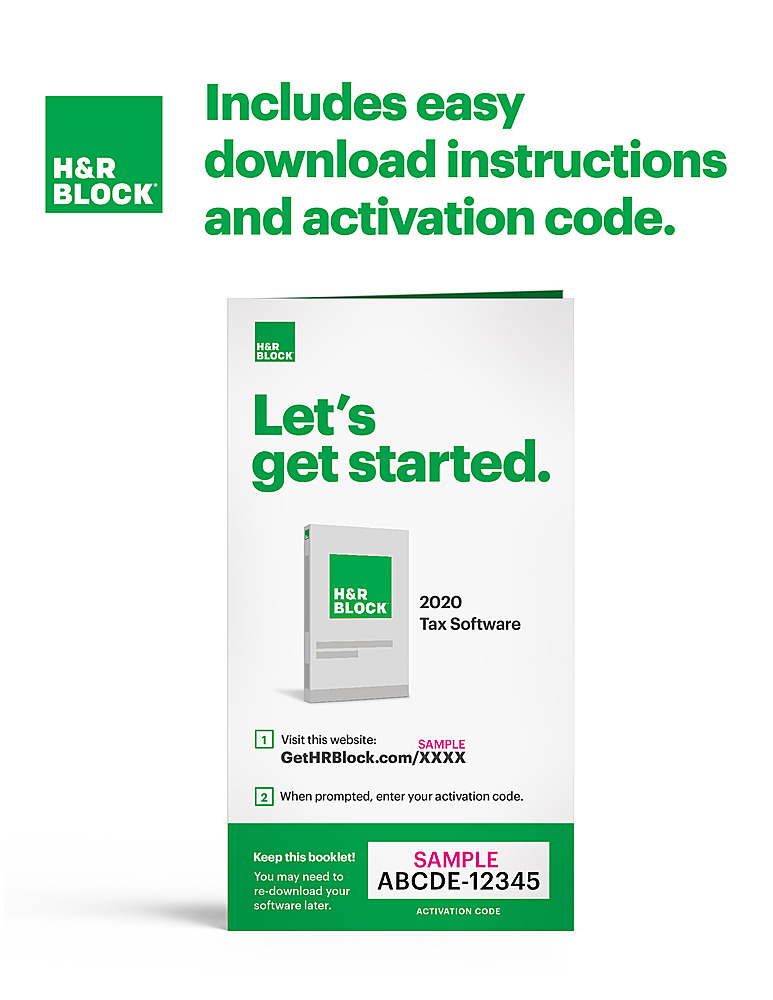
A:AnswerYes, you can download the software to any type of drive and install it on your computer. A couple of weeks ago, I ordered online what was described as a CD and actually picked up the usual H&R Block software package/box like I have purchased for many years at the store only to discover that this box contained printed material providing the URL to download the software from. Not sure if selling a software package/box that ONLY contains instructions to download the software is a fluke or a very smart gimmick but it got me :-)
A:AnswerYes, it will run on Mac 10.13 and higher OS. If you need to complete a schedule C, we recommend the Premium & Business version of our software.
A:AnswerYes you can but there is a separate e-file charge. You can also send the state return by mail. The e-file charge for the state return is $19.95.
A:AnswerThis software includes one free state e-file program (you pick which state).
You get 5 free 1040 e-files and you pay $19.95 for each California (if you pick CA) e-file.
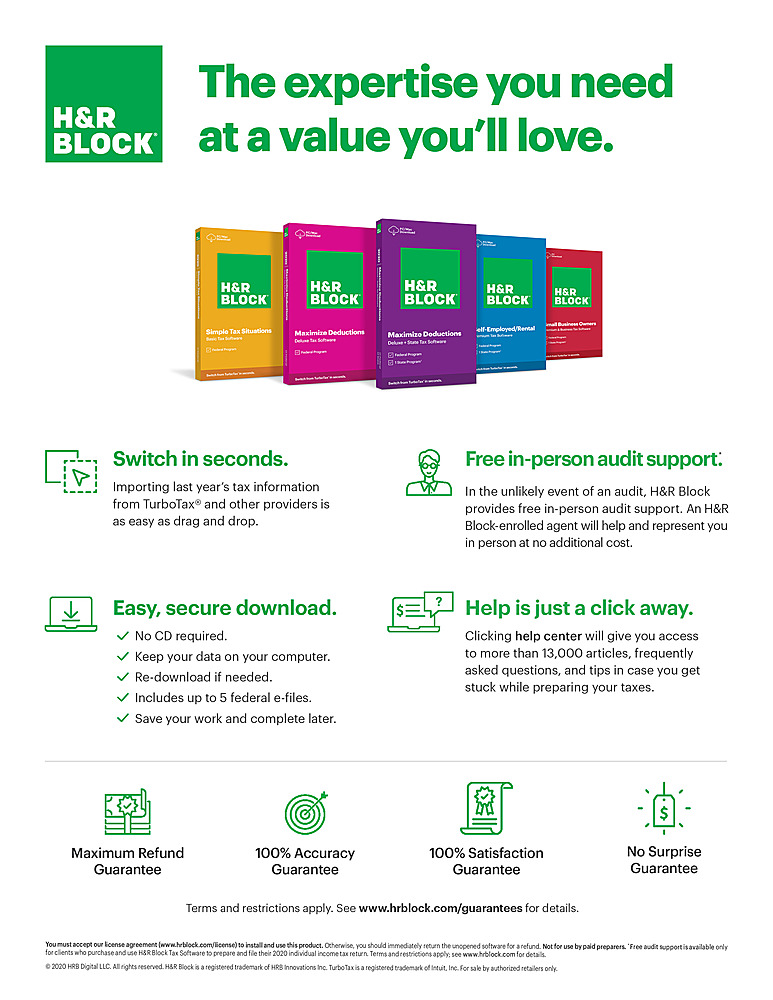
A:AnswerYou can install on multiple devices, however you will only be able to efile five federal returns per software purchase. Note that State efiles are an additional $19.95 per return
A:AnswerYes, saves information and runs on your PC. Will import 2019 information if needed, but you need to know exactly where on your drive it is stored.