





Main Content

Questions & Answers

$9,999.99
Save $12,000
The comparable value is $21,999.99
Page Showing 1-9 of 9 questions
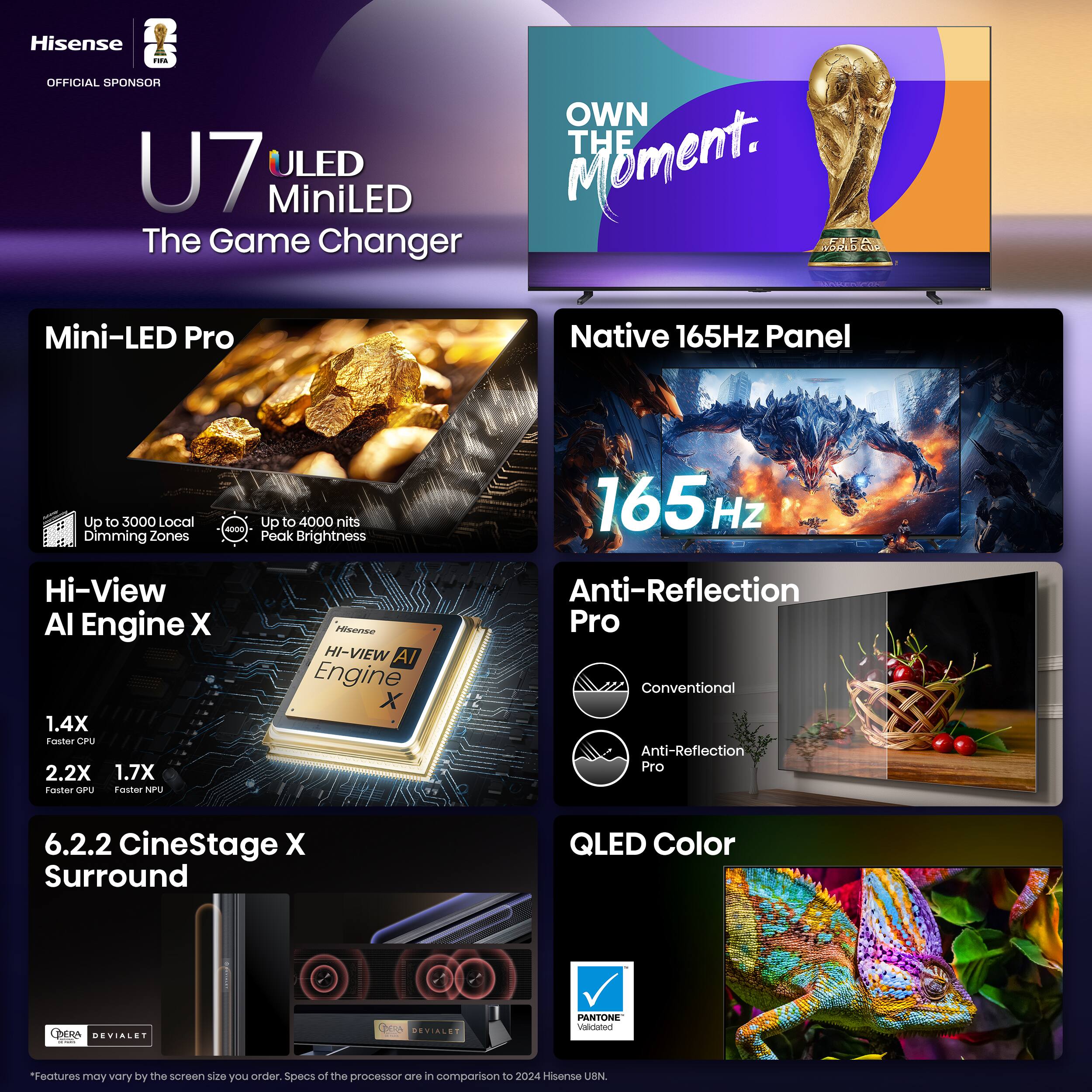
  • QuestionDoes this TV support voice control?

    • Answer Yes, this TV is voice controlled and works with Amazon Alexa.
    This question and answer was generated by AI based on customer and product data.
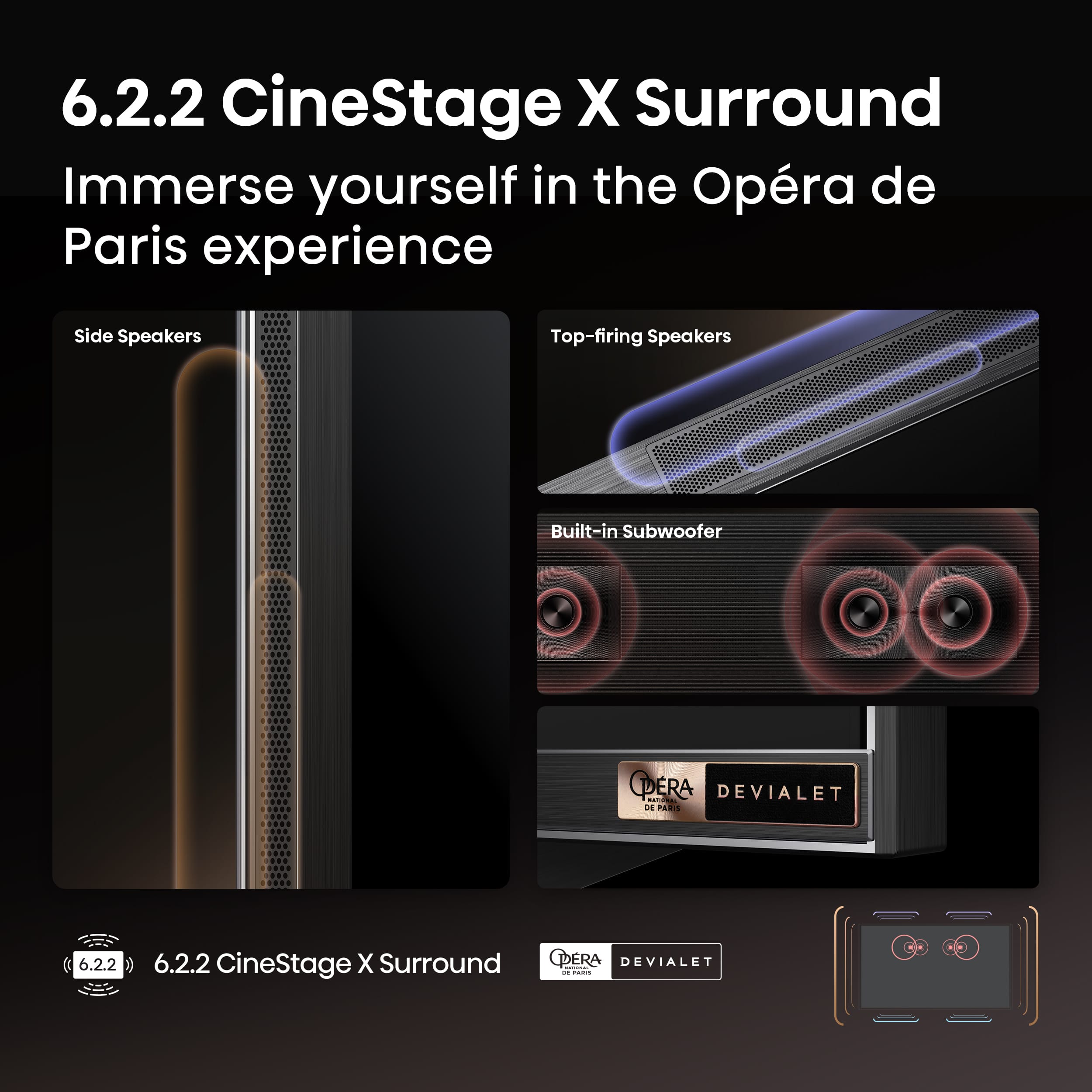
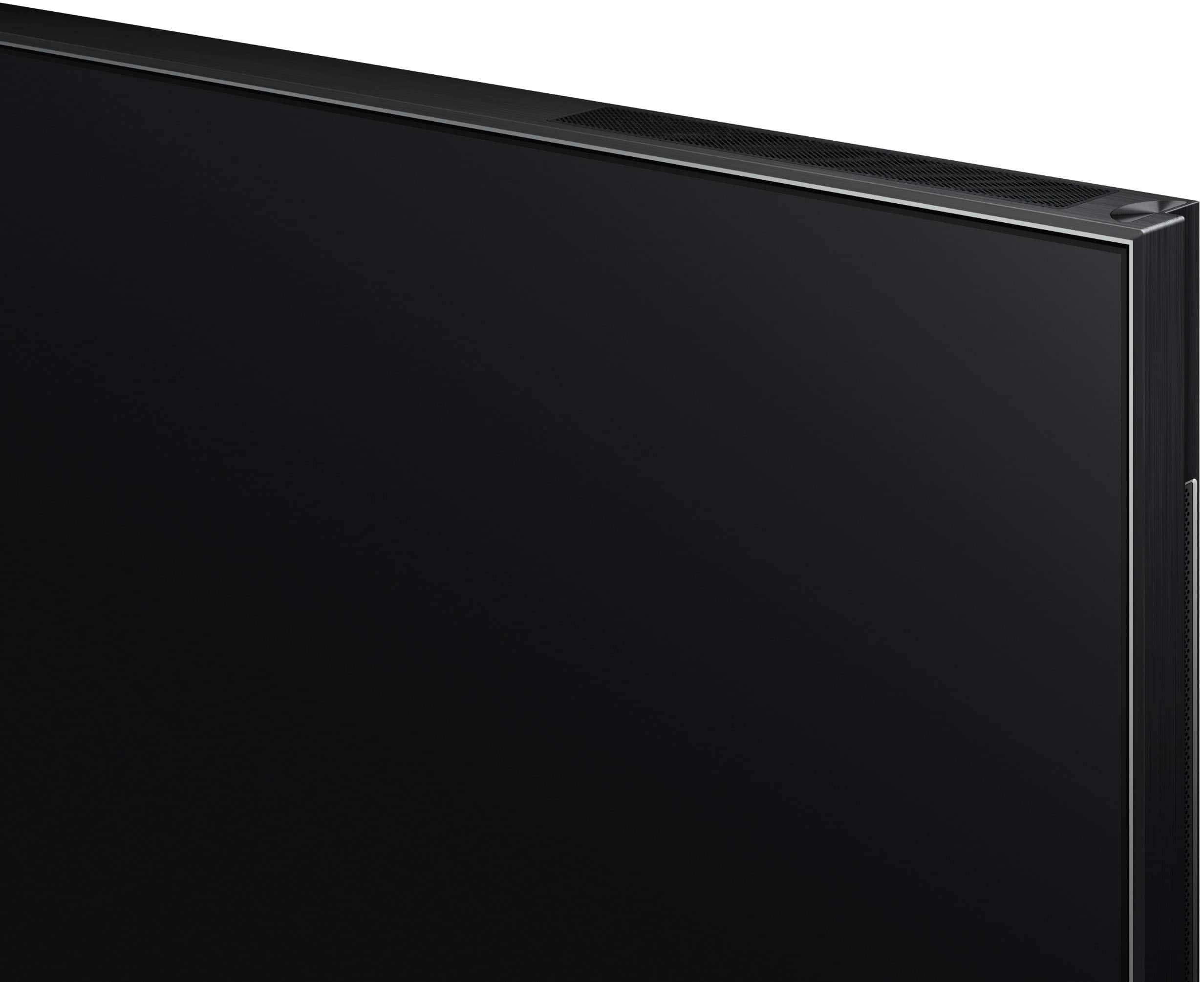
  • QuestionIs the TV equipped with built-in speakers?

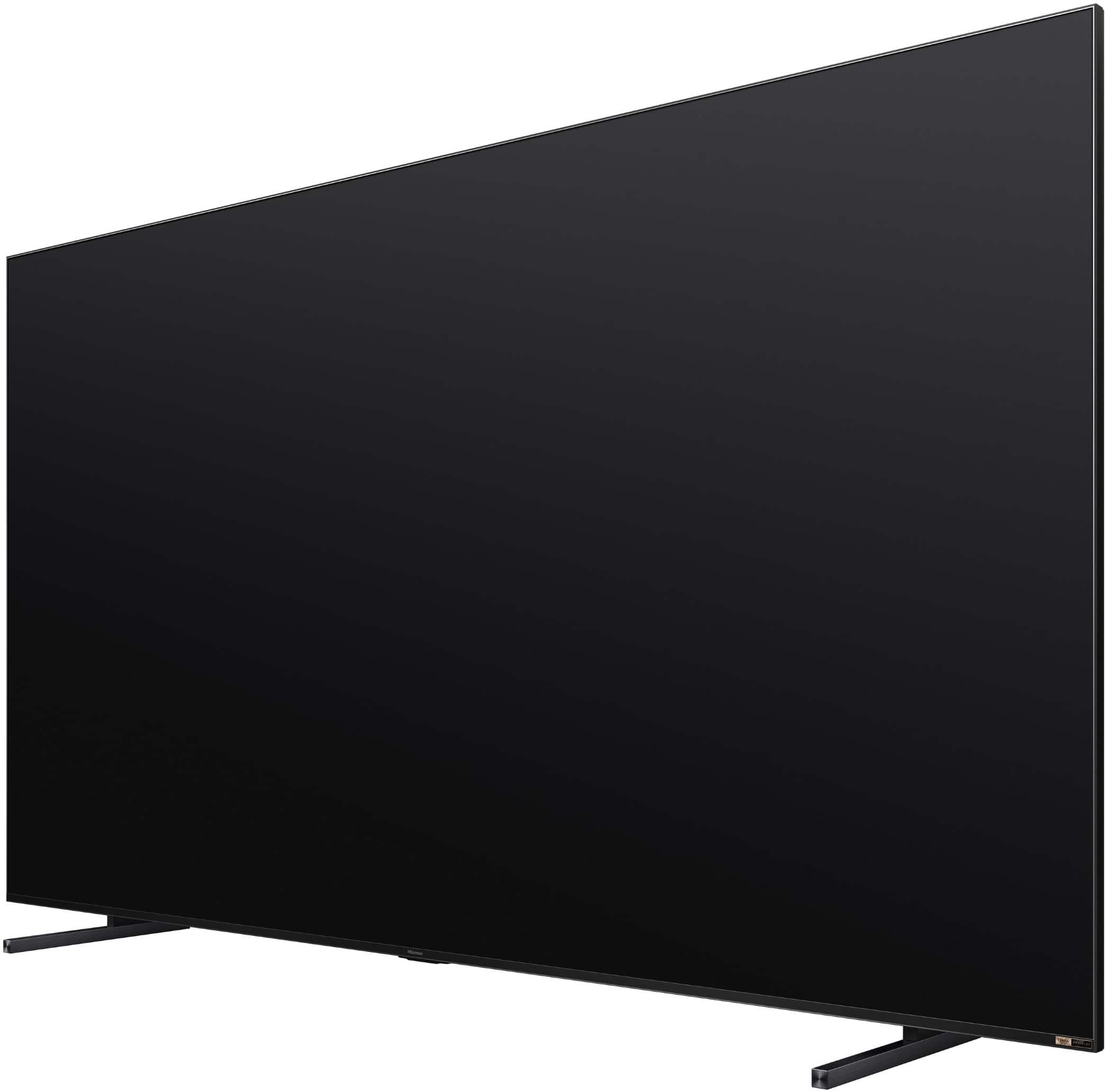
    • Answer Yes, this TV has built-in speakers.
    This question and answer was generated by AI based on customer and product data.
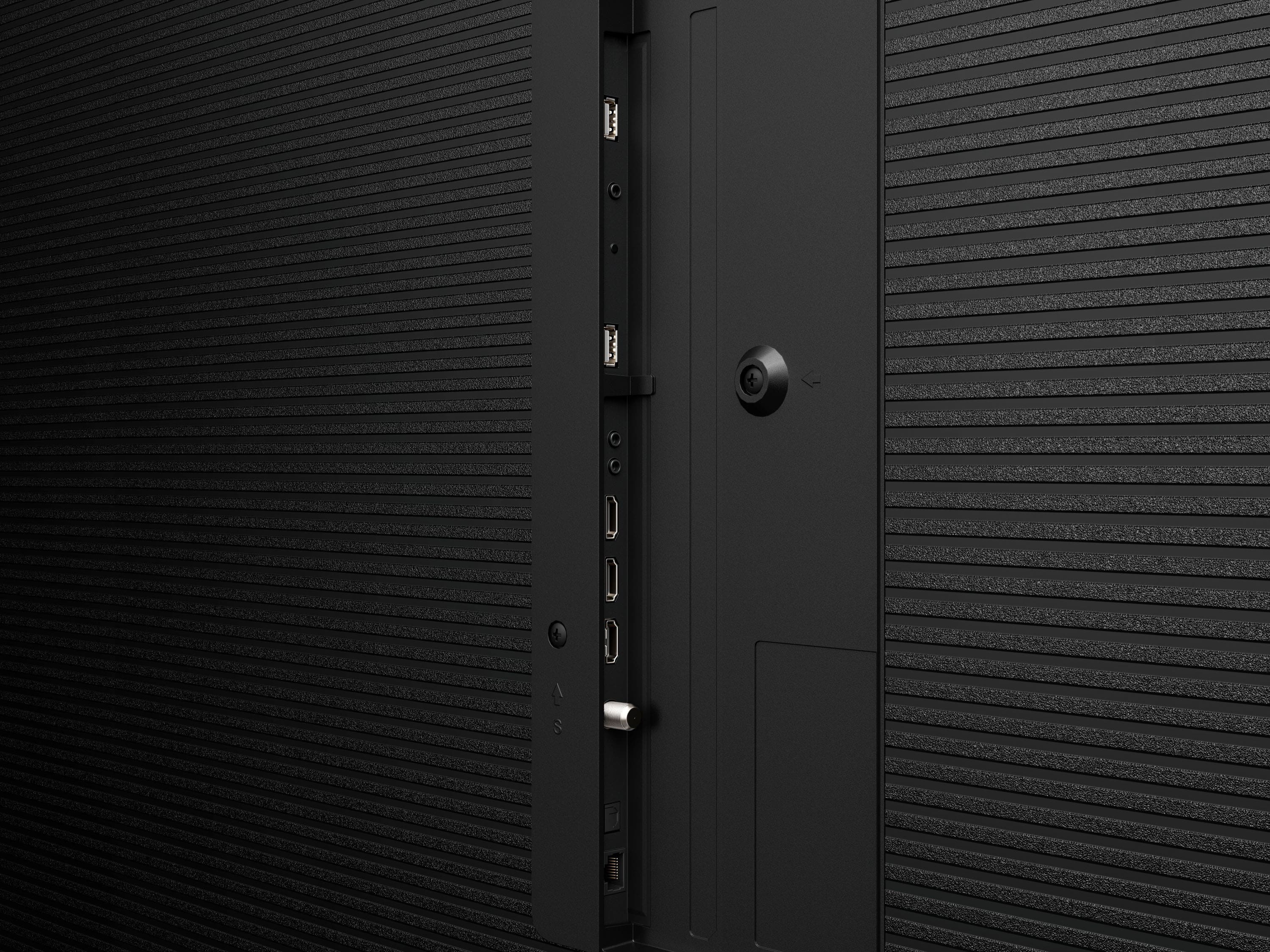
  • QuestionHow many HDMI inputs does the TV have?

    • Answer The TV has a total of three HDMI inputs.
    This question and answer was generated by AI based on customer and product data.
  • QuestionWhat is the warranty period for parts?

    • Answer The warranty period for parts is two years.
    This question and answer was generated by AI based on customer and product data.
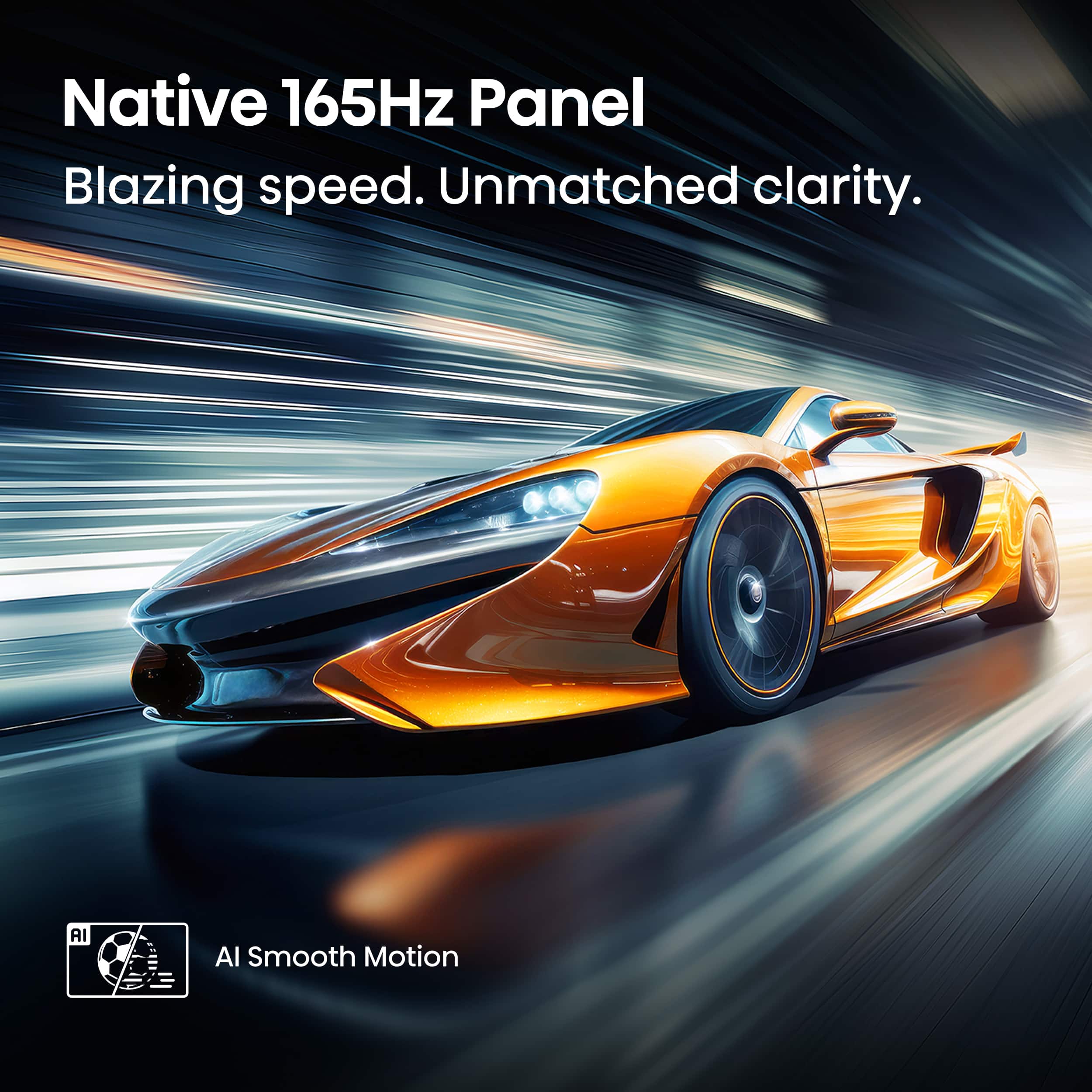
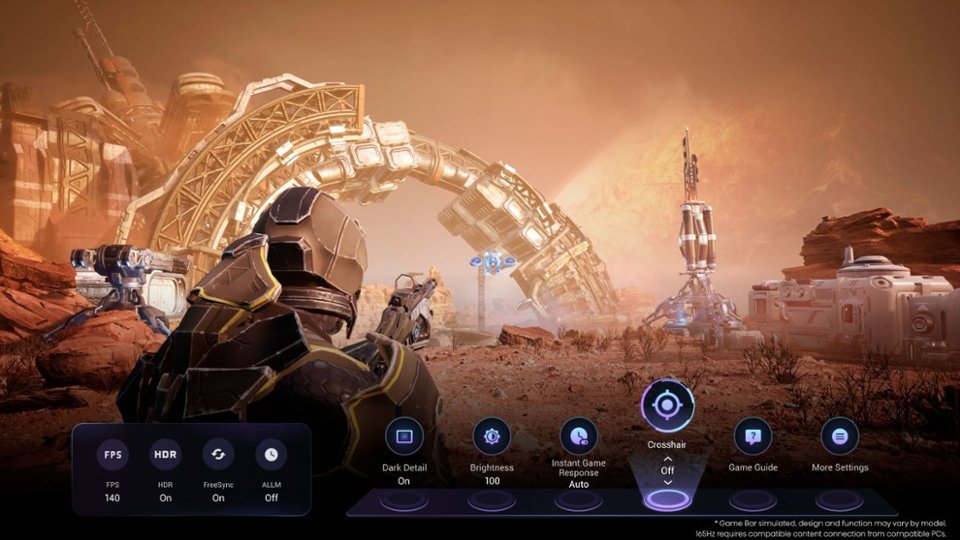
  • QuestionWhat is the refresh rate of this TV?

    • Answer The refresh rate of this TV is 165Hz.
    This question and answer was generated by AI based on customer and product data.
  • QuestionDoes this TV have screen mirroring capabilities?

    • Answer Yes, this TV has screen mirroring technology with Apple AirPlay.
    This question and answer was generated by AI based on customer and product data.
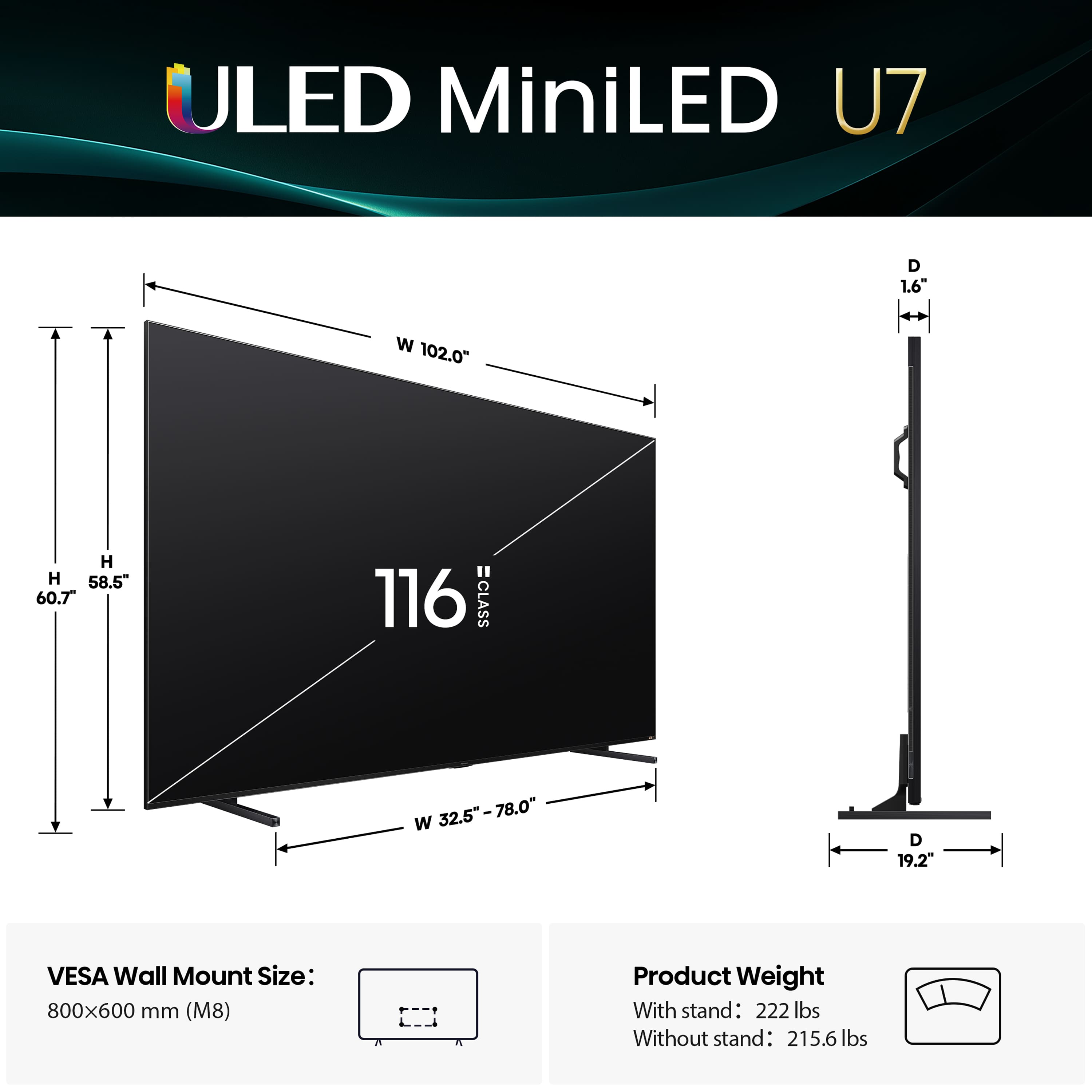
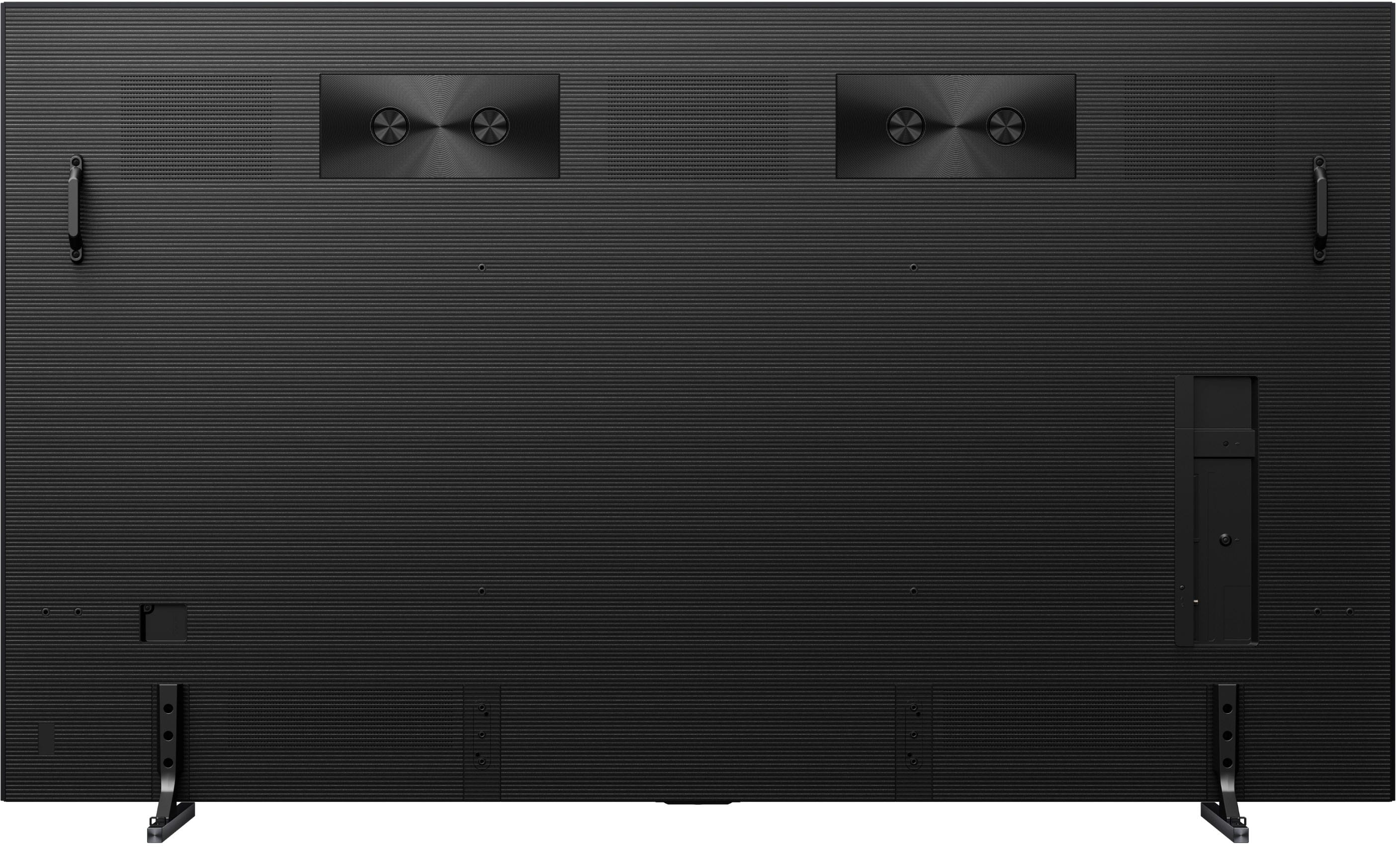
  • QuestionCan the width of the stand be adjusted?

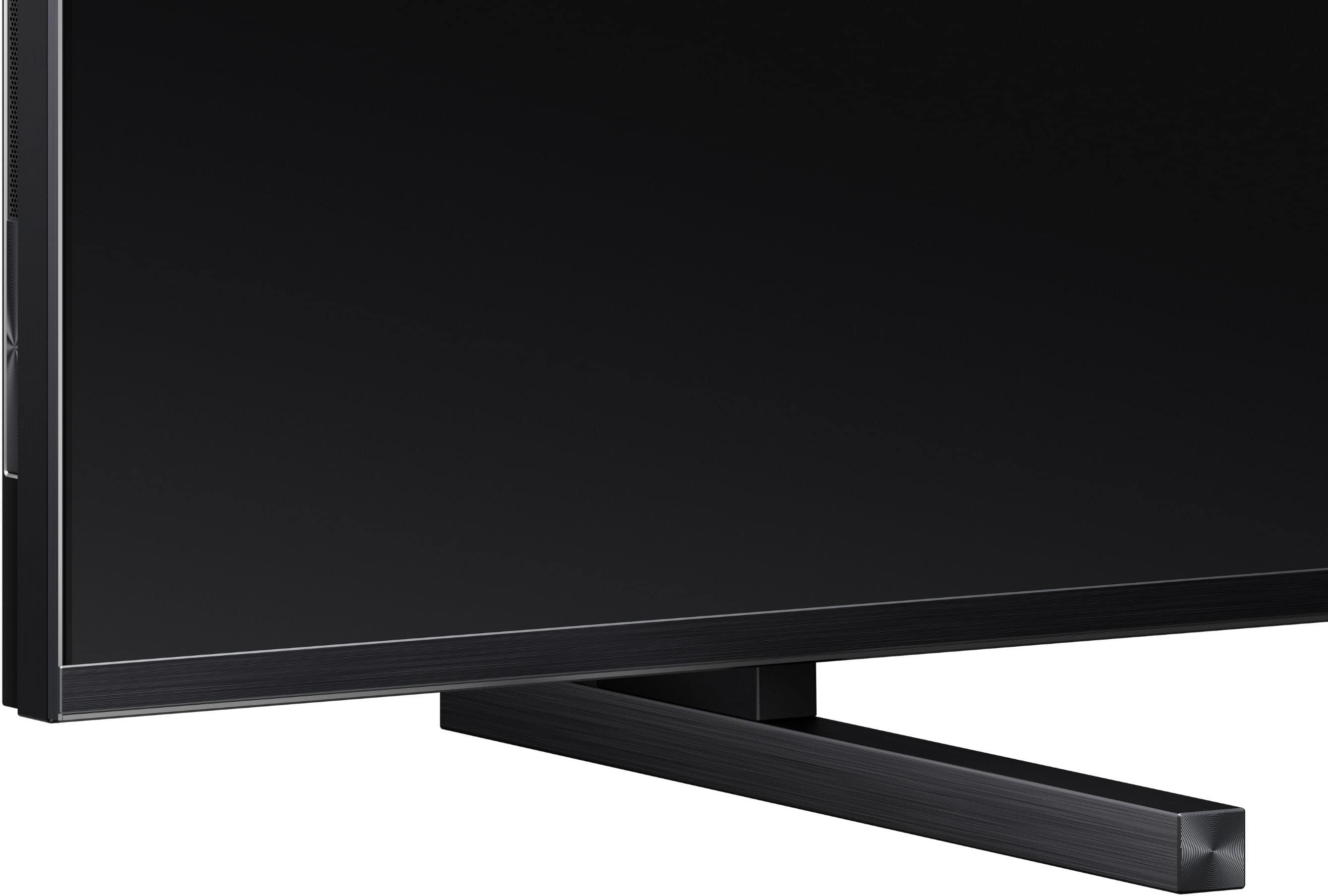
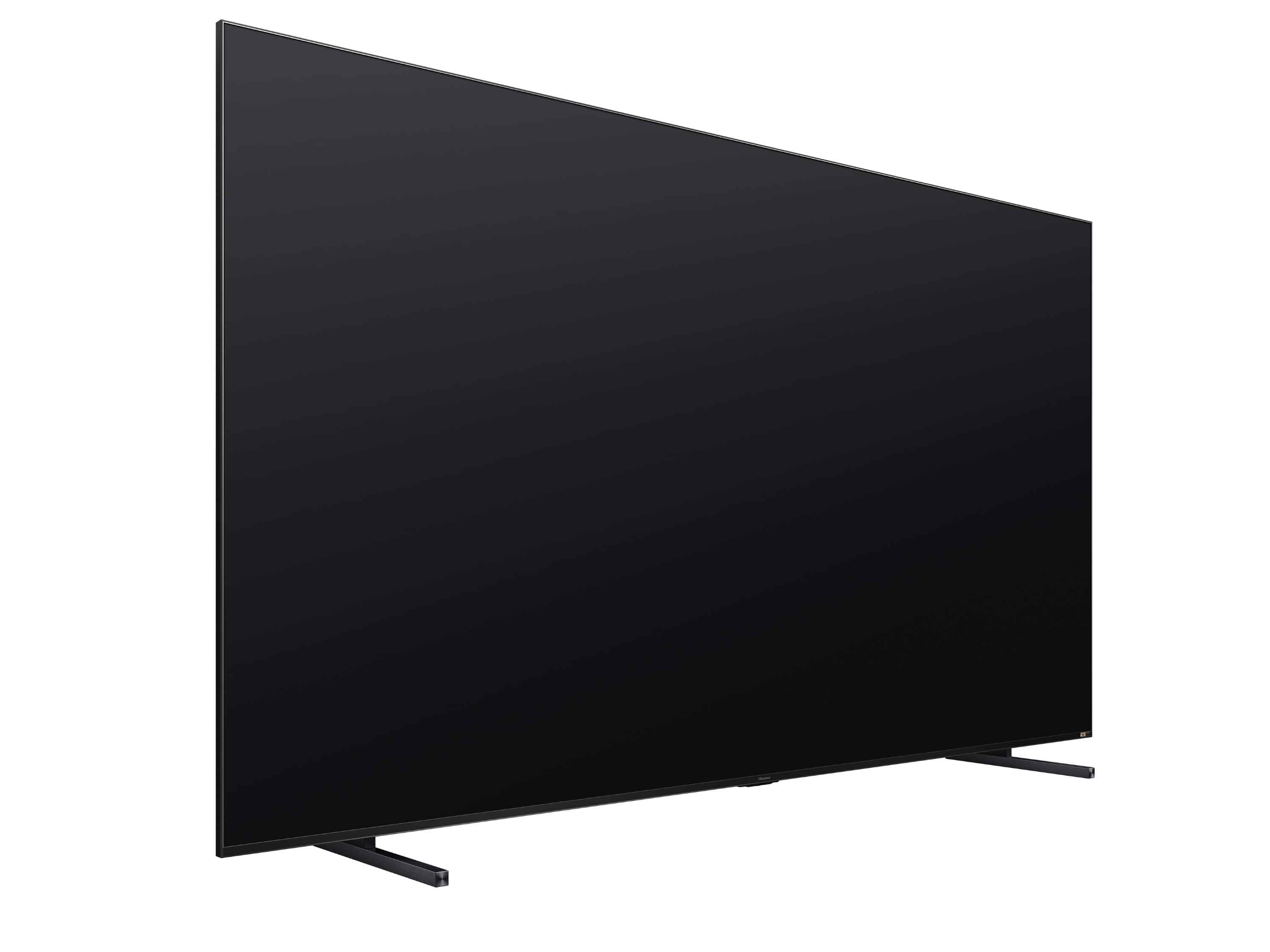
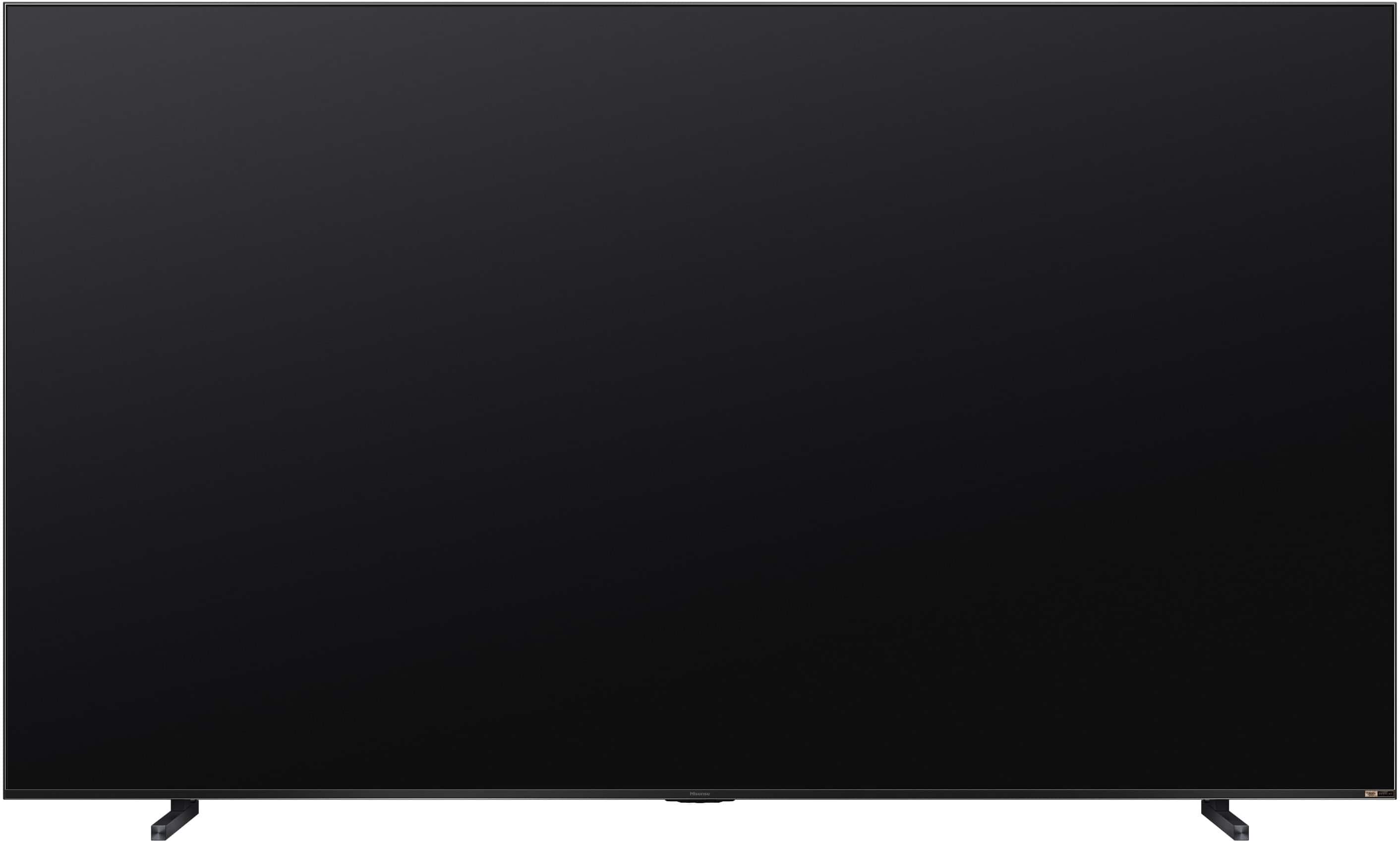
    • Answer Yes, the stand width of this TV is adjustable.
    This question and answer was generated by AI based on customer and product data.
  • QuestionCan this tv handle hot and cold weather ?

    Asked by Anonymous.

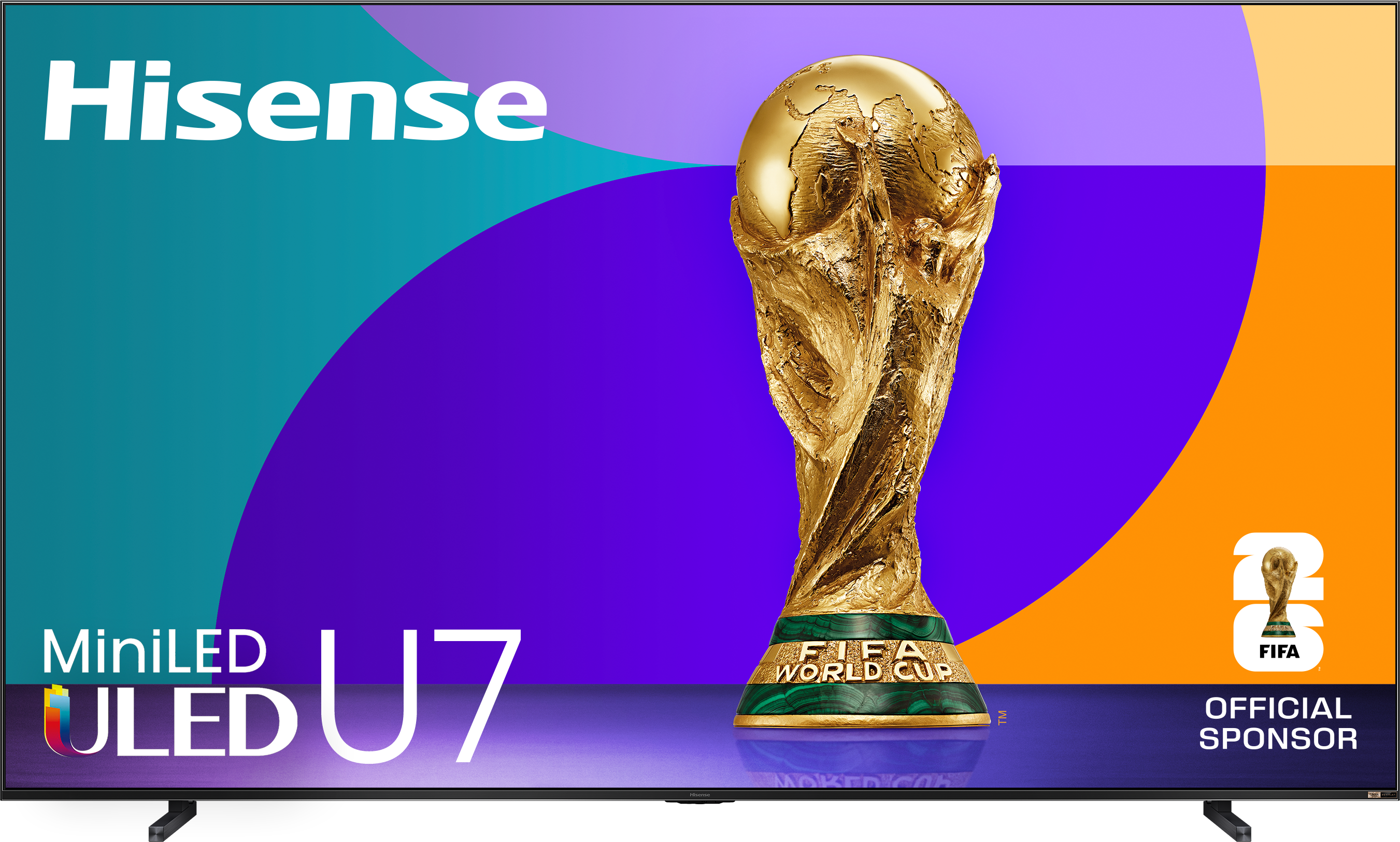
    • Answer Hello Hisense Customer, Thank you for your interest in the Hisense 116U75QG. Recommended operating temperature for this model is 41°F – 95°F. Thanks again, Harley with the Hisense Support Team.

      Answered by HisenseProductExpert

  • QuestionDoes this tv prevent burn in images?

    Asked by Cletus.

    • Answer Hello Hisense Customer, Thank you for your interest in the Hisense 116U75QG. When a screen displays an image for many hours, certain pixels can be overused and degrade faster, which would lead to burn-in images. To prevent burn-in images, we recommend a moderate brightness setting and shorter idle time on a single image.

      Answered by HisenseProductExpert