A:AnswerHello John, Thank you for your interest in the 32H4F. The television does not come with the DirecTV and unfortunately the television does not support the app. If you have any further questions please give us a call at 1-888-935-8880 or email us at [email protected].
Thanks Again,
We look forward to hearing from you!
Harley with the Hisense Support Team
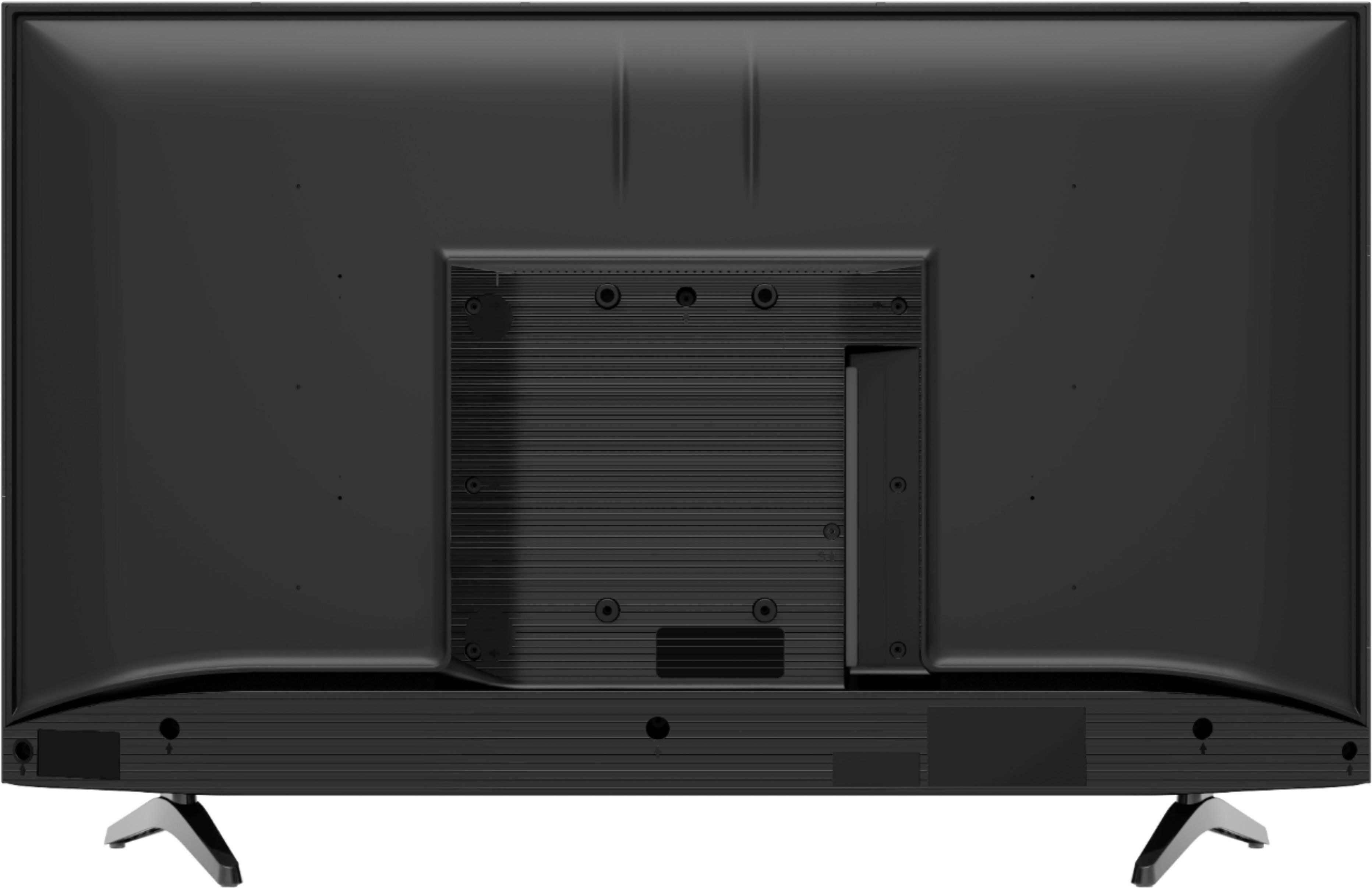
A:AnswerHello Tj, Thank you for your interest in the Hisense 32H4F. Regrettably, you will need a wall mount measuring Vesa pattern of 200x200. If you have any further questions or concerns please give us a call at 1-888-935-8880 or email us at [email protected]. Thanks Again, Harley with the Hisense Support Team
A:AnswerHello Chris, Thank you for your interest in the 32H4F. Hisense does not recommend using the mobile hotspot however your television will be able to connect. If you have any further questions please give us a call at 1-888-935-8880 or email us at [email protected].
Thanks Again,
We look forward to hearing from you!
Harley with the Hisense Support Team
A:AnswerHello Chey, Thank you for your interest in the Hisense 32H4F. Yes Sling TV is available on this TV. If you have any further questions or concerns please give us a call at 1-888-935-8880 or email us at [email protected]. Thanks Again, Harley with the Hisense Support Team
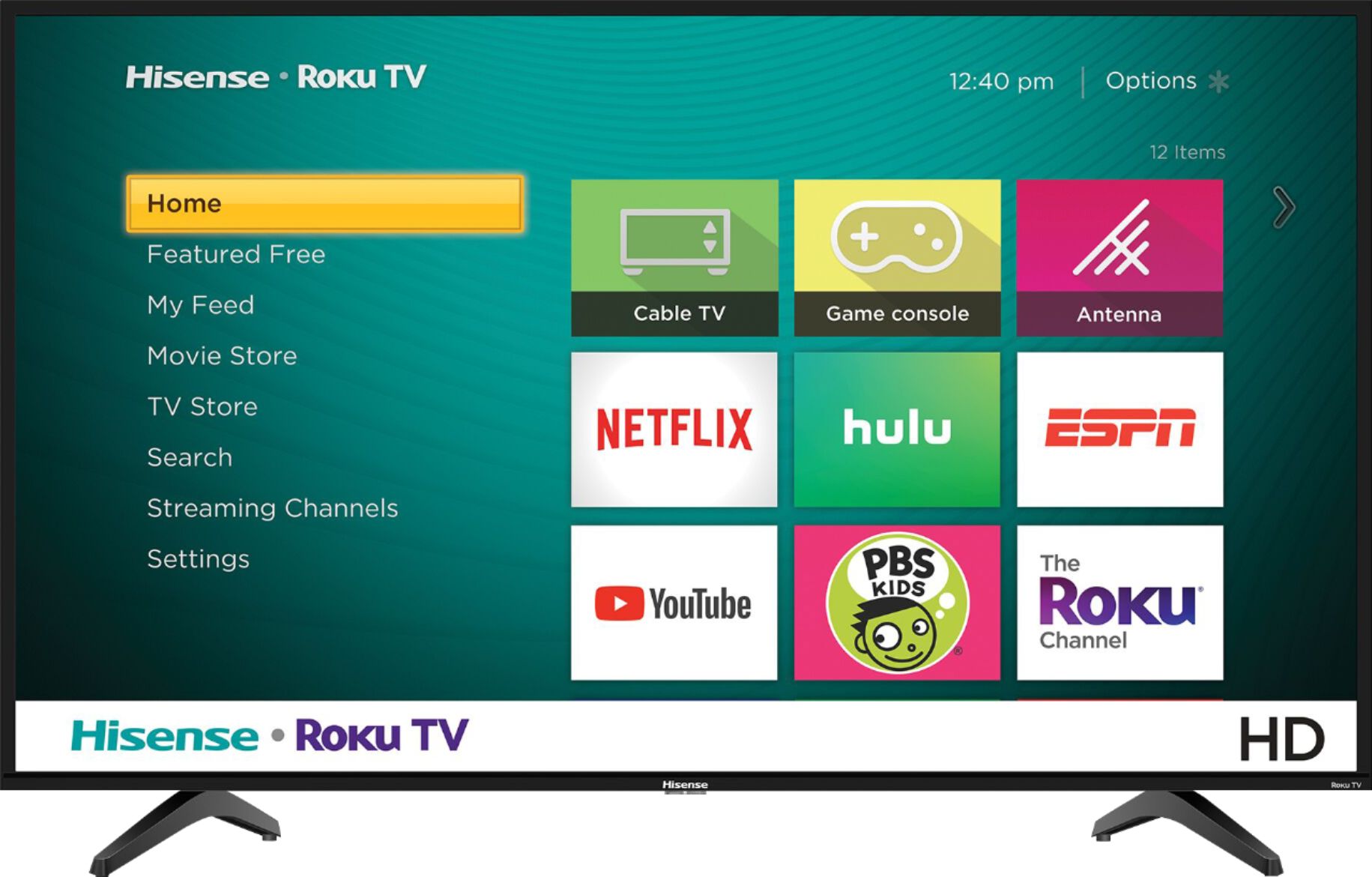
A:AnswerHello Hisense Customer, Thank you for your interest in the 32H4F. Yes you are able to download additional apps from the Roku TV Store. If you have any further questions please give us a call at 1-888-935-8880 or email us at [email protected].
Thanks Again,
We look forward to hearing from you!
Harley with the Hisense Support Team
A:AnswerHello Hisense Customer, Thank you for your interest in the 32H4F. No you would not be able to cast to the television without connecting to the Roku. If you have any further questions please give us a call at 1-888-935-8880 or email us at [email protected].
Thanks Again,
We look forward to hearing from you!
Harley with the Hisense Support Team
A:AnswerHello Hisense Customer, Thank you for your interest in the Hisense 32H4F. The television has 3 HDMI, 1 USB port, 1RF Antenna Port, 1 RCA Composite video input, 1 L/R Audio input for composite but no RAC Component Video input. If you have any further questions or concerns please give us a call at 1-888-935-8880 or email us at [email protected]. Thanks Again, Harley with the Hisense Support Team
A:AnswerHello Hisense Customer, Thank you for your interest in the 32H4F. Yes you would be able to connect your DVD and VCR to this television. If you have any further questions please give us a call at 1-888-935-8880 or email us at [email protected].
Thanks Again,
We look forward to hearing from you!
Harley with the Hisense Support Team
A:AnswerHello Hisense Customer, Thank you for purchasing a Hisense 32H4F and for taking the time to provide us with feedback.
With this particular question there are a few of variables we would like to understand before offering a solution.
At your earliest convenience, please reach out directly to our support team at [email protected], 1-888-935-8880, so we can find the appropriate solution.
We look forward to hearing from you!
Harley with the Hisense Support Team
A:AnswerHello Diddit, Thank you for your interest in the 32H4F. Yes you would need to have WiFi connectivity is you are going to use the smart features of the television as the television does not support Ethernet connection. Also getting cable as an extra would solely be up to you. If you have any further questions please give us a call at 1-888-935-8880 or email us at [email protected].
Thanks Again,
We look forward to hearing from you!
Harley with the Hisense Support Team
A:AnswerHello Hisense Customer, Thank you for your interest in the Hisense 32H4F. The Crackle TV app is not supported on this television. Thank you for your interest in Hisense USA if you have any further questions or concerns please give us a call at 1-888-935-8880 or email us at [email protected]. Thanks Again, Harley with the Hisense Support Team
A:AnswerHello Norm, Thank you for your interest in the Hisense 32H4F. Yes this television has sleep timer, you can access the sleep timer by selecting the star or asterisk on the remote, this should pull up a window on the left side of the screen in which you will scroll down until you see “Sleep Timer”. Press the left and right buttons until it says the sleep time you prefer. Thank you for your interest in Hisense USA if you have any further questions or concerns please give us a call at 1-888-935-8880 or email us at [email protected]. Thanks Again, Harley with the Hisense Support Team