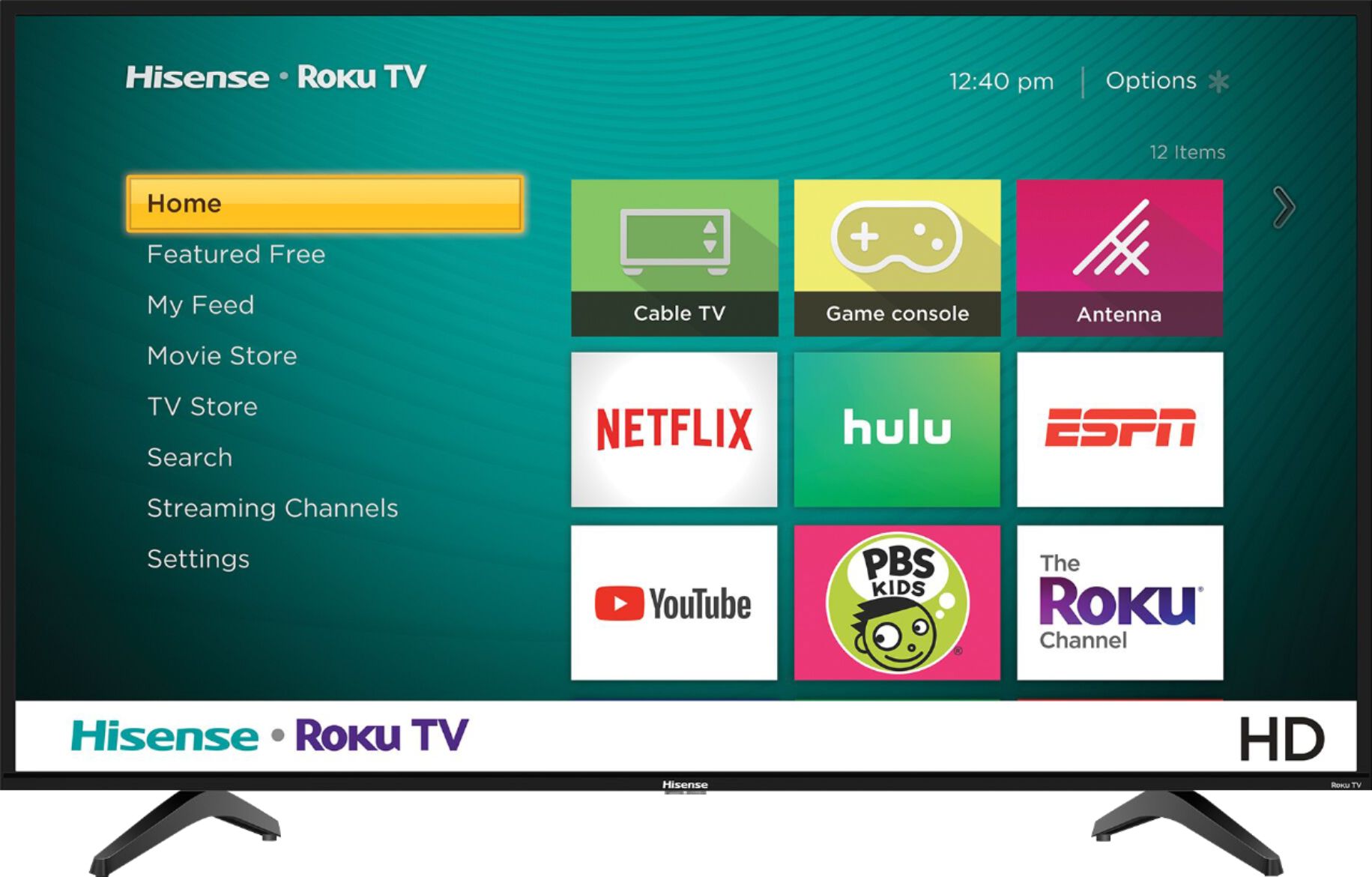
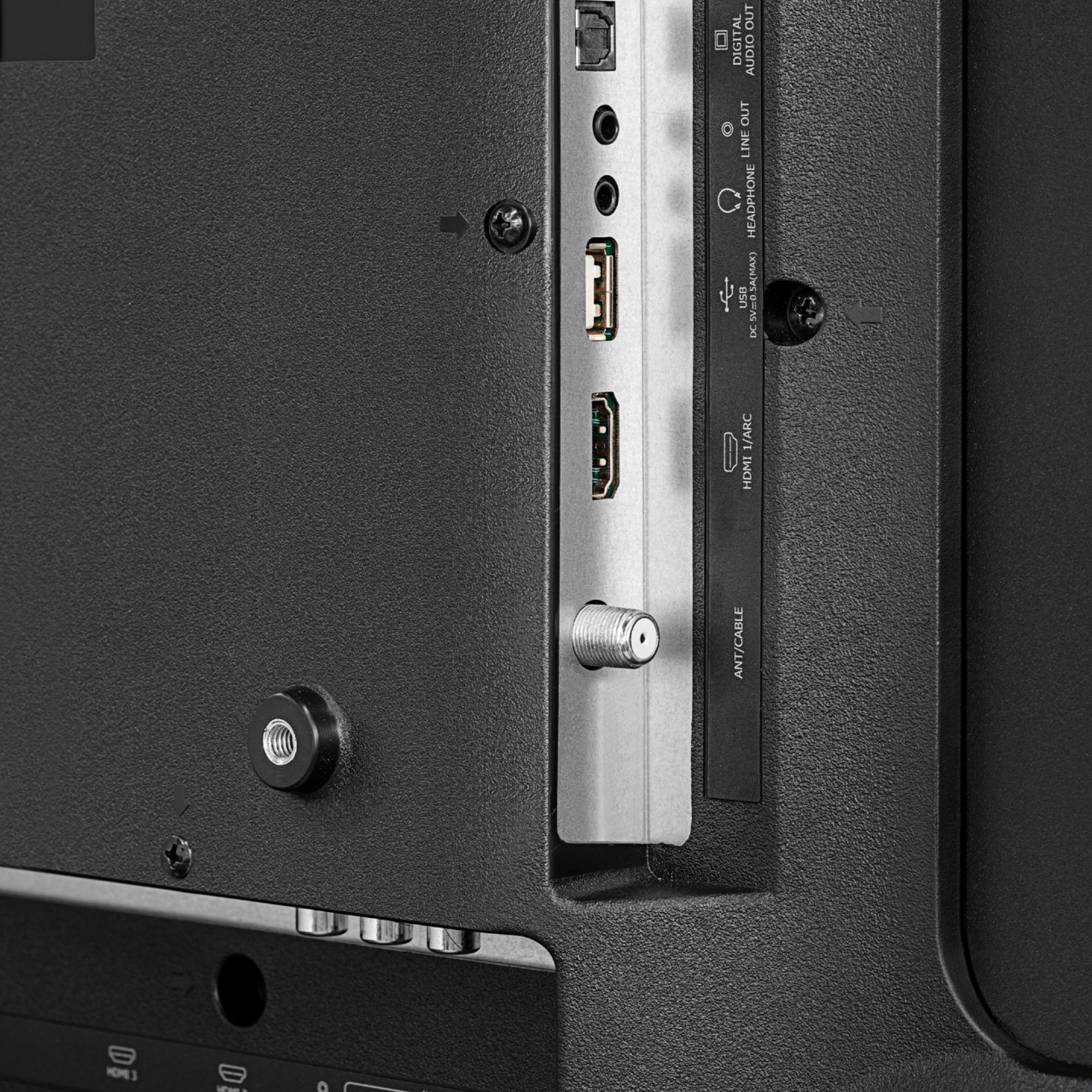
A:AnswerIt has a Netflix button no YouTube button I'm using Verizon wireless router to stream and I get YouTube and lots other apps. I have the fubo app to get live tv for local channels which I understand you have to.
A:AnswerThank you for your interest in the model 32H4E1. Yes you can add the Disney plus app, along with a few more apps such as YouTube, Netflix, Hulu, etc. If you have any further questions please give us a call at 1-888-935-8880 or email us at [email protected]. Thanks Again, Harley with the Hisense Support Team
A:AnswerThank you for your interest in the 32H4E1. You are not required to create a Roku account if you do not wish to use the smart features on the TV. When setting up the TV and you get to the page that asks "Wired or Wireless" select the option that says "Connect to the internet later" this will bypass the Roku activation as you are not connected to the internet. Once the setup is completed you would then be able to use the TV as a monitor with your 3rd party devices. If you have any further questions please give us a call at 1-888-935-8880 or email us at [email protected].
Thanks Again,
We look forward to hearing from you!
Harley with the Hisense Support Team
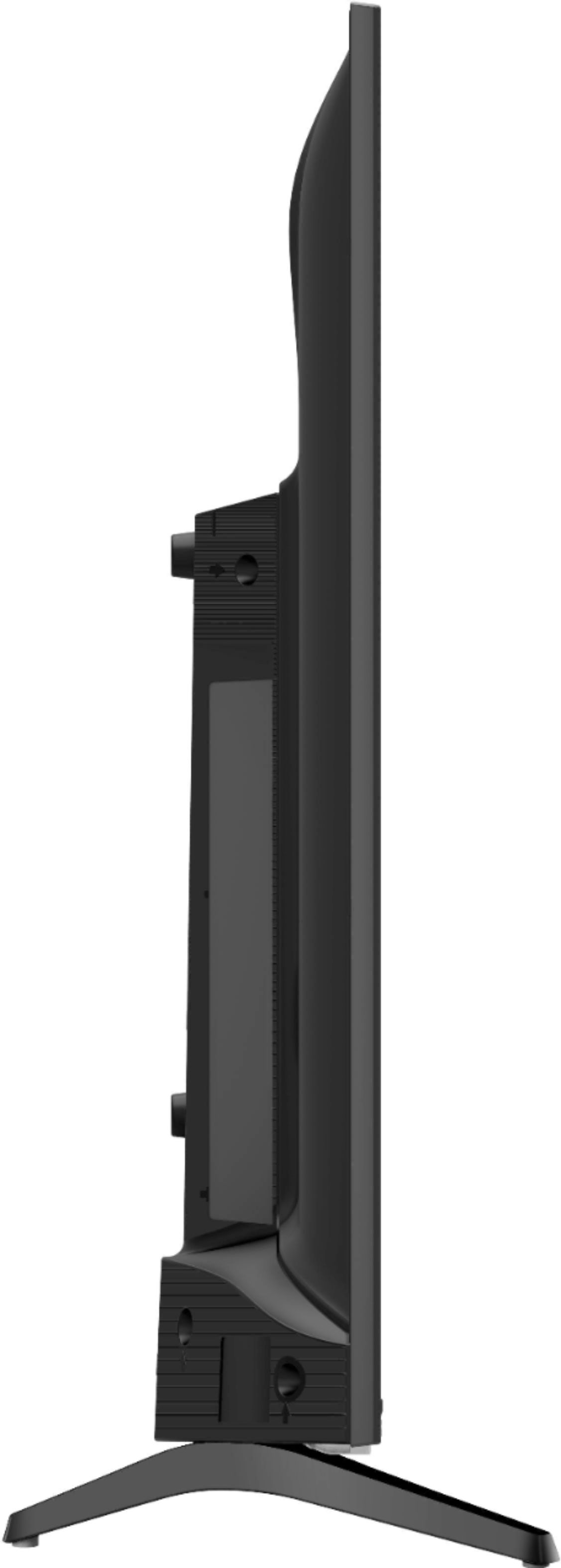
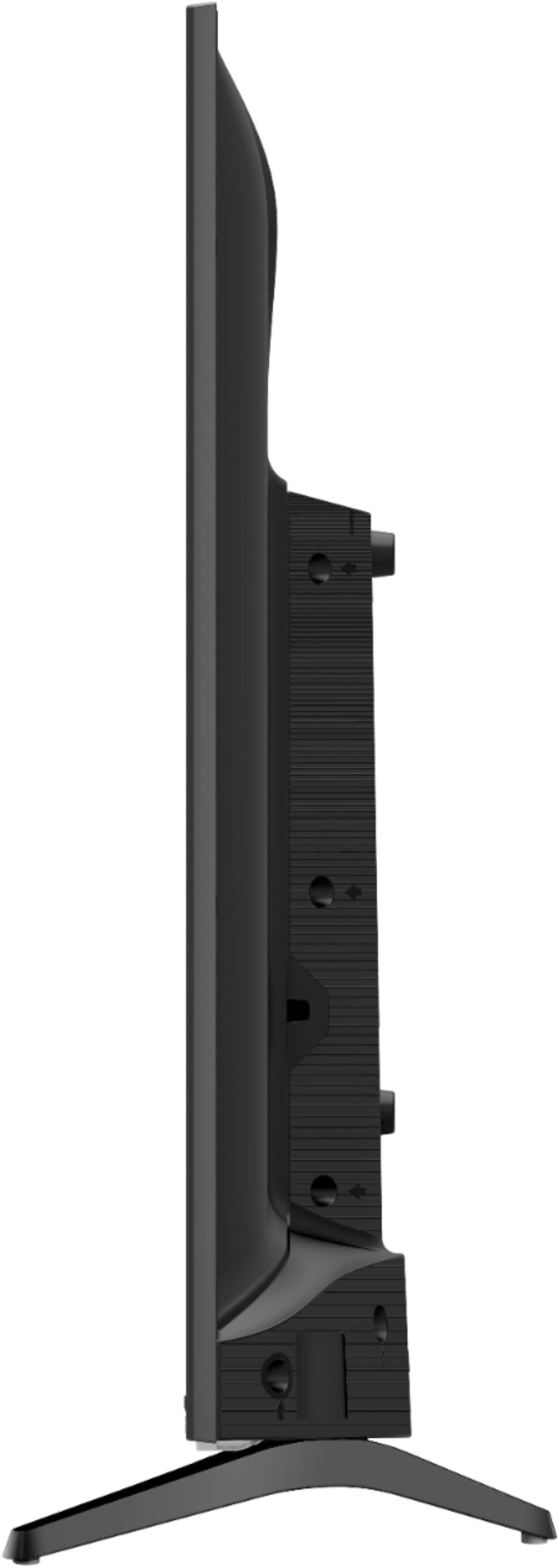
A:AnswerThe legs are 25 3/8" wide at their widest point so it would just fit. I would almost want a raised border at the edges of your surface to keep it from being bumped off.
A:AnswerThank you for your interest in the Hisense 32H4E1, Yes in order to access your apps, you can will need to connect to the internet which can be connect via wired connection or wirelessly. Thank you for your interest in Hisense USA if you have any further questions or concerns please give us a call at 1-888-935-8880 or email us at [email protected]. Thanks Again, Harley with the Hisense Support Team