A:AnswerIf you mean the DVD saved as the standard folder structure to burn discs, no. I transcode mine to M4V - try Handbrake, it's free, on your computer.
A:AnswerYes there is a search option and its actually really nice. 1st of all its location...On the left hand side you will find (from top to bottom) "Home" "Movie Store" "TV Store" "News" "Search" "Streaming Channels" and "Settings". If you select "Search" and then search for a movie, it will show you what streaming service it is on and also what the price is.
A:AnswerOn the word of the "HisenseProductExpert" I went into best buy ready to buy it, when low and behold when I look at the TV itself I discover that there's no Ethernet port, I even had the employees look, nothing. this TV does not in fact have an RJ-45 port.
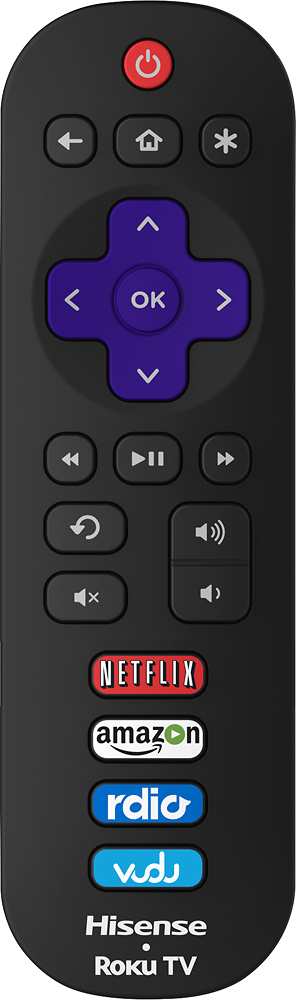
A:AnswerUse the Roku remote. Press the * on the upper right. It will bring up a menu on ur tv. The 2nd down is "Picture Mode". From there, you can zoom, squeeze, strecth, ect. Whatever you desire. From that menu, you can also change sound prefences.