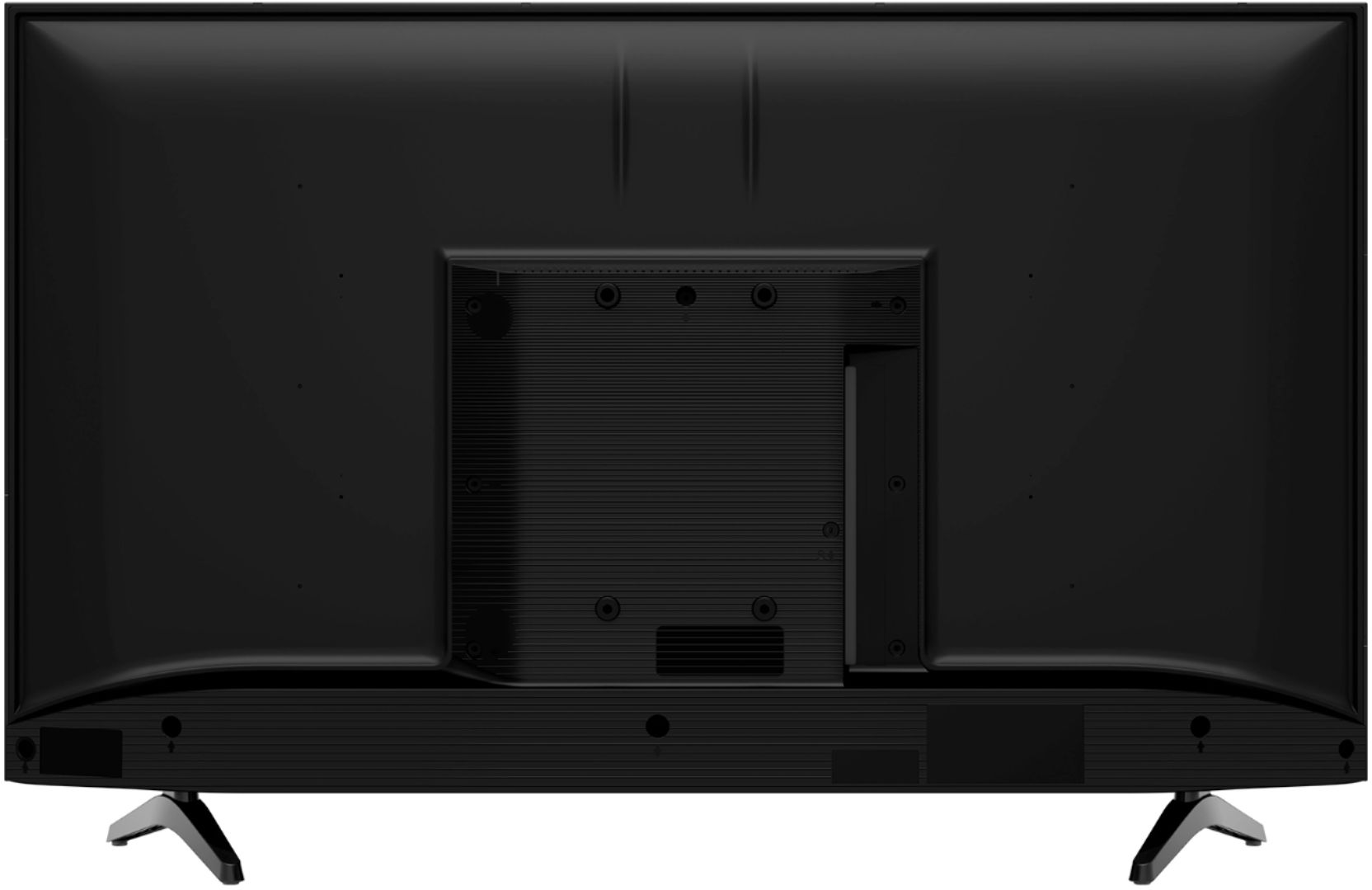
A:AnswerThank you for your interest in the 40H4F. Once the device is able to be connected to the unit by a HDMI cable then it should be able to work. If you have any further questions please give us a call at 1-888-935-8880 or email us at [email protected].
Thanks Again,
We look forward to hearing from you!
Harley with the Hisense Support Team
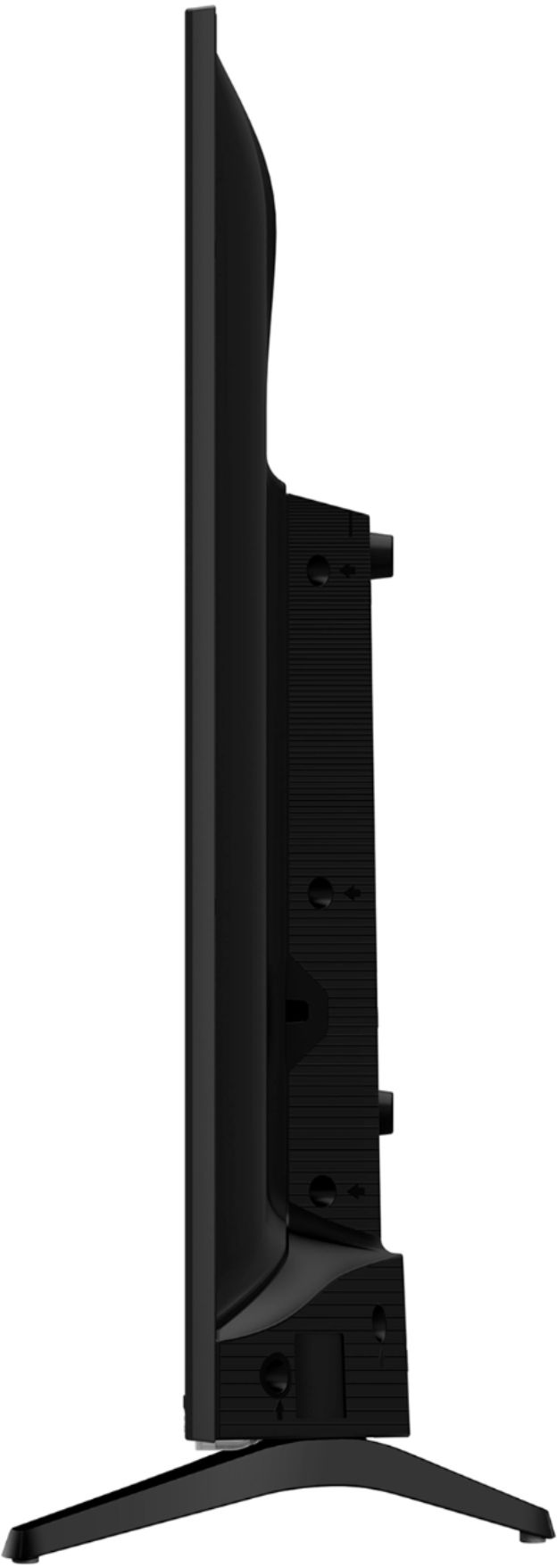
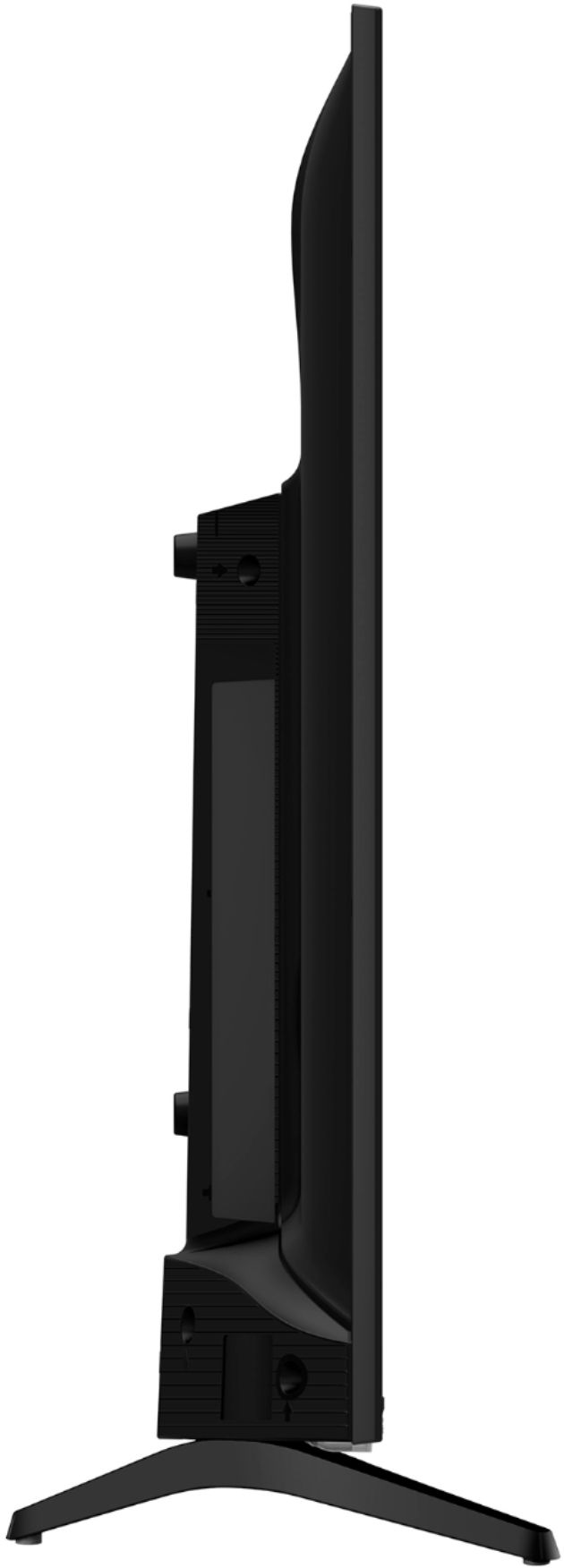
A:Answerthe product dimensions with the stand are 35.6 x 22.1 x 8.0". Thank you for your interest in Hisense USA and If you have any other questions give us a call at 1-888-935-8880.
A:AnswerThe 40H4F does not offer a Web Browser application, But offers thousands of other apps that can be found here https://channelstore.roku.com/browse/apps
A:AnswerThe stand for the TV measures out at 30.5”L x 8.0”W. Thank you for your interest in Hisense USA and if you have any other questions please give us a call at 1-888-935-8880.
A:Answer1. Download the Roku app from your phone's app store. Then read this article:
https://support.roku.com/article/208754928-how-to-use-screen-mirroring-with-your-android-or-windows-device
2, Enjoy your Hisense H4F!
That's it!
A:AnswerTanit when installing the legs for the TV make sure they are fully set before screwing in, If this is still found to be an issue please give us a call at 1-888-935-8880 to get this resolved.
A:AnswerHello Hisense Customer, Thank you for your interest in the 40H4F. No the television should not be leaning forward. Please remove the legs and then reattach them using the instructions in the Quick Start Guide that comes with the television. If you have any further questions please give us a call at 1-888-935-8880 or email us at [email protected].
Thanks Again,
We look forward to hearing from you!
Harley with the Hisense Support Team