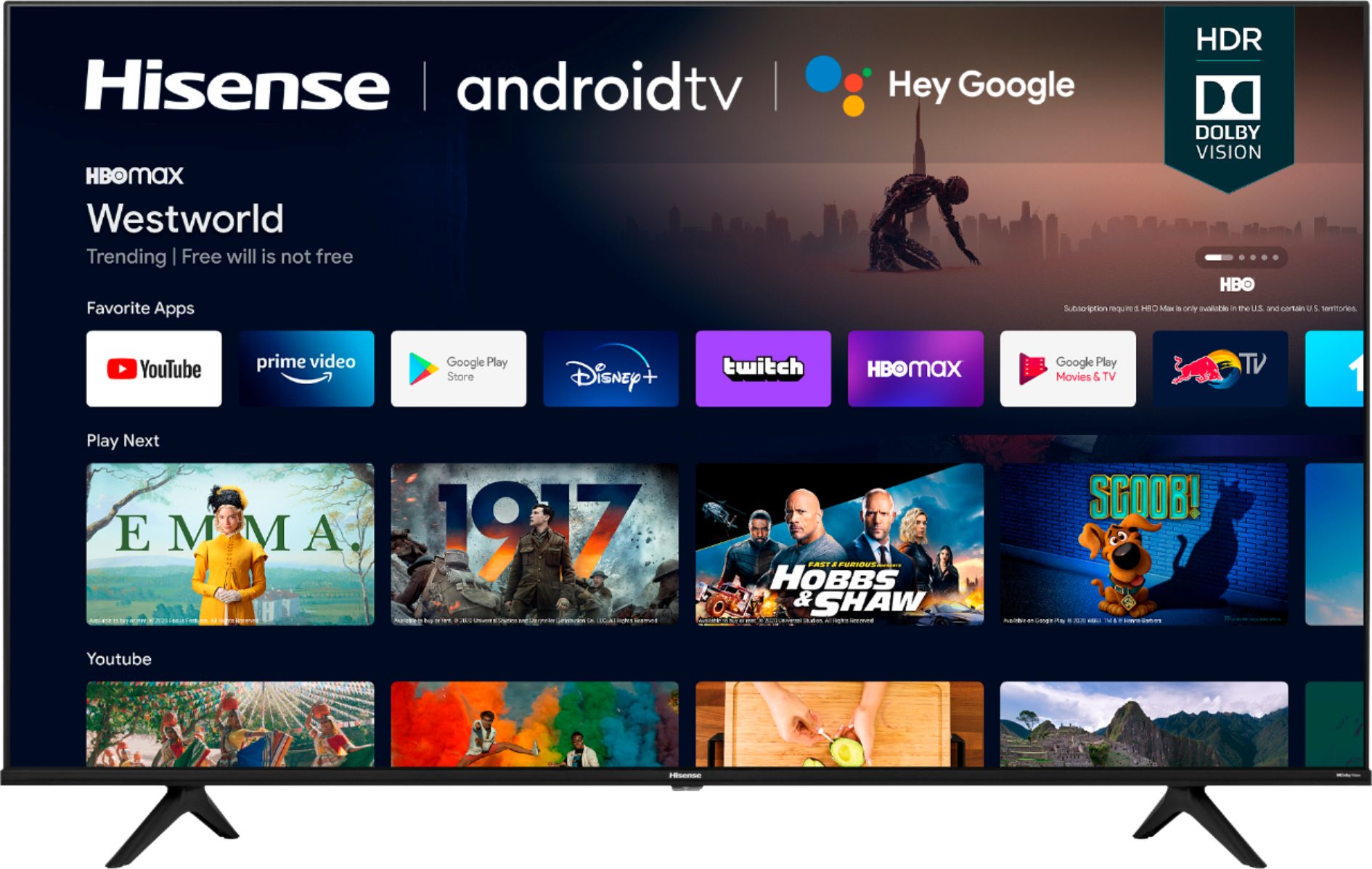
A:AnswerHello, thank you for your interest in the Hisense 43A6G. This unit has 2GB of RAM and 8GB of storage. If you have any further questions or concerns, please give us a call at 1-888-935-8880 or email us at [email protected]. Thanks again, Harley with the Hisense Support Team.
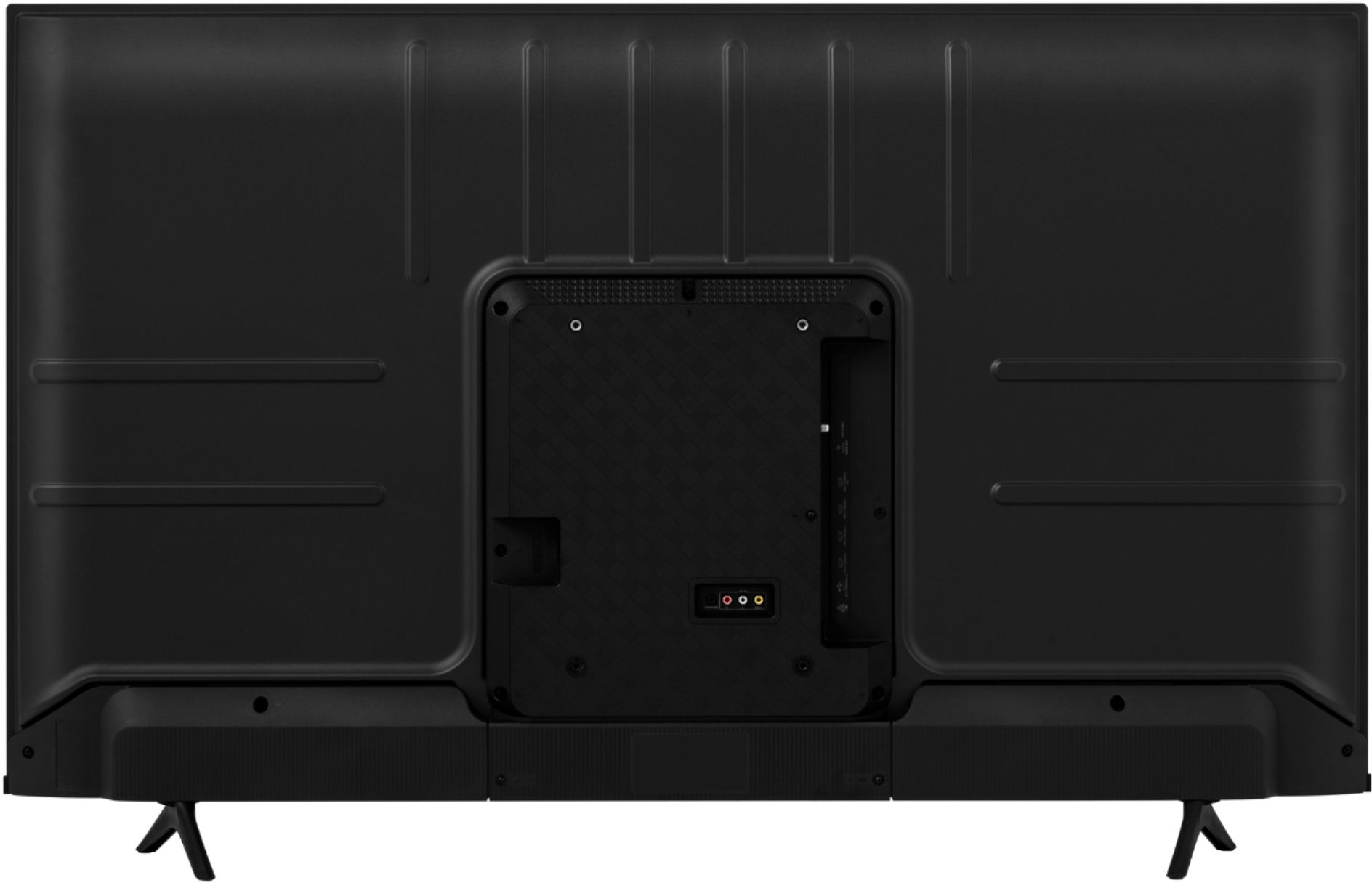
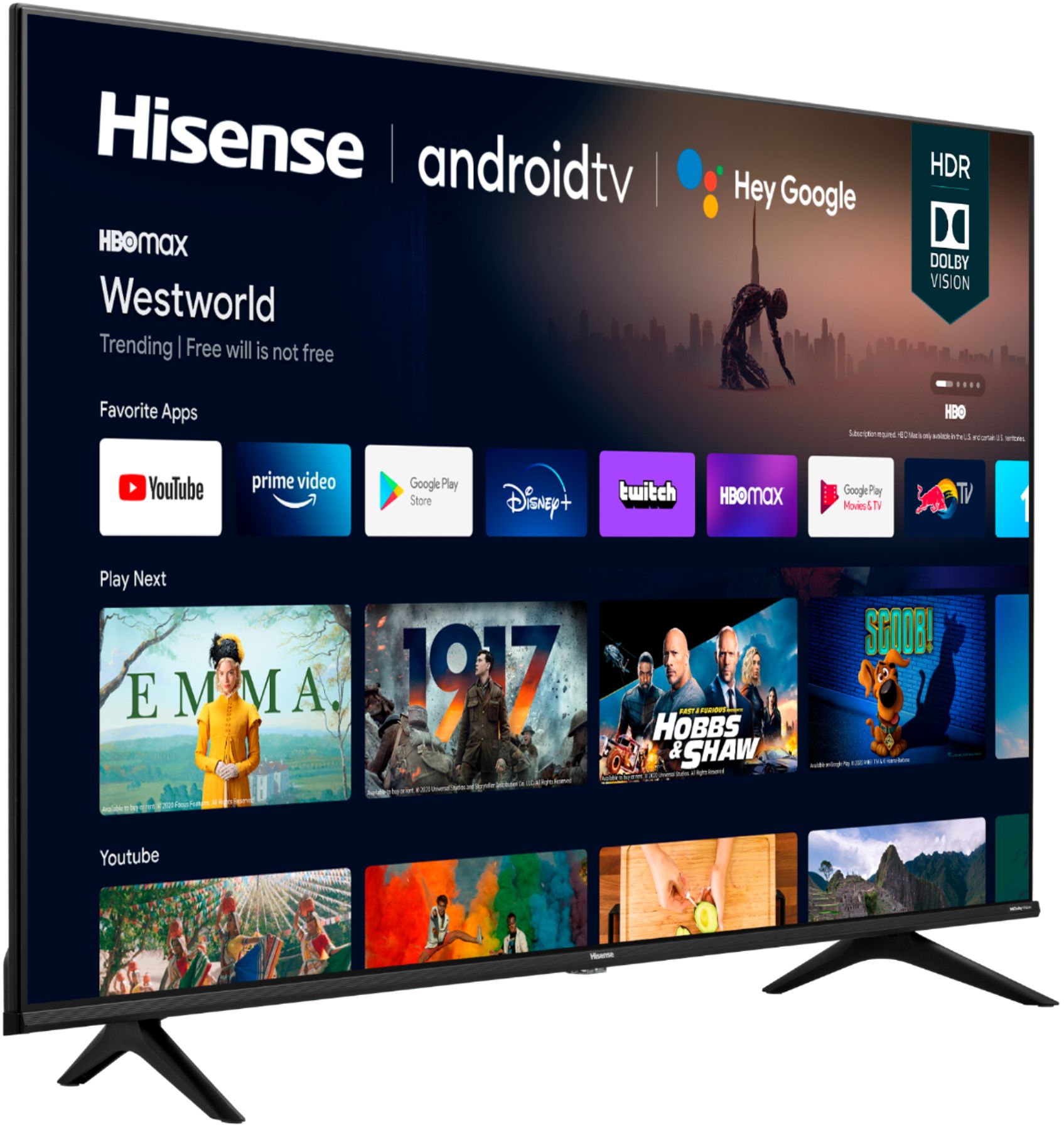
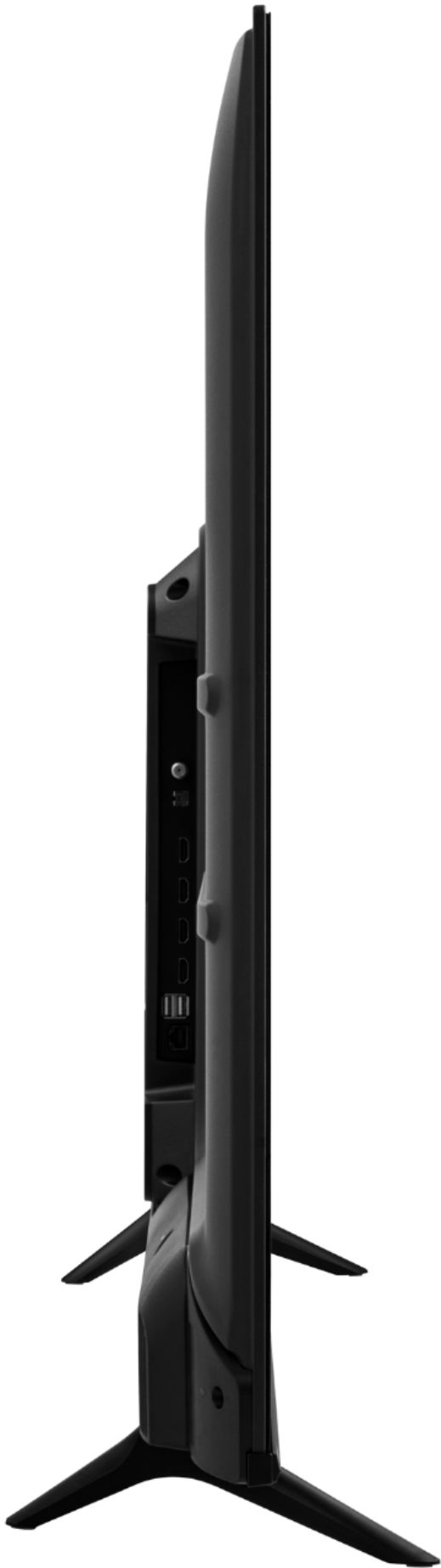
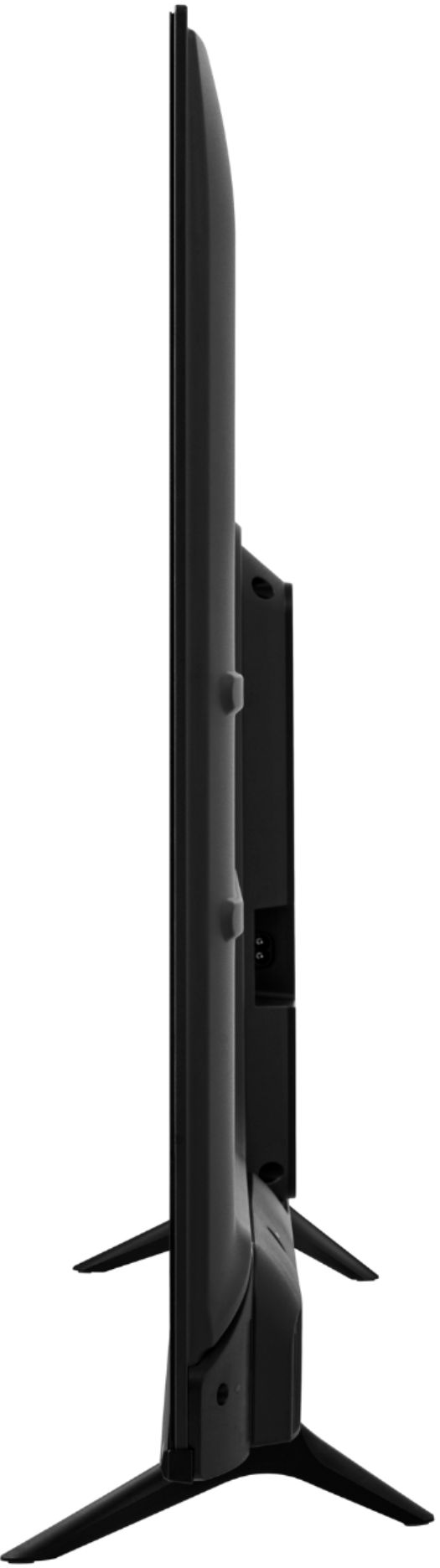
A:AnswerDoes not have true stand. 2 separate plastic legs, screwed in at an angle to bottom of screen.. Though screw holes for legs about 31" apart, allow 34 inches for table length because of angle..
A:AnswerHello Fred, thank you for your interest in the Hisense 43A6G. To pair a Bluetooth device, first make sure the device you want to connect is in pairing mode. Next, press the Menu button on the Hisense remote (three horizontal lines) and select Settings > Remotes & Accessories > Add Accessory. If you have any further questions or concerns, please give us a call at 1-888-935-8880 or email us at [email protected]. Thanks again, Harley with the Hisense Support Team.
A:AnswerHello Hisense Customer, Thank you for your interest in the Hisense 43A6G, we do appreciate the feedback and review. This helps us greatly to improve on our products and services, not only for our loyal customers, but for our customers of the future as well. Please perform a factory reset by going to Menu>> Settings>> Device preferences>> Reset>> Reset your TV back to the factory default. If none of these troubleshooting tips fix the issue, please reach out directly to our support team at 1-888-935-8880 or email us at [email protected]. Thanks Again, Harley with the Hisense Support Team
A:AnswerHello Mike, Thank you for your interest in the Hisense 43A6G. No this is not considered a flagship model, this model is our new Hisense android TV. If you have any further questions or concerns please give us a call at 1-888-935-8880 or email us at [email protected]. Thanks Again, Harley with the Hisense Support Team
A:AnswerHello Hisense Customer, Thank you for your interest in the Hisense 43A6G. For the stocks and availability of this model, please contact the local BestBuy store. If you have any further questions or concerns please give us a call at 1-888-935-8880 or email us at [email protected]. Thanks Again, Harley with the Hisense Support Team
A:AnswerHi Surf27, thank you for your interest in the Hisense 43A6G. Yes, both devices are compatible with the TV. If you have any further questions or concerns, please give us a call at 1-888-935-8880 or email us at [email protected]. Thanks again, Harley with the Hisense Support Team.
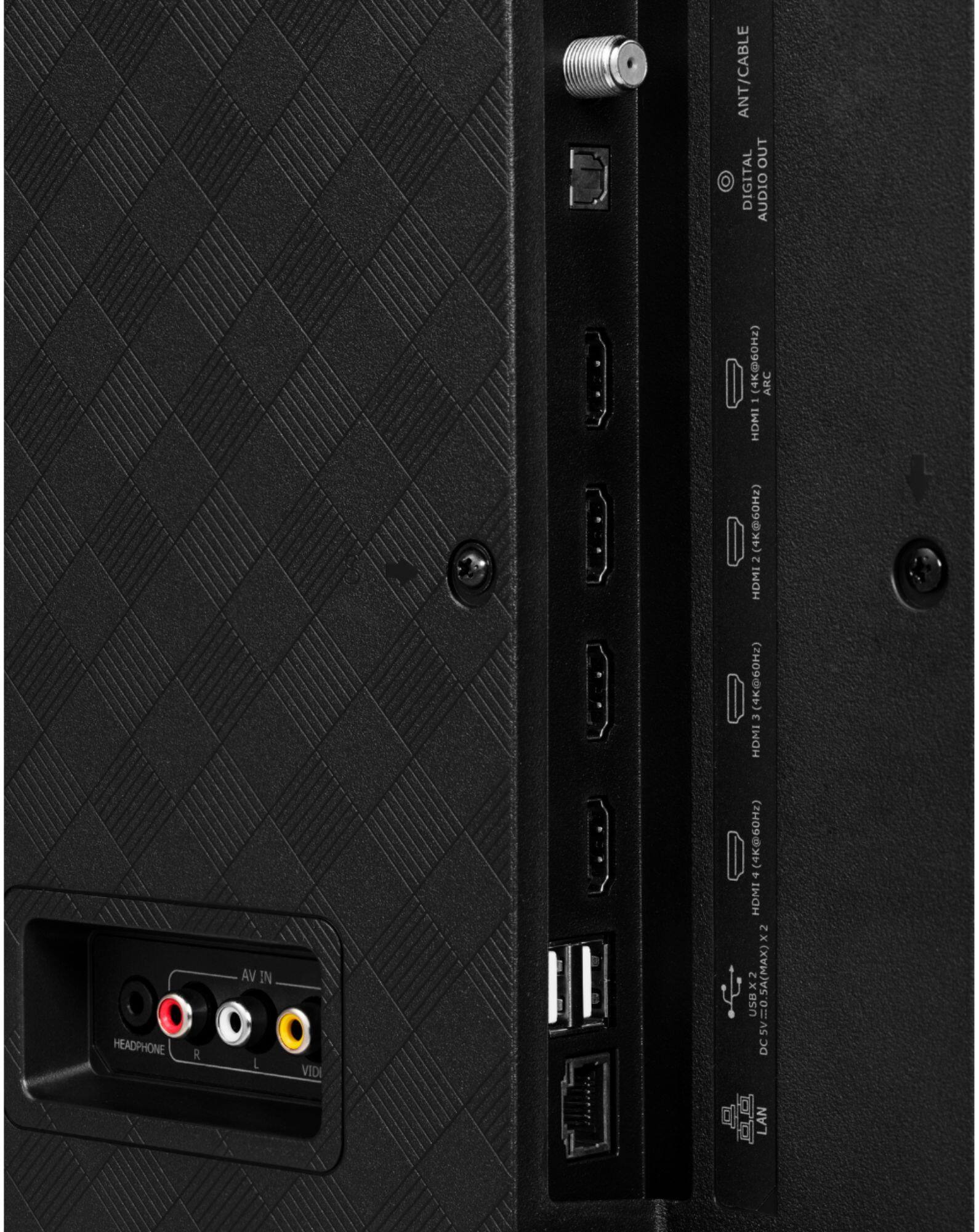
A:AnswerHi Chip, thank you for your interest in the Hisense 43A6G. To scan for antenna channels, connect your antenna to the coaxial port and then select the antenna input. Once the antenna input has been selected the TV will automatically prompt you to scan for channels. If you have any further questions or concerns please give us a call at 1-888-935-8880 or email us at [email protected]. Thanks Again, Harley with the Hisense Support Team.
A:AnswerMy initial setup asked for my WIFI password and said it connected. I have not used this feature because I have an AppleTV receiver plugged into one of my HDMI inputs and only use that for steaming.
A:AnswerIt has access to the full suite of Android TV apps so you likely can find one or more that suits your needs. There are thousands available far more than The Tizen or WebOS marketplaces.
A:AnswerHi Hisense Customer, thank you for your interest in the Hisense 43A6G. Press the Google Assistant button on your remote to do more on your TV with your voice. Ask Google to search for the latest blockbuster, stream shows, or open multiplayer games. Have it dim the lights by connecting smart home devices. Manage tasks and see your calendar. Or ask it questions and see the answers on your TV. If you have any further questions or concerns, please give us a call at 1-888-935-8880 or email us at [email protected]. Thanks again, Harley with the Hisense Support Team.
A:AnswerHi EdDFW, thank you for your interest in the Hisense 43A6G. The screw size for mounting is M6. If you have any further questions or concerns please give us a call at 1-888-935-8880 or email us at [email protected]. Thanks again, Harley with the Hisense Support Team.