A:AnswerHello Hisense Customer, Thank you for your interest in the 43H6570G. Yes you are able to connect your Echo Dot to this unit. If you have any further questions please give us a call at 1-888-935-8880 or email us at [email protected].
Thanks Again,
We look forward to hearing from you!
Harley with the Hisense Support Team
A:AnswerHello Jeff, Thank you for your interest in the Hisense 43H6570G. No you do not need to remove the plastic film. If you have any further questions or concerns please give us a call at 1-888-935-8880 or email us at [email protected]. Thanks Again, Harley with the Hisense Support Team
A:AnswerHello Hisense Customer, Thank you for your interest in the 43H6570G. Yes the unit does comes with the Google Play Store and yes you would be able to connect your Roku stick to the unit. If you have any further questions please give us a call at 1-888-935-8880 or email us at [email protected].
Thanks Again,
We look forward to hearing from you!
Harley with the Hisense Support Team
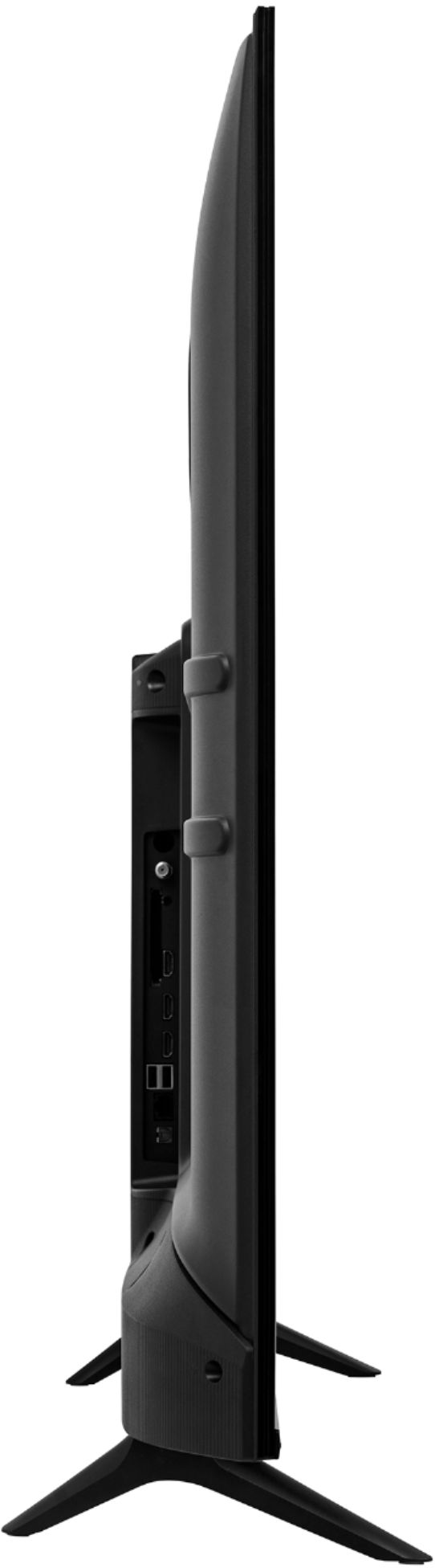
A:AnswerHello Hisense Customer,Thank you for your interest in the Hisense 43H6570G. This unit has 3 HDMI ports, all ports have the 2.0 capabilities. If you have any further questions or concerns please give us a call at 1-888-935-8880 or email us at [email protected]. Thanks Again, Harley with the Hisense Support Team
A:AnswerHello D, Thank you for your interest in the 43H6570G. The refresh rate of this television is 60Hz. If you have any further questions please give us a call at 1-888-935-8880 or email us at [email protected].
Thanks Again,
We look forward to hearing from you!
Harley with the Hisense Support Team
A:AnswerHello Elias, Thank you for your interest in the 43H6570G. Yes you are able to download additional apps. This television has 1.5GB of RAM and 8GB of ROM. If you have any further questions please give us a call at 1-888-935-8880 or email us at [email protected].
Thanks Again,
We look forward to hearing from you!
Harley with the Hisense Support Team
A:AnswerHello Pam, Thank you for your interest in the 43H6570G. You can connect a soundbar to the this television using the HDMI ARC connect, the optical audio connection or via Bluetooth. If you have any further questions please give us a call at 1-888-935-8880 or email us at [email protected].
Thanks Again,
We look forward to hearing from you!
Harley with the Hisense Support Team
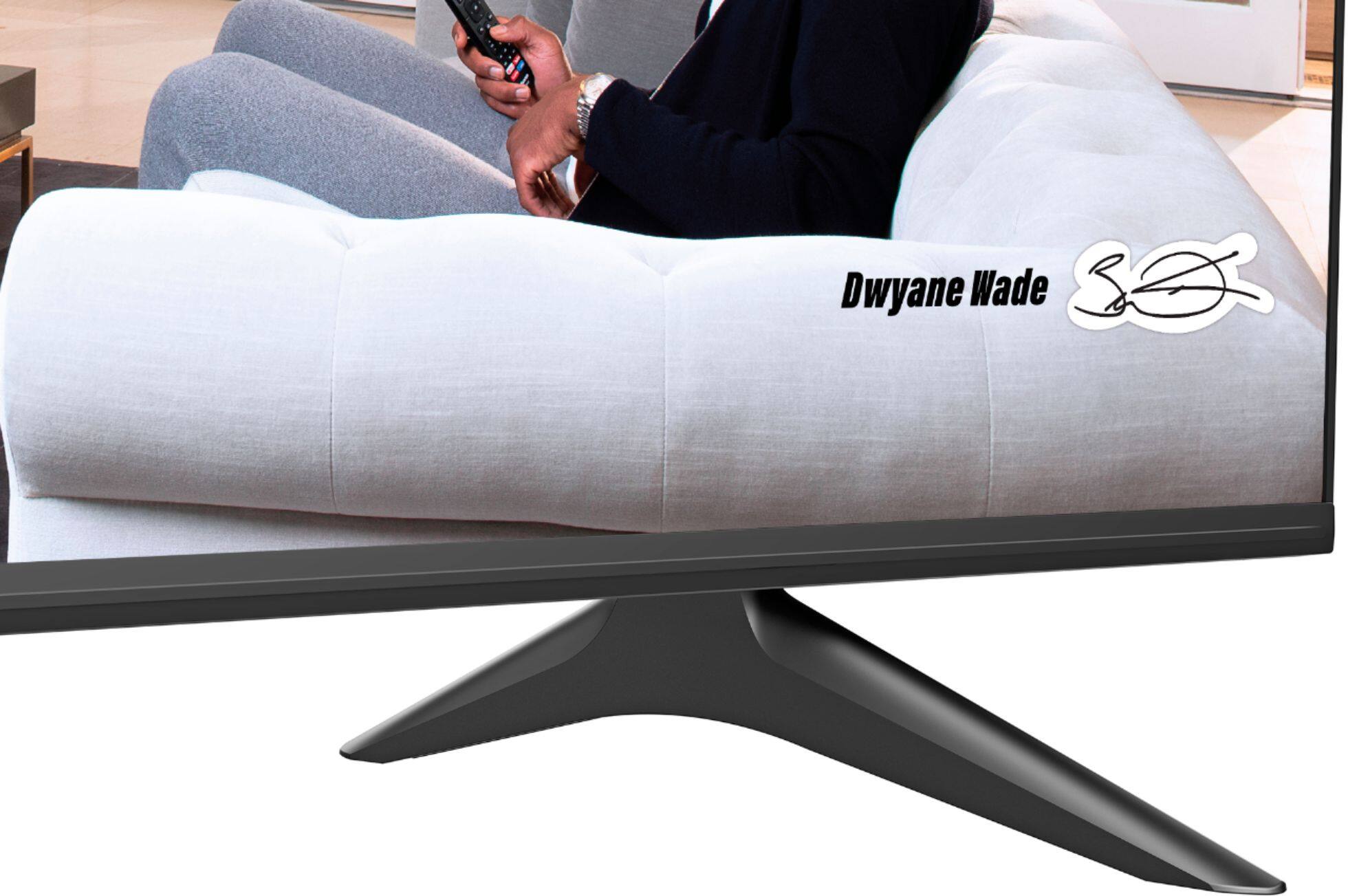
A:AnswerHello RGS, Thank you for your interest in the Hisense 43H6570G. The TV Stand Width is 30.5×7.7 in. If you have any further questions or concerns please give us a call at 1-888-935-8880 or email us at [email protected]. Thanks Again, Harley with the Hisense Support Team
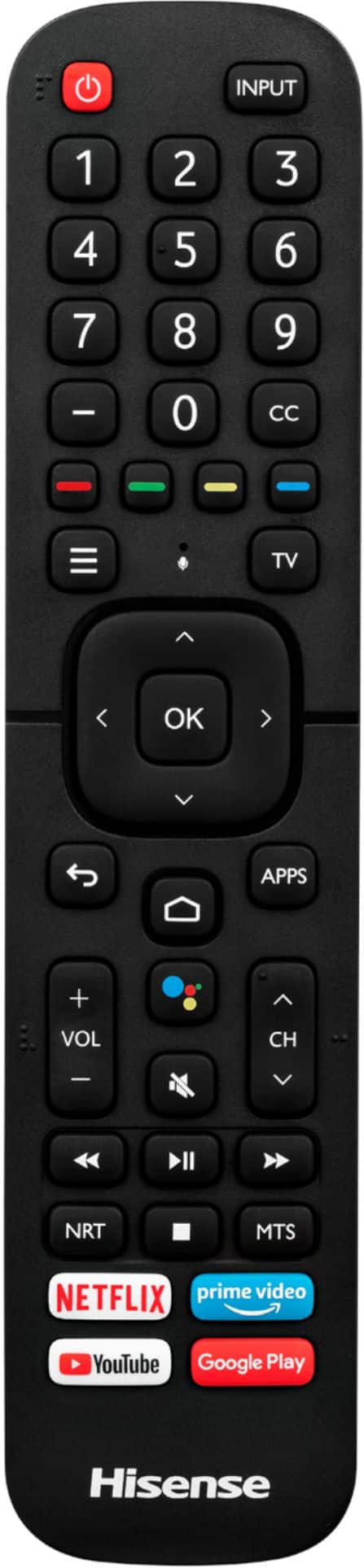
A:AnswerHello Hisense Customer, Thank you for your interest in the Hisense 43H6570G. Its not a possibility that it will give access to the smart features or will it work, it is best to use the remote that came with the television. If you have any further questions or concerns please give us a call at 1-888-935-8880 or email us at [email protected]. Thanks Again, Harley with the Hisense Support Team
A:AnswerHello TLK, Thank you for your interest in the 43H6570G. This television has a viewing angle of up to 178. If you have any further questions please give us a call at 1-888-935-8880 or email us at [email protected].
Thanks Again,
We look forward to hearing from you!
Harley with the Hisense Support Team
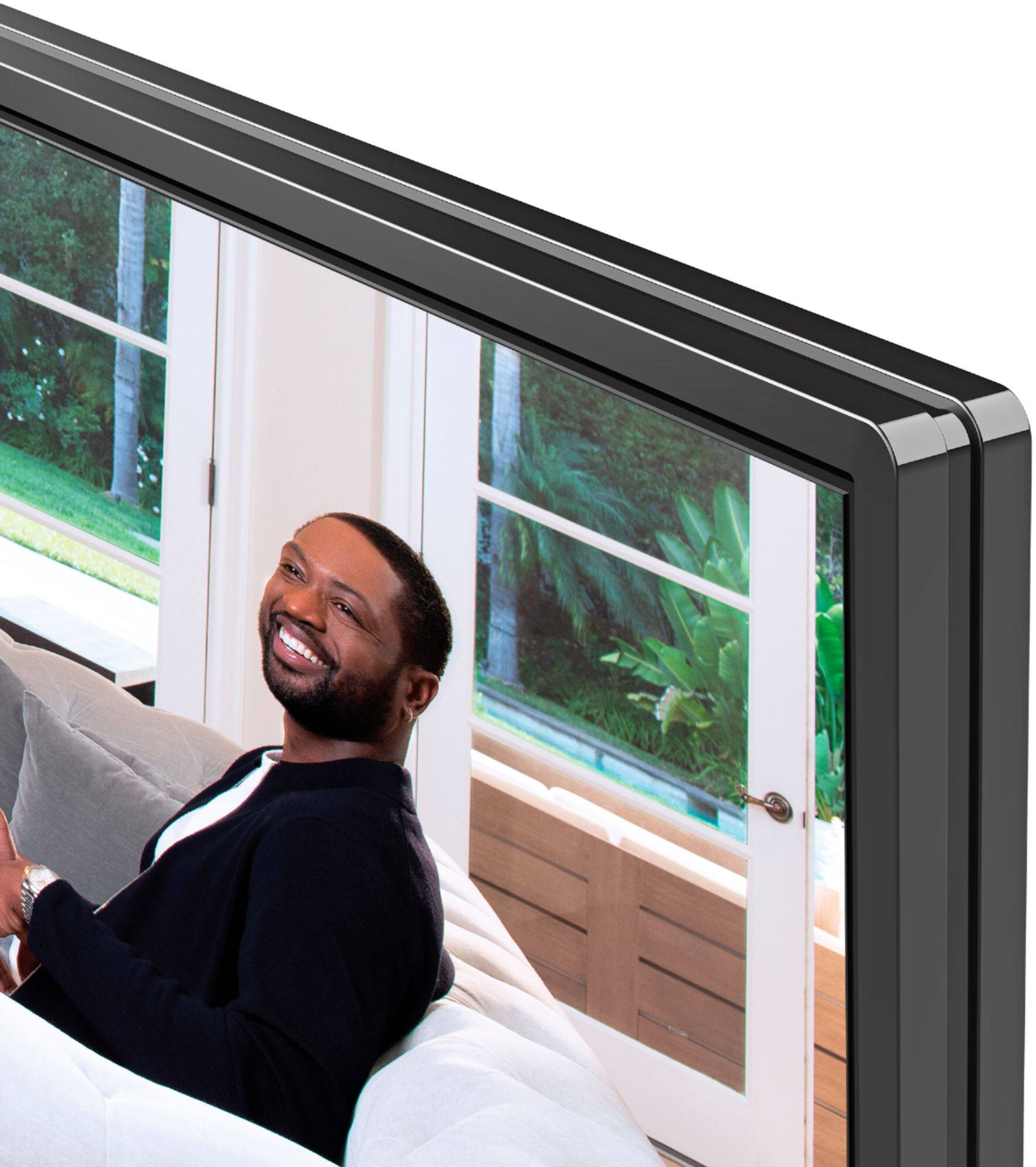
A:AnswerHello Hisense Customer, Thank you for your interest in the Hisense 43H6570G. left/right bezel 12.7/12.7mm, top bezel 12.7mm and bottom bezel 14.2mm. If you have any further questions or concerns please give us a call at 1-888-935-8880 or email us at [email protected]. Thanks Again, Harley with the Hisense Support Team
A:AnswerHello Hisense Customer, Thank you for your interest in the Hisense 43H6570G. Yes you can connect the speaker to the digital audio output. If you have any further questions or concerns please give us a call at 1-888-935-8880 or email us at [email protected]. Thanks Again, Harley with the Hisense Support Team
A:Answerhave you changed the settings to what you want in the menu? Television and internet sites are famous for having loud volumes during commercials. Some tv's in the menu have a volume leveling option also so you don't get high and low sounds. When you check the picture and audio settings and if there is a box make sure you check save so your settings won't be changed by default. Hope this helps.
A:AnswerHello Hisense Customer, Thank you for your interest in the 43H6570G. Yes you are able to disable the motion smoothing feature. If you have any further questions please give us a call at 1-888-935-8880 or email us at [email protected].
Thanks Again,
We look forward to hearing from you!
Harley with the Hisense Support Team
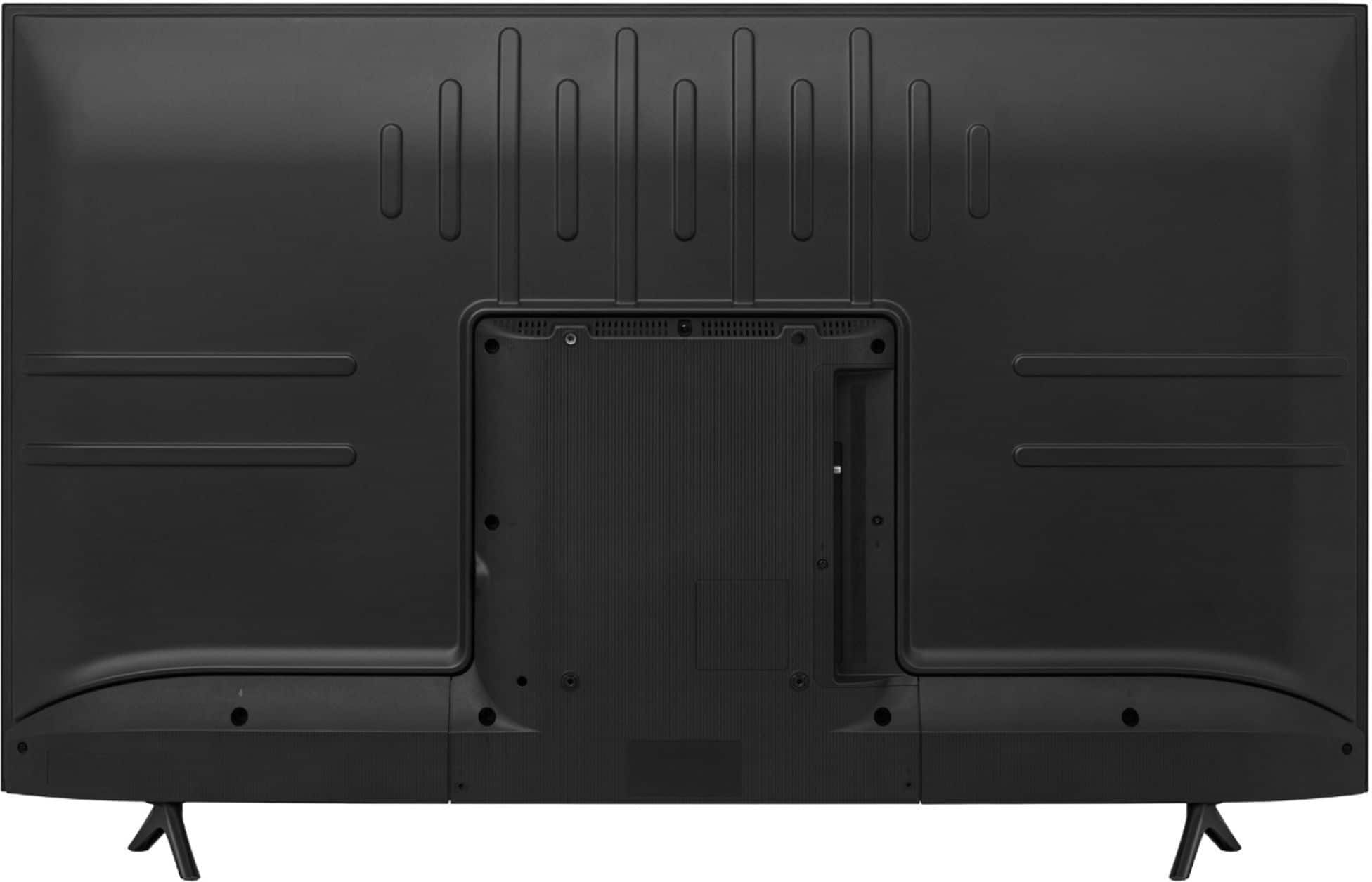
A:AnswerHello Chris, Thank you for your interest in the 43H6570G. Yes this is a true 2020 model, the television does have a antenna guide, does not support rewind and does come with a voice remote. The ports available on this television are 3 HDMI ports, 1 Ethernet (LAN), 2 USB, 1 RF Antenna, 1 RCA Composite Video Input, 1 L/R Audio Input for Composite, 1 Digital Audio Output and 1 Earphone/Audio Output. If you have any further questions please give us a call at 1-888-935-8880 or email us at [email protected].
Thanks Again,
We look forward to hearing from you!
Harley with the Hisense Support Team
A:AnswerHello Joe, Thank you for your interest in the Hisense 43H6570G. HDR is short for High Dynamic Range, a new standard for Ultra HD televisions with the potential to vastly improve the viewing experience. The goal is to maintain as much of the original image quality as possible, all the way through to the living room. If you have any further questions or concerns please give us a call at 1-888-935-8880 or email us at [email protected]. Thanks Again, Harley with the Hisense Support Team
A:AnswerHey Chris Hisense USA uses a proprietary chip set designed by and for Hisense to give you a great streaming and TV experience! If you have any further questions about the unit please give us a call at 1-888-935-8880 or email us at [email protected]. Thanks Again, We look forward to hearing from you! Harley with the Hisense Support Team
A:AnswerHello Lisakay, Thank you for your interest in the 43H6570G. The television can only display the information that it is getting from the antenna. If you have any further questions please give us a call at 1-888-935-8880 or email us at [email protected].
Thanks Again,
We look forward to hearing from you!
Harley with the Hisense Support Team
A:AnswerHello Jason, Thank you for your interest in the 43H6570G. This adjusts the picture mode based on whats being watched and no there is not a manual that details all the features and adjustments. If you have any further questions please give us a call at 1-888-935-8880 or email us at [email protected].
Thanks Again,
We look forward to hearing from you!
Harley with the Hisense Support Team
A:AnswerHi Ray! Once the USB is inserted, you will get a Notification on the upper right corner of the home screen. Click "Notification"> "USB drive tap to set up" > "Set up as a device storage"> "Format" . Complete these steps, you should find available storage space under "Storage"> "Device Storage" > "USB drive". If you have any further questions or concerns please give us a call at 1-888-935-8880 or email us at [email protected]. Thanks Again, Harley with the Hisense Support Team