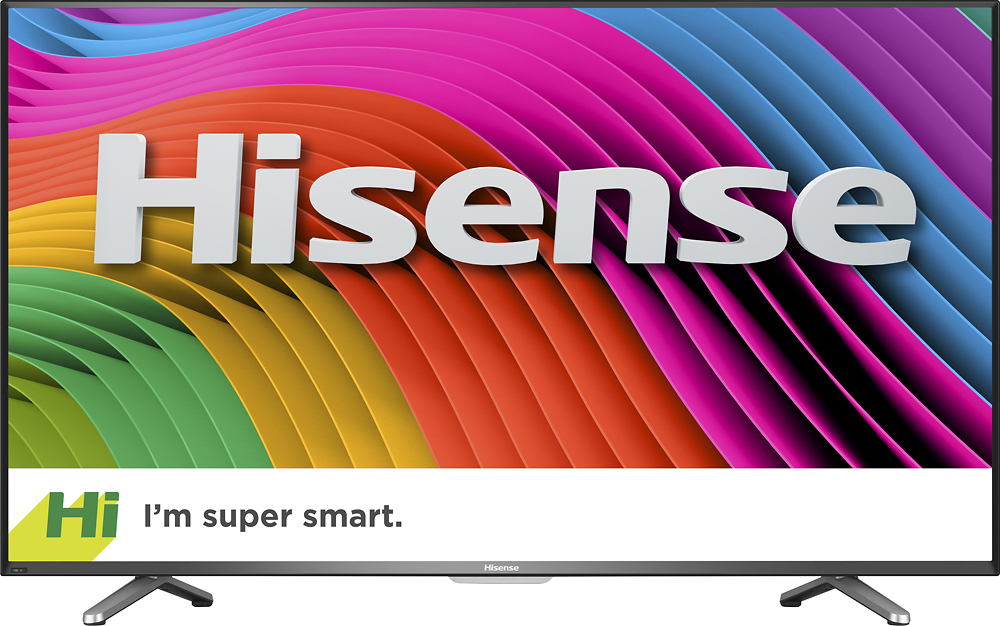
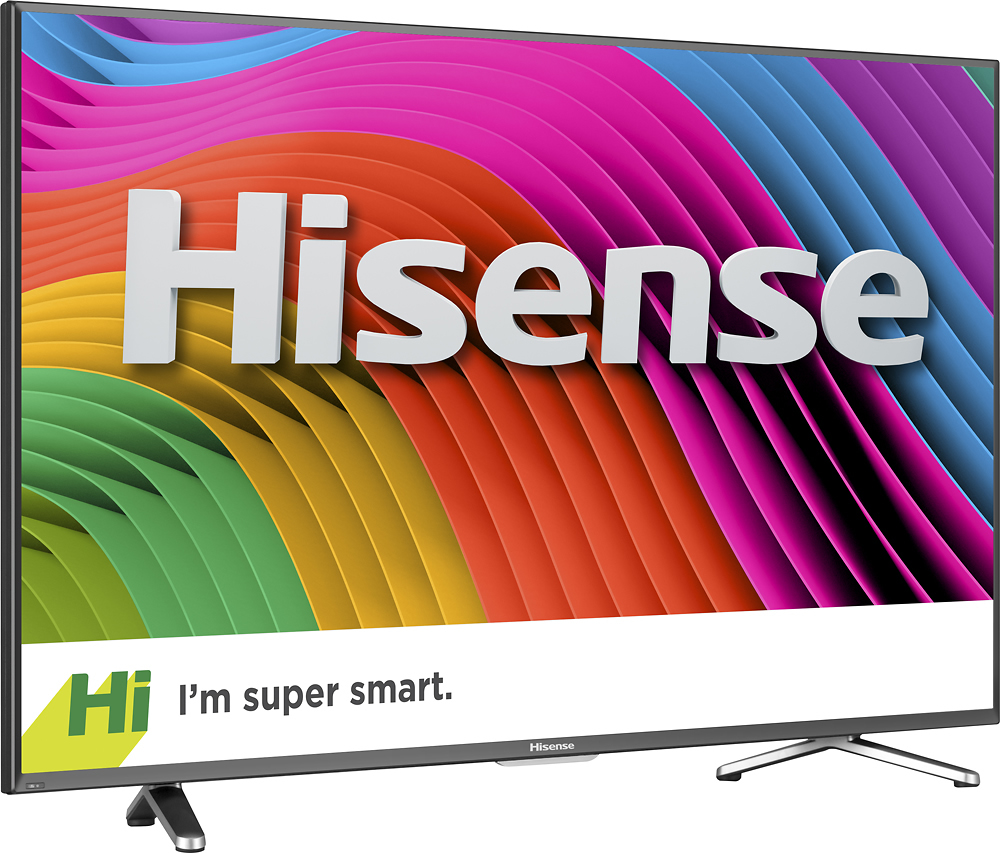
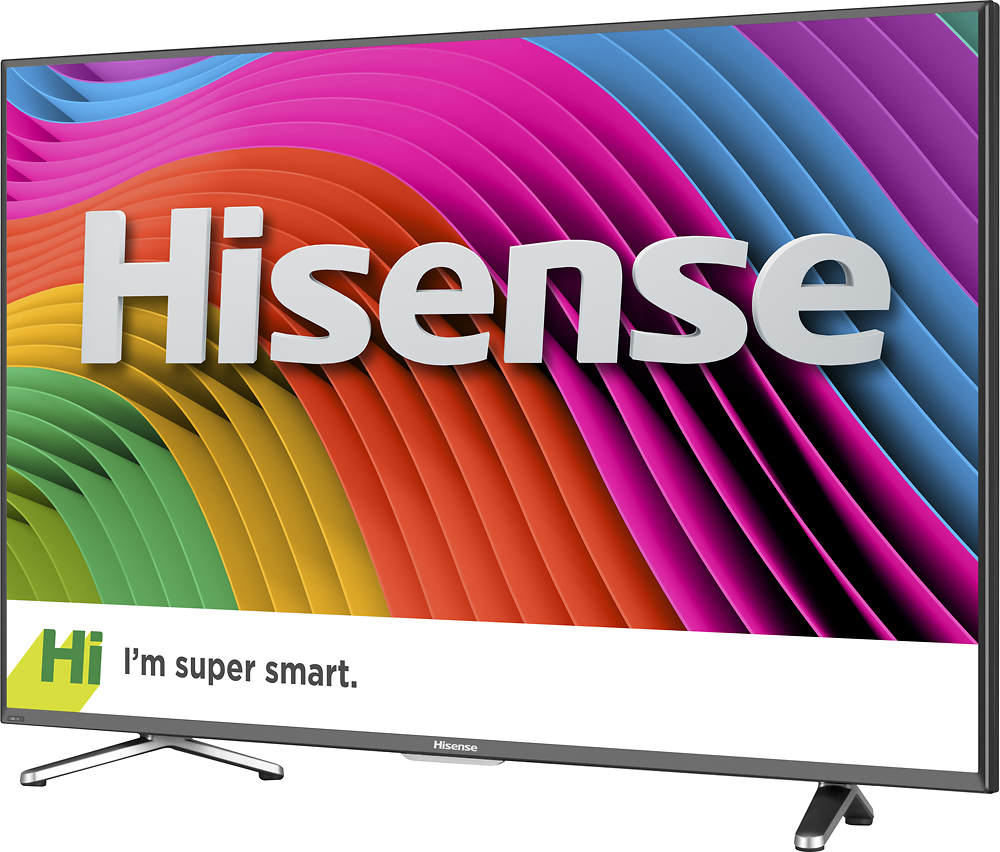
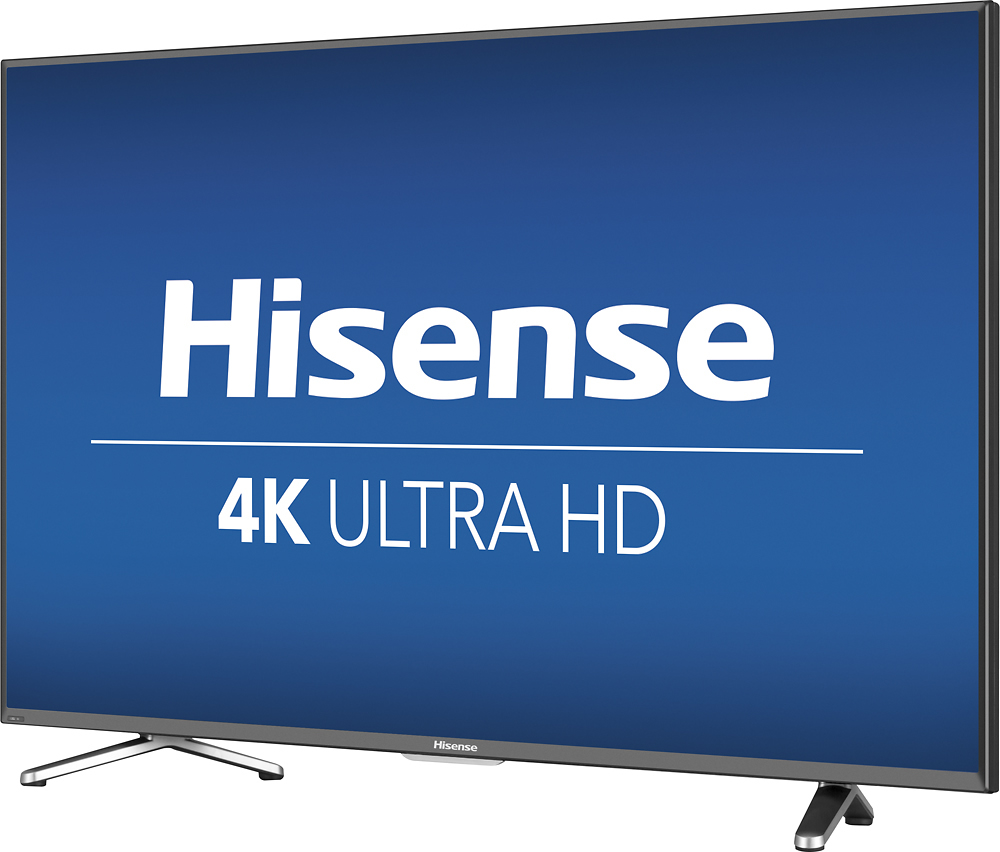
A:Answer The Hisense 50H6C does not have Roku "smarts", but instead uses "Opera TV Store" for its built-in smarts. Included are various popular apps like for Netflix, Amazon (Prime), Vudu, Youtube, and lots of others. The ones for Netflix and Amazon work well, and even have buttons on the included remote for quick access.
One negative may be that Roku offers apps not available (at least yet) on the Hisense, such as HBOgo, WatchESPN, and so on. It's possible some future firmware update on the Hisense could remedy that. For now, you can easily fix this by adding an external smart device like a FireTV Stick etc on one of its four HDMI ports for those apps.
Another negative for *any* HDTV with "built-in" smarts (of any type) is that some future streaming technology will be much better, effectively making it obsolete. But with all the HDMI ports on this TV, two of which are HDMI 2.0, you are likely to be in good shape.
Note that the remote on this Hisense HDTV is different than the ones for most "smart TV"s--it actually includes *numbers* such that you can access a TV channel directly, if desired. Most other smart TVs require you to use the remote's up/down buttons to scroll through multiple channels to reach the one you want.