Questions & Answers
- Model:
- 65H6510G
- |
- SKU:
- 6430857
Q: Questionwill this work off spectrum app???
Asked by Anonymous.
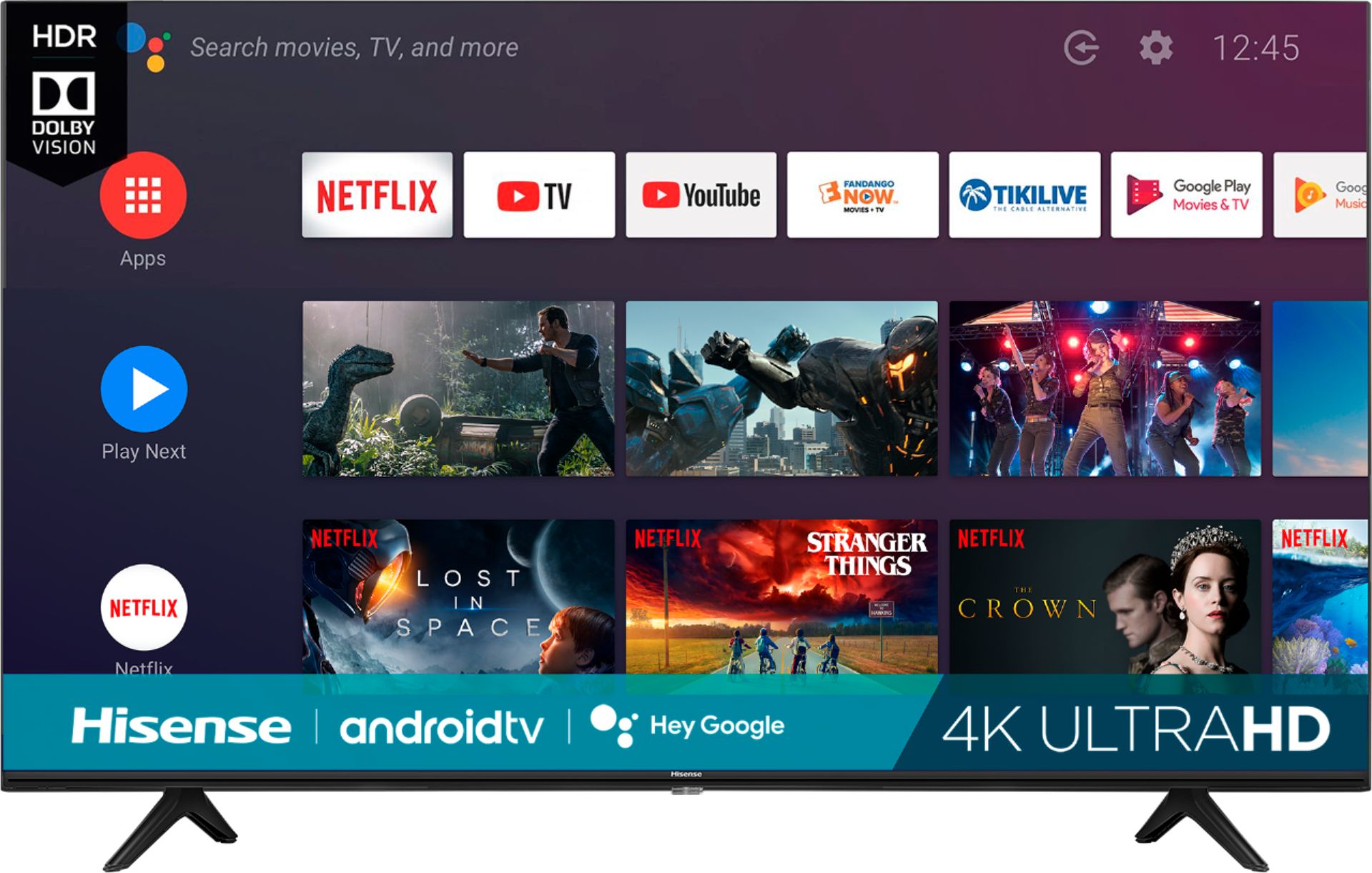
- A:Answer Hello Hisense Customer, Thank you for your interest in the Hisense 65H6510G. Yes the spectrum app is supported, this can be downloaded from the google play store. If you have any further questions or concerns please give us a call at 1-888-935-8880 or email us at [email protected]. Thanks Again, Harley with the Hisense Support Team
Answered by HisenseProductExpert

Q: QuestionDoes this 65" unit also have Anyview?
Asked by Mugglehead.
- A:Answer Hi Mugglehead! This is an Android TV with a built-in Chromecast. It does not have Anyview.
Answered by HisenseProductExpert

Q: QuestionThis TV has HDR+ For movies but it does not support HDR for games? Is there a setting that would allow this option for the games or a certain cable?
Asked by Rellikrelived.
- A:Answer Hi there! This TV does support HDR gaming. Please make sure that your HDMI is set on HDMI Enhanced format, and that your gaming device is set on 4K HDR video output. If you have any further questions or concerns please give us a call at 1-888-935-8880 or email us at [email protected]. -Harley with the Hisense Support Team
Answered by HisenseProductExpert

Q: QuestionHow do i turn off the motion smoothing effect?
Asked by Beth.
- A:Answer Hello Beth, Thank you for purchasing a Hisense 65H6510G and for taking the time to provide us with feedback. This TV has motion enhancement options. You can toggle with the option to get the most optimal picture. Please go to Settings>Picture>Advanced Picture Option> Motion Enhancement. If you have any further questions or concerns please give us a call at 1-888-935-8880 or email us at [email protected]. Thanks Again, Harley with the Hisense Support Team
Answered by HisenseProductExpert

Q: QuestionThe last Hisense TV we had would bring up a channel guide, showing what is showing on the list of channels. Why doesn't my Hisense 65" android tv have that function? My tv only came with a "quick setup booklet", PLEASE sent an Owners Manual.
Asked by Beware.
- A:Answer Hello Hisense Customer, Thank you for purchasing a Hisense 65H6510G and for taking the time to provide us with feedback. To gain access to the channel guide, Please go to settings>> Channel>>Channel Sources (select what source you're getting the channels from either antenna or cable)>>Customize Channel List (Choose channels for your program guide). If you have any further questions or concerns please give us a call at 1-888-935-8880 or email us at [email protected]. Thanks Again, Harley with the Hisense Support Team
Answered by HisenseProductExpert

Q: QuestionCan the Apple TV app be downloaded to this TV?
Asked by CeeBee.
- A:Answer Hello CeeBee, Thank you for purchasing a Hisense product (65H6510G) and for taking the time to provide us with feedback. Yes the Apple TV app is supported, this can be downloaded from google play store. If you have any further questions or concerns please give us a call at 1-888-935-8880 or email us at [email protected]. Thanks Again, Harley with the Hisense Support Team
Answered by HisenseProductExpert

Q: QuestionMy TV keeps freezing up, either it goes completely blank, or never stops buffering. I already had it replaced once. Is anyone else experiencing this?
Asked by Honestogoodness.
- A:Answer Hello Hisense Customer, Thank you for your interest in the Hisense 65H6510G and for taking the time to provide us with a feedback. We're so sorry that you're television kept freezing up and also going to a blank screen. We take pride in making sure we produce high-quality, reliable televisions and apologize that you didn't have the positive customer experience that we strive to consistently deliver. We really want to get to the bottom of this as much as you do, please reach out directly to our support team at 1-888-935-8880 or email us at [email protected]. We look forward to hearing from you! Thanks Again, Harley with the Hisense Support Team
Answered by HisenseProductExpert

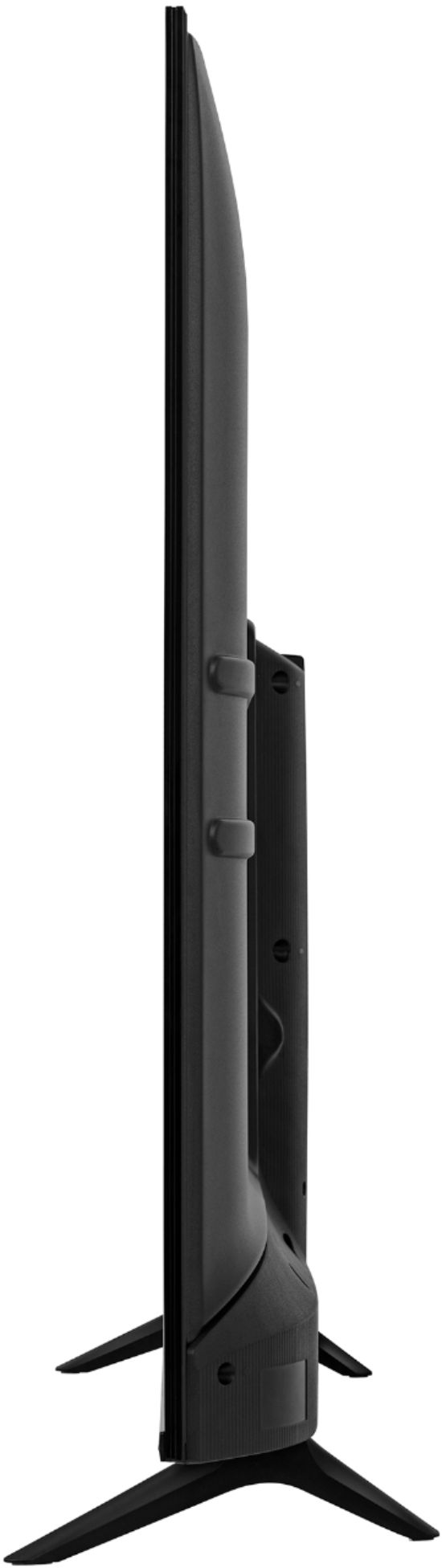
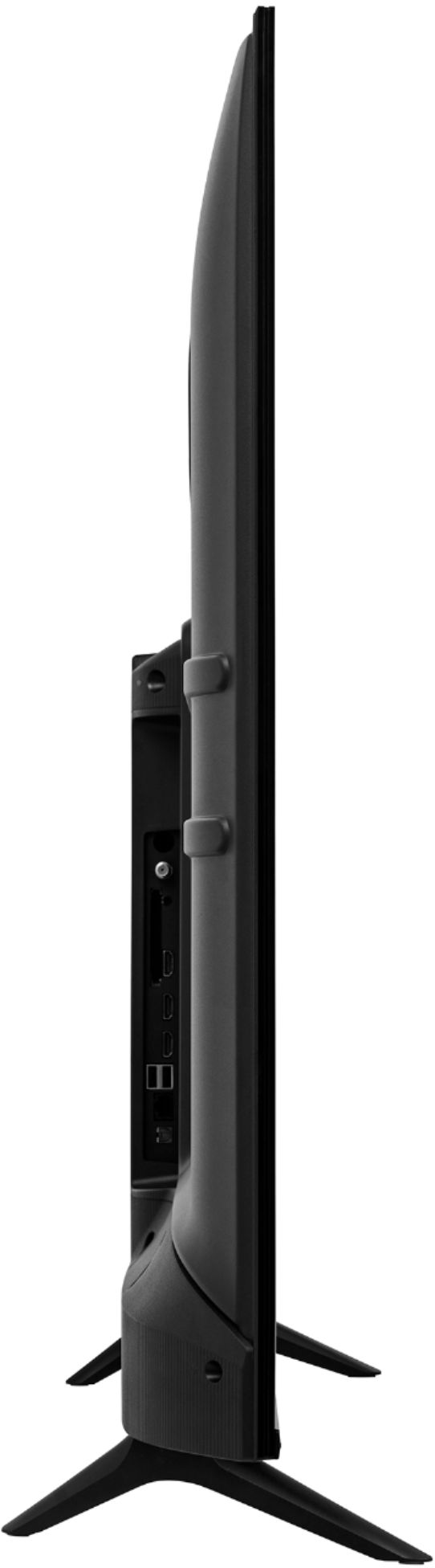
Q: QuestionI cannot find buttons on the tv. I am concerned how I will operate the tv when I misplace the remote which is common. Does this tv have any buttons on the tv (On/Off; Volume; Channel buttons)? If not how is this operated without the remote?
Asked by JoeBen.
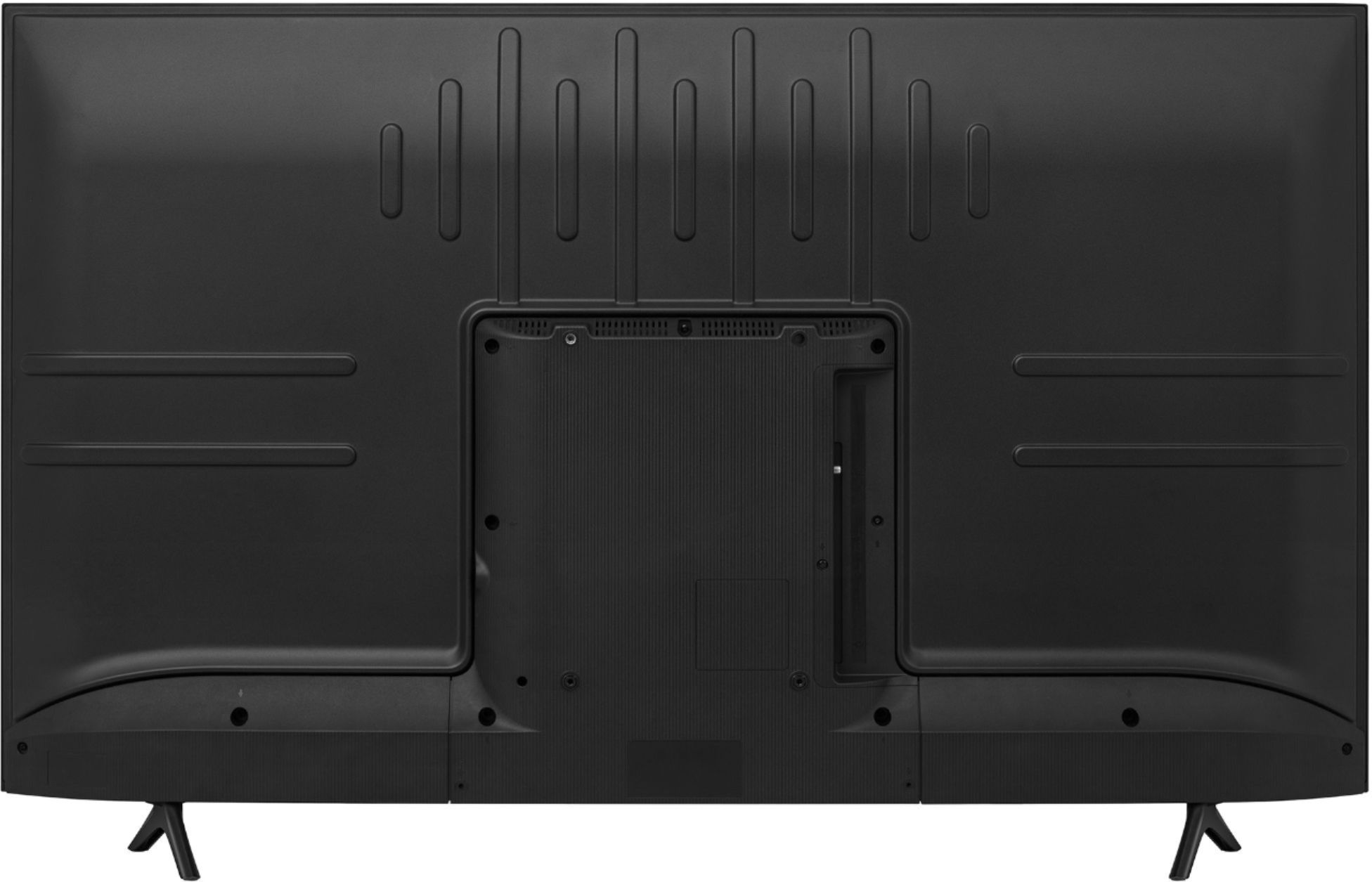
- A:Answer Hello Joe, Thank you for your interest in the Hisense 65H6510G. This television has a power button which can be located near the IR sensor at the base. If you have any further questions or concerns please give us a call at 1-888-935-8880 or email us at [email protected]. Thanks Again, Harley with the Hisense Support Team
Answered by HisenseProductExpert

Q: QuestionCan I add the app bet+ to this tv?
Asked by Gift.
- A:Answer Hello Rachel, Thank you for your interest in the Hisense 65H6510G. Yes you can add the BET app, this can be downloaded from the google play store. If you have any further questions or concerns please give us a call at 1-888-935-8880 or email us at [email protected]. Thanks Again, Harley with the Hisense Support Team
Answered by HisenseProductExpert

Q: QuestionIs it possible to select Netflix , Amazon and other services from the remote control or does it require other remotes to get these services.
Asked by Mel.
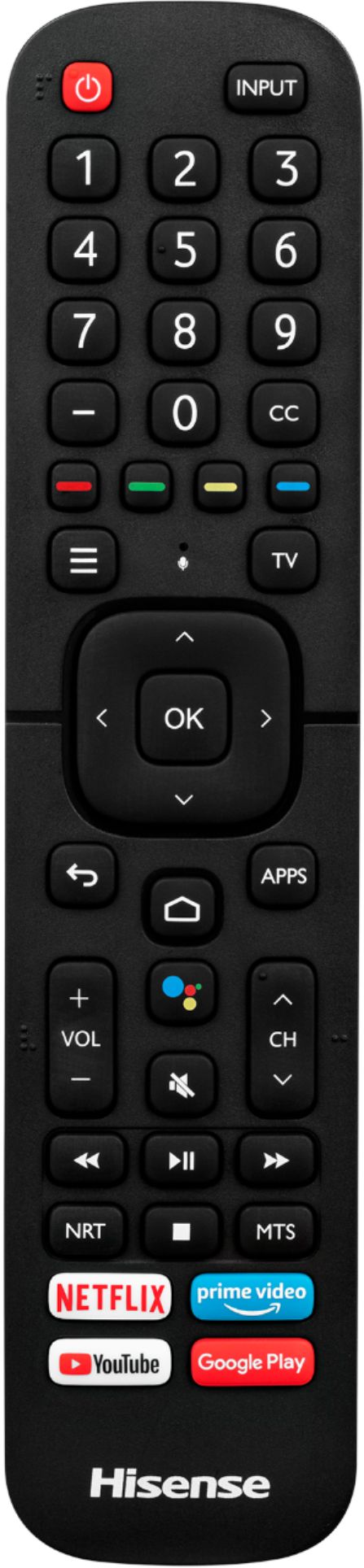
- A:Answer Hello Mel, Thank you for your interest in the Hisense 65H6510G. Yes you can access Netflix, Amazon and other services from the remote, please select the "Home Button" to gain access to the apps its is not a guarantee that another remote will be cable to carry out that task. If you have any further questions or concerns please give us a call at 1-888-935-8880 or email us at [email protected]. Thanks Again, Harley with the Hisense Support Team
Answered by HisenseProductExpert

Q: Questiondoes it support Spectrum tv app?
Asked by Davycook.
- A:Answer Hello Hisense Customer, Thank you for your interest in the Hisense 65H6510G. Yes this TV supports Spectrum TV. If you have any further questions or concerns please give us a call at 1-888-935-8880 or email us at [email protected]. Thanks Again, Harley with the Hisense Support Team
Answered by HisenseProductExpert

Q: QuestionDoes this TV use FALD (full array local dimming)?
Asked by RichJ.
- A:Answer Hello Rich, Thank you for your interest in the Hisense 65H6510G. Regrettably, this TV has no Local Dimming however the television's Backlight Type Source is Full Array. If you have any further questions or concerns please give us a call at 1-888-935-8880 or email us at [email protected]. Thanks Again, Harley with the Hisense Support Team
Answered by HisenseProductExpert

Q: QuestionDoes this TV work with a Roku device attached to an HDMI port?
Asked by searon9.
- A:Answer Hello Hisense Customer, Thank you for your interest in the Hisense 65H6510G. Yes you can connect a Roku device via HDMI. If you have any further questions or concerns please give us a call at 1-888-935-8880 or email us at [email protected]. Thanks Again, Harley with the Hisense Support Team
Answered by HisenseProductExpert

Q: Questioncan i download apps
Asked by seatdaddy.
- A:Answer Hello Hisense Customer, Thank you for your interest in the Hisense 65H6510G. Yes you can download apps to this TV such as Hulu and Disney Plus through google play store. If you have any further questions or concerns please give us a call at 1-888-935-8880 or email us at [email protected]. Thanks Again, Harley with the Hisense Support Team
Answered by HisenseProductExpert

Q: QuestionDoes this hisense tv have Bluetooth on sound and picture or just the sound
Asked by Mike.
- A:Answer Hello Mike, Thank you for your interest in the Hisense 65H6510G. This TV has Bluetooth capabilities on sound/ audio only. If you have any further questions or concerns please give us a call at 1-888-935-8880 or email us at [email protected]. Thanks Again, Harley with the Hisense Support Team.
Answered by HisenseProductExpert

Q: QuestionCan I subscribe to Apple TV+ on this tv
Asked by mitckk.
- A:Answer Hello Hisense customer, Thank you for your interest in the Hisense 65H6510G. Regrettably the Apple TV app is not supported. If you have any further questions or concerns please give us a call at 1-888-935-8880 or email us at [email protected]. Thanks Again, Harley with the Hisense Support Team
Answered by HisenseProductExpert

Q: QuestionI bought this TV less than a month ago. Like it a lot. This morning I turned on and no sound. I've checked everything I know to check. Can you give me some advice?
Asked by Cookie.
- A:Answer Hello Cookie, Thank you for your interest in the Hisense 65H6510G and for taking the time to provide us with a feedback. We're so sorry that you're television has no sound. We take pride in making sure we produce high-quality, reliable televisions and apologize that you didn't have the positive customer experience that we strive to consistently deliver. We really want to get to the bottom of this as much as you do, please reach out directly to our support team at 1-888-935-8880 or email us at [email protected]. We look forward to hearing from you! Thanks Again, Harley with the Hisense Support Team
Answered by HisenseProductExpert

Q: QuestionIs this tv internet ready and can I surf the internet or google?
Asked by James.
- A:Answer Hello James, Thank you for your interest in the Hisense 65H6510G. Yes this is an android smart TV, you can surf the internet/ google by downloading web browser from the google play store. If you have any further questions or concerns please give us a call at 1-888-935-8880 or email us at [email protected]. Thanks Again, Harley with the Hisense Support Team
Answered by HisenseProductExpert

Q: Questionhi , do you guys assist in mounting the tv after delivery , or is there anyway i can schedule that ?
Asked by chico.
- A:Answer Hello Chico, Thank you for your interest in the Hisense 65H6510G and for taking the time to provide us with a feedback. Regrettably, that service is not provided. If you have any further questions or concerns please give us a call at 1-888-935-8880 or email us at [email protected]. Thanks Again, Harley with the Hisense Support Team
Answered by HisenseProductExpert

Most-viewed items
- Tech Fest Deal$59.00
- Tech Fest Deal$99.99
- New Limited Time Deal$1,299.99