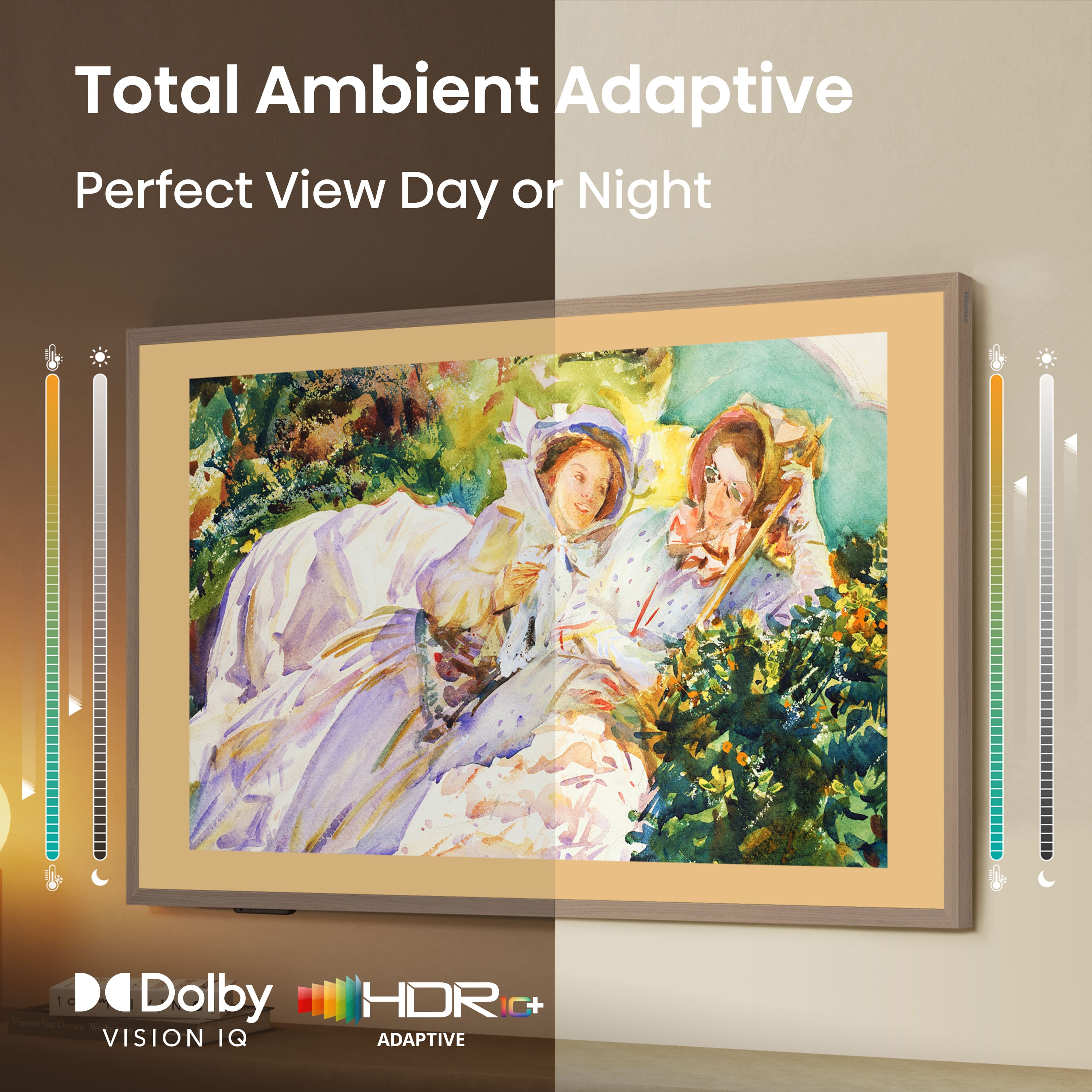
A:AnswerFrom what I can tell, the operating system on the TV does not allow for that. However, if you attach the TV to a PC and use it as a monitor, you can set the orientation to portrait and use it that way. Of course, you lose all the functionality of the art-mode such as light dimming, motion detection, auto shut-off, etc.
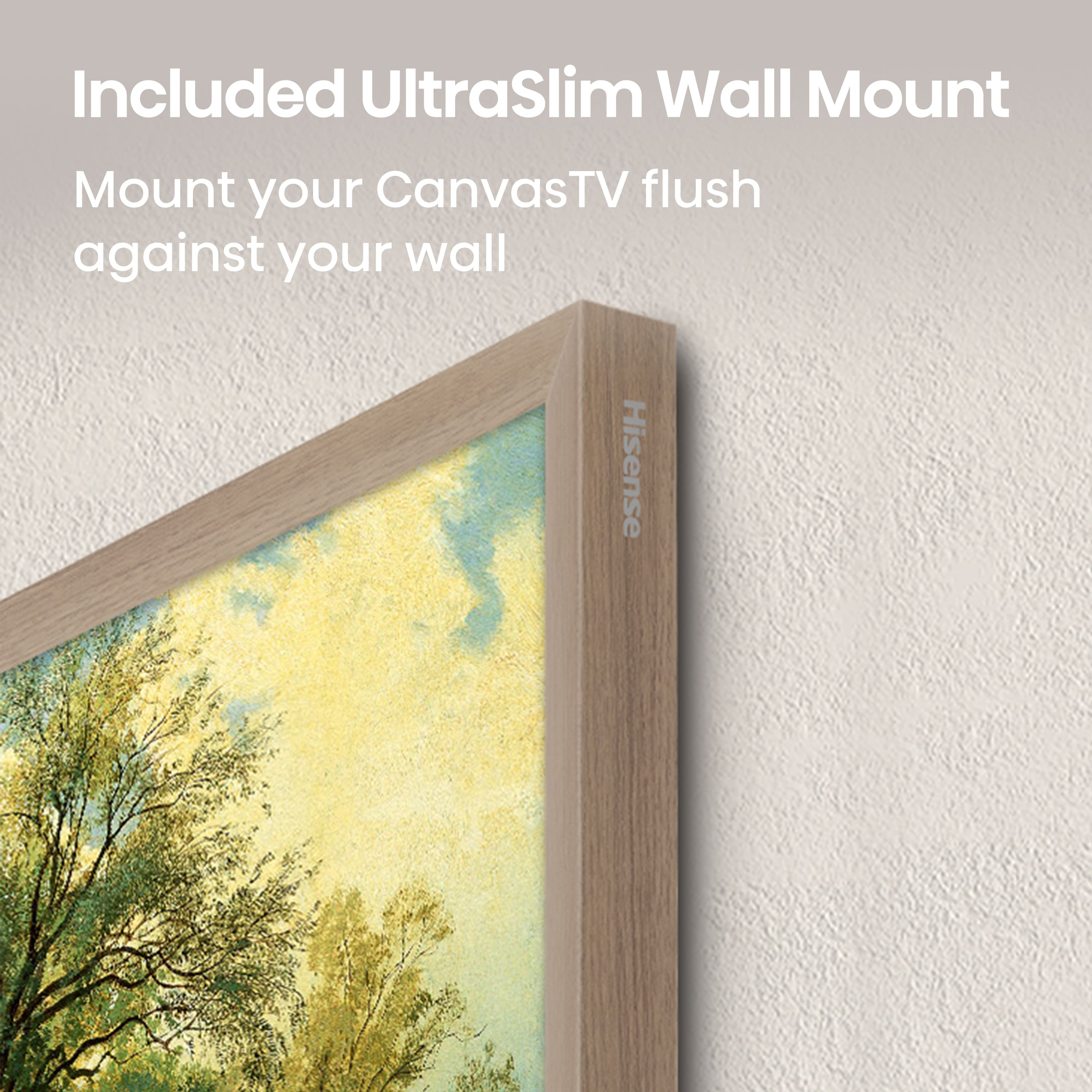
The problem I see with this the TV is loosely hung on a wall mount which has these flat hooks that the 2 bars drape across. There are other mount points on the back of the TV, but it doesn't appear to be designed for portrait mounting out of the box. You'd need to find a different way to mount it.
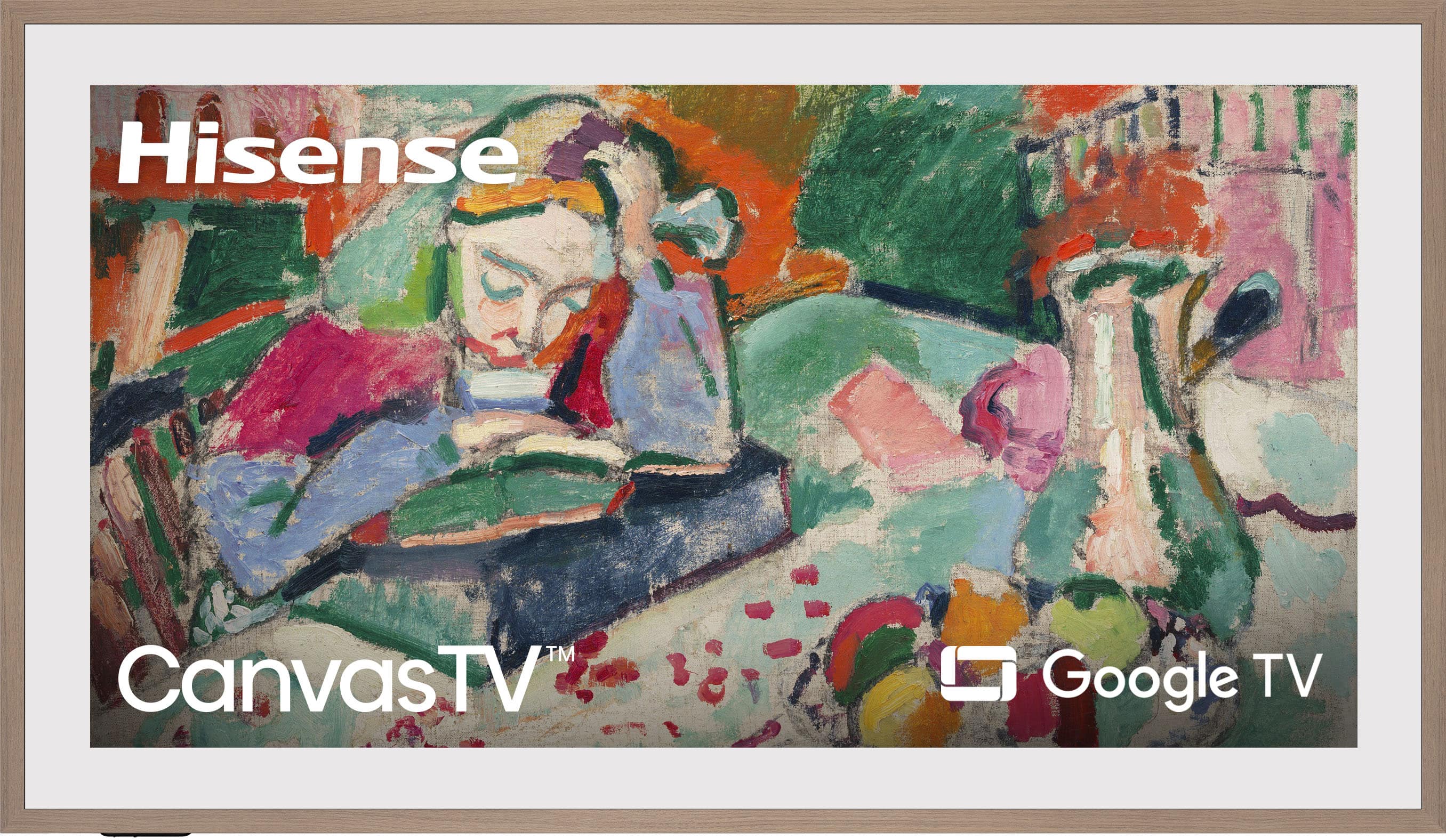
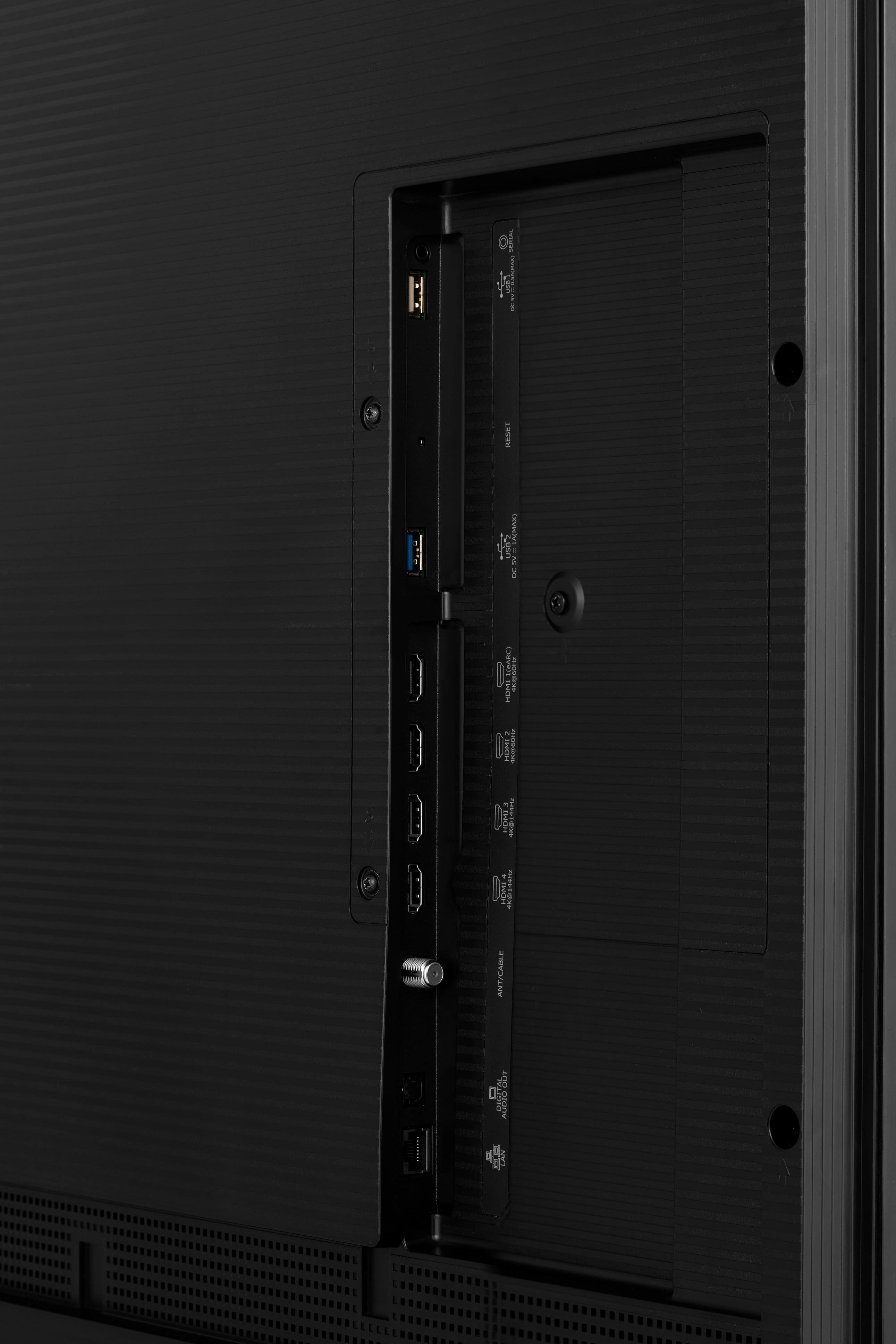
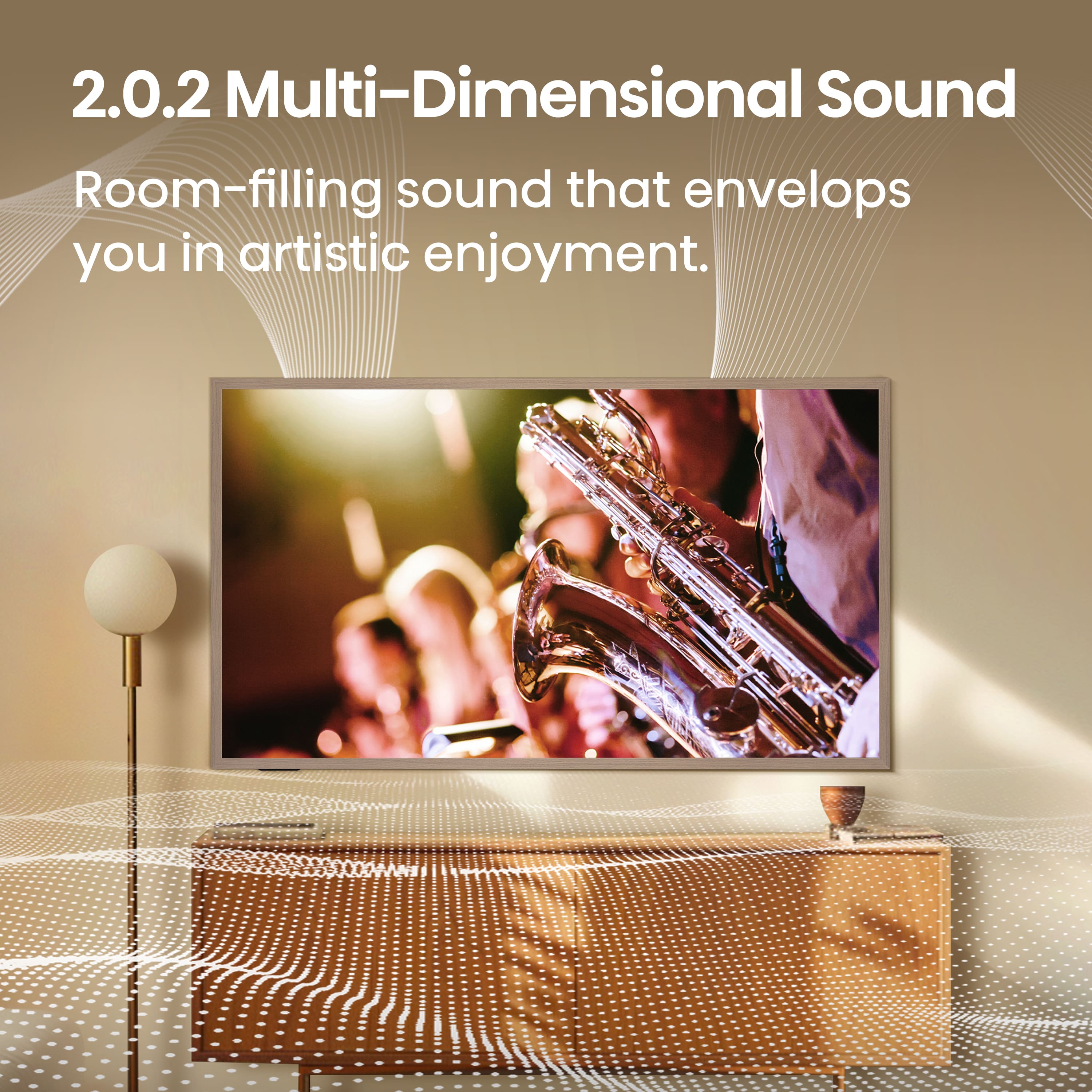
A:AnswerThe cords all have to be run separately for each input/output type. But the TV runs well off wi-fi, so all you really need to hide in the wall is the power cord and an audio cable to your stereo (unless you plan on using the built-in TV speakers, which are pretty decent).
Every home is different, so the difficulty level for running multiple cables to their destinations is dependent on your personal situation.
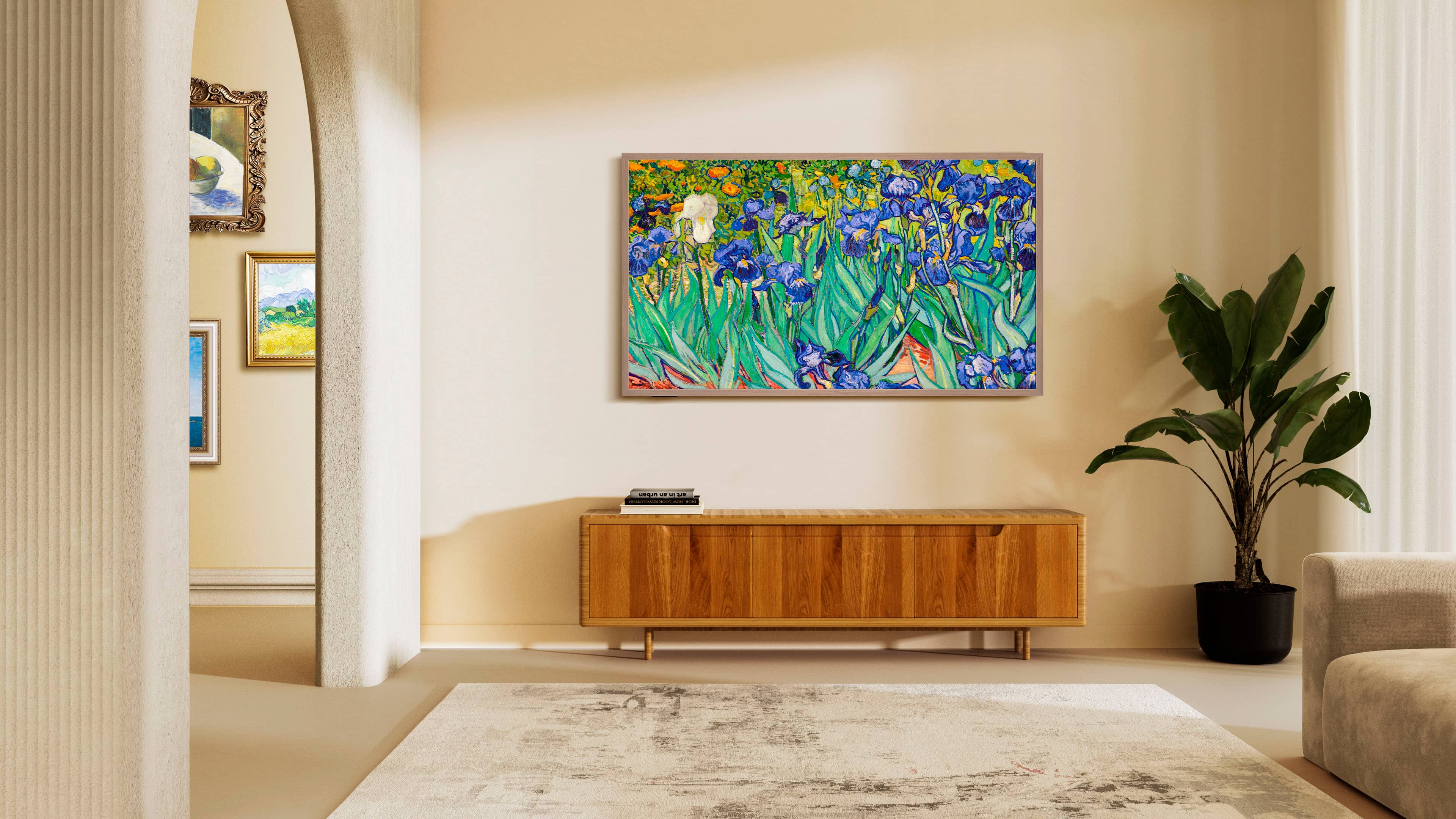
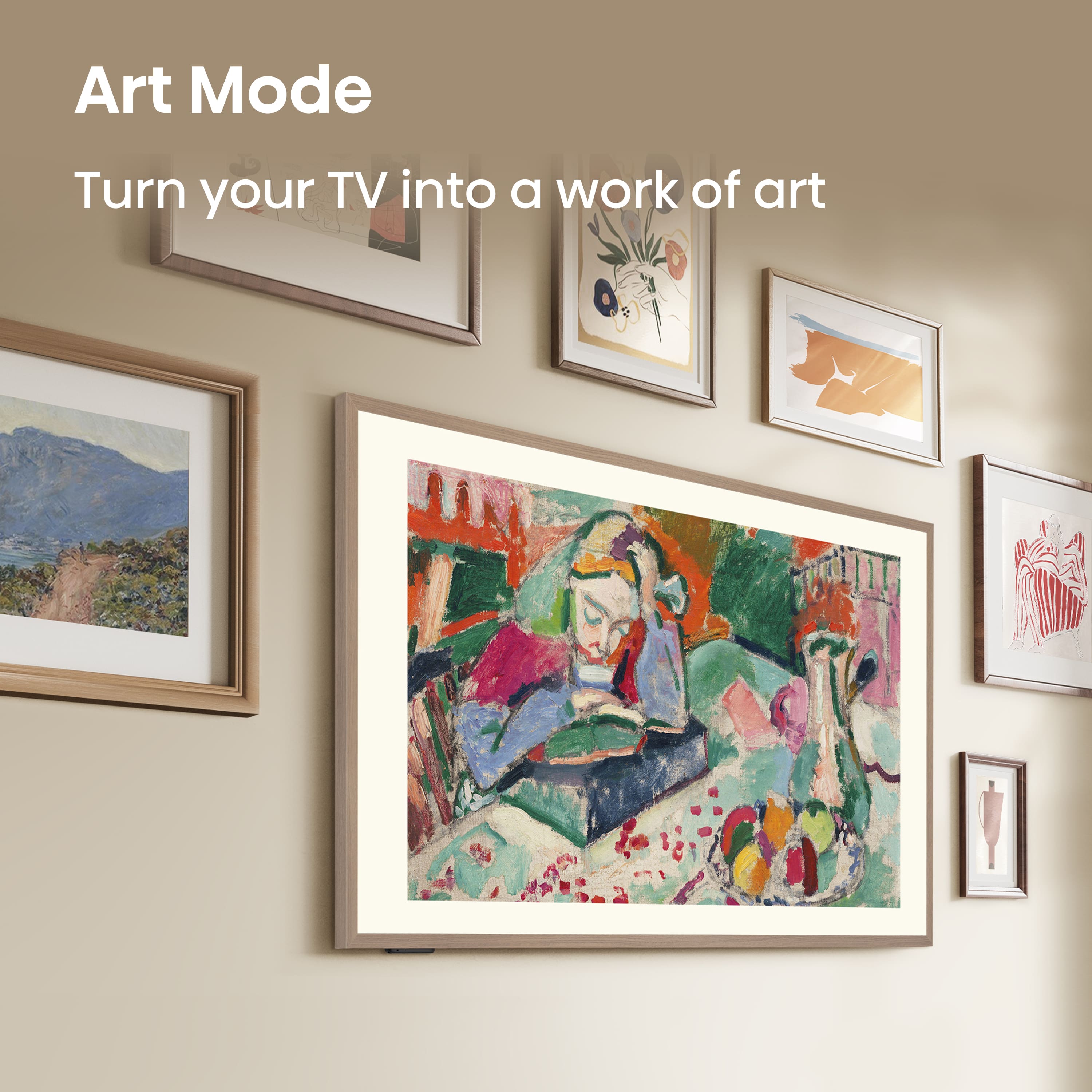
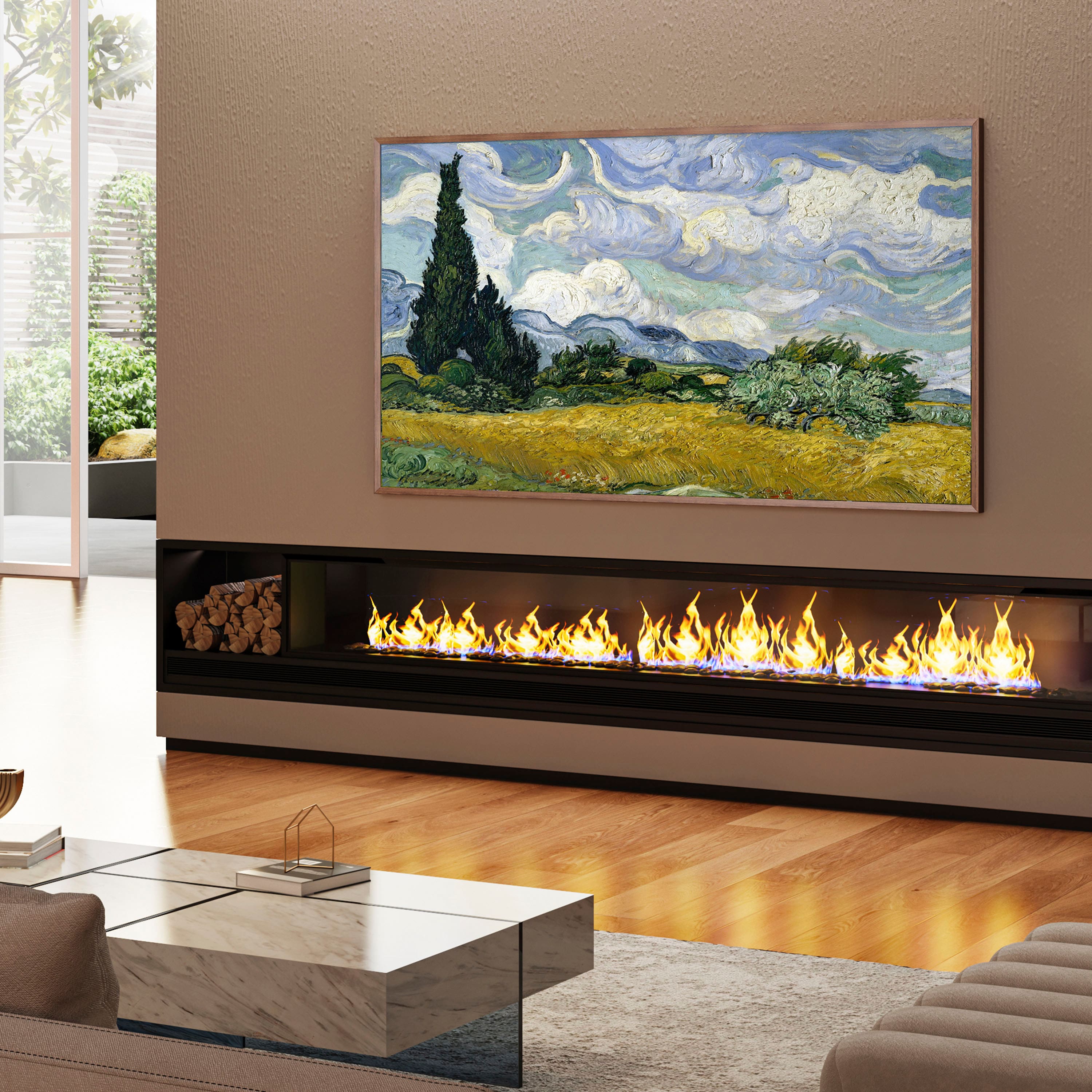
A:AnswerHi Hisense Customer, Thank you for your interest in the Hisense 65S7N. The Art Mode can be switched on upon initial setup once CanvasTV is powered up. Once the feature is turned on, it will activate automatically when the TV is powered off. The user can also set the amount of time Art Mode stays on before it turns off. If you have any further questions or concerns, please give us a call at 1-888-935-8880 or email us at [email protected]. Thanks again, Harley with the Hisense Support Team.
A:AnswerI have the 55 inch version and I can confirm that the built in apps DO NOT support 4k. You need to use a streaming HDMI device. Very disappointing! No where does it say this in specs. Hisense hasn't answered my email inquiring about this.
A:AnswerWhen you’re in art mode, select the menu button on your remote. A drop down will appear at the bottom left of the screen. Select Art Mode settings. A new menu will appear. Under Rotation select Disable.
A:AnswerWe just purchased the Canvas tv and we are so disappointed in the power cord. We purchased a recessed outlet to replace the standard outlet behind our tv. Even with the recessed outlet, the tv does not sit flat on the wall. We have purchased a flat power cord adapter in hopes this will fix the issue. Very confused as to why Hisense would not include the correct power cord needed for a tv such as this.
A:AnswerHi Tani, Thank you for your interest in the Hisense 65S7N. The frames can be purchased by visiting (https://shop.hisense-usa.com/collections/tv-accessories). If you have any further questions or concerns, please give us a call at 1-888-935-8880 or email us at [email protected]. Thanks again, Harley with the Hisense Support Team.