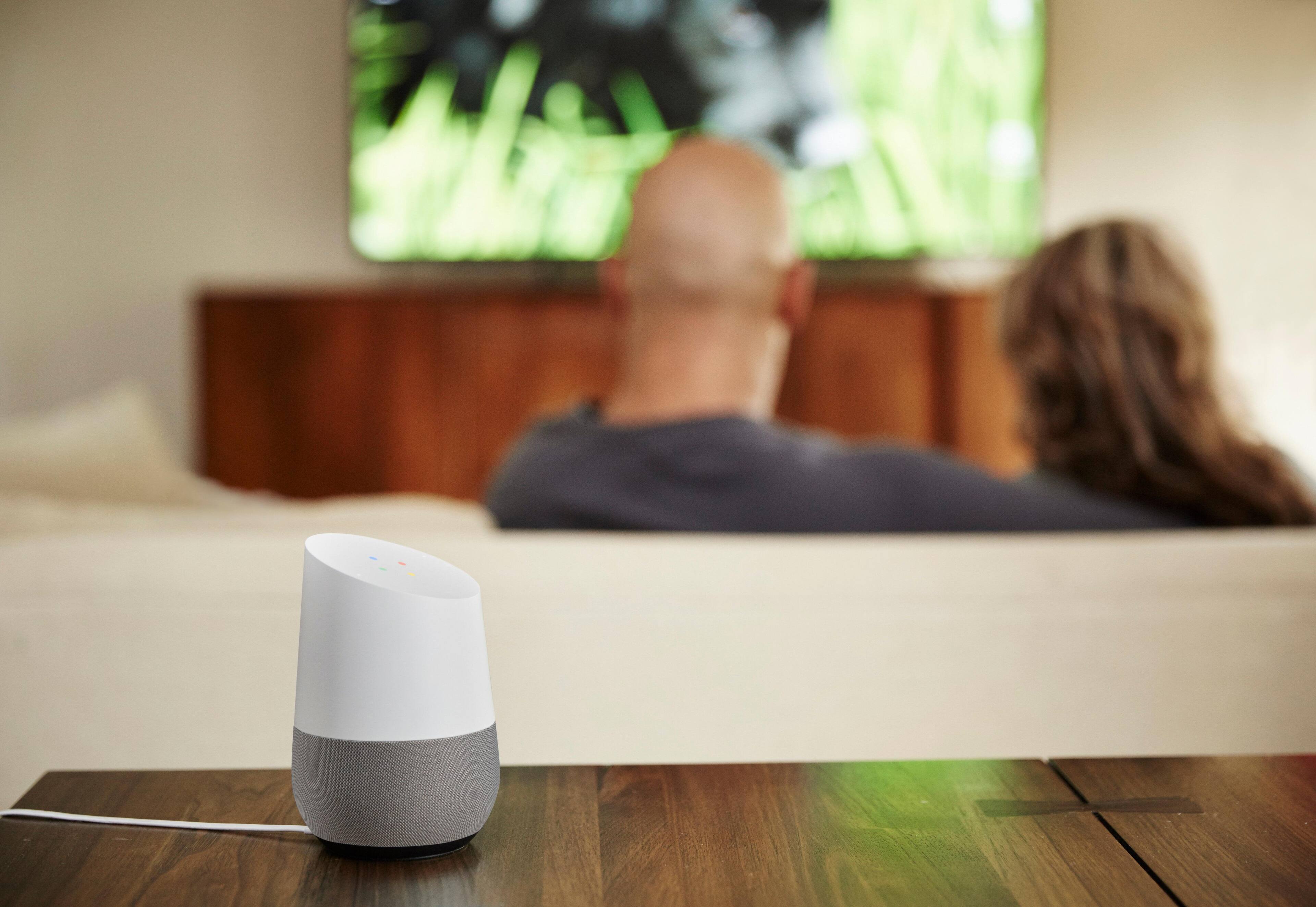
A:AnswerYes, start your question like this as an example,, "OK google, change my roku tv to channel 9". Be sure that you have google voice control activated This control option is in your settings menu, also that the google home device and your roku are connected to the same wi-fi account.
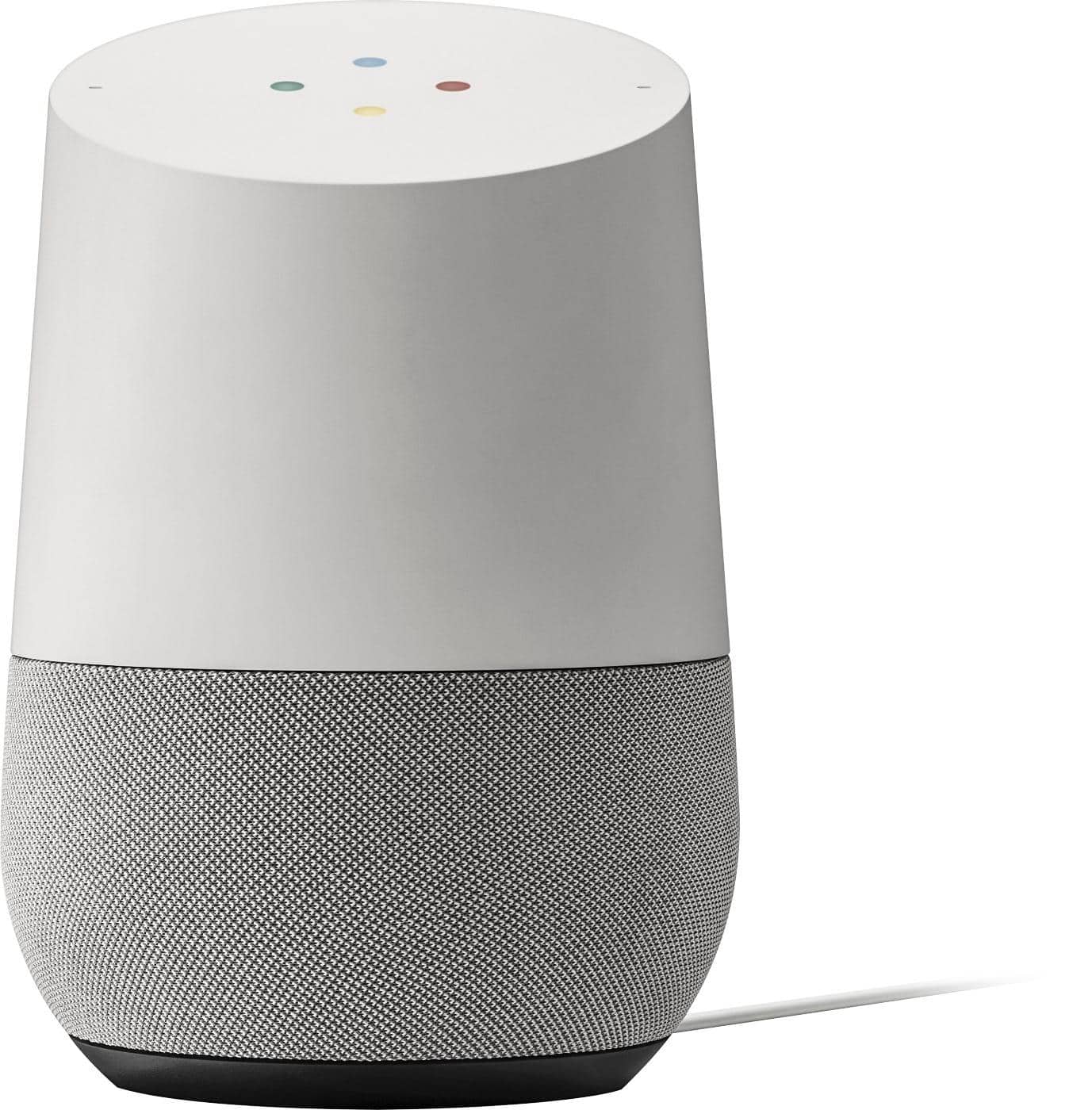
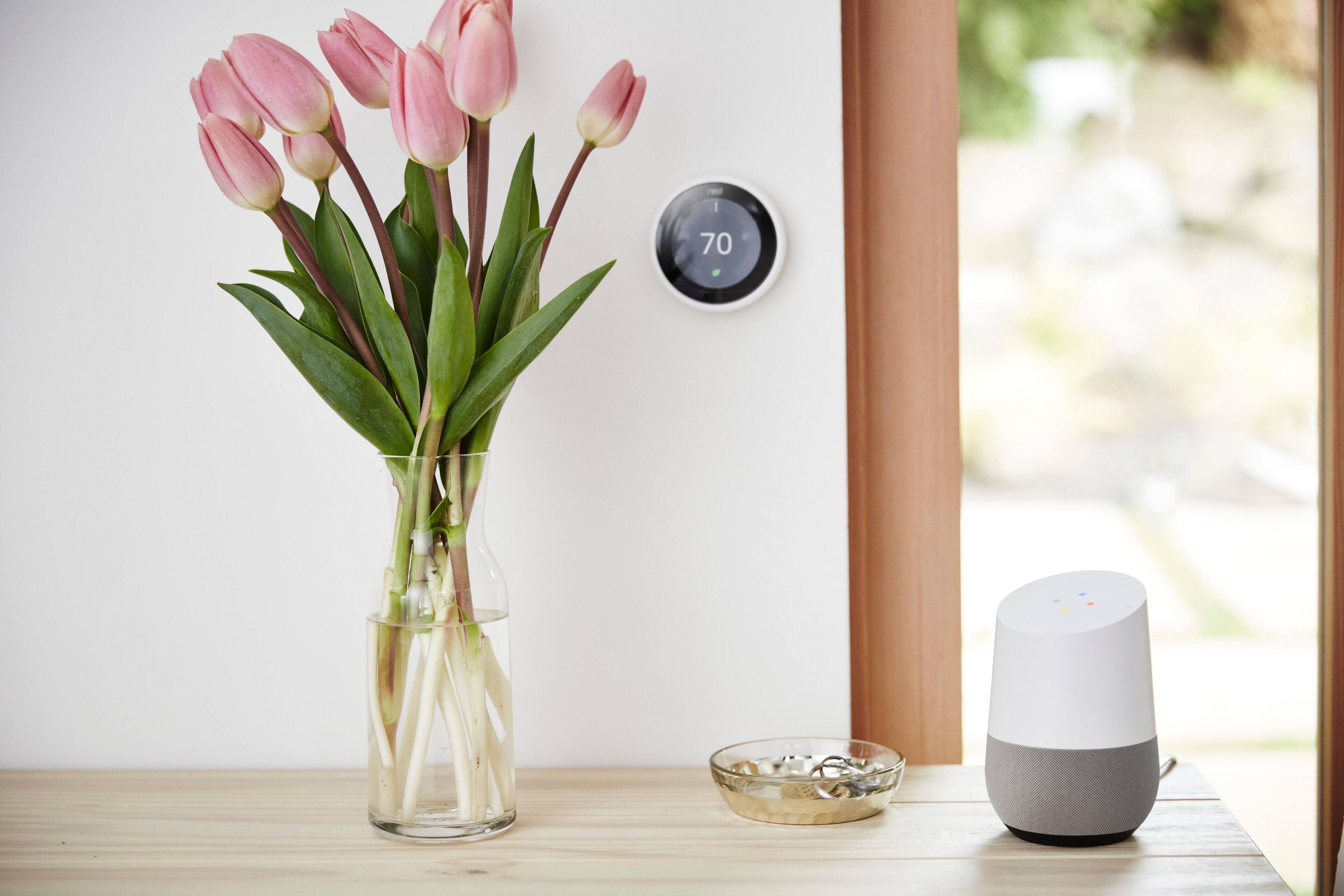
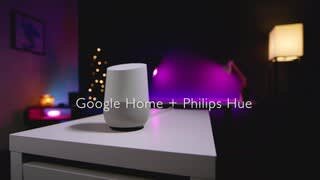
A:AnswerIf it works with Google home smart devices then yes. This should be clearly stated on the smart bulb or smart switch. It however will not control a "dumb" bulb.
A:AnswerThis depends. We have issues with the newer cable wireless routers on the past. This is easily rectified with a call to the cable company, or in my case upgrading the router. We chose to upgrade to to the limited reach of the wifi router.
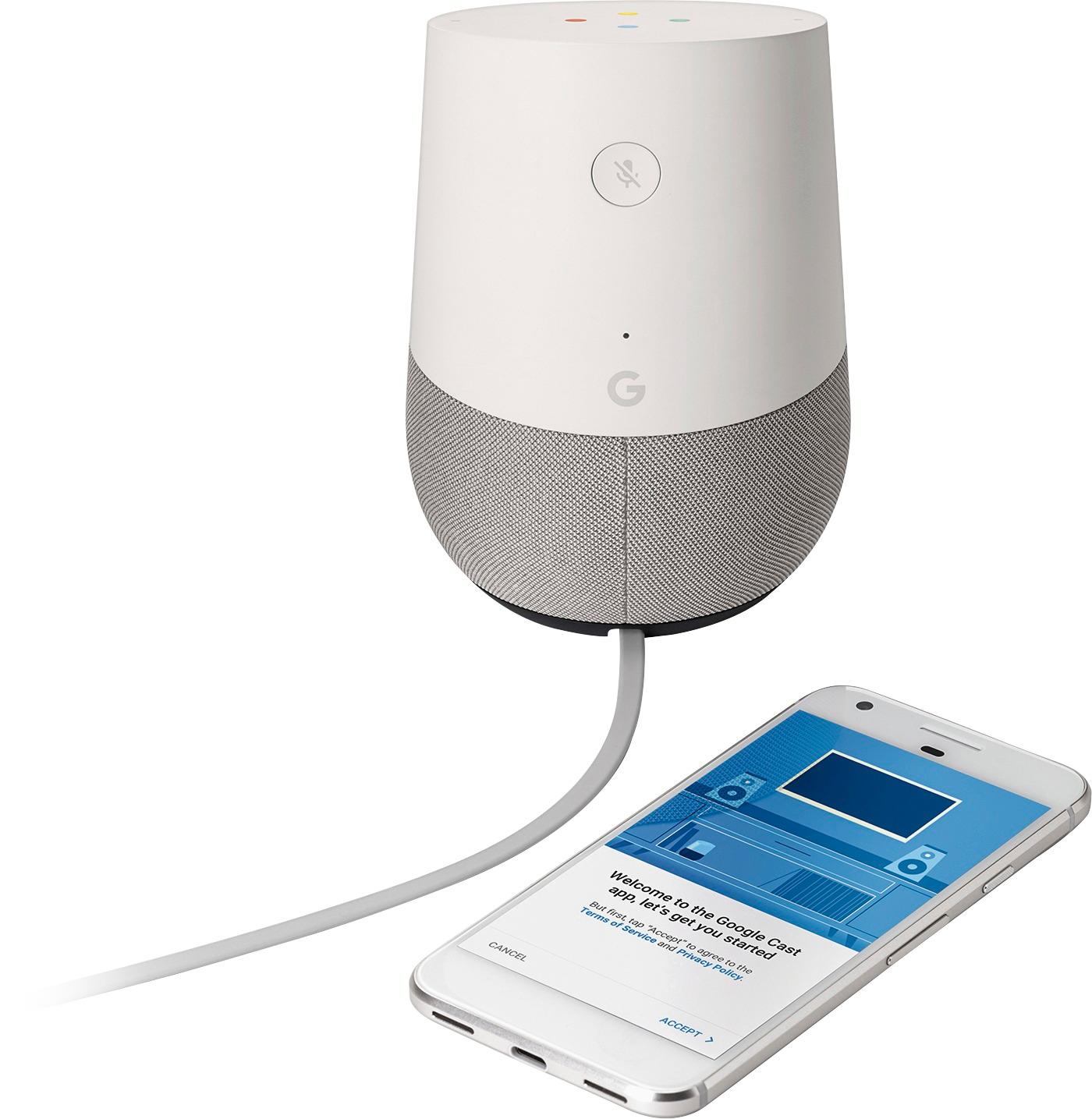
A:AnswerDepends on how tech literate you are. It is relatively easy. Download the Google home app, sign into your Google account, make sure you phone is connected to he wifi you want it on and follow the steps.
Linking accounts is fairly easy and the Google app does a good job leading you through the steps.
My mother in law could do it no problem, my father in law meanwhile would require help.....but he is not at all interested in apps or technology, he just likes the end result.
A:AnswerYou should be able to use it with any wifi connection. A hot spot is essentially a wifi connection so you should be find even though it's not the best option.
A:AnswerYes it does. I am really happy with this purchase. I bet youll love it. Plays basically whatever you want. If you get the 10 dollar a month package from youtube its even sweeter i heard. I havent yet. However, im going to and i can tell just from using it it will be qhen she speaks back to you . Also i have an android phone. These are more for android. Is what i was also told . I have an alexa before did not like it at all. Sent it back and got this one and i absolutley love it. Hope this helps