Deals Worth GiftingShop now

Skip to content
Gift Ideas
Main Content

Questions & Answers

Your price for this item is $99.99
Page Showing 421-440 of 452 questions
  • QuestionDoes this require any hardwire at all? I am looking for one that is completely wireless

    Asked by Anonymous.

    • Answer As long as AC units and furnaces require wired connections from thermostats, the thermostats must have wires. If there is a furnace or AC unit out there that accepts wireless control signals, I am not aware of it but you could look. I also suppose that someday these will be offered.

      Answered by JohnnyC

  • QuestionHi. Does that device support 220-volt cooling systems. I live in UAE.

    Asked by atri.

    • Answer You need to consult your local electrician to see if it is safe to do so. Debe consultar a su electricista local para ver si es seguro hacerlo.

      Answered by Cristobal

  • QuestionHow do I set it up on my wifi

    Asked by Anonymous.

    • Answer Download the app, it will guide you

      Answered by Justin

  • QuestionHow do I replace battery

    Asked by Patti.

    • Answer No battery.

      Answered by Fran

  • QuestionI have 7 zones and 2 HVAC systems (4 zones on 1st system and 3 zones on the other system). Can I replace my current Honeywell TH8110U1003 units with this unit? Can they all work on the same App?

    Asked by Ctechy.

    • Answer As long as you match up the wiring then any thermostat will work. As for your app question as long as you are able to identify each thermostat in its particular location then yes it should work. Siempre que combine el cableado, cualquier termostato funcionará. En cuanto a la pregunta de su aplicación, siempre que pueda identificar cada termostato en su ubicación particular, entonces sí, debería funcionar.

      Answered by Cristobal

  • QuestionThe heat shuts down but the fan continues and does not shut down is this a problem with the thermostat?

    Asked by Anonymous.

    • Answer I got two Honeywell thermostat, one upper and lower floor. Both are working perfect. Easy to use and convenient to control online. Very happy with the purchase.

      Answered by Mann

  • QuestionHow do you clear program. Do not want it to change temp automatically

    Asked by Brandisue.

    • Answer Press the "fan button & arrow up button" at the same time. The screen will show a large 1 and another smaller sized number, (0-8). On the bottom, push the "next" button until you get a large number 16. Then push the arrow button to change the smaller number, (#1), to (#0). That turns off the schedule to automatically change temps. You must now set the temp you want whenever you want it to. DO NOT change settings in the large number 1 - 6.

      Answered by RonR

  • QuestionWhat is the lowest the temperature can be set for heating purposes?

    Asked by Dennisjk.

    • Answer Low heat setting is 40 degrees - High heat is 90 degrees. Low cool setting is 50 degrees - High cool setting is 99 degrees.

      Answered by RonR

  • QuestionIf I do not have a C wire,will your RTH6580W work with Honeywell power adapter CWIREADPTR4001 ?

    Asked by 6324.

    • Answer Not really sure. Would contact Honeywell

      Answered by bigpoppa

  • QuestionI’m not sure what is a power supply to my current thermostat. I have a pic below. It doesn’t say which voltage is using. I would like to replace it with WiFi thermostat if compatible. Is there a way to tell?

    Asked by Anonymous.

    • Answer Easiest way is if your thermostat relies on battery then you dont have a c wire. But thats what your lookin for a believe is the c wire on your current system.

      Answered by Driftintroll

  • QuestionMy display backlight will only stay on for a few seconds. Is there any way to make the display backlight remain on?

    Asked by KingDeuces.

    • Answer Touch any buttons.

      Answered by Munch

  • Questionis this compatible with google home?

    Asked by Anonymous.

    • Answer Yes

      Answered by Valerie

  • QuestionWhat’s an E1 error code mean?

    Asked by Cookie.

    • Answer It means that the router lost power: •Ensure your router has power. •If trying to connect to a hidden or manually added network, confirm the router has power and is working.

      Answered by CommunityAnswer

  • QuestionI would like to install this in my garage where we have cold winters....can it be set to 40 degrees F in heat mode? Thanks.

    Asked by Buey.

    • Answer I don’t know since I’m in Florida. It would need to be by your return air vent in your garage.

      Answered by LInB

  • QuestionHow do u replace battery

    Asked by Anonymous.

    • Answer I’d suggest you have someone install or read instructions to you

      Answered by Tshark

  • QuestionHello, I currently have two older Honeywell programmable thermostats doing heat only wired to W & Y and there is 24V between the two wires on each thermostat. Can this new Wi-Fi stat work in their place?

    Asked by Eric.

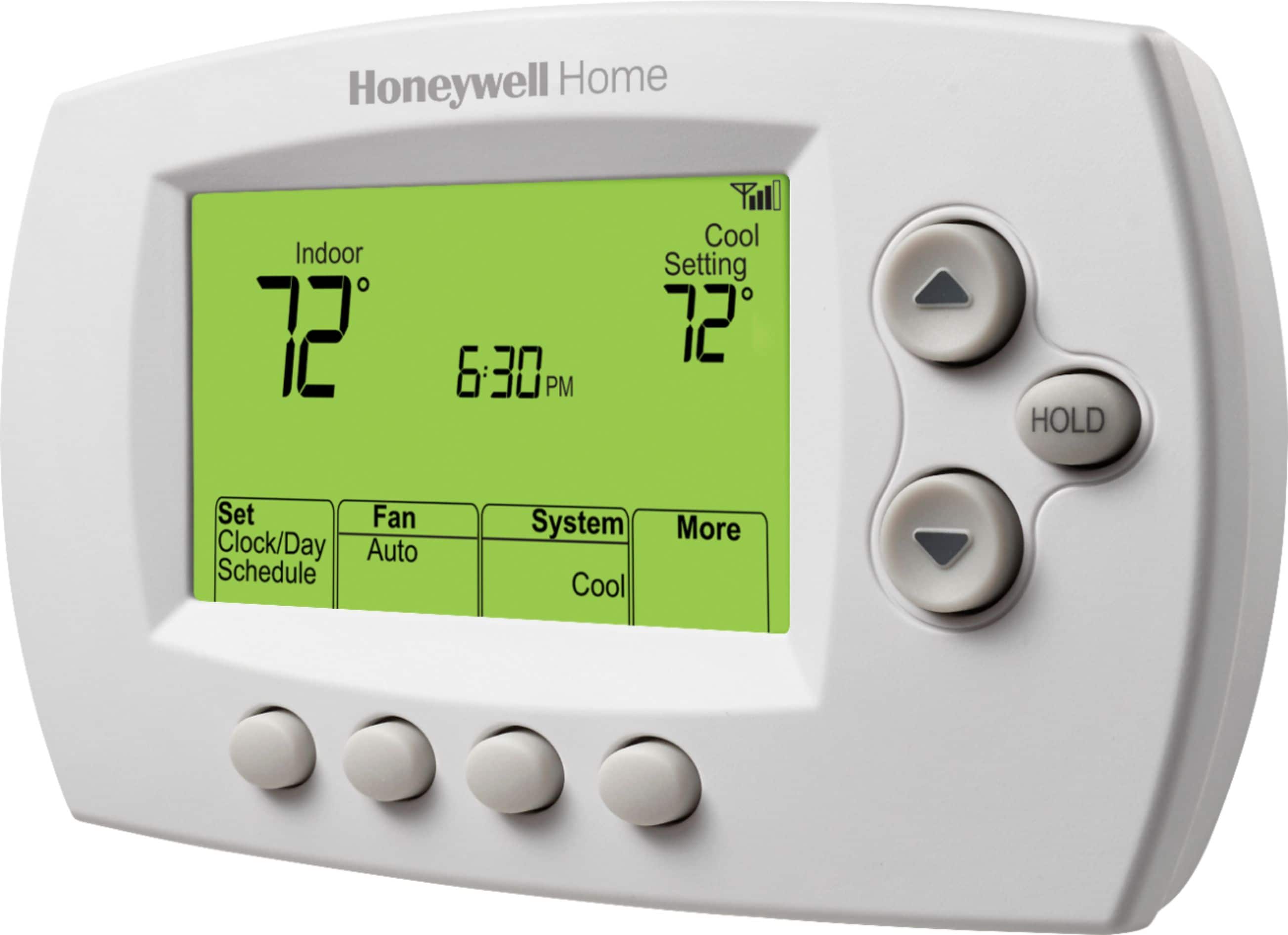
    • Answer Hi Eric. The Honeywell 7-Day Programmable Thermostat with Wi-Fi is compatible with common 24 volt systems such as forced air, hydronic, heat pump, oil, gas, and electric. It will not work with millivolt systems, such as a gas fireplace, or with 120/240 volt systems such as baseboard electric heat. However, one thing to keep in mind is this thermostat requires a common wire (C wire). This is the primary power source for your thermostat. Without a C wire, your thermostat will not power up. Often there will be extra wires that aren't being used at your thermostat that you can use. It will need to be connected to your thermostat C terminal, as well as the C terminal on your HVAC equipment. If you run into any issues while installing this, or have any further questions, don't hesitate to reach out to our customer support for assistance. They can be reached at 1-800-468-1502 (ref case #00810449). I hope this was helpful and enjoy the rest of your day!
      Answered by Honeywell Support

  • Questionhow to change battery when flashing

    Asked by denny.

    • Answer This WiFi thermostat is not powered by a battery. Instead it is connected to electric wire coming from the control board in the furnace.

      Answered by GiRobo

  • QuestionHow do i change the permanent setting on the thermostat

    Asked by Pm.

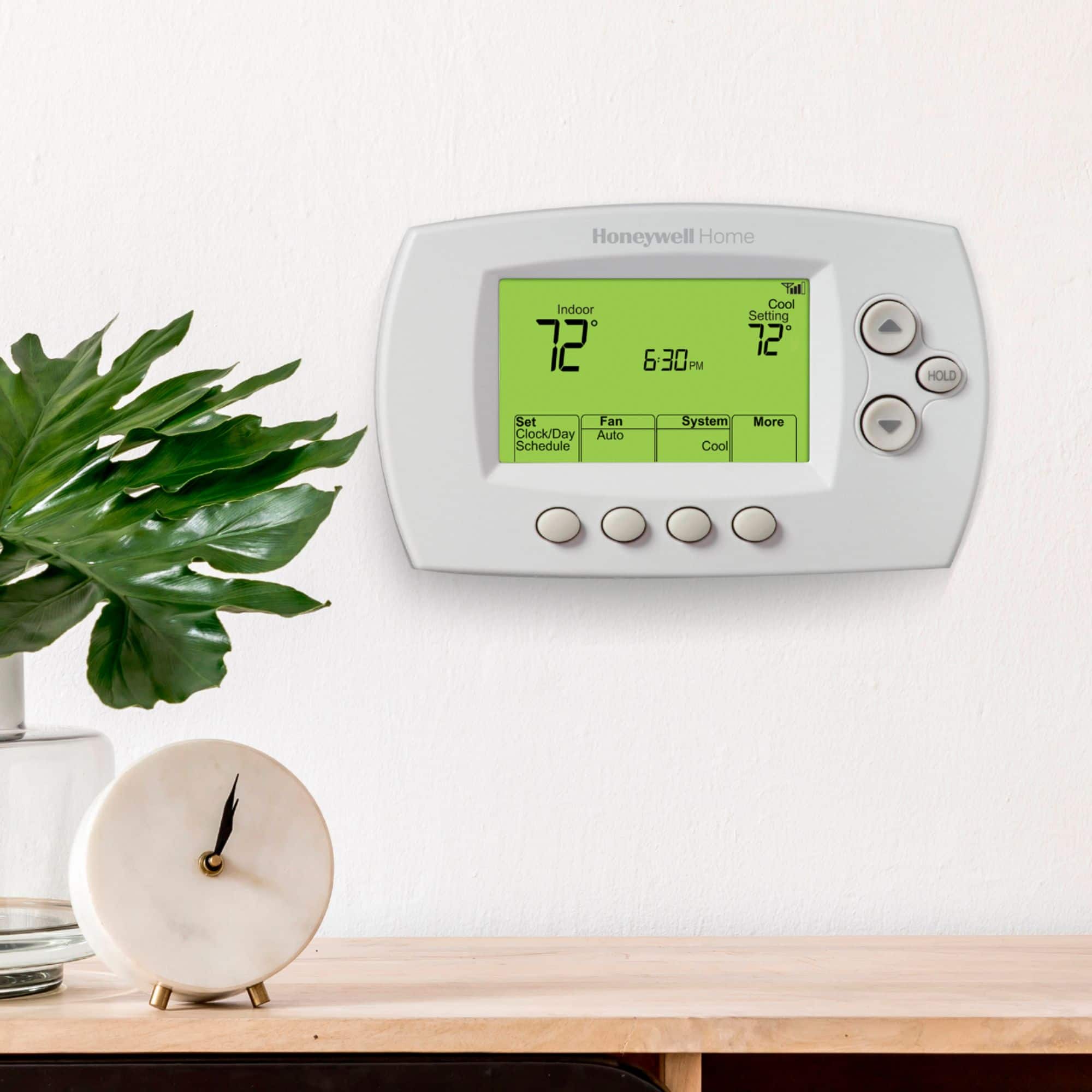
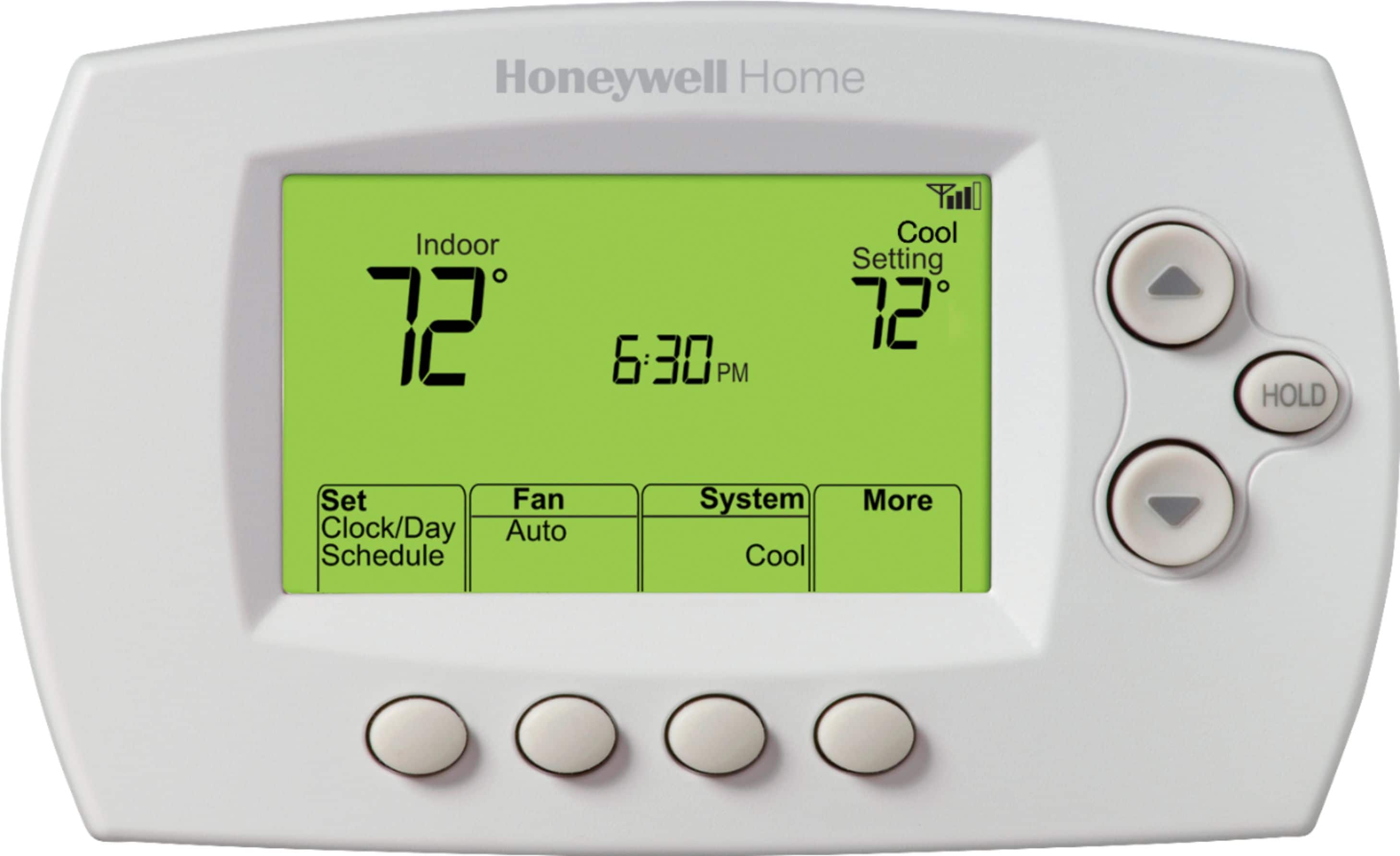
    • Answer Hi Pm! With the Honeywell 7-Day Programmable Thermostat you are able to turn the schedule off, make adjustments to the current schedule, or place the thermostat on a temporary or permanent hold. To turn the schedule feature off please follow these steps: 1) Press “Fan” and the up arrow button on the right hand side of the thermostat simultaneously and hold for approximately 3 seconds. The screen will change to display two numbers and the button designations will be “Done”, “Back”, “blank”, “Next”. 2) Press “Next” until you see the function number— the larger number on the left—“16”. 3) Change options for any function by pressing the up or down arrow button until the correct option (smaller number on right) is displayed. In your case you will change the smaller number to “0”; this is turning the schedule off and you will manually set the temperature on your thermostat. 4) Press “Done” to save and exit. If you want to make adjustments to the current schedule, please do the following: 1) Press “Set Clock/Day/Schedule”, then “Set Schedule”. 2) Press the up or down arrow button to set your Monday (Mon) Wake time, then press “Next”. 3) Press the up or down arrow button to set the temperature for this period, then press “Next”. 4) Set time and temperature for the next time period (Leave). Repeat Steps 2 and 3 for each time period. 5) Press “Next” to set time periods for the next day. Repeat Steps 2 through 4 for each day. 6) Press “Done” to save and exit. Note: Make sure the thermostat is set to the system mode you want to program (Heat or Cool). If you want to place your thermostat on a temporary hold from the current schedule in place, please do the following: Press the up or down arrow button to immediately adjust the temperature. The new temperature will be maintained only until the next programmed time period begins. To cancel the temporary setting at any time, press “Cancel”. The program schedule will resume. If you want to permanently override the current schedule you will do the following: 1) Press “HOLD” to permanently adjust the temperature. This will turn off the program schedule. 2) Press up or down arrow button to adjust the temperature setting. The temperature you set will be maintained 24 hours a day until you manually change it or press “Cancel” to resume the program schedule. I hope you found this helpful! Thank you!

      Answered by Honeywell Support

  • QuestionWill this unit work with Amazon Echo voice control ?

    Asked by Trep.

    • Answer yes. it is "wink app" compatible.

      Answered by johnwayne1234

  • QuestionDoes this unit have the fan circulation mode?Can you set unit to circulate air during the night on the sleep setting?

    Asked by Rock.

    • Answer Yes but, not independent of temperature setting. Changing temp setting up or down , will initiate fan.

      Answered by ClaudeSP