A:AnswerHello, the date that Google will no longer support this device is June of 2028. You can find this information on the Google Support Page titled Auto Update Policy. Thank you for being an HP customer!
A:AnswerThank you for the question. Yes, you can sync your iPhone and iPad to a Chromebook. The required Google Apps for IOS are in the Apple store. You can input via the touchscreen if you wish. Yes, you can use voice to text - find the app in the Google Play Store.
A:AnswerClamshells have to be specifically designed for a particular laptop. To the best of my knowledge, there is no clamshell case that properly fits this laptop.
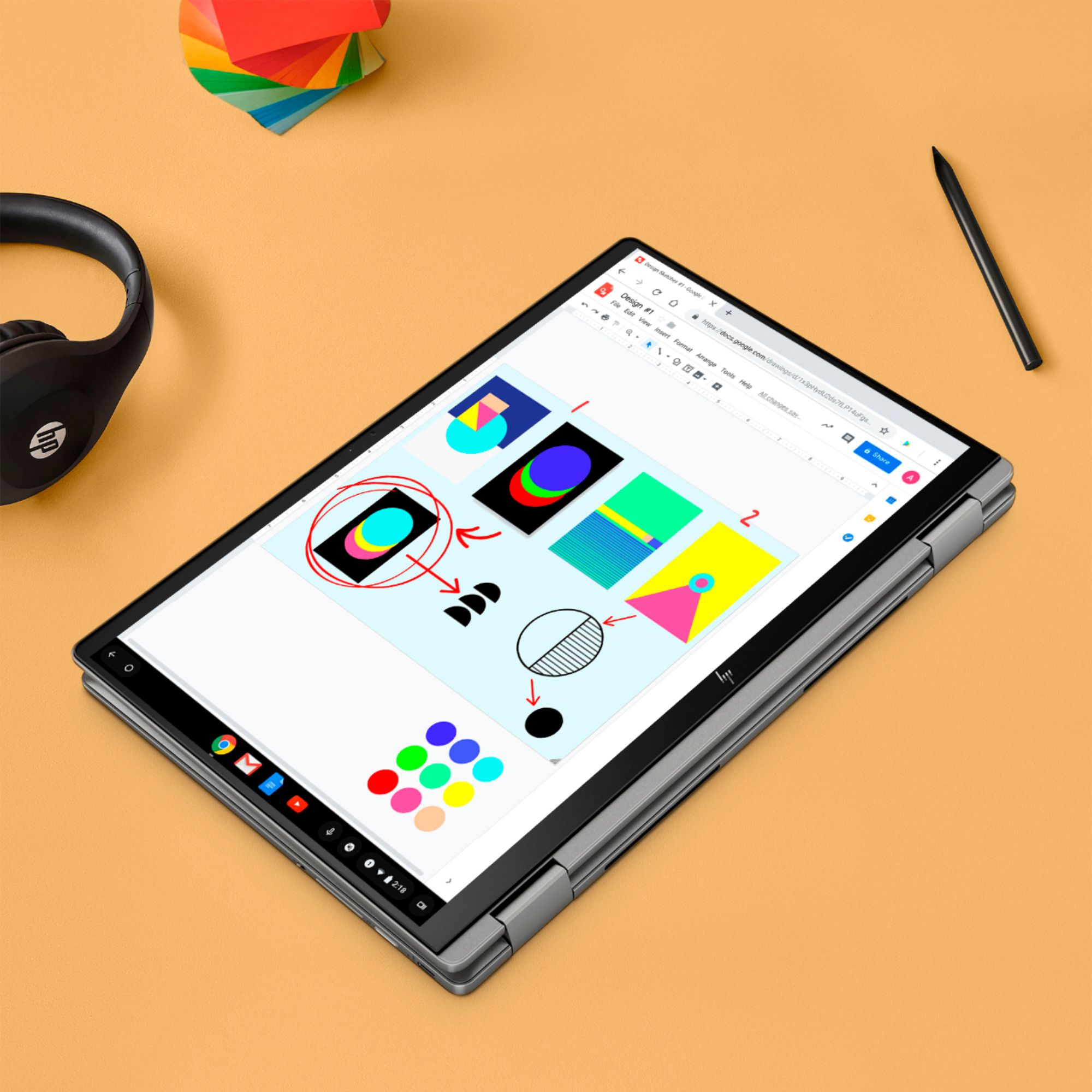
A:AnswerThank you for reaching out! The HP Active Pens and MPP Tilt Pens are built on Microsoft Windows code. Since this is a Chromebook, you will want to pair it with the HP Rechargeable USI Pen: https://www.bestbuy.com/site/hp-rechargeable-usi-pen-for-usi-supported-devices-silver/6450298.p?skuId=6450298
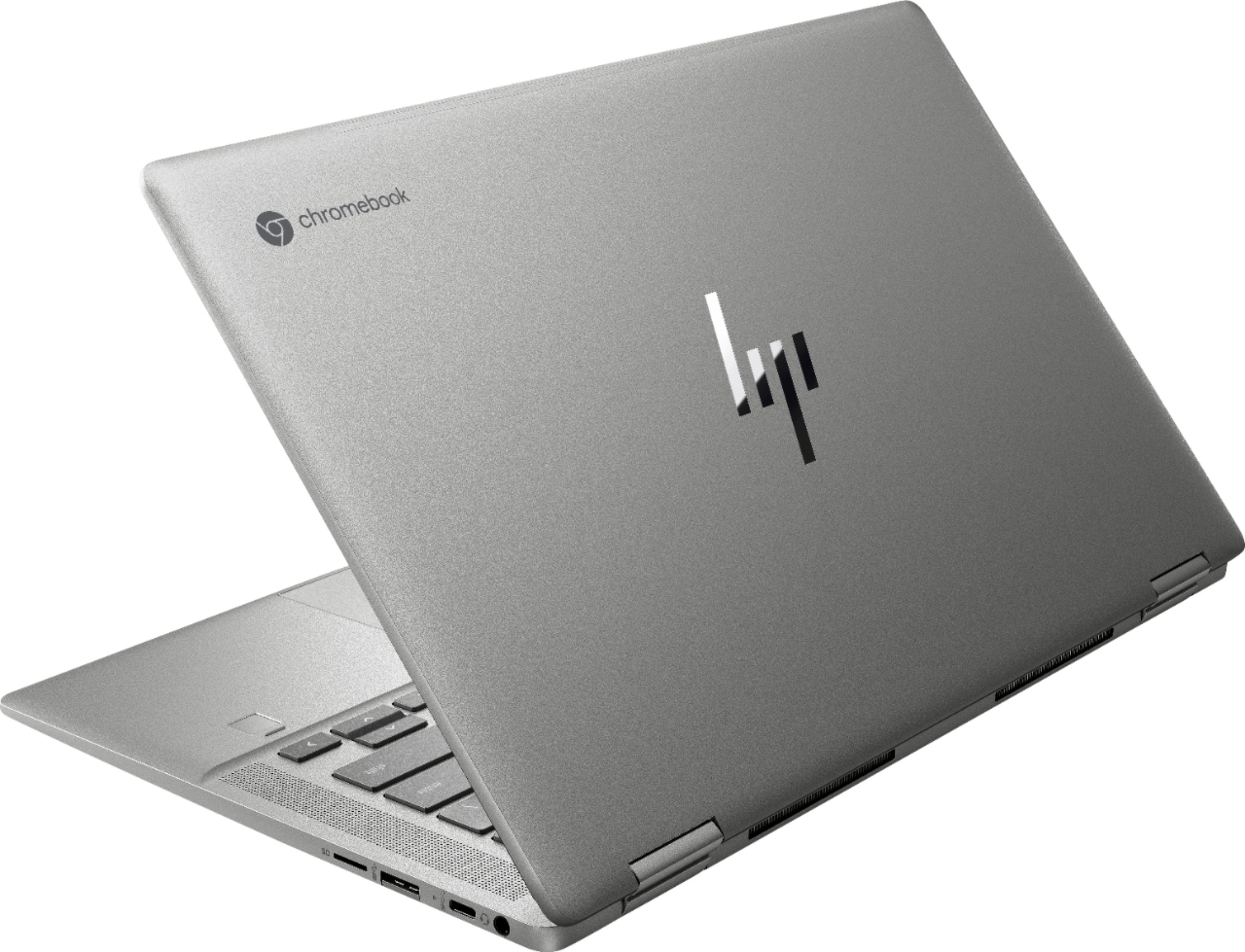
A:AnswerHello, Max! Great question. The exterior is a combination of aluminum (top cover, palm rest) and recycled ocean-bound plastic (bottom cover, bezel, speaker enclosure).
A:AnswerThank you for the question. Chromebook Plus is a badge that a Chromebook model can receive if it meets a (fairly short) list of minimum requirements: at least 12th Gen Intel Core i3 or a Ryzen 7000 processor, 8GB of RAM, 128GB of storage, 1080p display resolution, and a 1080p webcam. The HP 14c-cc0013dx meets most of those requirements, except that it has a 720p camera and an 11th-generation Intel i3 processor.
A:AnswerThank you for the question. The keyboard is English, however, you can change the keyboard language in "settings" to change your typing language or use special characters, like accent marks or currency symbols. Or, without changing the language, you can input Shift + ` then N to get the tilde over the N. Learn more here: https://support.google.com/chromebook/answer/1059492?hl=en
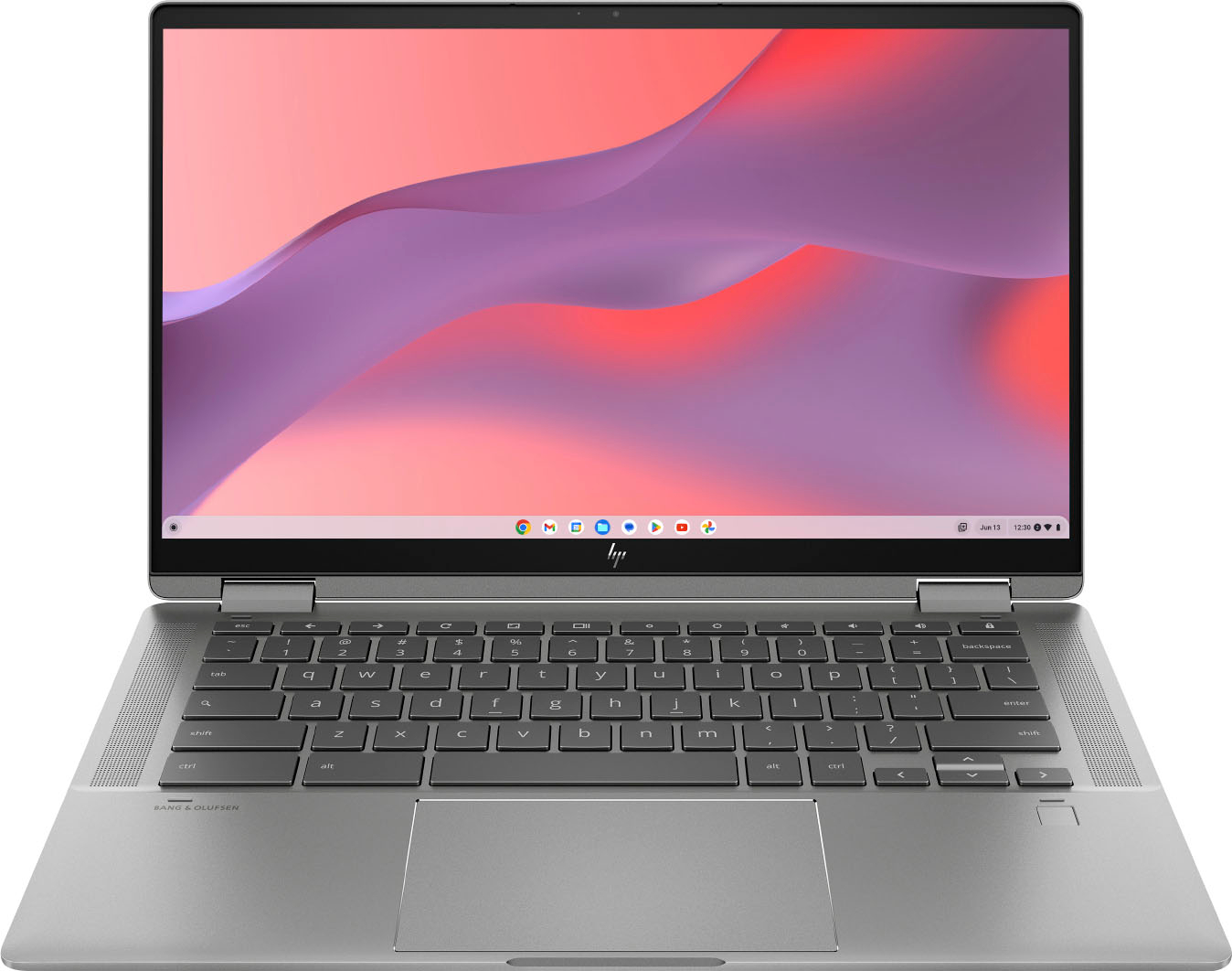
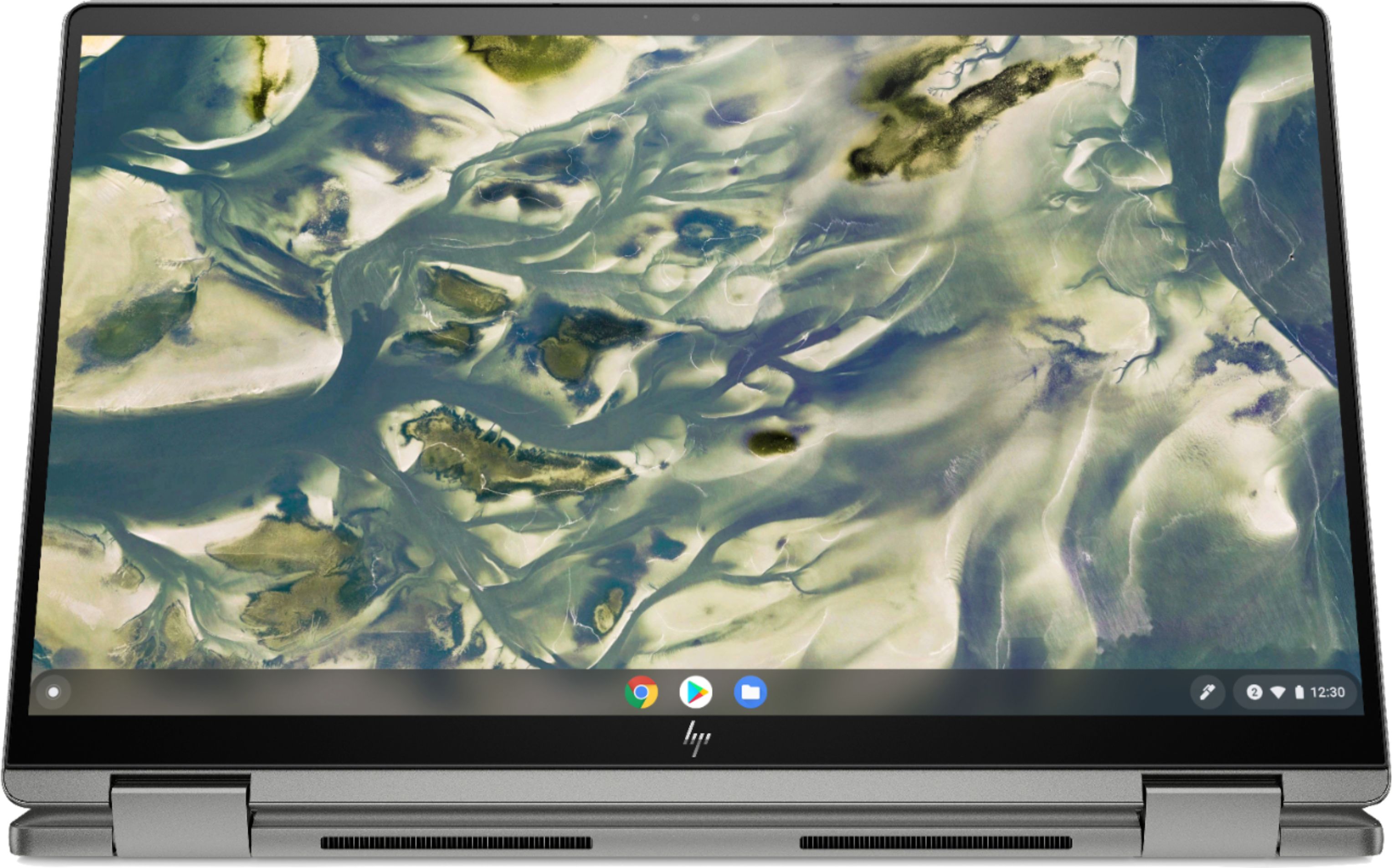
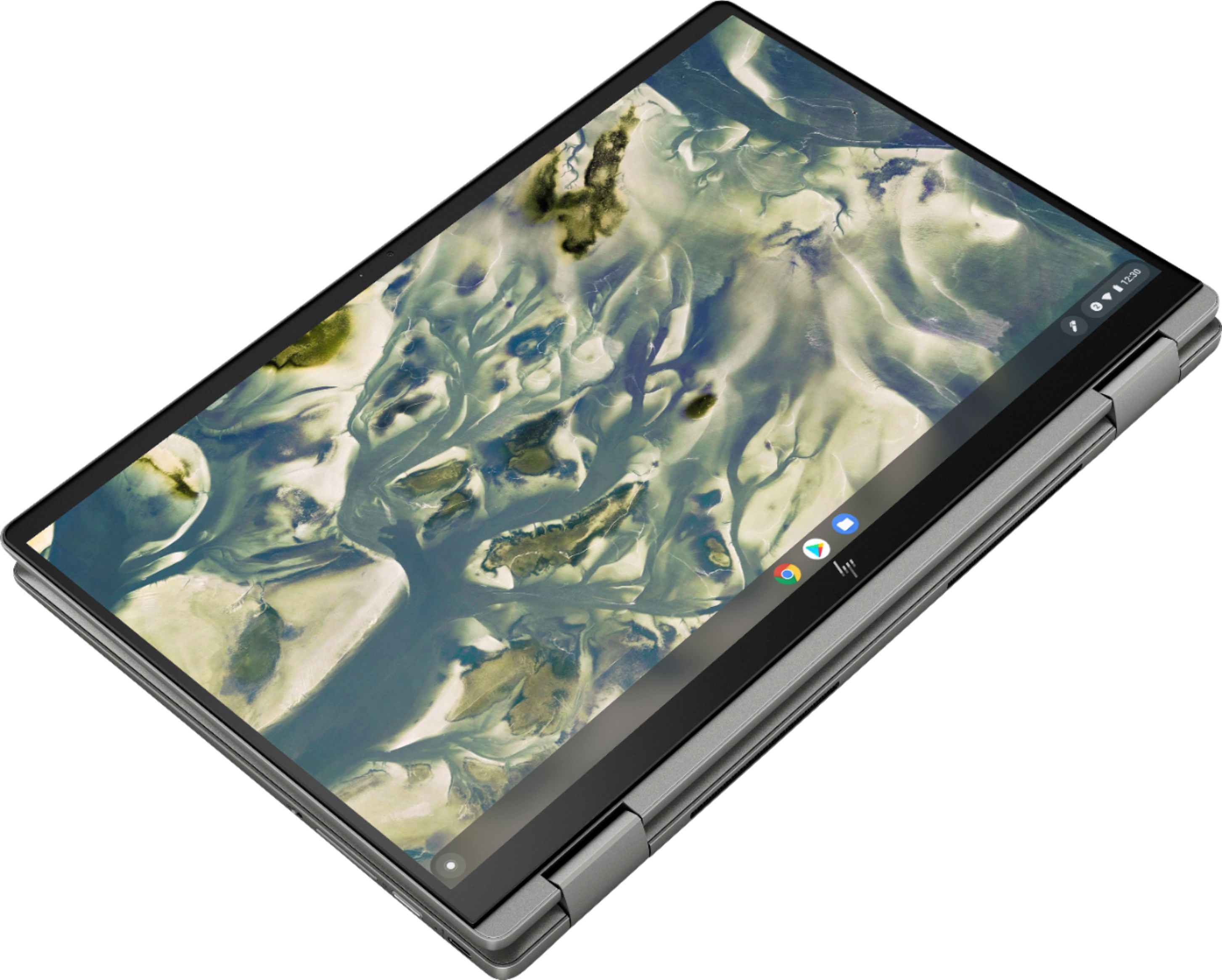
A:AnswerIt is not detachable, but you can flip the computer over so that the keyboard is on the back of the screen and you can use it as a tablet. When in that configuration, they keyboard is automatically deactivated.
A:AnswerYes, it is. When you create a hotspot with your phone, all it's really doing is creating a small, portable wireless network. The Chromebook will see it like any other wireless network.
A:AnswerOn the underside there is a plethora of small print including model and serial number. Depending on tilt angle and lighting it may not be obvious but it is there.
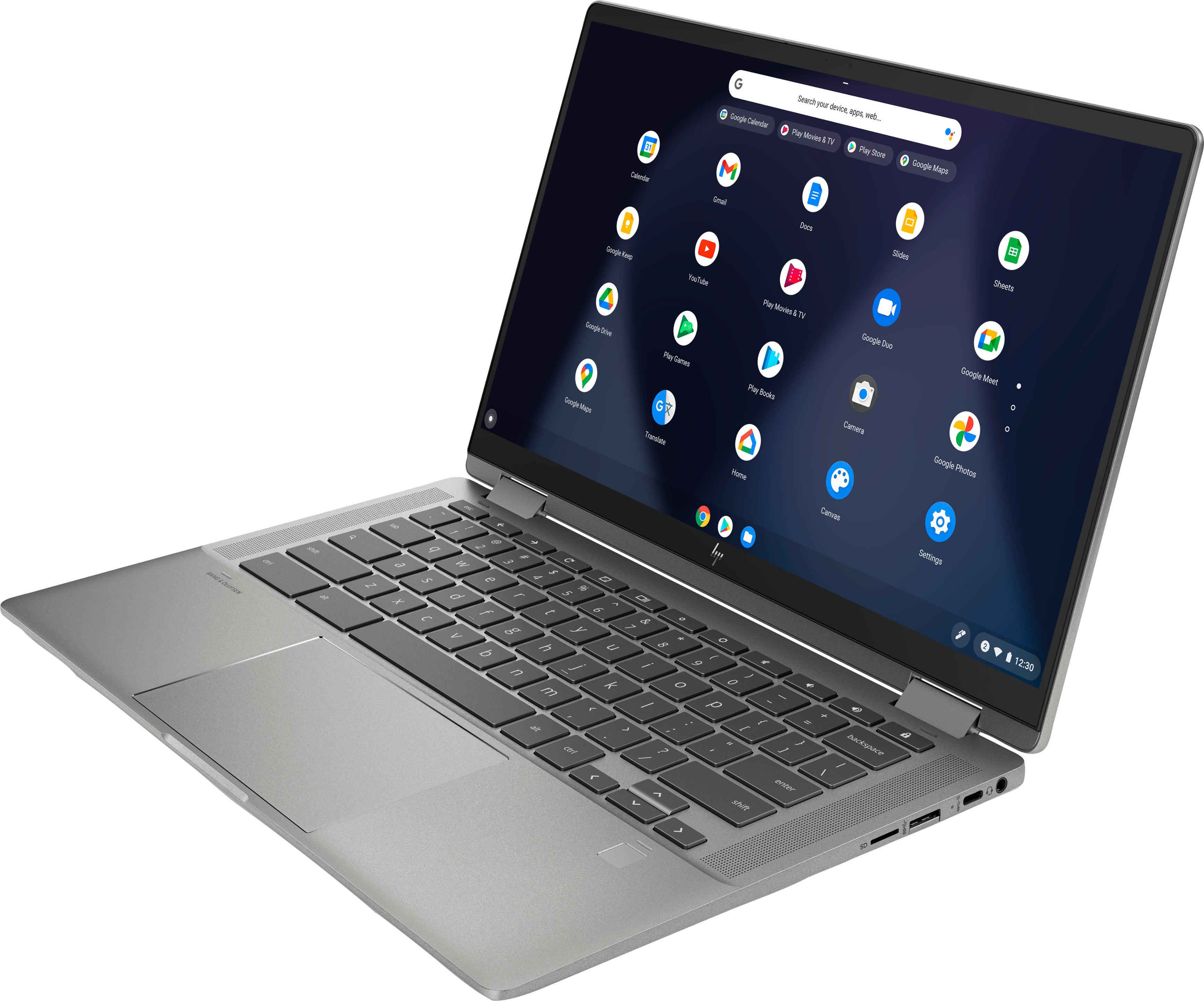
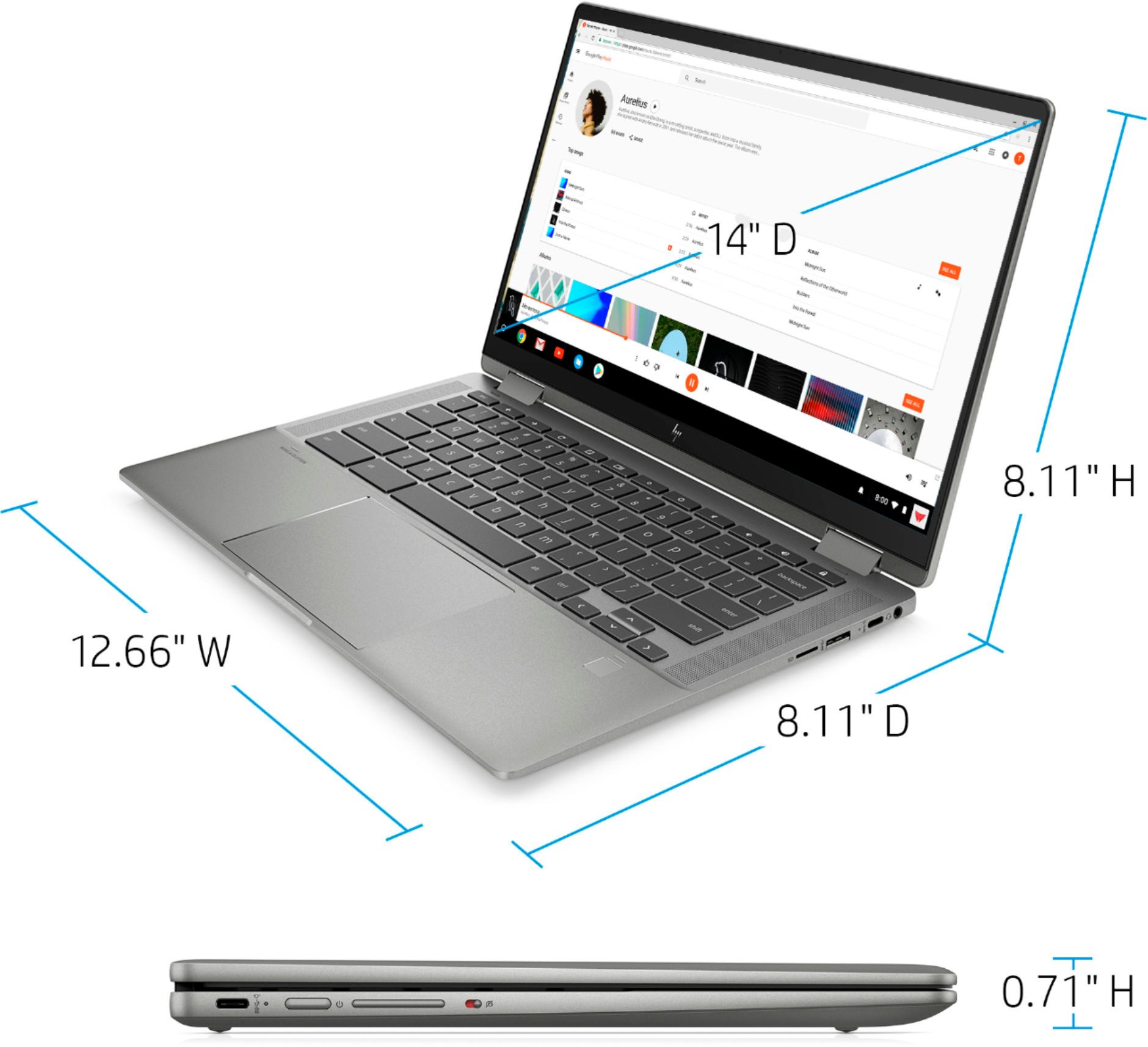
A:AnswerSharp eye. didn't notice until purchased but it does have a regular usb port in addition to 2 usb C ports. The regular usb (usb-A) port has a little hinged flap that drops down to expose more space to attach usb devices. hinge seems sturdy but not sure how long the spring will keep it closed. Guessing this was designed to look more sleek.