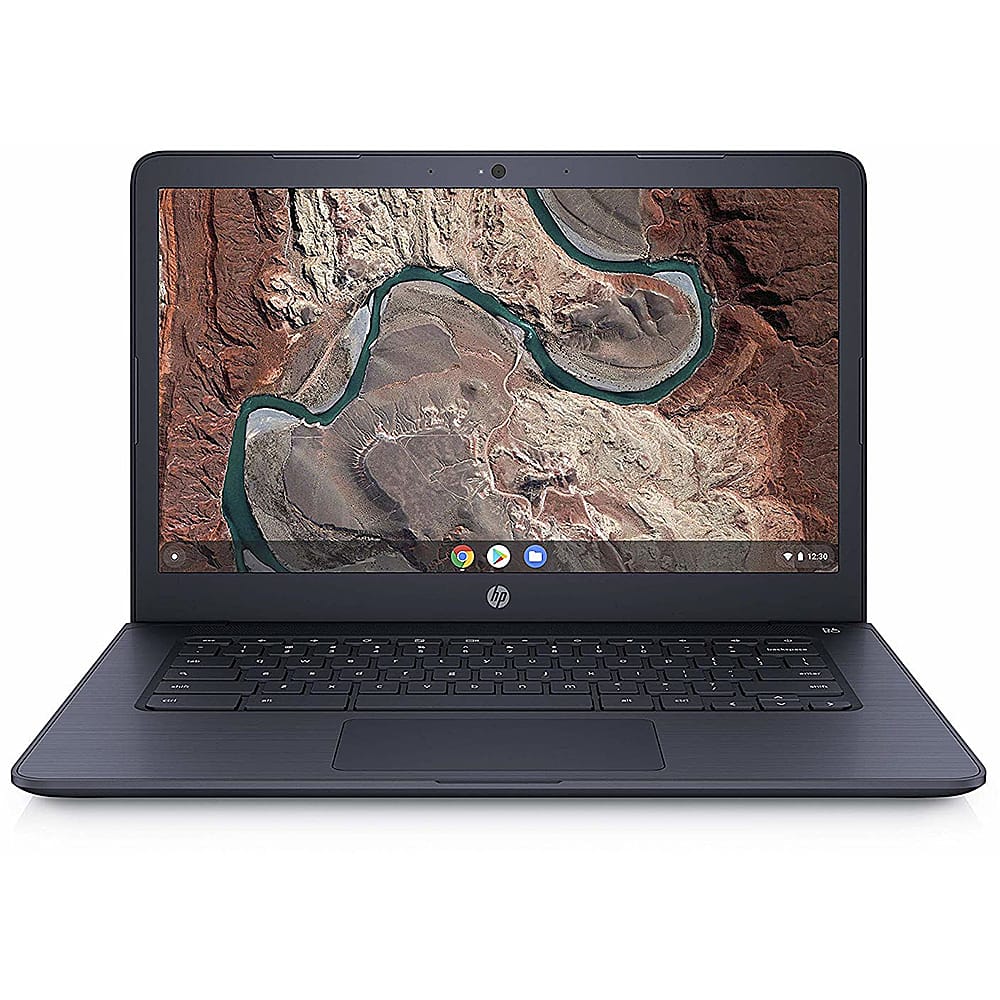
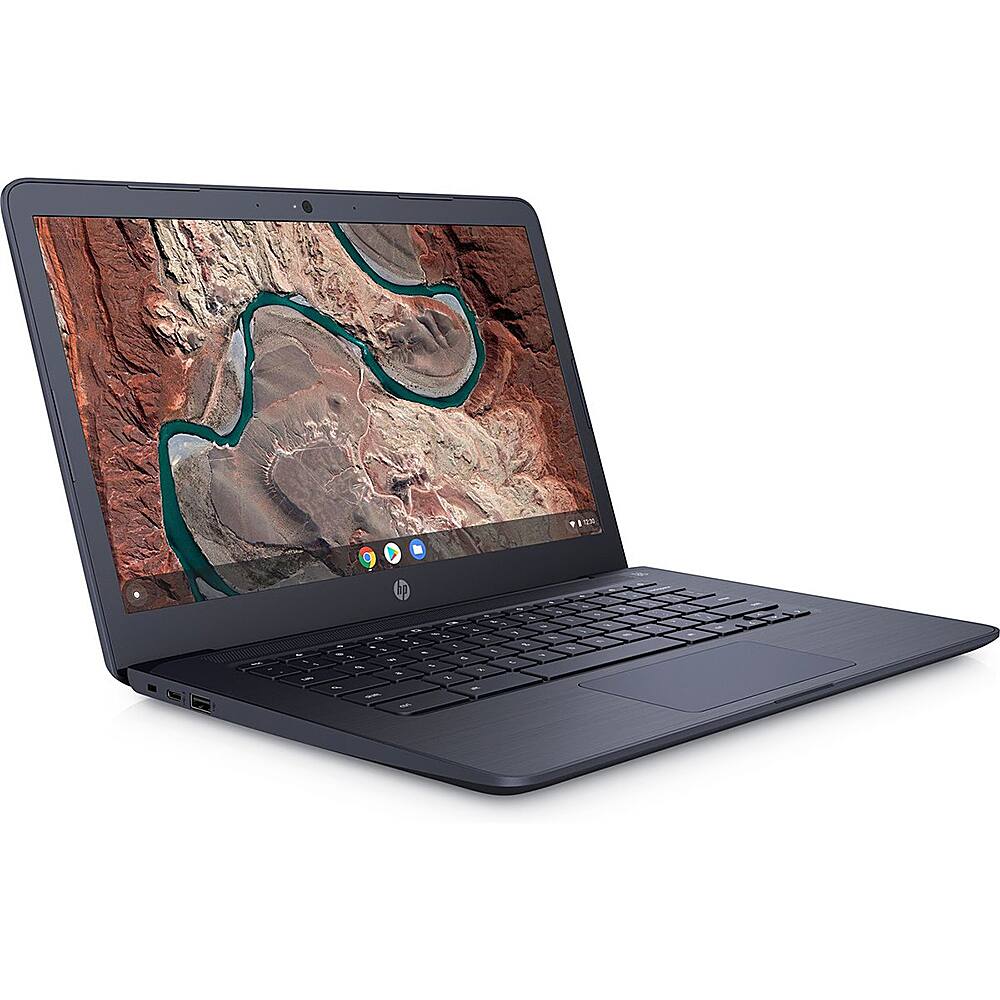
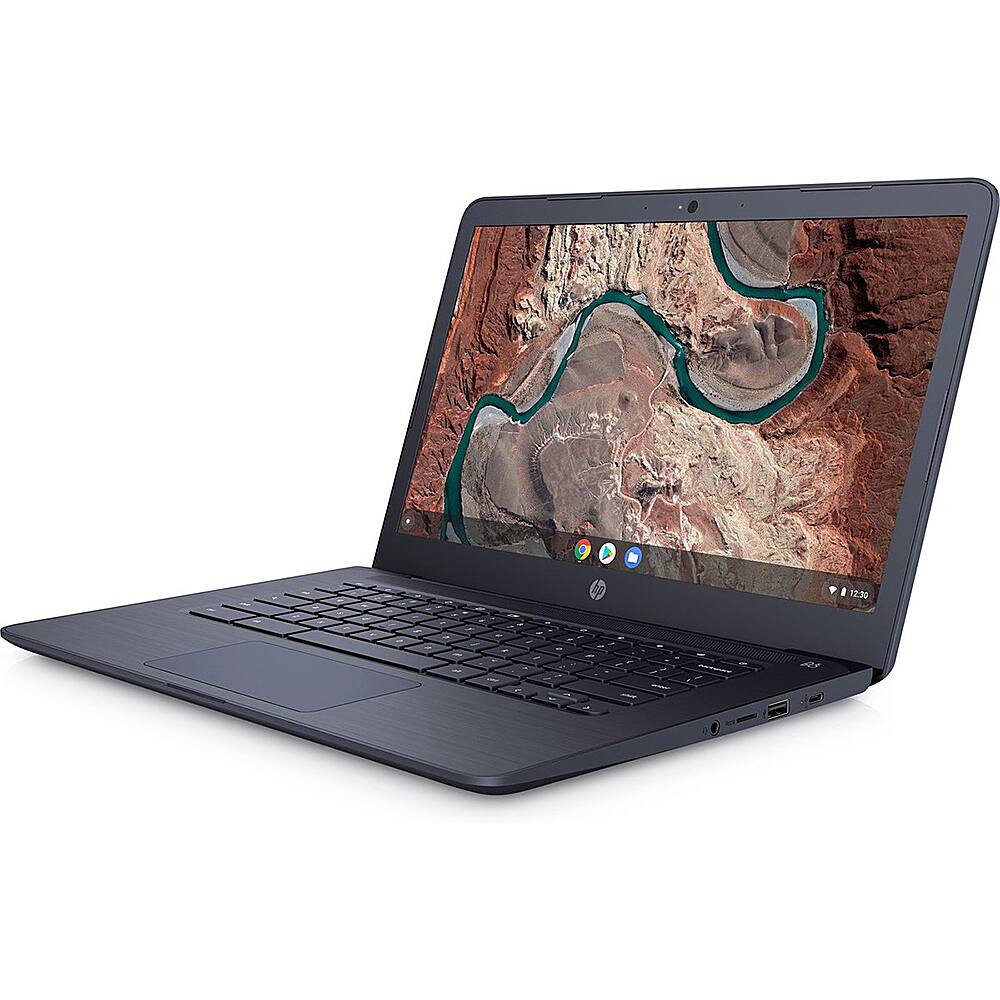
A:AnswerI would recommend asking the website that you use if you can use a Chromebook. There is no ethernet port on this Chromebook. You use a USB to ethernet adapter if necessary.
A:AnswerYou can use the Microsoft Office Apps like Word, Excel or PowerPoint through the Chrome web store or the Google Play store. You can also use Office 365 on a Chromebook.
A:AnswerYes. Adobe Flash is directly integrated with Google Chrome and enabled by default. Any available updates for Adobe Flash are automatically included in Google Chrome system updates. For more information about Adobe Flash and your Chromebook, visit Google's Adobe Flash Player page.
A:AnswerUnfortunately no, Office cannot be installed on a Chromebook. You can access Office online, or you can use Google's alternatives such as Google Docs, Google Sheets, Google Slides, etc.
A:AnswerThe Chromebook does not have access to Microsoft games. It is the Chrome operating system instead of a Windows operating system. Office apps can be found in the Chrome web store. They are not the full applications. But you can use them. Or you can get Office 365 to use on the Chromebook.