A:AnswerYes. You have to use Office 365 on a chromebook. You cannot load Office on this computer. All programs are cloud based. You can run apps on it from the play store but you can't load actual programs. If you are writing a book, you may encounter too much lag and I doubt you will get past page 20 before you have to use another laptop, even if you are working offline. But ,if you are just using it for normal writing, Office 365 works fine and can be accessed from any computer without having to export or transfer anything.
A:AnswerIt works great for zoom. My 6 year old uses it and has no problems. We have used it with and without headphones and had no problems. Even with craziness of other kids doing classes.
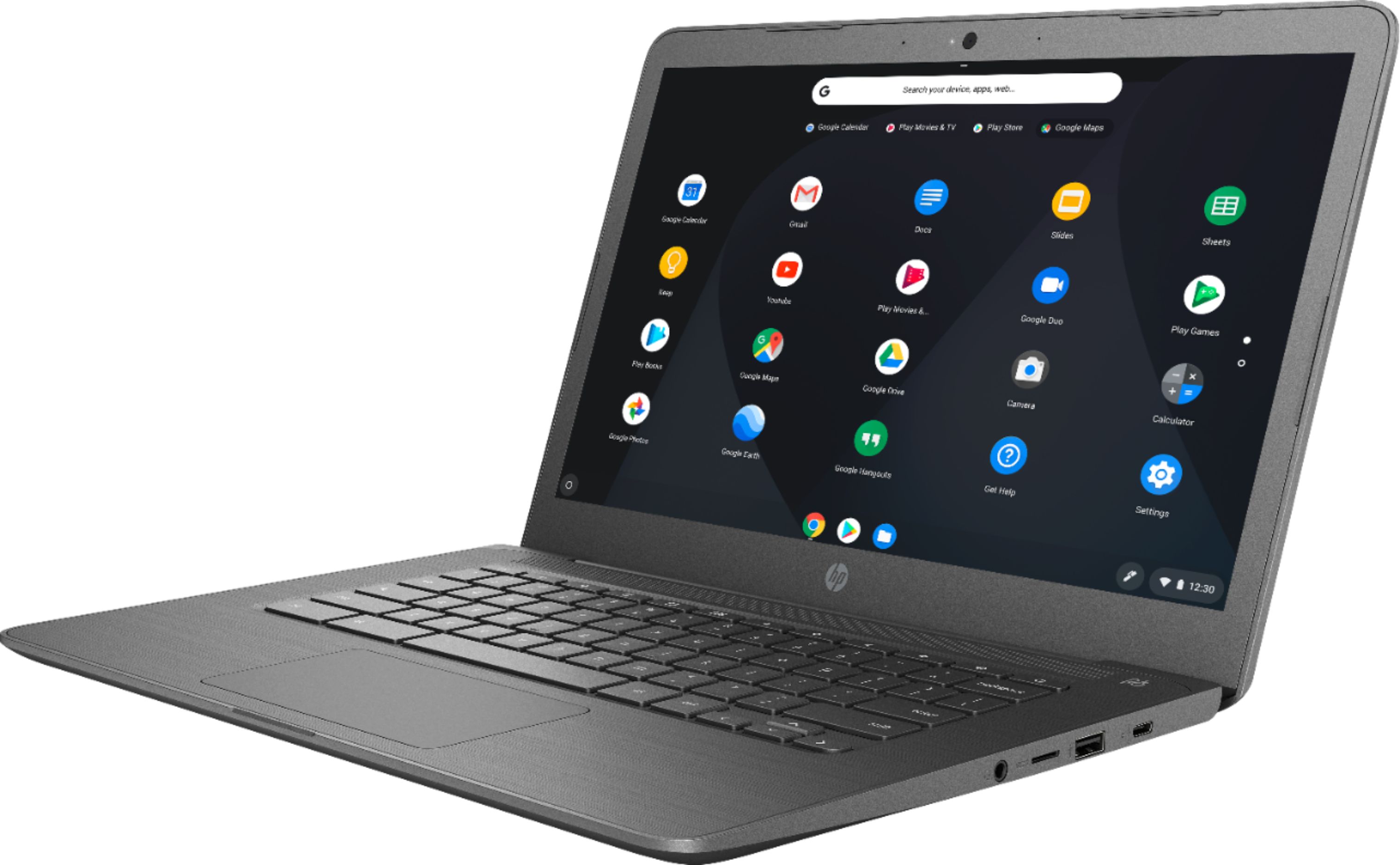
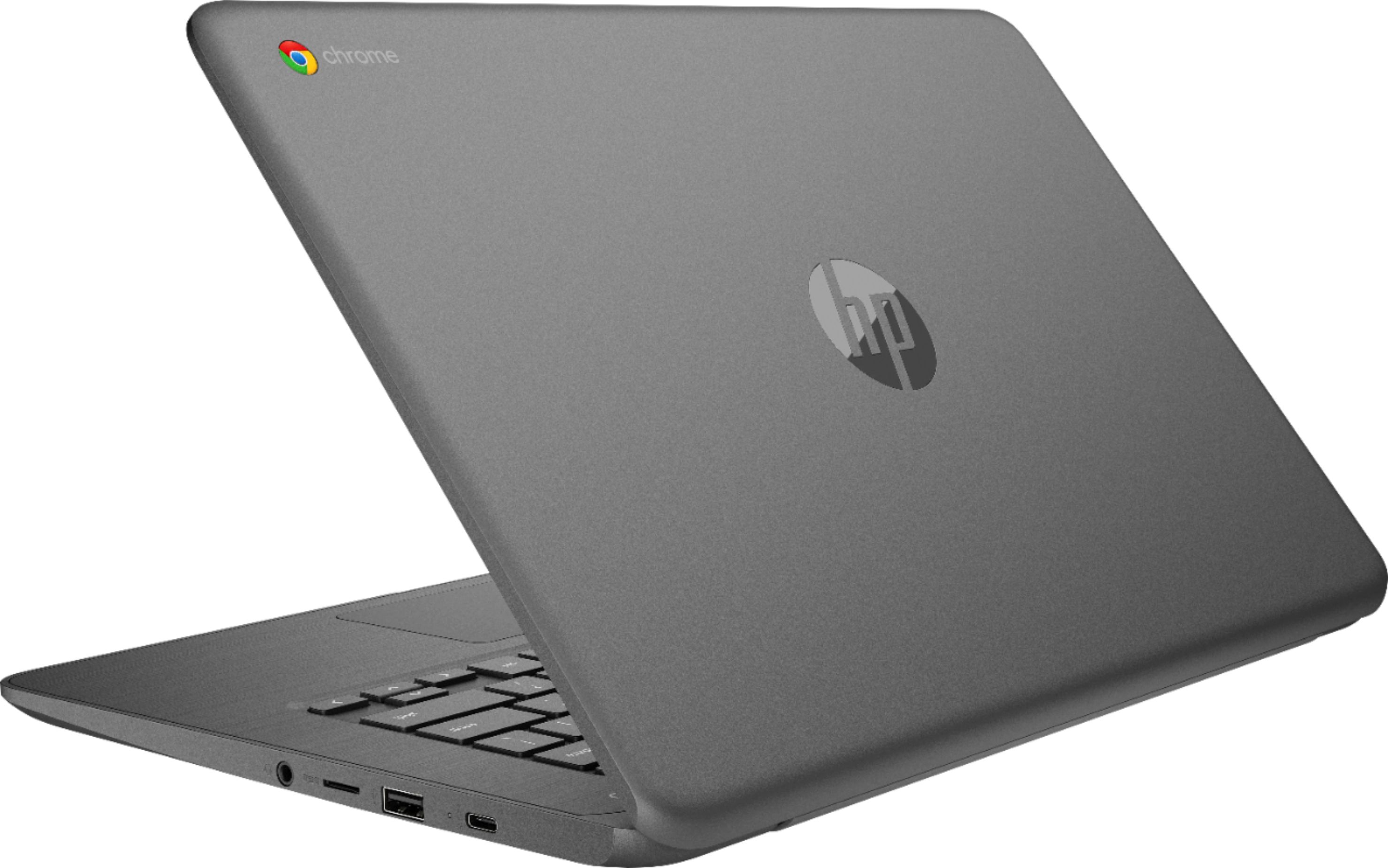
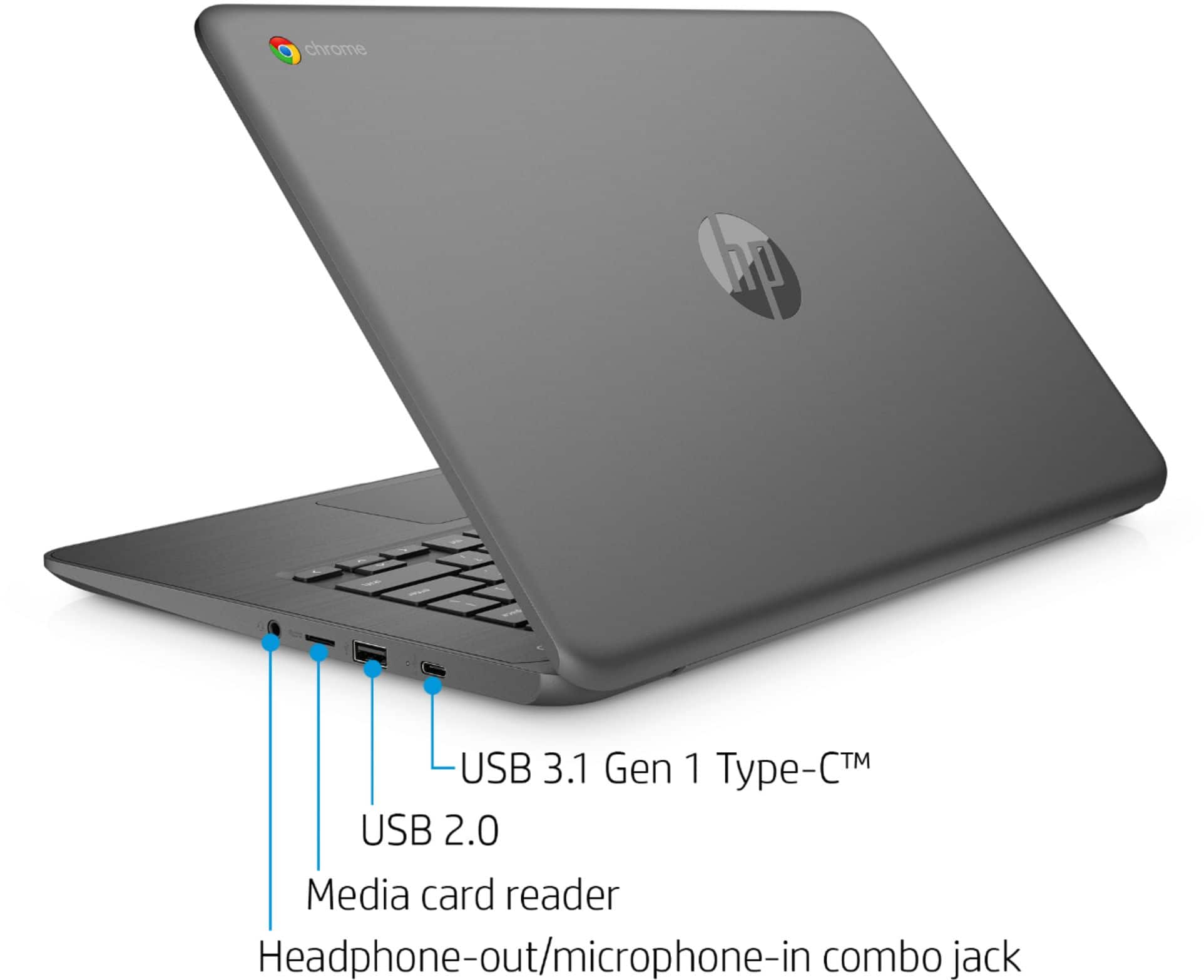
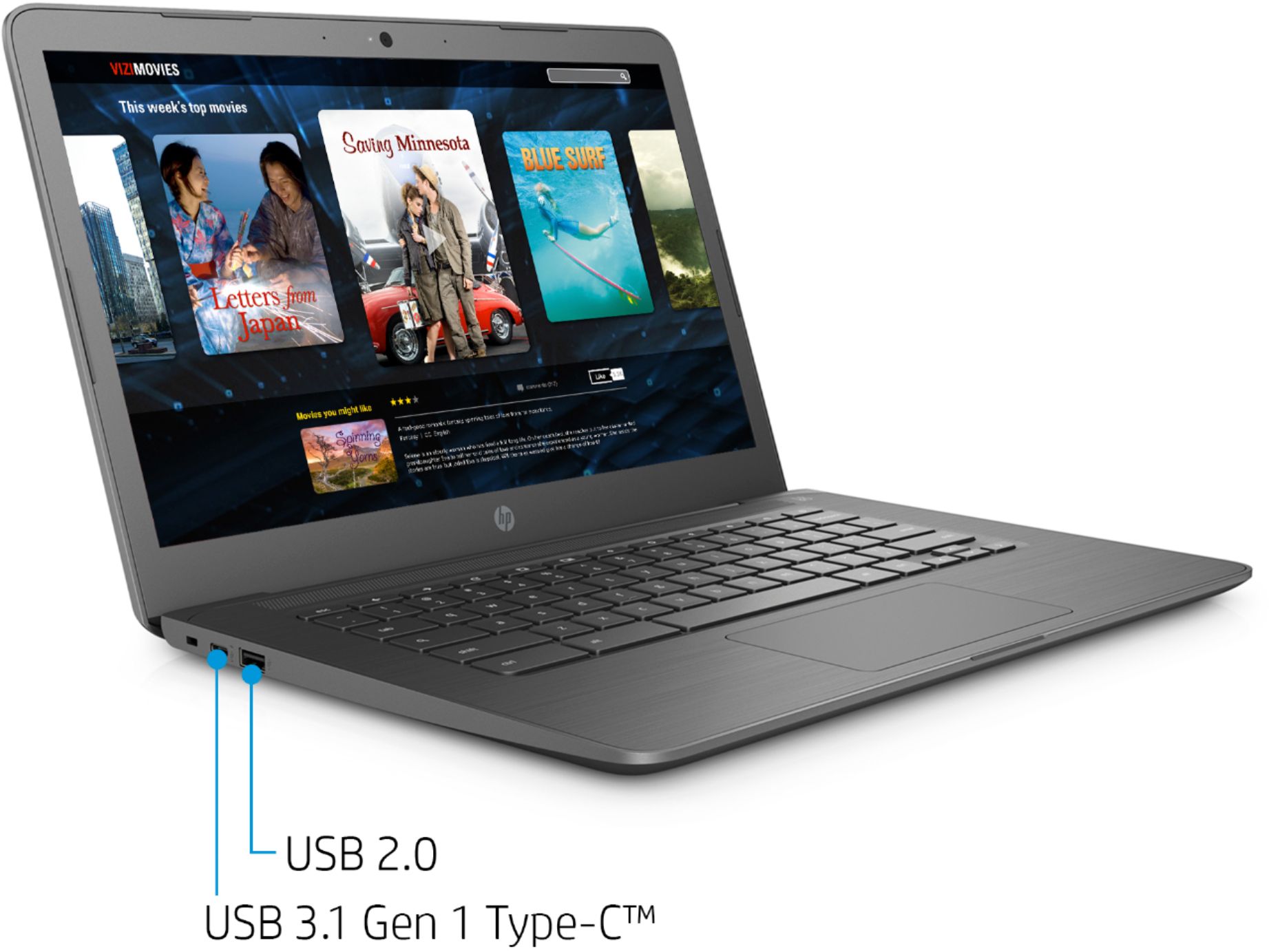
A:AnswerYes you can. This Chromebook features 2ea. USB-C 3.1 ports that support video functions. You can use a USB-C docking station or port replicator that has an HDMI connector or a USB-C to HDMI adapter like this:
https://www.bestbuy.com/site/j5create-usb-type-c-to-hdmi-video-adapter-gray-white/6201446.p?skuId=6201446
A:AnswerYes, you can either plug a mouse into one of the USB ports or you can connect a wireless mouse though the computer's built in Bluetooth support.
A:AnswerYou can use an Office 365 subscription on your Chromebook, to open Word documents in the Word app or the Word online version. You can also open and use Word files.