A:AnswerYes, you can print from a Chromebook. Here are some instructions on how to set up the printer on the Chromebook: https://support.hp.com/us-en/document/c04122530
A:AnswerThey probably didn't have it in stock at the time you purchased it. They did not have a computer in stock I purchased but I called and they sent it to me right away or for protection against fraud they have you call to make sure you are the one purchasing the item you ordered.
A:AnswerYou have to simultaneously left and right click on the track pad to cope/paste. You can also highlight over text you would like to copy and press CTRL-C and then to paste, use CTRL-V. I hope this helps!
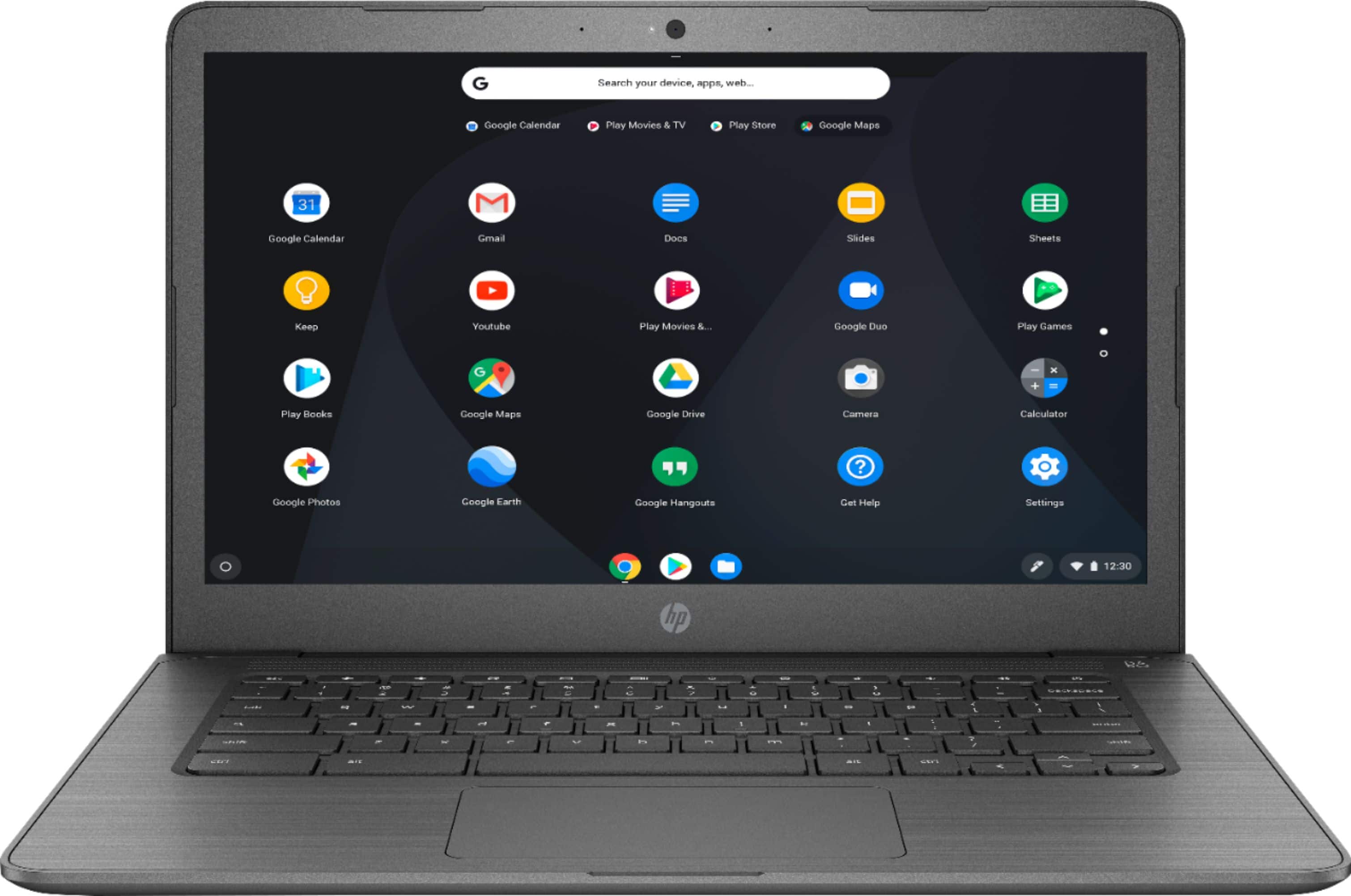
A:AnswerThis Chromebook does not have a touchscreen. We recommend reaching out to the Best Buy customer service team for your inquiry into the inventory.