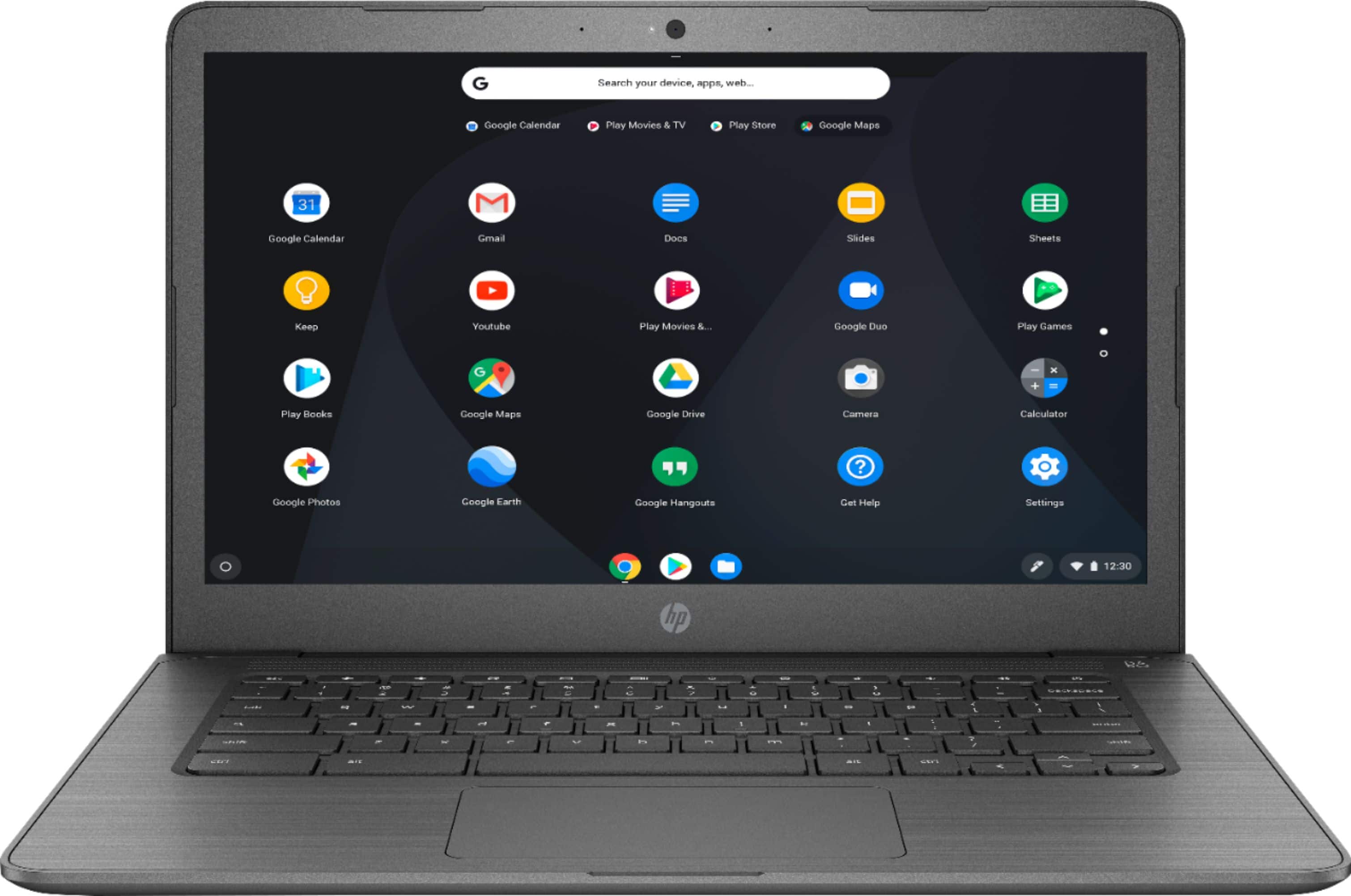
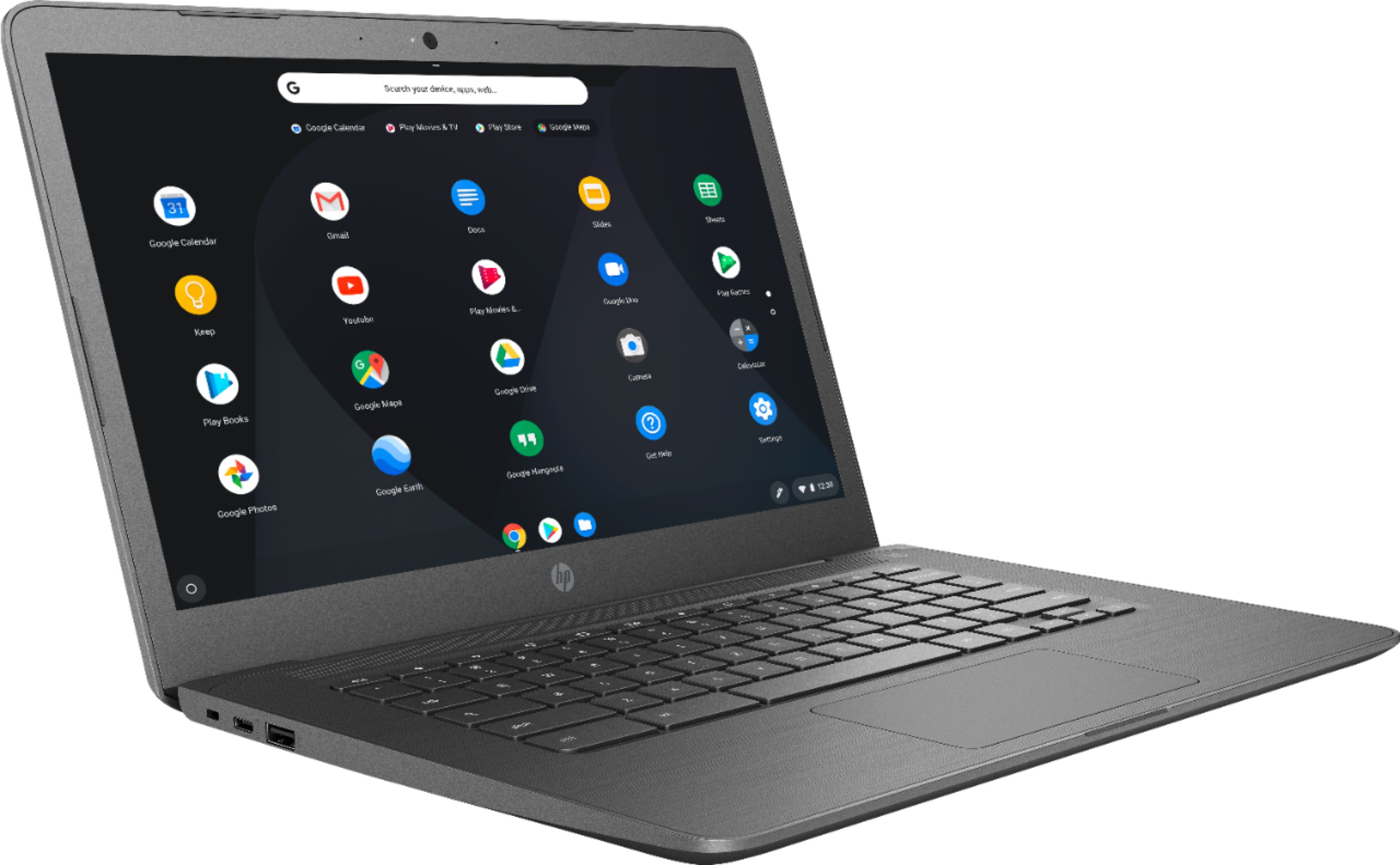
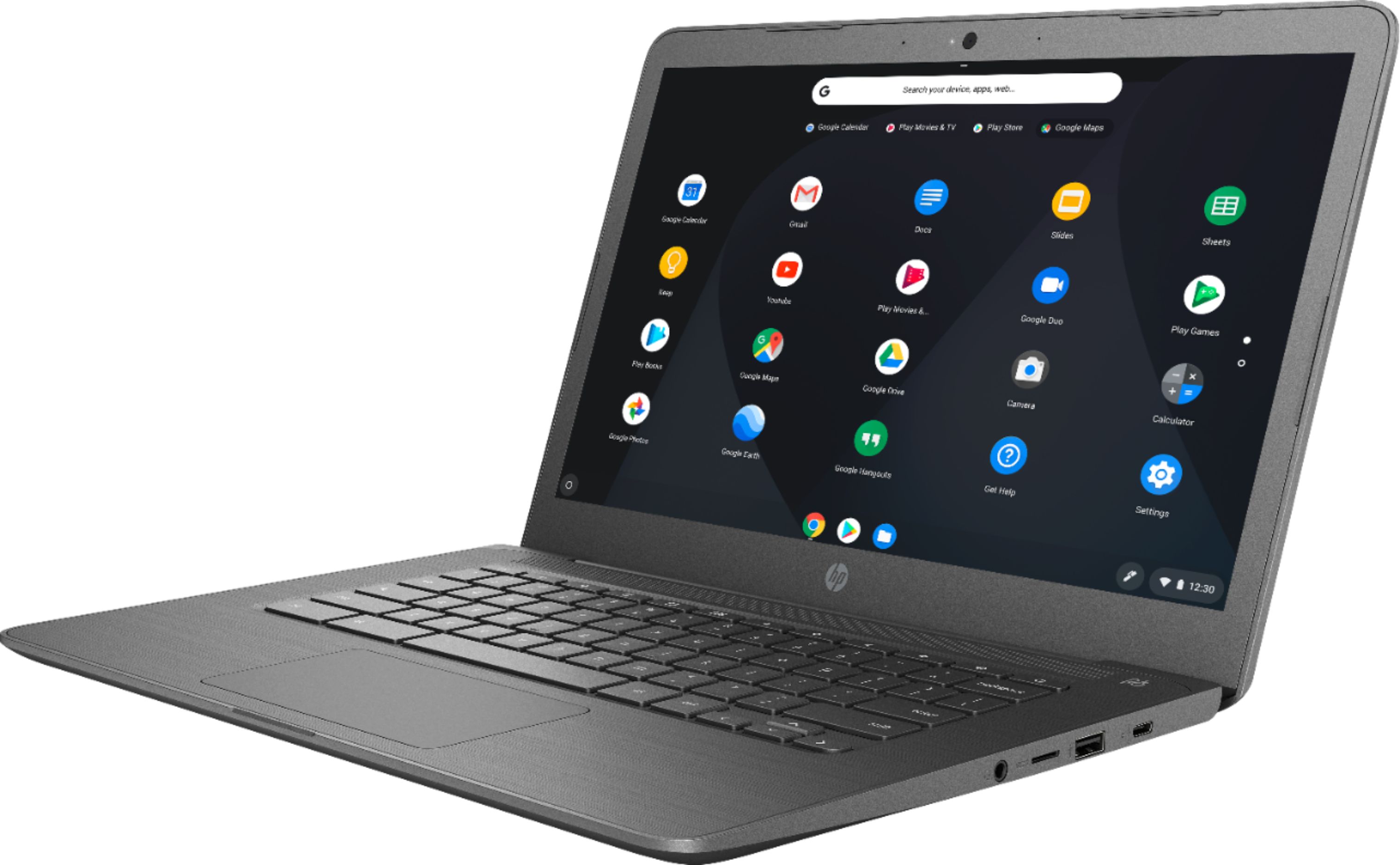
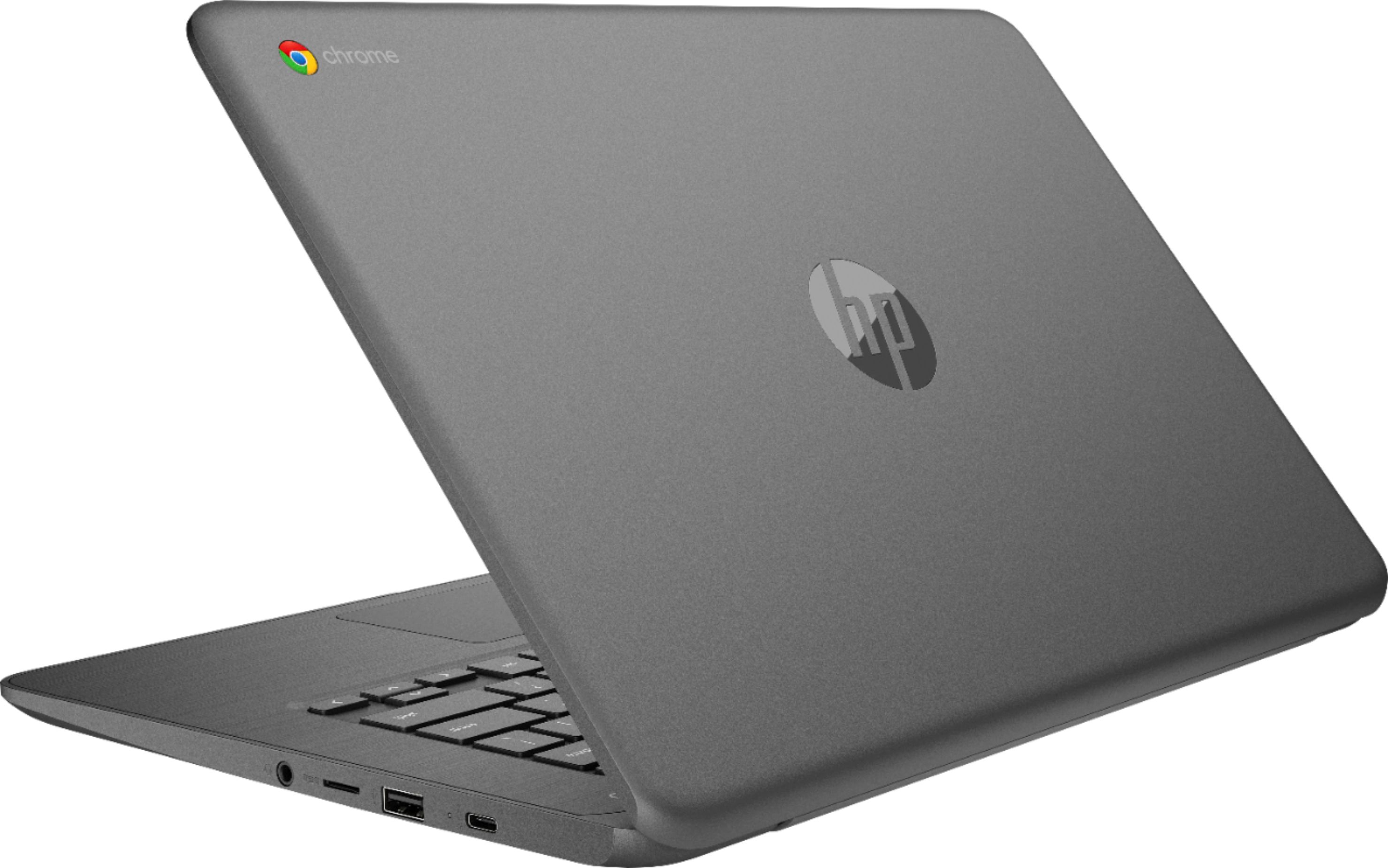
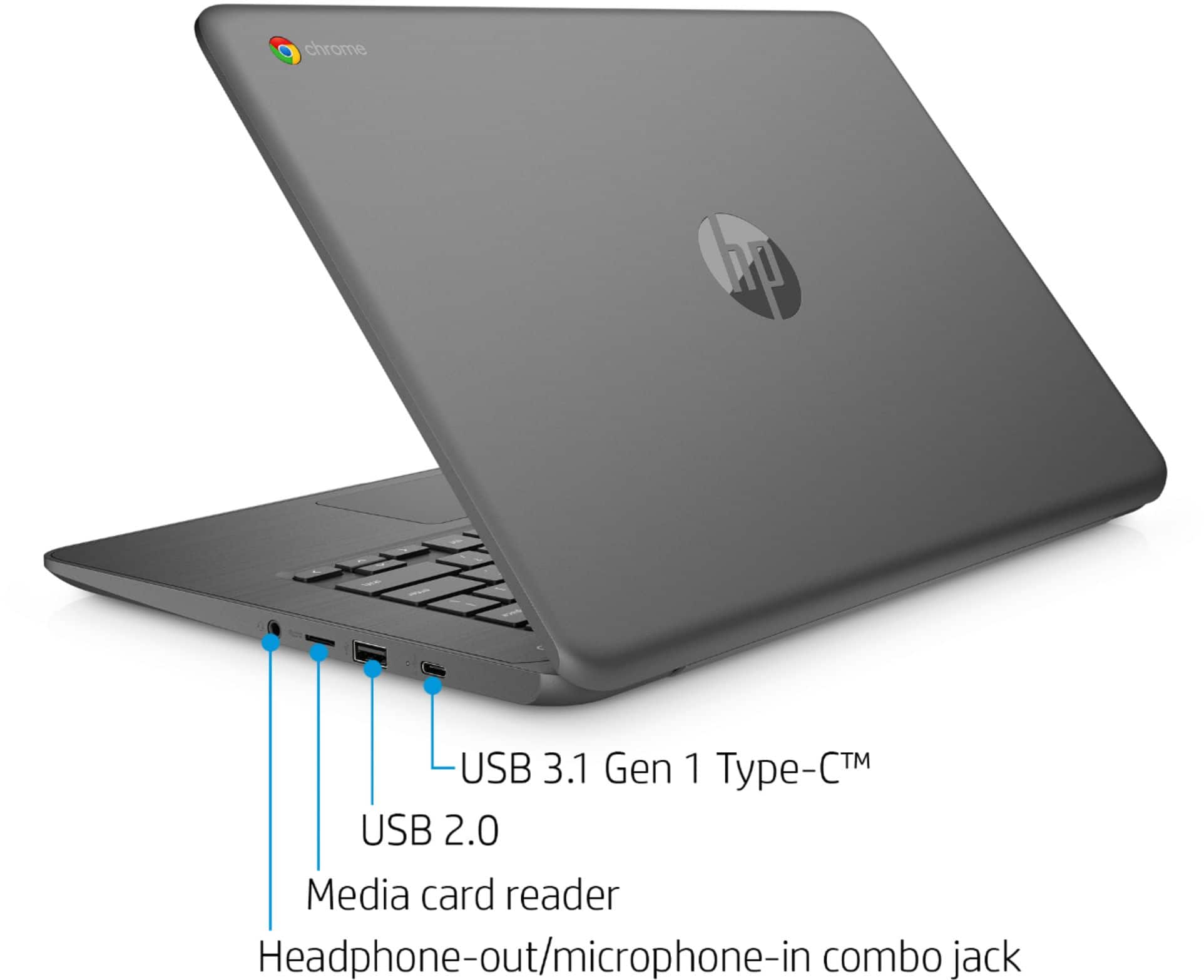
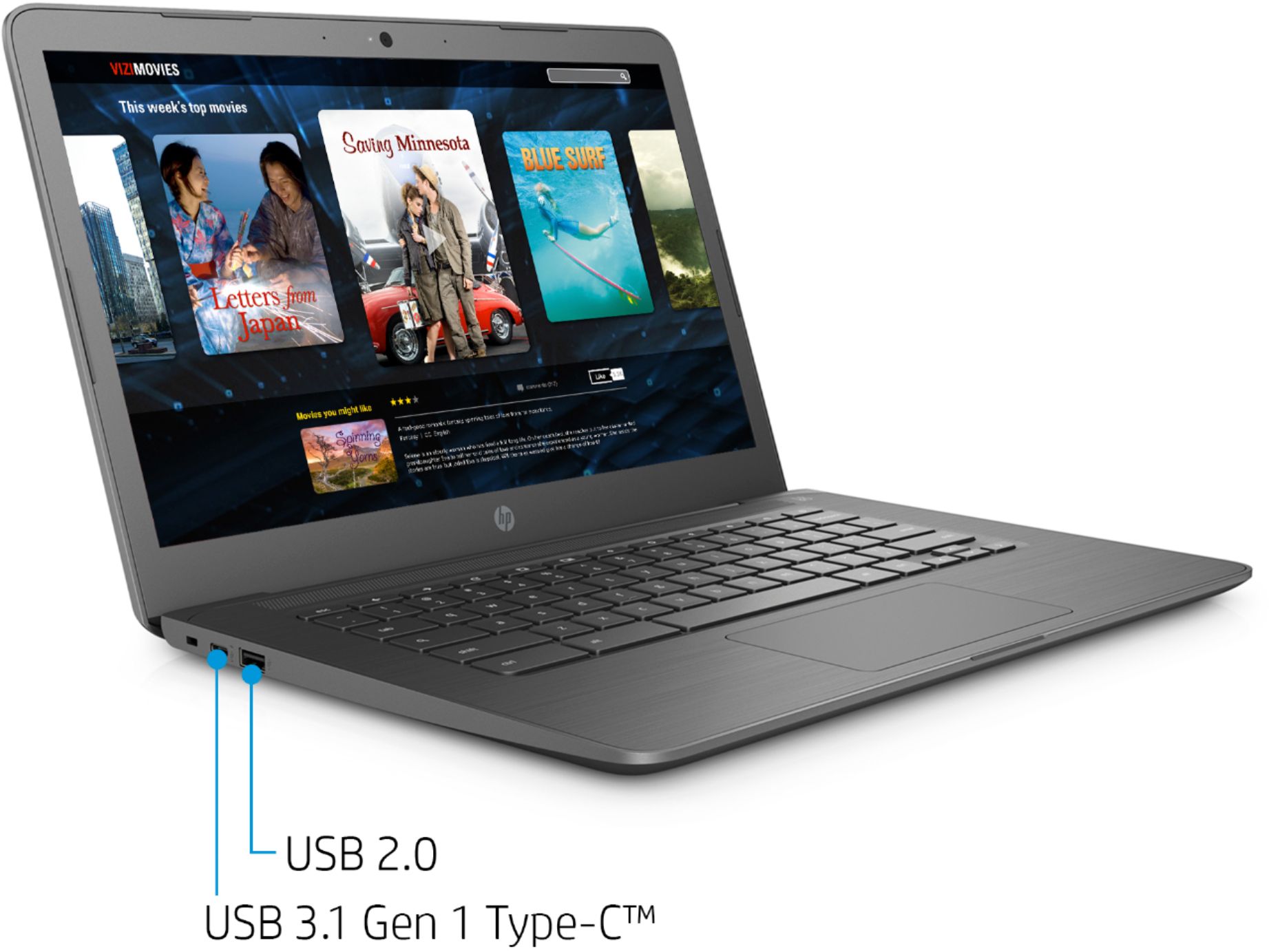
A:AnswerMost monitors with an HDMI connector will work. The Chromebook has 2 USB-C ports which you can use with a USB-C to HDMI connector to connect to a monitor. Here is one that will work:
https://www.bestbuy.com/site/hp-24yh-23-8-ips-led-fhd-monitor-black/6261464.p?skuId=6261464
A:AnswerYes, This Chromebook will come with a one-year manufacturer's warranty for the hardware and 90-day phone tech support for the software. This does not cover accidental damage or damage as a result of a power outage/surge. For further details, this link covers the Warranty and Support guidelines: http://h10032.www1.hp.com/ctg/Manual/c00747726.pdf
A:AnswerTo be able to connect this HP Chromebook - 14-db0023dx to a monitor, you would need the USB C to HDMI adapter and a monitor with a HDMI port. You may also need to purchase the HDMI cable.
A:AnswerNo, it does not. This Chromebook has 2 USB 3.1 Gen 1 Type-C™ (Charging, power delivery, video, data). You can use one of these with a USB-C to hdmi adapter for video out to a monitor.
A:AnswerThe computer has a couple of USB-C ports that you can connect a monitor to. If your monitor has some other type of video input like HDMI or DisplayPort, you'll need an adapter to go from the monitor cable to the USB-C port
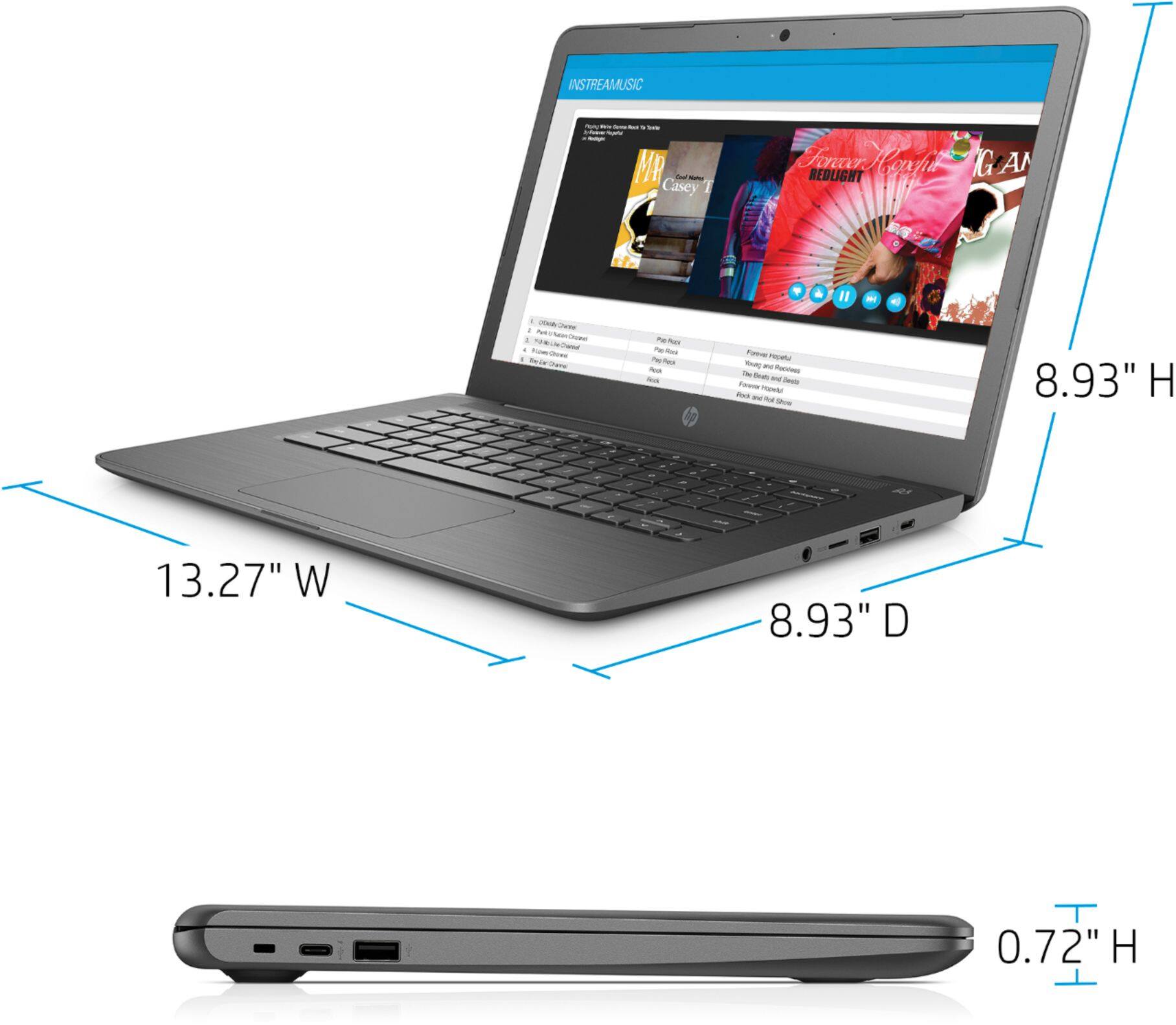
A:AnswerThere isn't a case specifically designed for this model, but a case for a 14" laptop will work just fine. There are several models that are quite tough.