A:AnswerHello, Diane. With this laptop, you can use Microsoft 365. If you want to use the one time purchase of Microsoft Home and Student, you would need to switch out of the S Mode on this laptop. Here are some instructions: https://support.microsoft.com/en-us/help/4456067/windows-10-switch-out-of-s-mode
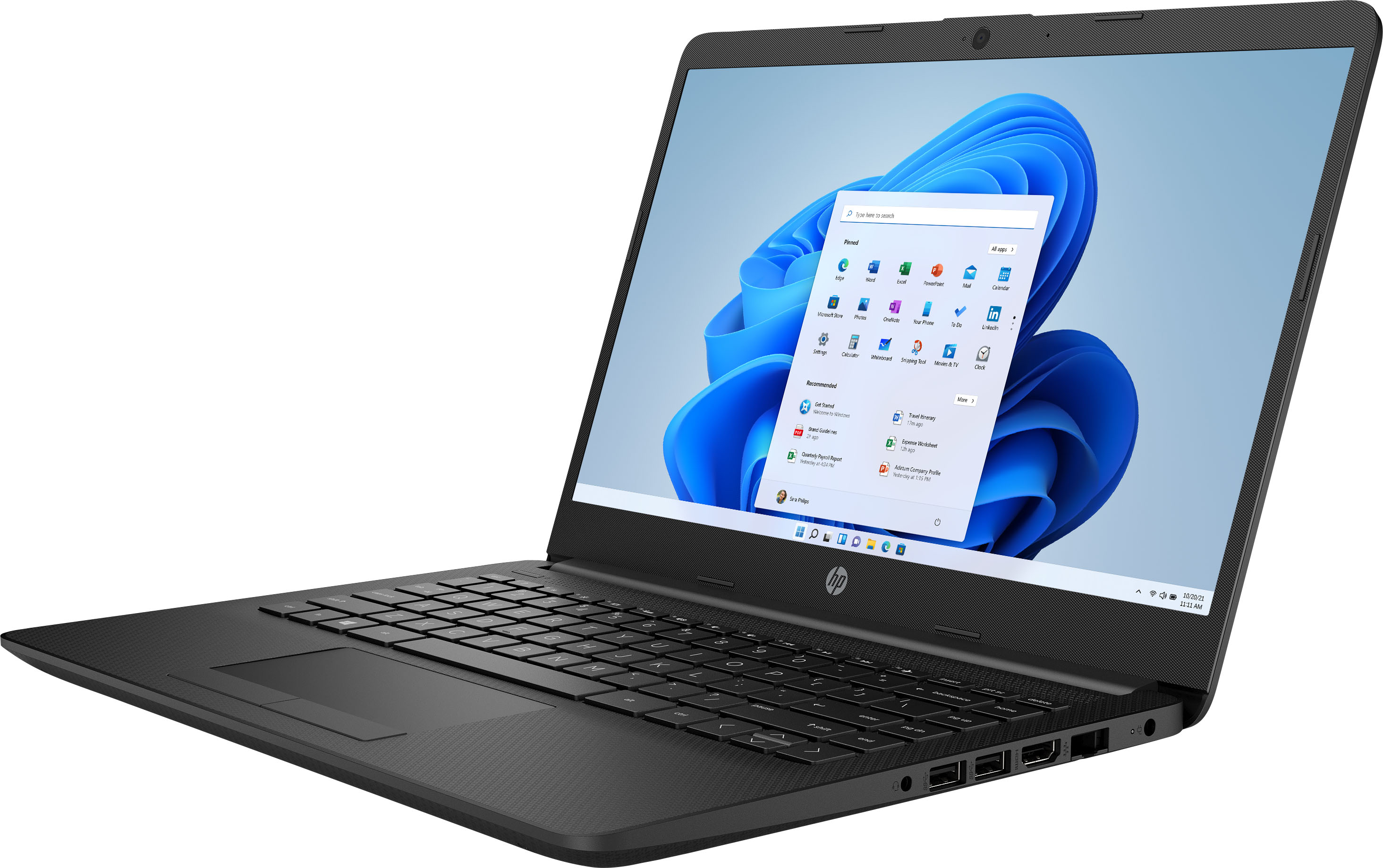
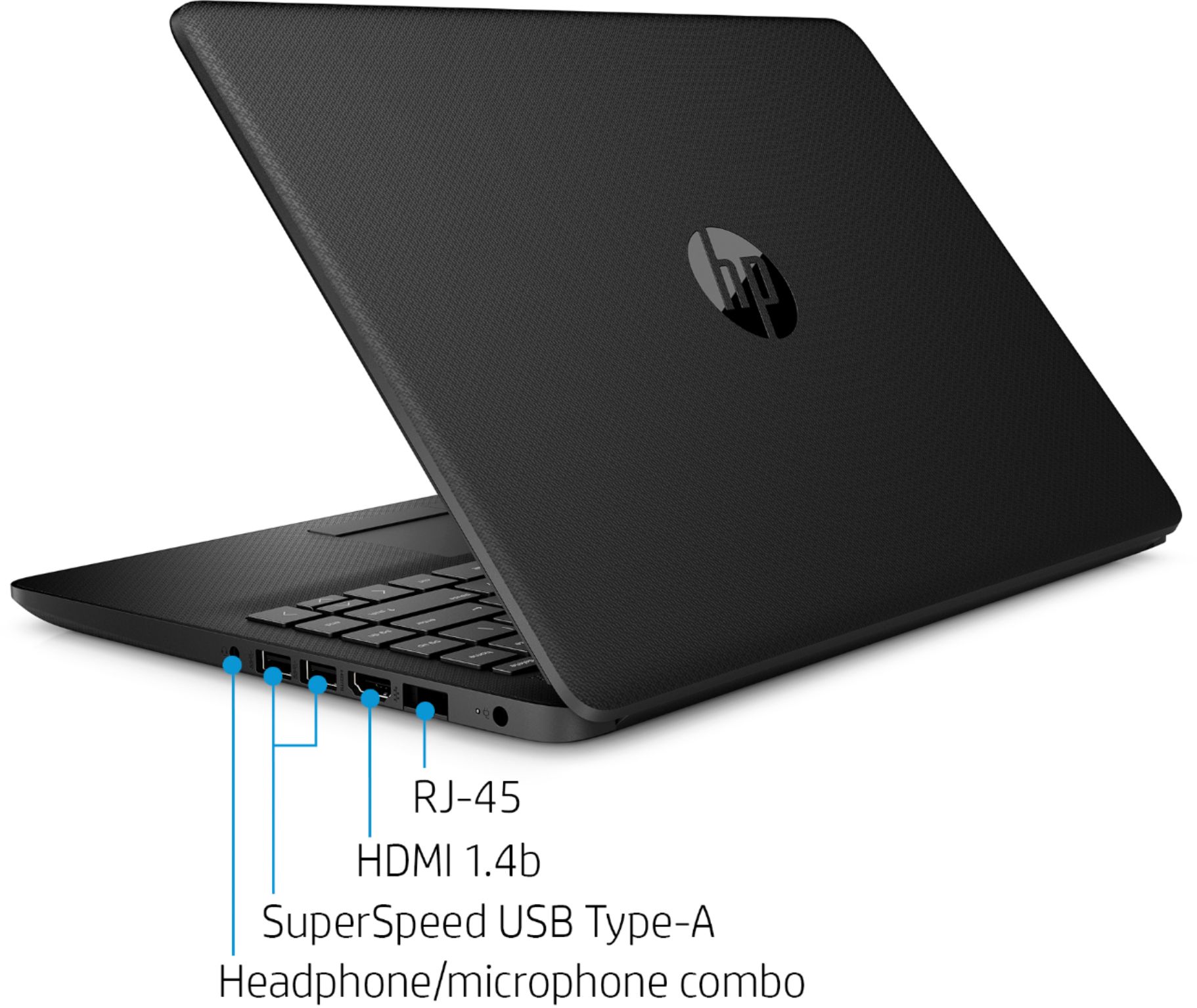
A:AnswerThanks for your question. The dock should work with the laptop, however, the USB-C port on the laptop does not have video out, so that function would not work on the dock. You would need to use the HDMI port on the laptop if you wanted to connect a monitor.
A:AnswerHi, Thank you for the question. Unfortunately, the HP 14-dk1031dx laptop would not be able to run Blood Dragon because it does not have a dedicated graphics card.
A:AnswerHi Bob! Yes, you can upgrade it from 8 gigabytes to 16. It does require significant disassembly to upgrade the RAM so I suggest you work with Geek Squad on this. Here is a link to their services: https://www.bestbuy.com/site/services/geek-squad/pcmcat138100050018.c?id=pcmcat138100050018
A:AnswerThanks for your question. Yes, you can upgrade the existing HDD to a higher capacity or add an SPS-SSD 2280 PCIe NVMe drive. Here is a link to the Maintenance and Service guide for this laptop series. Page 43 describes installing a SSD: http://h10032.www1.hp.com/ctg/Manual/c06242992.pdf
You may wish to consult an authorized service provider about these upgrades.
A:AnswerYes it would. You may need to enter your email address to register it. After the 1 month trial you can purchase renewal of the software for a year at a time.
A:AnswerYes you can edit youtube videos. You can do light gaming with the laptop, however it is not a gaming laptop. While you can play some games on any computer, modern games like Minecraft, Fortnite and most other popular titles require a lot of power. For this reason, I would recommend a model with a dedicated Graphics Processing Unit (GPU) for PC gaming.