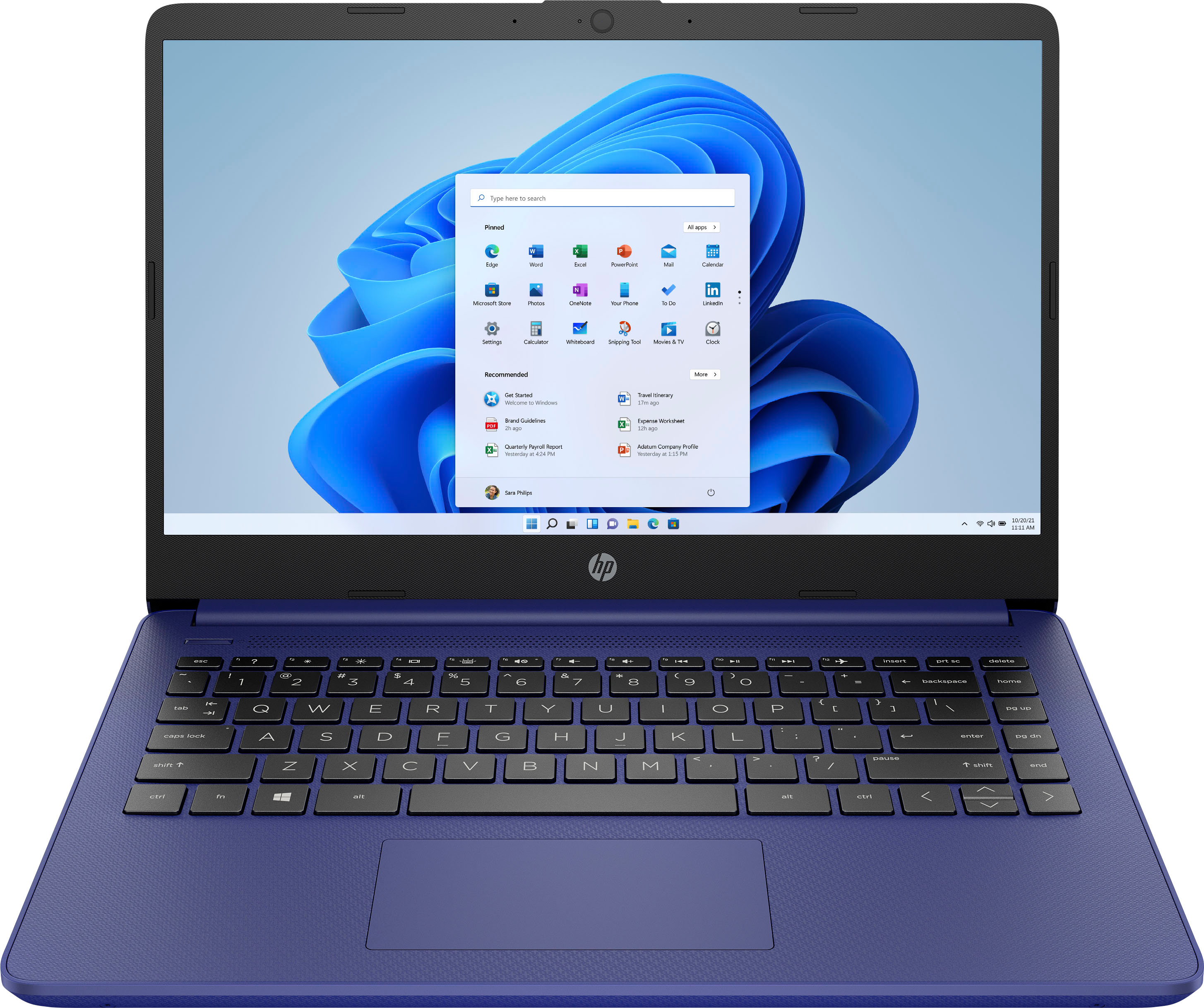
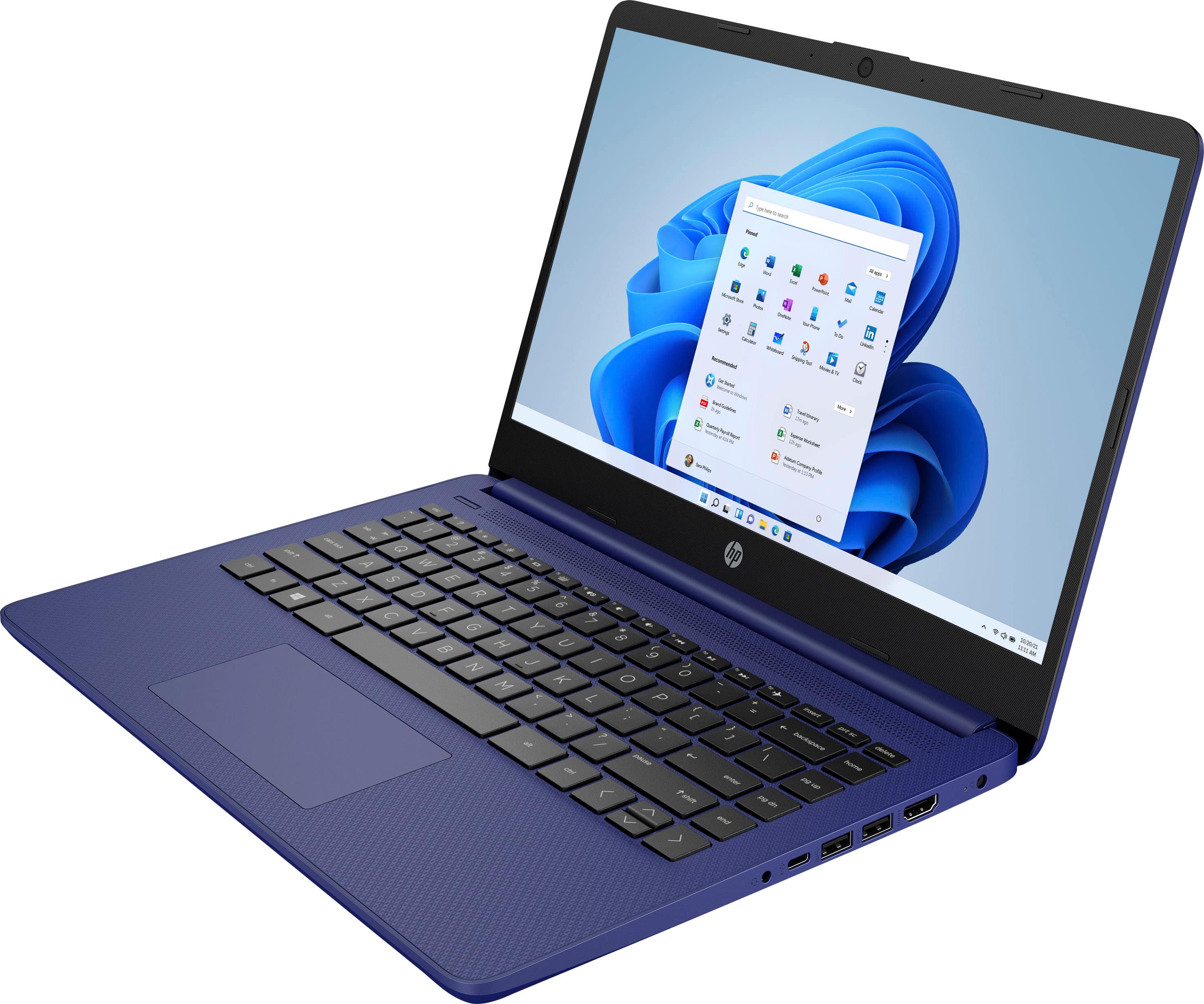
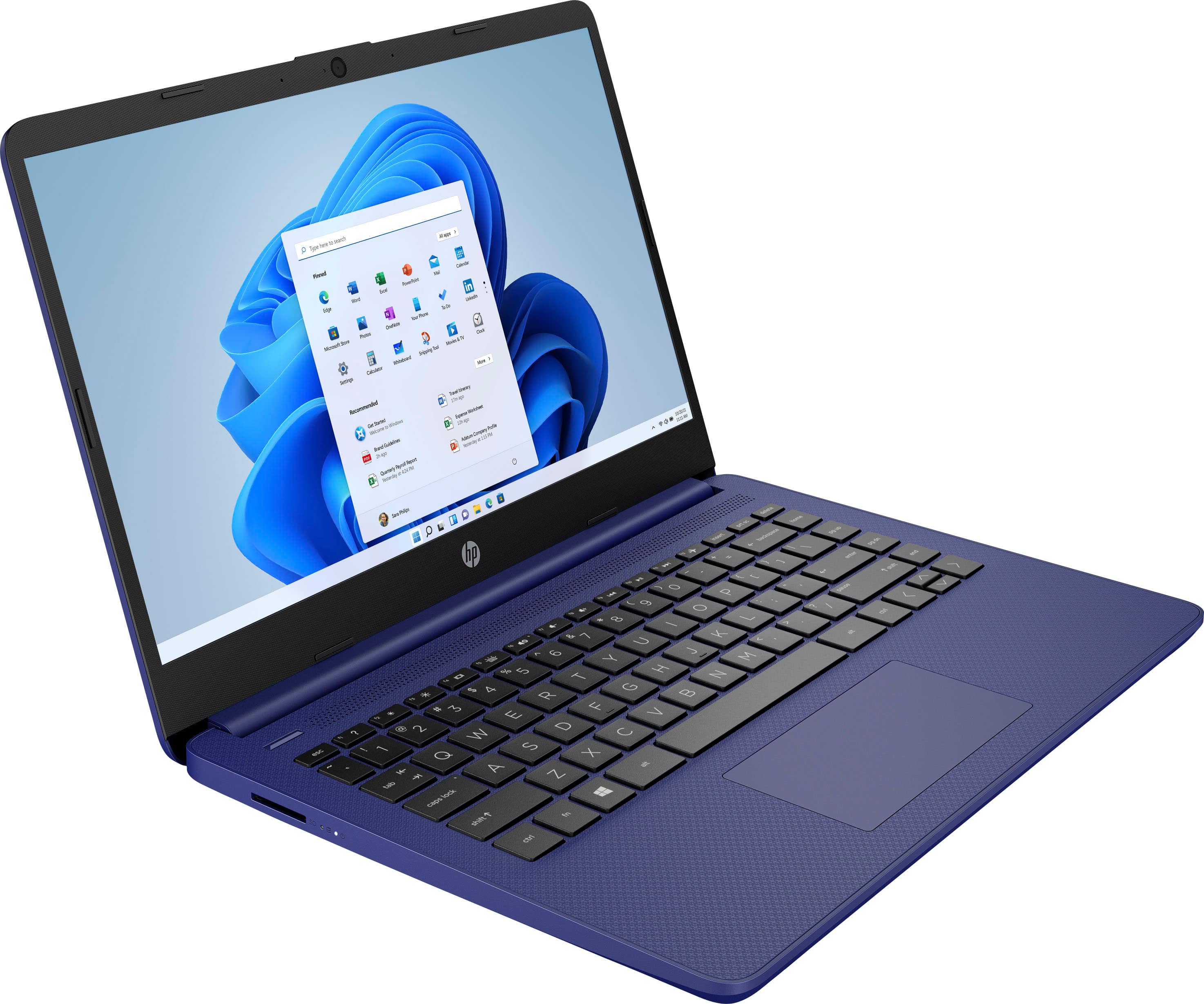
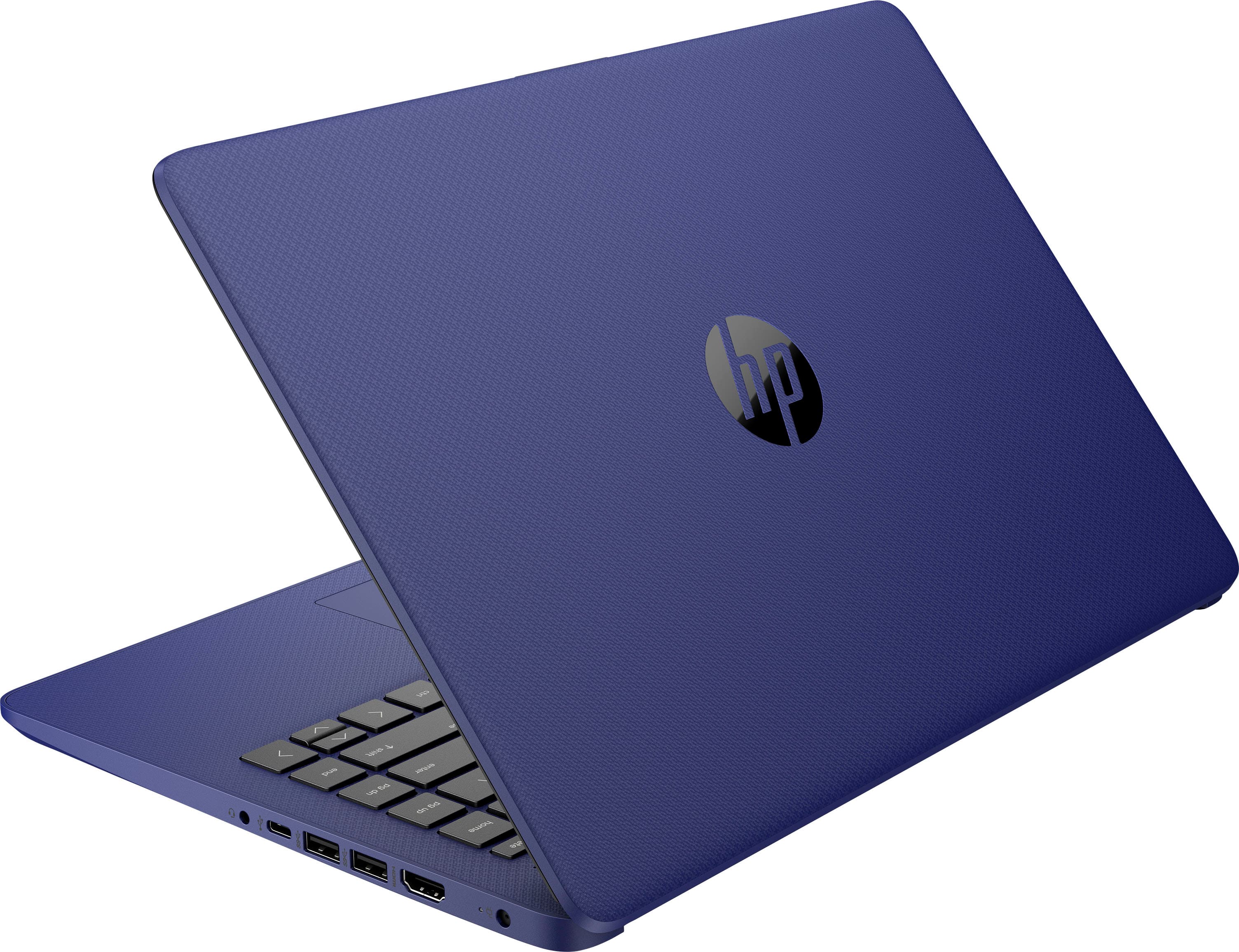
A:AnswerYou can check the requirements for the software you would like to use by looking up the system requirements for it from the publisher's website. You will want to make sure that the device you want to use it on meets the minimum requirements. Updates and modifications can impact what settings you can run the software on or if you can use the software at all. Keep in mind that this computer comes with Windows 11 in S mode, so all applications must be downloaded from the Microsoft Store unless you remove it from S mode.
A:AnswerThis unit comes with Windows 11 Home in S Mode. S Mode prevents you from downloading third-party applications and will restrict access to some websites as it is a more secure version of Windows. You can turn off S Mode, but to remove those restrictions, but you cannot turn S Mode back on.
A:AnswerI have not tried to run OBS on this machine but I have used OBS quite a bit on other computers. I don’t think this machine is equipped to handle OBS very efficiently. OBS requires a bit of processing power.
A:AnswerApologies, a plan cannot be transferred from one product to another except in cases of replacement of the original item from the manufacturer. For more assistance, call 800-433-5778 or your local Best Buy store.
A:AnswerThis will depend on your system and account settings. If you are using a Microsoft account set to back up your information, it may include some information, such as your bookmarks, but as to whether it would have things like photos, programs, or documents would depend on whether you set those to backup to an external program tied to your Microsoft account, such as OneDrive.
A:AnswerThis laptop is great for basic tasks, such as web browsing and record keeping, but for live streaming, you may want something with more RAM and a more powerful processor. Don't hesitate to reach out to an HP Live Expert or the Best Buy Geek Squad to help you find a computer that suits all your needs!
A:AnswerThis a very slow computer. If I have 2 windows open and 1 is streaming I have to close the non-streaming window. Spend a little more and get something better. Geek Squad guy told me that.