A:AnswerIt changes some of the security settings-the primary change you'd see is that you'd no longer be required to go to the Windows Store for any apps you wanted to download. And it doesn't mess anything up on the computer. In fact, Microsoft has directions for how to do it at https://support.microsoft.com/en-us/windows/switching-out-of-s-mode-in-windows-4f56d9be-99ec-6983-119f-031bfb28a307#WindowsVersion=Windows_11
A:AnswerThe eMMC storage on the computer is "surface mounted" (meaning, soldered directly to the motherboard), so there is no way to change it. There also isn't a free drive bay or m.2 slot for adding a solid state drive.
A:AnswerBecause this computer is running Windows in "S Mode" it can only download and run apps that are in the Windows Store. Fortunately, OBS studio is one of the apps that's available for download. Whether it will be slow or not is going to depend on how complex an arrangement you're creating, what other things you might have running, and other factors
A:AnswerBecause this computer is running Windows in "S Mode" it can only download and run apps that are in the Windows Store. Genshin Impact is available in the Windows store, but unfortunately After Effects is not.
A:AnswerBecause this computer is running Windows in "S Mode" it can only download and run apps that are in the Windows Store. Unfortunately, Silhouette Studio is not one of the available titles.
A:AnswerHello. Thanks for your question. You need a computer with at least Intel i5 or AMD Ryzen 5 processor or better with 8 GB or 16 GB of RAM and a discrete graphics card with 2 gigabytes or more of video memory to run the Adobe programs. They are big programs that require a lot of processing power to run. For the Corel design programs, we recommend looking at the system requirements of the progam that you want to use.
A:AnswerReally, any of the current HP printers will work just fine. The right printer for you is going to depend on what you're printing and how many pages you'll print each month (obviously, the right printer for someone printing 20 pages a month wouldn't be the right one for someone printing 2000 pages a month).
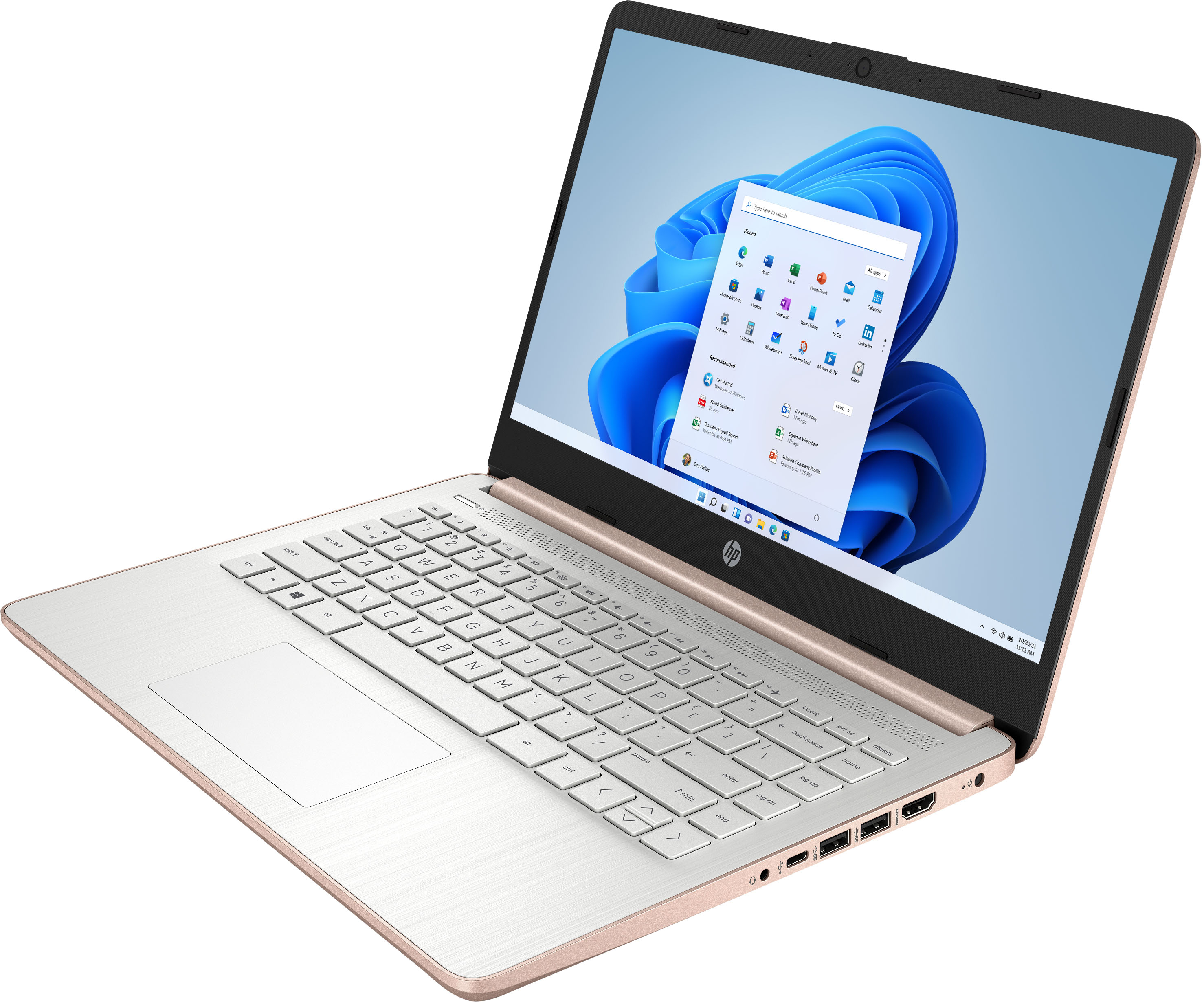
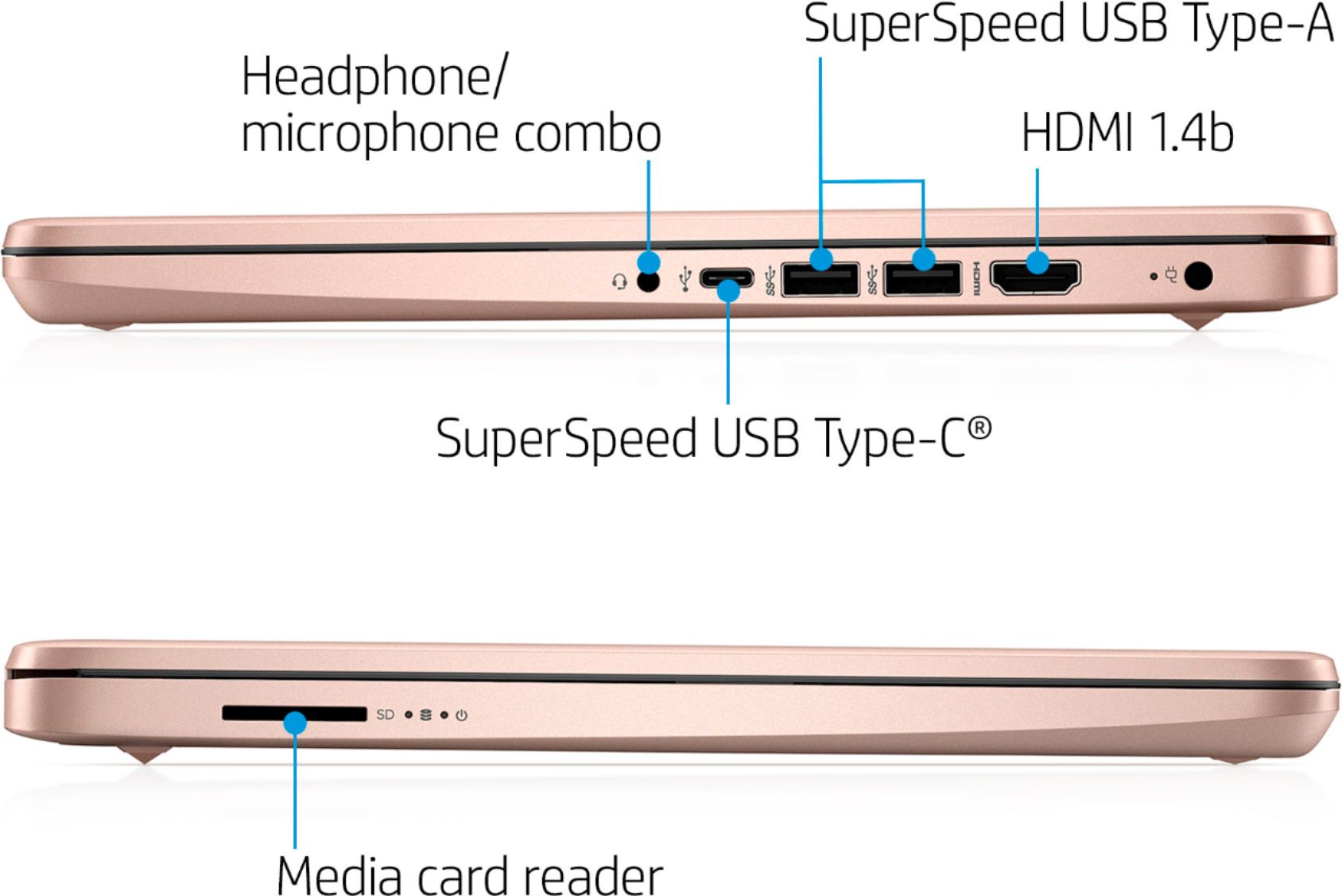
A:AnswerThank you for the question. You can watch movies and TV online at the website/source or with an app, or by using a streaming stick such as Roku or Fire Stick connected to the HDMI port.