A:AnswerHi Kathy! Here is a link regarding transferring webroot to a new computer:
https://answers.webroot.com/Webroot/ukp.aspx?pid=17&vw=1&app=vw&solutionid=80
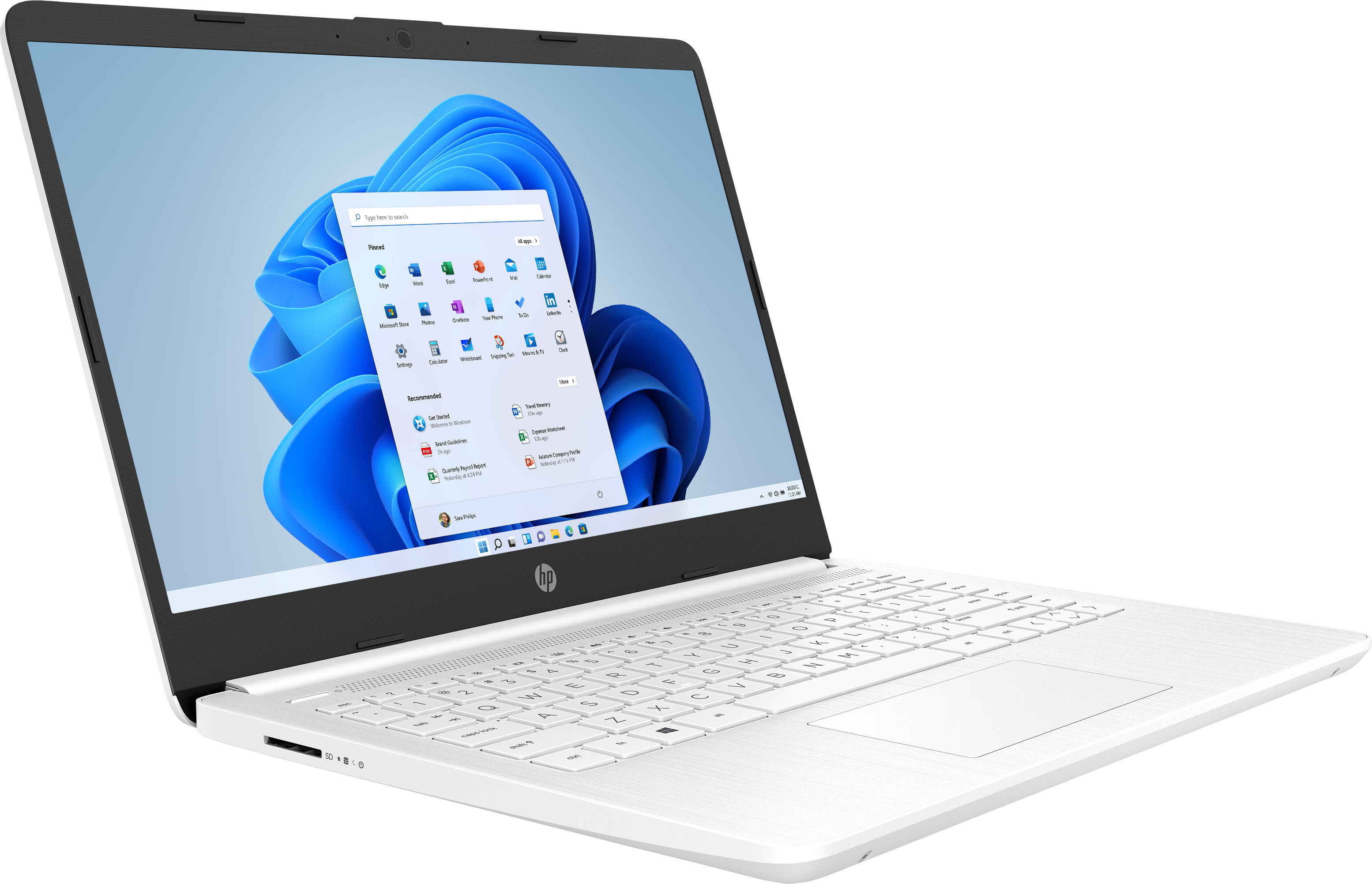
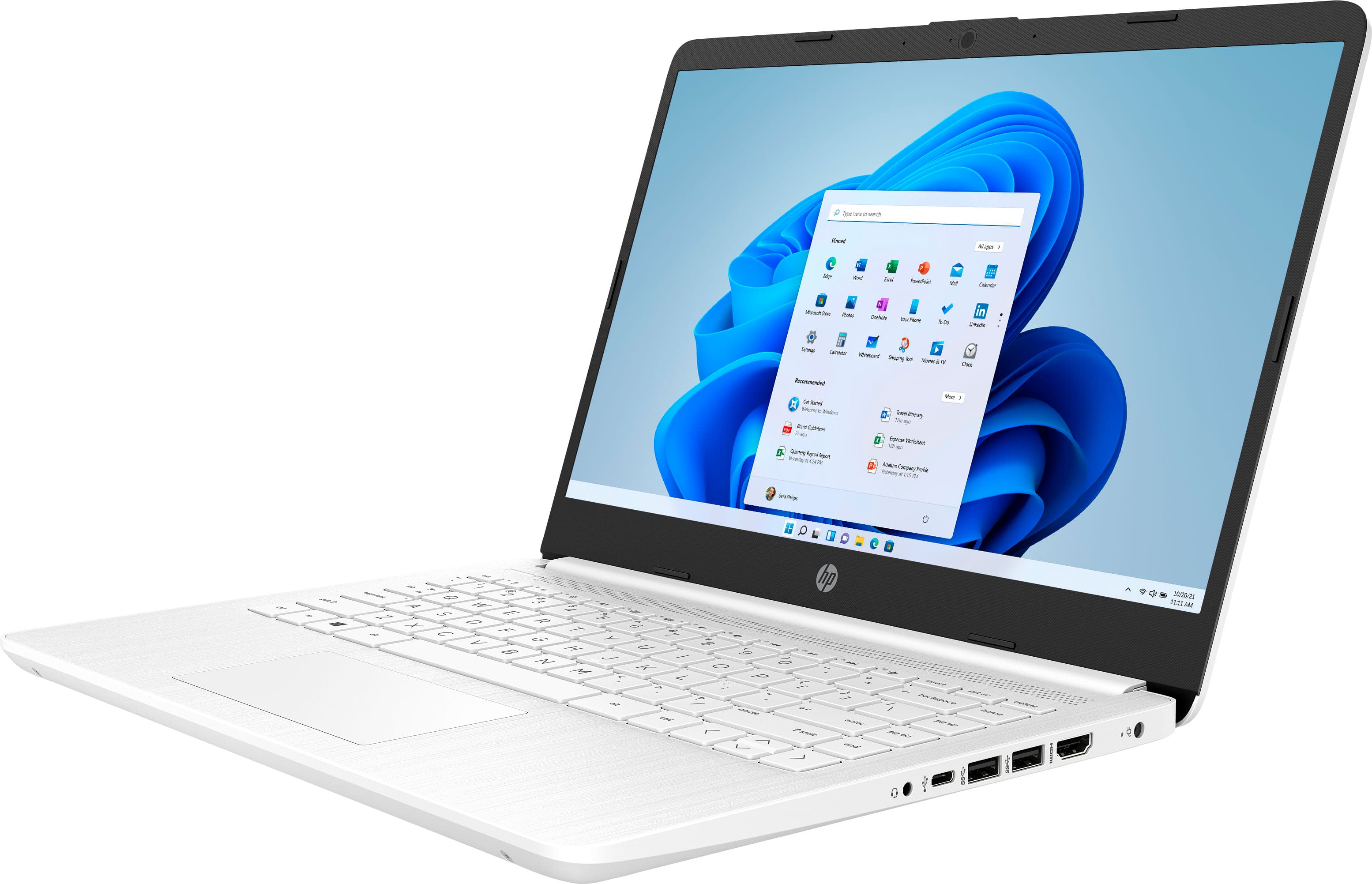
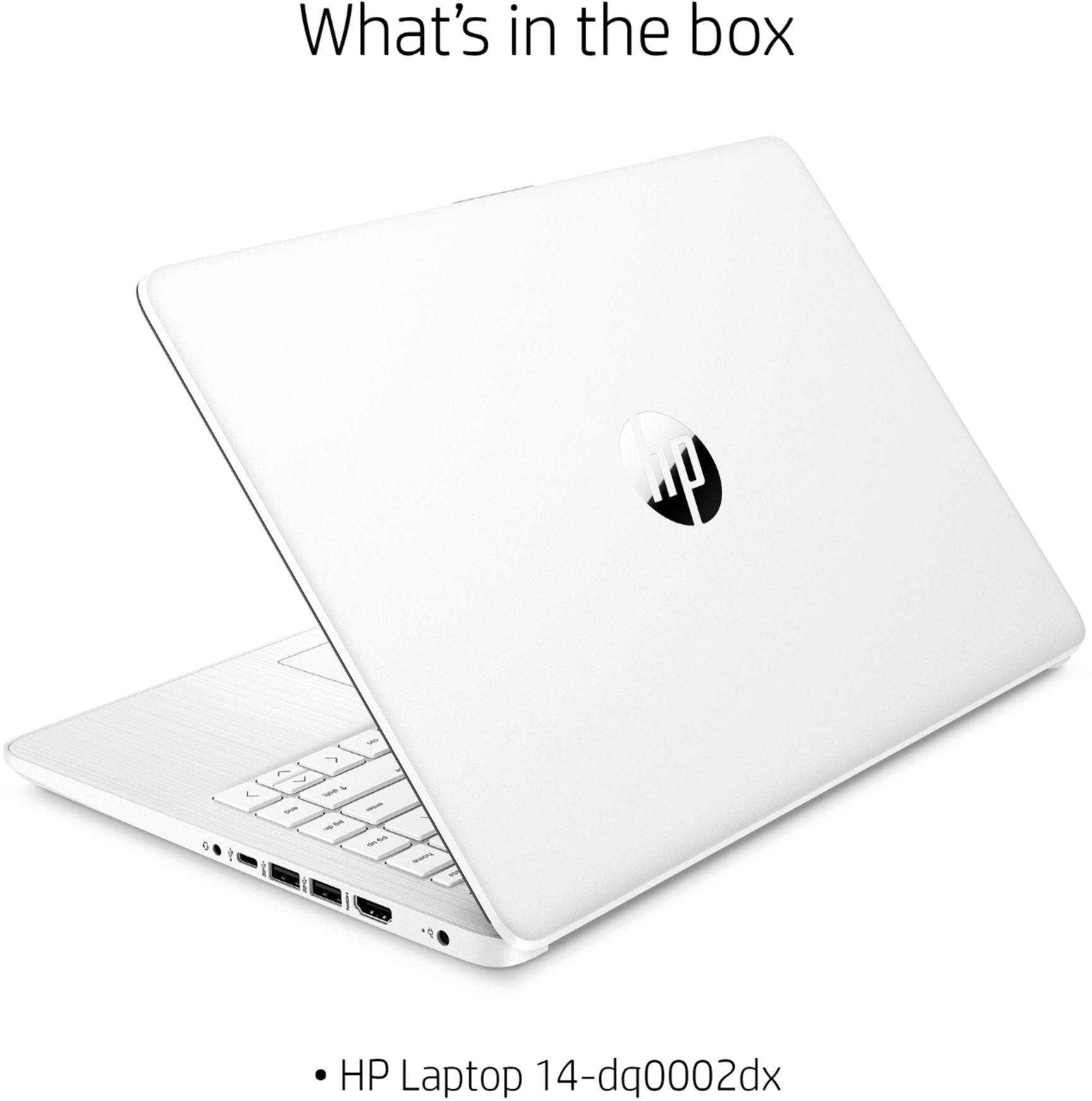
The laptop is ready to use out of the box. Here is what is pre-installed on the drive:
Software
Operating system
Windows 10 Home in S mode
Software included
McAfee LiveSafe™
Pre-installed software
Netflix
Software - Productivity & finance
1 month trial for new Microsoft 365 customers
A:AnswerHi Jason. Roblox has lower system requirements, and you can run it on this laptop. The processor, video subsystem, and RAM are all less than the minimum requirements for Fortnite, so you will not get good results with Fortnite.
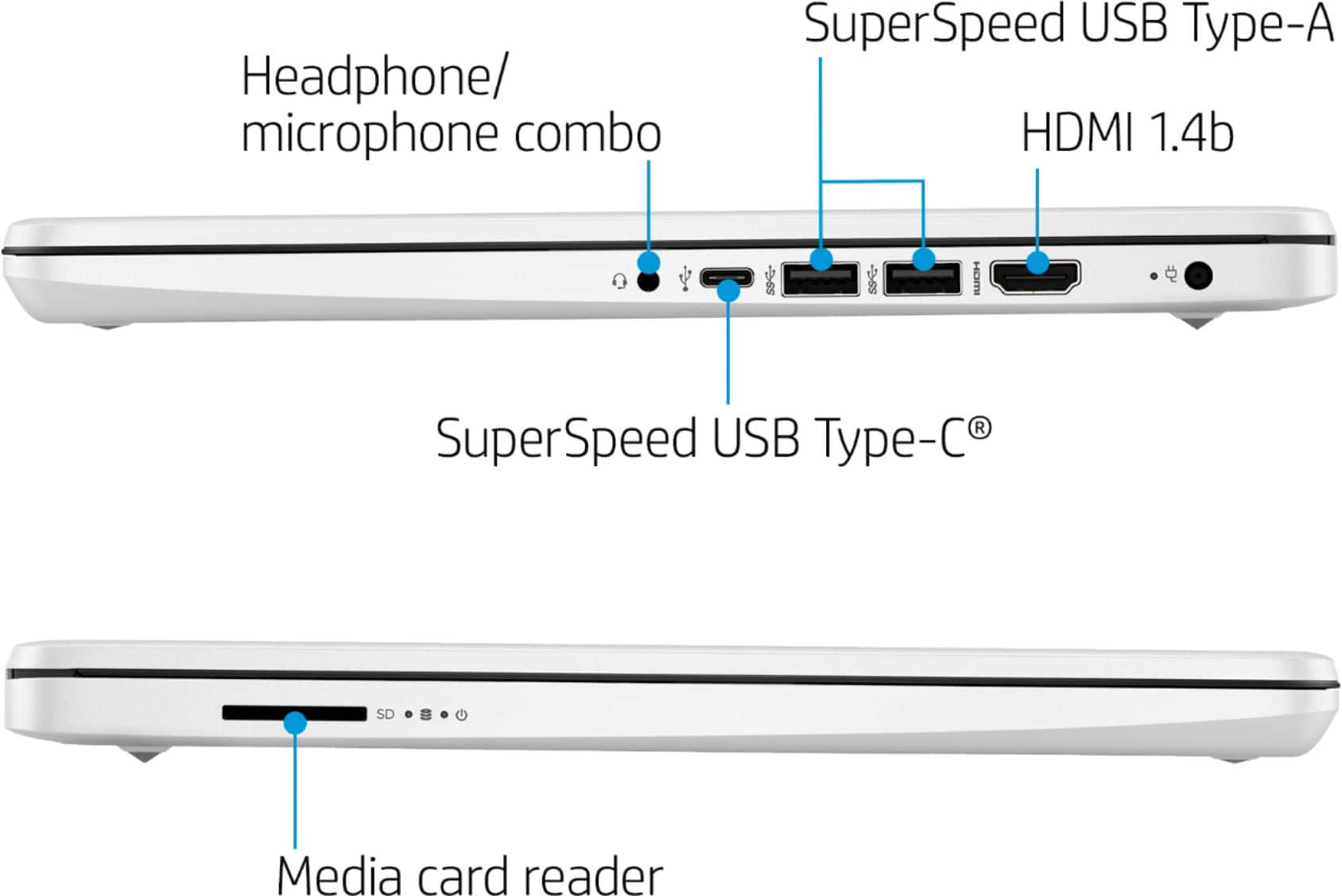
A:AnswerThanks for your question. The processor, video subsystem, and RAM are all less than the minimum requirements for Fortnite, so you will not get good results with Fortnite. This does not have an RJ45 connector for ethernet. You can, however, use a USB to RJ45 connector to connect to the ethernet with a cable.
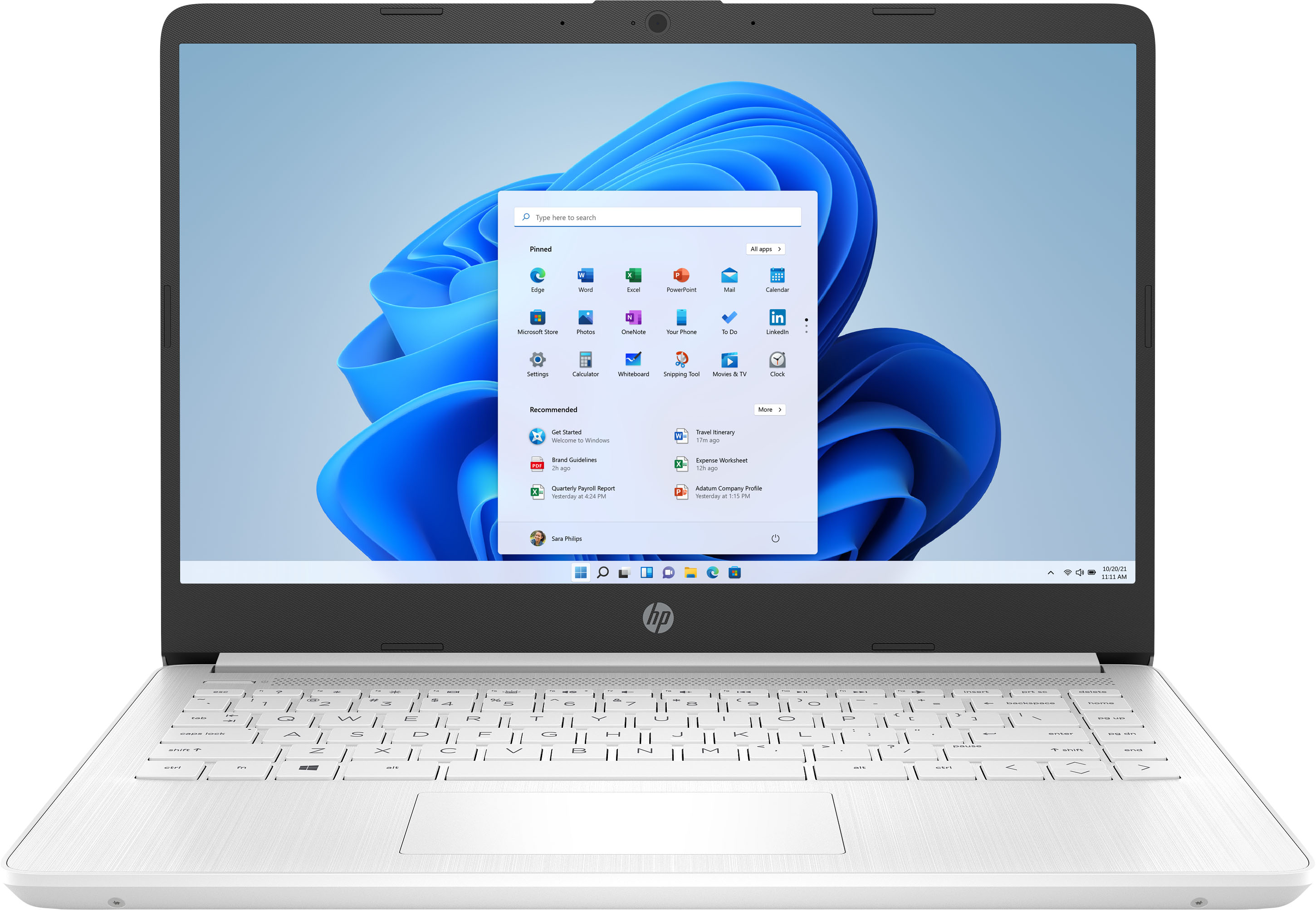
A:AnswerIt sounds like the backlight for the screen may have failed. Your best option is to contact the HP support team for troubleshooting and determining what the next step would be.
A:AnswerBecause this computer is running Windows 10 in "S Mode" you'll need to download one of the silhouette programs that are available in the Windows Store.
A:AnswerYes, this laptop will work well with zoom. The laptop has a 1 year free subscription to Microsoft 365. Office - including Word, Excel, and PowerPoint.
A:AnswerHello Chris! Thank you for you question regarding the HP 14" Laptop! This computer will not be able to use the Elgato HD60 S due to it not meeting the minimum requirements stated on Elgato's website. The minimum specifications stated for Windows 10 are an Intel i5 processor or greater and this model has an Intel Celeron, which is lower than the i5. I hope this helps!