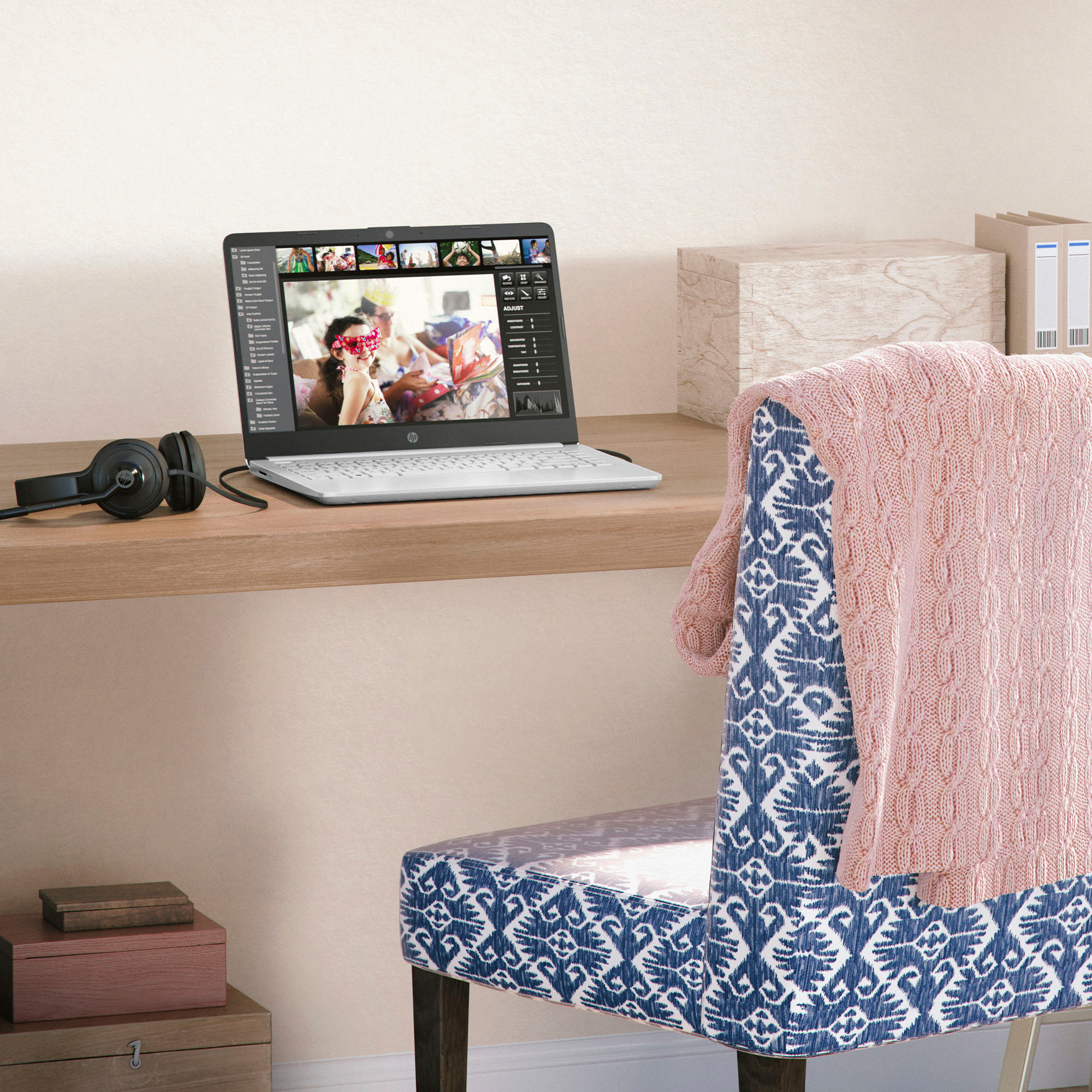
A:AnswerHello, Andy. Thanks for your question. You can do basic photo editing with this laptop. If you want to use the Adobe Photoshop or Lightroom apps, you need a computer with at least Intel i5 or AMD Ryzen 5 processor or better with 8 GB or 16 GB of RAM and a discrete graphics card with 2 gigabytes or more of video memory to run the Adobe programs. They are big programs that require a lot of processing power to run.
A:AnswerGreetings from the Intel team. Thank you for your question.
How good this Laptop is for podcasting depends on the system requirements of the software you will be using; therefore, to ensure the Laptop meets the system requirements of a specific program, check for the software's system requirements on the Developer's website and compare them with the Laptop specifications.
For detailed information about the Intel® Celeron® processor N4120, visit:
https://ark.intel.com/content/www/us/en/ark/products/197309/intel-celeron-processor-n4120-4m-cache-up-to-2-60-ghz.html
Thank you for choosing Intel! Emilio_Intel
A:AnswerHello and thank you for the question! As system requirements for software constantly change, we are unable to answer questions about software compatibility or performance. What is compatible today may not be in the future. Please check the software manufacturer's website for the most current minimum and recommended requirements.
A:AnswerI imagine you can, but, it's a very minimal processor / computer. The computer screen is basic. If you are expecting higher resolution graphics, you probably will be disappointed. I wouldn't run the Windows operating system on it honestly. Too much of a resource hog.
A:AnswerThank you for the question. This HP 14-dq0055dx laptop includes a free one-year subscription to Microsoft 365 Personal and a 30-day trial of McAfee Live safe virus protection. For ongoing use after the trial, you'll need a subscription.
A:AnswerHello, thank you for your question. This device will take a compatible 65W charger, using 19.5v as you discovered. If you're unsure if your charger will fit the bill, don't hesitate to ask HP Support or your local Best Buy Geek Squad!
A:AnswerThe thing is, if you turn off S mode, you've disabled some of the security settings so the computer tries to compensate by automatically downloading software for things like security to plug the holes that turning off S mode leaves
A:AnswerThank you for your question. In the case of most devices, it is safe to use an adapter with a higher wattage (W) rating, as the device will only draw the amount of power it needs to run effectively. With this in mind, voltage is the essential factor and should be the same or within a tolerance of one volt. Keep in mind, this will not change the rate at which the device charges, as it will only pull the amount of power it needs and is rated to have transferred to it.
A:AnswerProbably not, for a couple of reasons. The computer only has 64 gigabytes of storage, and also a computer running Windows in "S mode" can only download software that's available in the Windows Store.
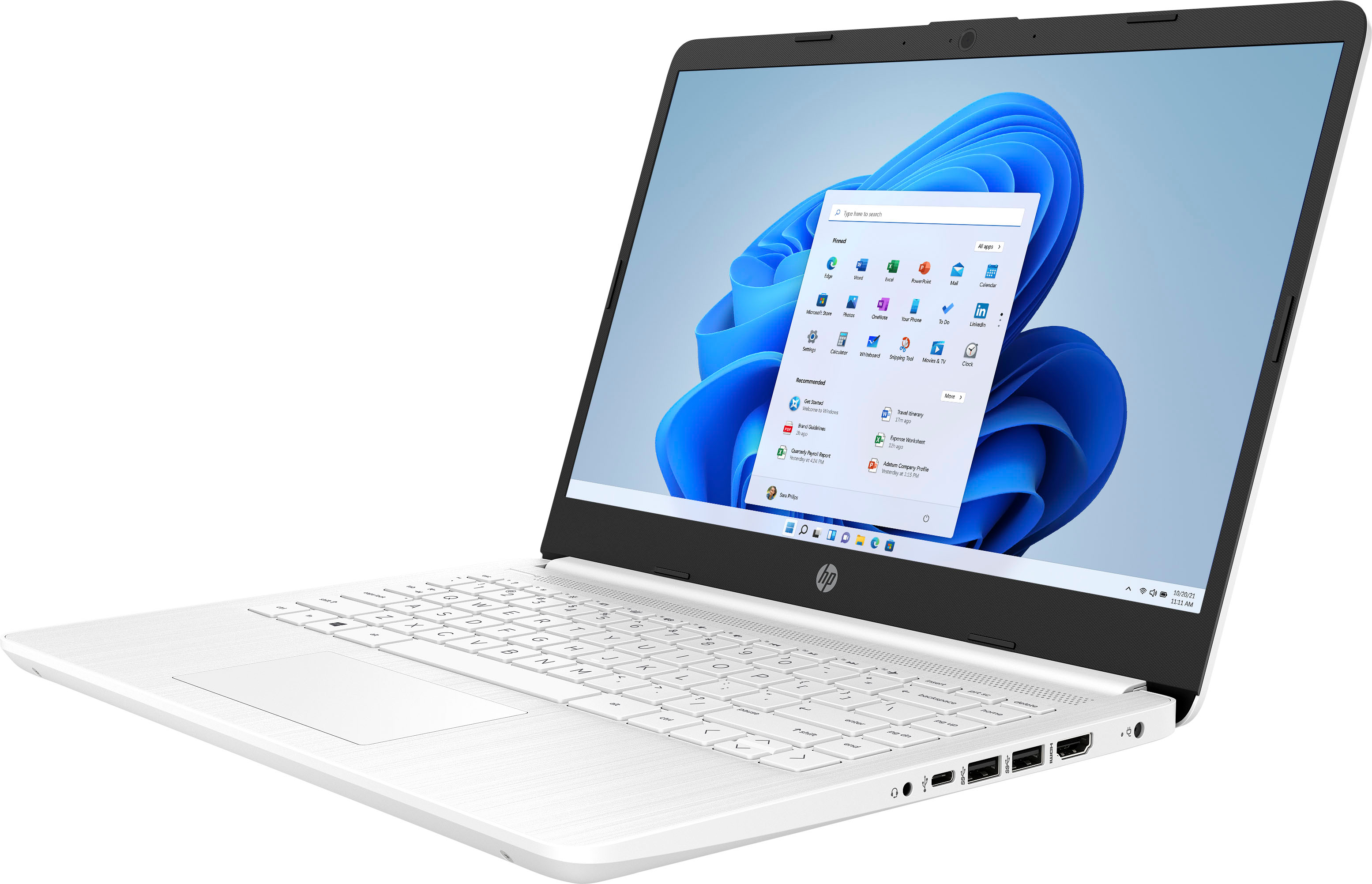
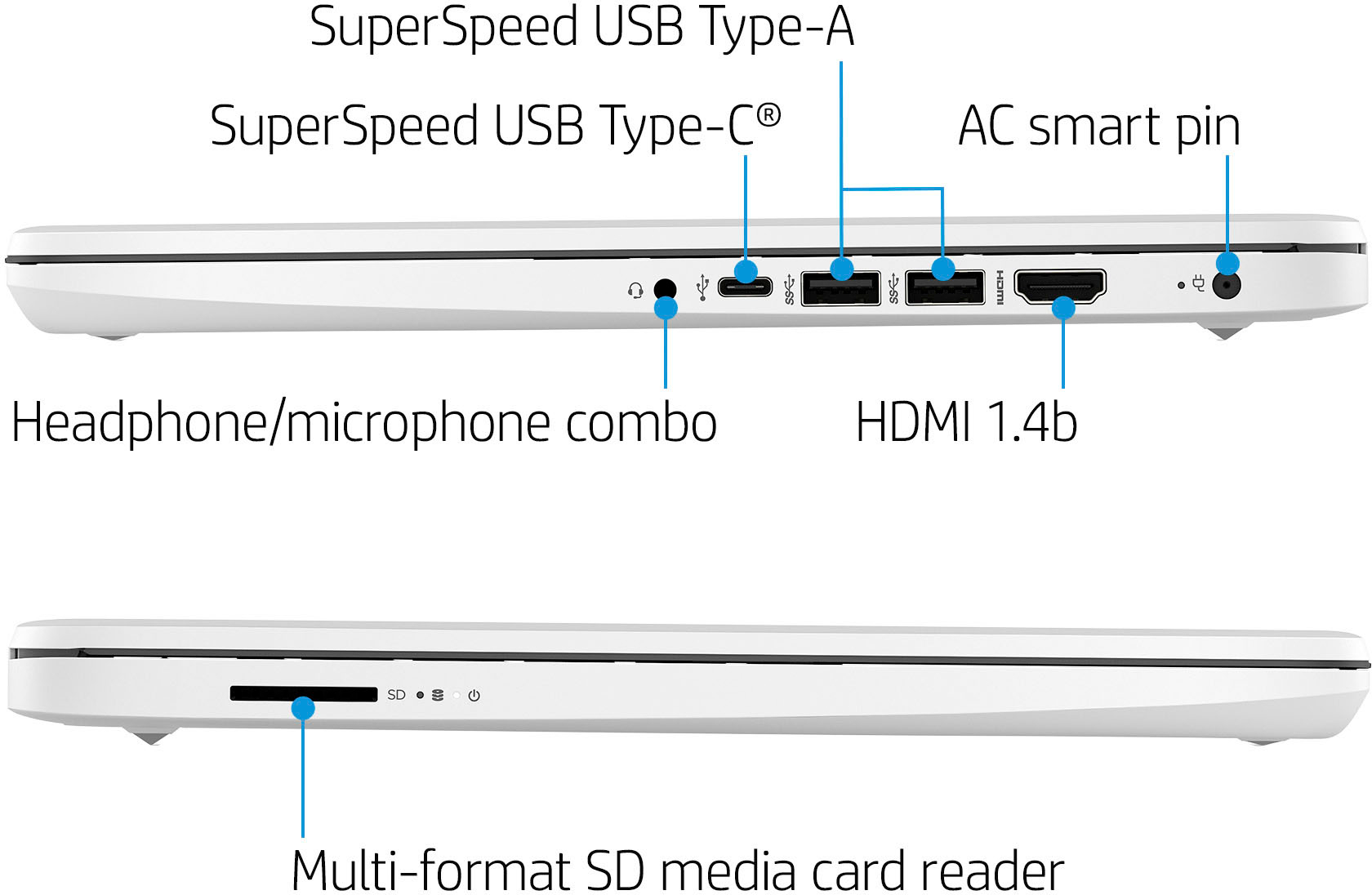
A:AnswerHi Kat. Thank you for your question! This laptop does not come with a built-in ethernet port for hardwiring into a network. You would be able to purchase a USB to Ethernet adapter that can be plugged into one of the USB ports to add this functionality to this laptop. An ethernet cable would also need to be purchased to connect from the USB to Ethernet adapter to your router.
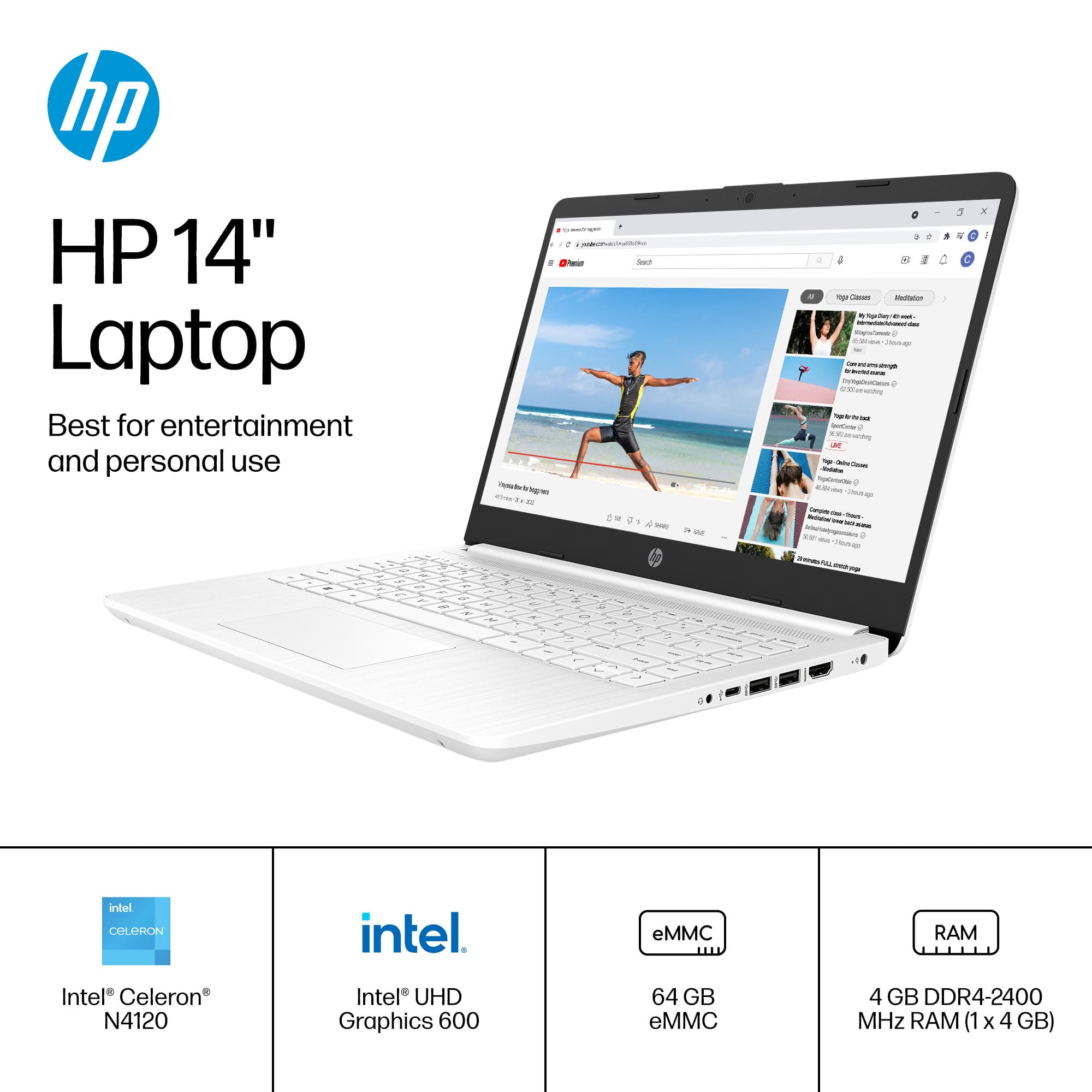
A:AnswerThank you for the question. The 14-dq0052dx has one RAM slot and can support 8GB maximum. The slot is not user-accessible. We recommend that a professional technician do upgrades.
A:AnswerYou can check the requirements for the software you would like to use by looking up the system requirements for it from the publisher's website. You will want to make sure that the device you want to use it on meets the minimum requirements. Updates and modifications can impact what settings you can run the software on or if you can use the software at all.
A:AnswerThis device can connect your iPhone to Windows 11 in S mode using an up to date version of Microsoft PhoneLink which can be downloaded from the Microsoft App Store; however, depending on how many photos and videos you have, you may want a model with more storage than this particular machine.
A:AnswerIt does have a built-in camera on the unit. You can disable S Mode, but it may slow down the device and lower the security of the unit and S Mode cannot be reactivated after turning it off. If you need to download any third-party software, you may want something with at least 256GB of storage and a bit more RAM if they have to monitor you throughout the exam if you are doing it on the unit. You may want to talk to a Best Buy associate directly about your needs with system requirements for the software you will be using directly to make certain you have a compatible device.