A:AnswerThank you for your question about this HP laptop! The Sims 2 will not run on this natively. You would need to pull the laptop out of S Mode and into Windows 11 Home, which is free, then install the software for it. After that, there is no guarantee for compatibility since The Sims 2 was made for Windows XP through Windows Vista.
A:AnswerWindows 11 Home in "S" mode, which limits the user to software in the Microsoft Store. It can be switched out of "S" mode, but that can not be reversed and defeats some of the settings that are used to protect the OS without adding third-party AV software. Users have mentioned using alternate OSes successfully that were more efficient using memory than Windows 11. With the limited memory this system offers, that may become a consideration for many users.
A:AnswerHello. Thanks for your question. In order to download the app to this HP laptop, you would need to switch out of the S Mode. We do recommend making sure the laptop meets the hardware requirements for the app.
A:AnswerGames?
Absolutely could play
Microphone?
Its good. Not the loudest but isnt a disappointing level. Kinda your average Microphone.
Battery?
Great. Charges quickly and lasts a LONG time. Ive had it on for DAYS without running out the Battery. Pleasantly surprised with battery
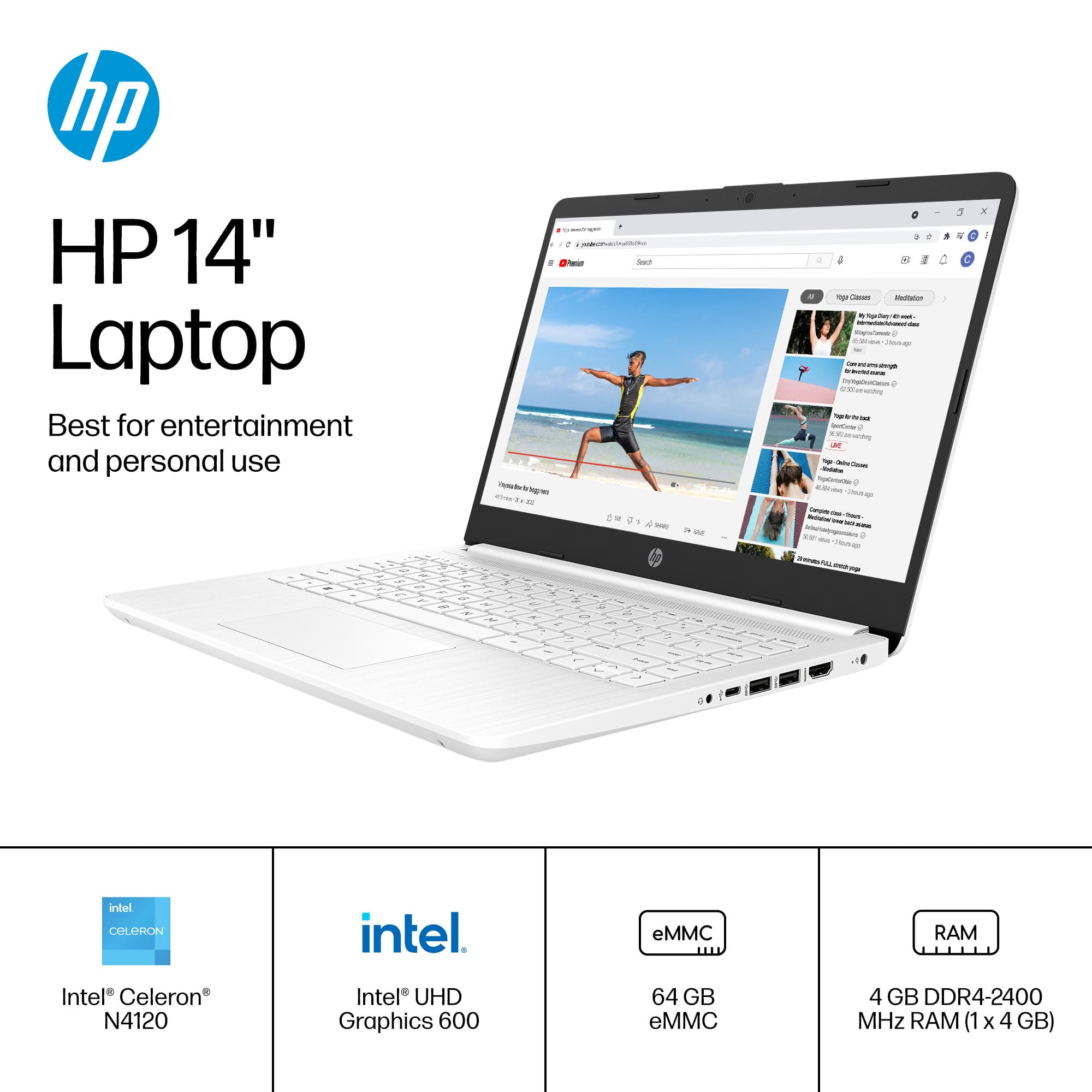
A:AnswerThank you for the question. You can increase the memory in the HP 14-dq0052dx by disassembling the laptop, removing the existing 4GB RAM stick, and replacing it with an 8GB stick. We recommend that a professional technician perform the operation to ensure that adjacent components are not damaged.
A:AnswerThank you for your question about this HP laptop! Yes, you will be able to download and play Webkinz on this laptop as it is available through the Microsoft Store for free!
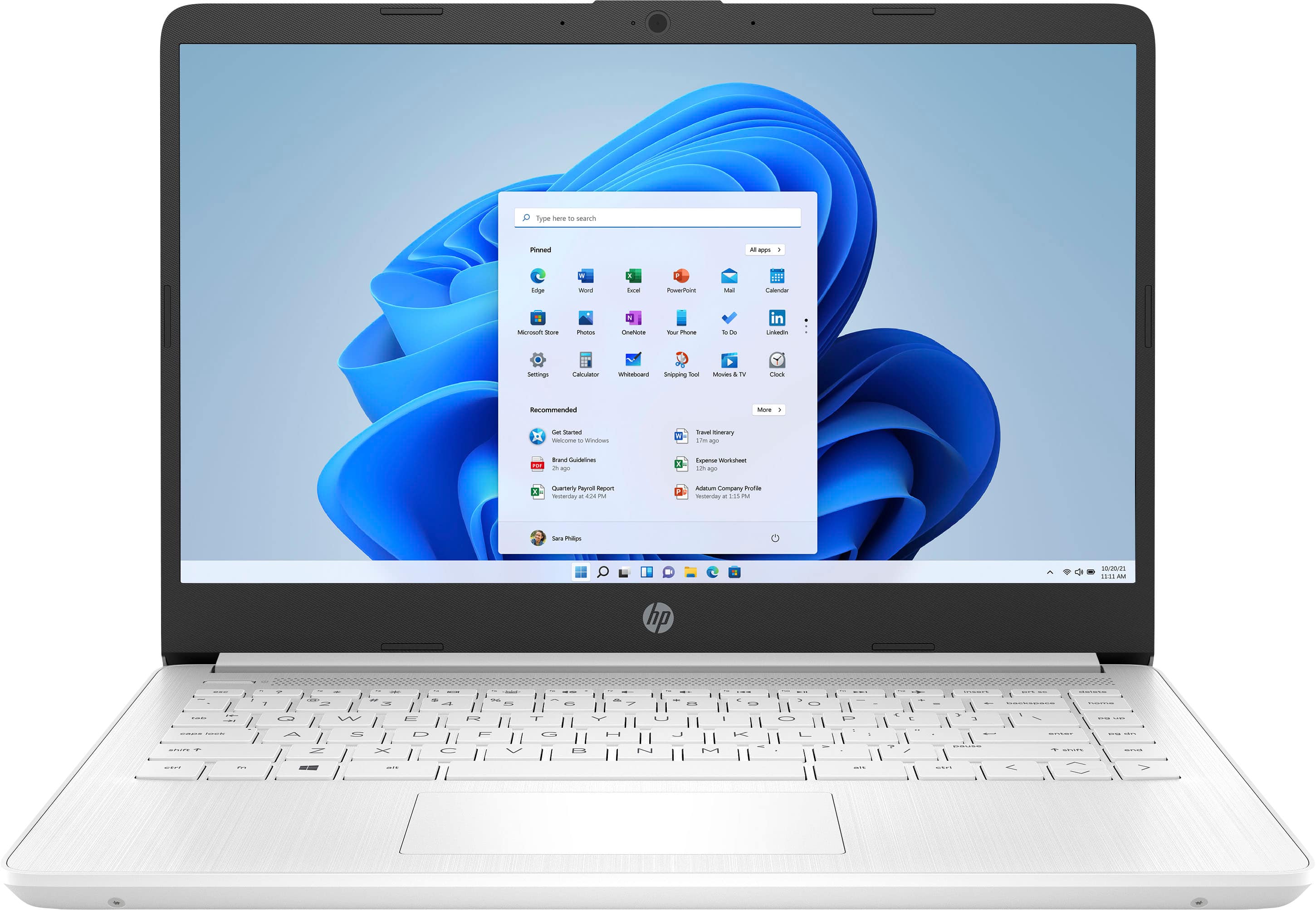
A:AnswerThank you for the question. The HP 14-dq0052dx laptop comes with Windows 11 in S Mode and HP utilities such as HP Support Assistant, HP Smart App, and HP Audio Switch. A free trial of Microsoft 365, and a free trial of McAfee LiveSafe are also included. Other Pre-installed Apps: Xbox App for gaming and managing Xbox Game Pass subscriptions. and Microsoft Store for downloading additional apps and games.