Questions & Answers
- Model:
- 14-dq3015dx/CD9Y9UA#ABA
- |
- SKU:
- 11500498
Q: QuestionDo only wireless mouses/keyboards work with this one or can you have non wireless keyboard/mouse
Asked by hello.
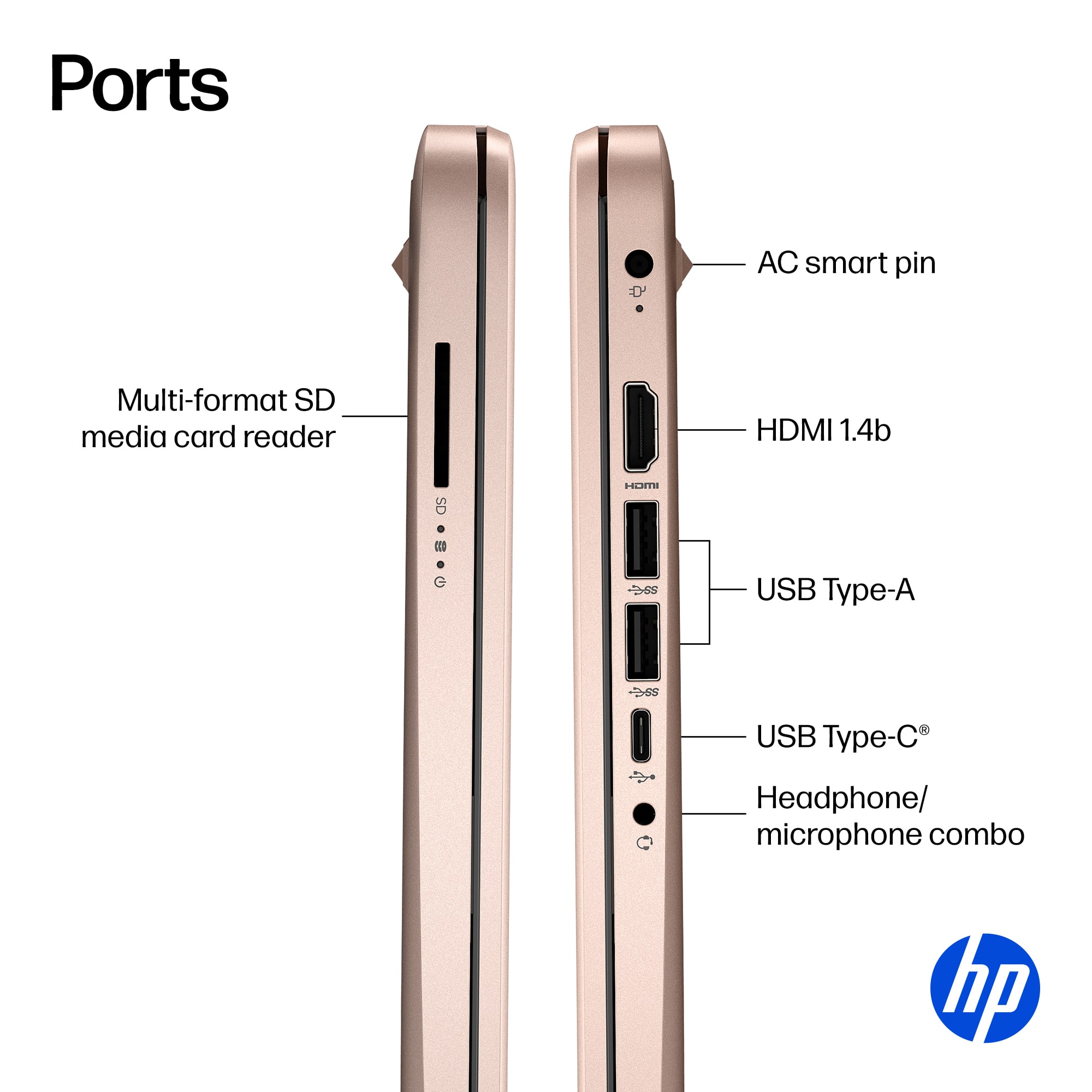
- A:Answer You can connect a USB wired mouse/keyboard to this laptop.
Answered by HP Team

Q: QuestionCan this be taken out of S mode?
Asked by Debi.
This question was asked about the related product: HP - 14" Laptop - Intel Celeron N4120 2019 - 4GB Memory - 64GB eMMC - Snowflake White
- A:Answer Yes, by following these steps: On your PC running Windows 11 in S mode, open Settings > System > Activation. In the Switch to Windows 11 Home section, select Go to the Store. On the Switch out of S mode (or similar) page that appears in the Microsoft Store, select the Get button.
Answered by HP Team

Q: QuestionIf I switch this laptop out of S mode will it still have windows11?
Asked by PriceL.
This question was asked about the related product: HP - 14" Laptop - Intel Celeron N4120 2019 - 4GB Memory - 64GB eMMC - Snowflake White
- A:Answer Yes, it will. S Mode is basically a group of setting that operate within Windows 11. If you take it out of S mode, those settings are permanently disabled, but Windows 11 Home will continue to operate normally.
Answered by HP Team

Q: Questionis this laptop widow 11?
Asked by Anonymous.
This question was asked about the related product: HP - 14" Laptop - Intel Celeron - 4GB Memory - 64GB eMMC - Indigo Blue
- A:Answer Yes, this laptop has the Windows 11 Home in S Mode operating system.
Answered by HP Team

Q: QuestionCan you play Roblox on the computer
Asked by Clueless.
This question was asked about the related product: HP - 14" Laptop - Intel Celeron - 4GB Memory - 64GB eMMC - Rose Gold
- A:Answer Yes, this laptop does meet the minimum requirements to play Roblox.
Answered by HP Team

Q: QuestionCan this computer handle photo editing
Asked by Mommabear.
- A:Answer Thank you for the question. If you're doing a high volume of editing or for professional use, no You'll need more ram (8GB for leisure editing, 16GB minimum for frequent editing) and a multi- core processor such as an AMD Ryzen 5, Intel i5 or higher.
Answered by HP Team

Q: QuestionHey. My question is I have a 13 year old son, would this a good first laptop for him?
Asked by JAY.
This question was asked about the related product: HP - 14" Laptop - Intel Celeron N4120 2019 - 4GB Memory - 64GB eMMC - Snowflake White
- A:Answer This laptop is considered an entry-level computer. It is great for basic tasks like email, surfing the web and basic streaming.
Answered by HP Team

Q: QuestionLaptop will not power on anymore. Assumed the battery died. Attempted to plug in power cord for over 48 hours and it will still not power on. Any suggestions? Laptop bought one year ago.
Asked by ValerieW.
This question was asked about the related product: HP - 14" Laptop - Intel Celeron - 4GB Memory - 64GB eMMC - Jet Black
- A:Answer same thing happened to me. only owned it for three weeks1
Answered by user238296
Q: QuestionIs there a docking station comparable with this laptop that allows for dual monitors ? ( not a mirror, but two unique displays )
Asked by Jay.
This question was asked about the related product: HP - 14" Laptop - Intel Celeron N4120 2019 - 4GB Memory - 64GB eMMC - Snowflake White
- A:Answer Unfortuantely, no. The USB-C port does not support the DisplayPort standard for outputting video so any docking station won't pass on a video signal to the monitors. Also, please note that the video system in this computer would not be able to drive two monitors plus the one in the computer.
Answered by HP Team

Q: QuestionCan I add more ram to this computer
Asked by Gino.
This question was asked about the related product: HP - 14" Laptop - Intel Celeron N4120 2019 - 4GB Memory - 64GB eMMC - Snowflake White
- A:Answer Hello. Thanks for your question. The RAM can be upgraded up to 16 GB DDR4-2400.
Answered by HP Team

Q: QuestionIs this computer compatible with chrome?
Asked by Bob.
This question was asked about the related product: HP - 14" Laptop - Intel Celeron N4120 2019 - 4GB Memory - 64GB eMMC - Snowflake White
- A:Answer I just saw your question, and it's been about a month since it was posted, so Iam thinking that you may already have the answer. But yes chrome will work on this computer.
Answered by Danny
Q: QuestionOn this computer can the s-mode be turned off with win 10
Asked by Don.
This question was asked about the related product: HP - 14" Laptop - Intel Celeron - 4GB Memory - 64GB eMMC - Indigo Blue
- A:Answer Yes, to turn off Windows 10 S Mode, click the Start button then go to Settings > Update & Security > Activation. Select Go to the Store and click Get under the Switch out of S Mode panel. Then click Install and wait for the process to finish. Take note that switching out of S Mode is a one-way process.
Answered by HP Team

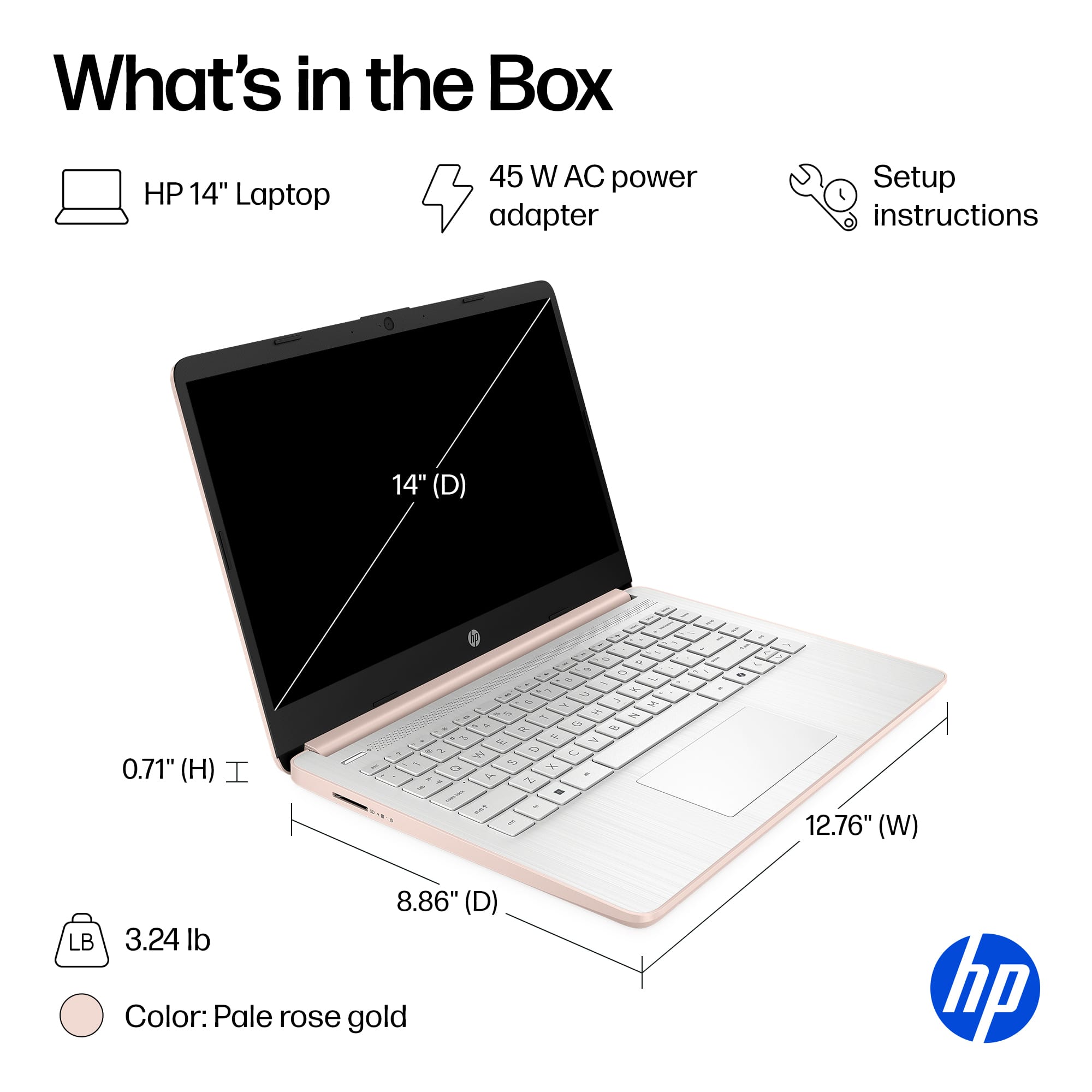
Q: QuestionDoes it include a charger?
Asked by Lissie.
This question was asked about the related product: HP - 14" Laptop - Intel Celeron N4500 2021 - 4GB Memory - 64GB eMMC - Snowflake White
- A:Answer Yes.
Answered by DavidV
Q: QuestionIs it possible to upgrade the ram, storage space, and wifi card?? If yes, what's the limit of each upgrade?
Asked by jj.
This question was asked about the related product: HP - 14" Laptop - Intel Celeron N4500 2021 - 4GB Memory - 64GB eMMC - Snowflake White
- A:Answer Thank you for the question. The RAM can be changed to one 8GB stick, The storage being eMMC and not an SSD, is soldered to the motherboard and not upgradeable, however, you can connect external storage via USB. The Wi-Fi 6 (2 x 2) card can be changed. We recommend that any upgrades be completed by a professional technician.
Answered by HP Team

Q: QuestionCan you do coding projects on this computer?
Asked by Abby.
This question was asked about the related product: HP - 14" Laptop - Intel Celeron N4120 2019 - 4GB Memory - 64GB eMMC - Snowflake White
- A:Answer No, this laptop does not meet the system requirements for coding.
Answered by HP Team

Q: QuestionCan I take my proctor exams on this?
Asked by Tim.
This question was asked about the related product: HP - 14" Laptop - Intel Celeron - 4GB Memory - 64GB eMMC - Rose Gold
- A:Answer Yes
Answered by Laptop
Q: QuestionIs this a laptop that can run Minecraft and stuff but also get work done .Basically I'm asking if it is slow
Asked by TheGalaxy.
- A:Answer I’ve had this for about 3 weeks now. It’s working pretty fast, no delays and I started downloading apps.
Answered by Kymber
Q: QuestionIs this laptop good for photo editing?
Asked by Andy.
This question was asked about the related product: HP - 14" Laptop - Intel Celeron - 4GB Memory - 64GB eMMC - Indigo Blue
- A:Answer Hello, Andy. Thanks for your question. You can do basic photo editing with this laptop. If you want to use the Adobe Photoshop or Lightroom apps, you need a computer with at least Intel i5 or AMD Ryzen 5 processor or better with 8 GB or 16 GB of RAM and a discrete graphics card with 2 gigabytes or more of video memory to run the Adobe programs. They are big programs that require a lot of processing power to run.
Answered by HP Team

Q: Questionwhat happens at the end of the free year of Microsoft 365 if i chose not to renew it will it effect the computer or internet operations?
Asked by jimbow.
This question was asked about the related product: HP - 14" Laptop - Intel Celeron N4500 2021 - 4GB Memory - 64GB eMMC - Snowflake White
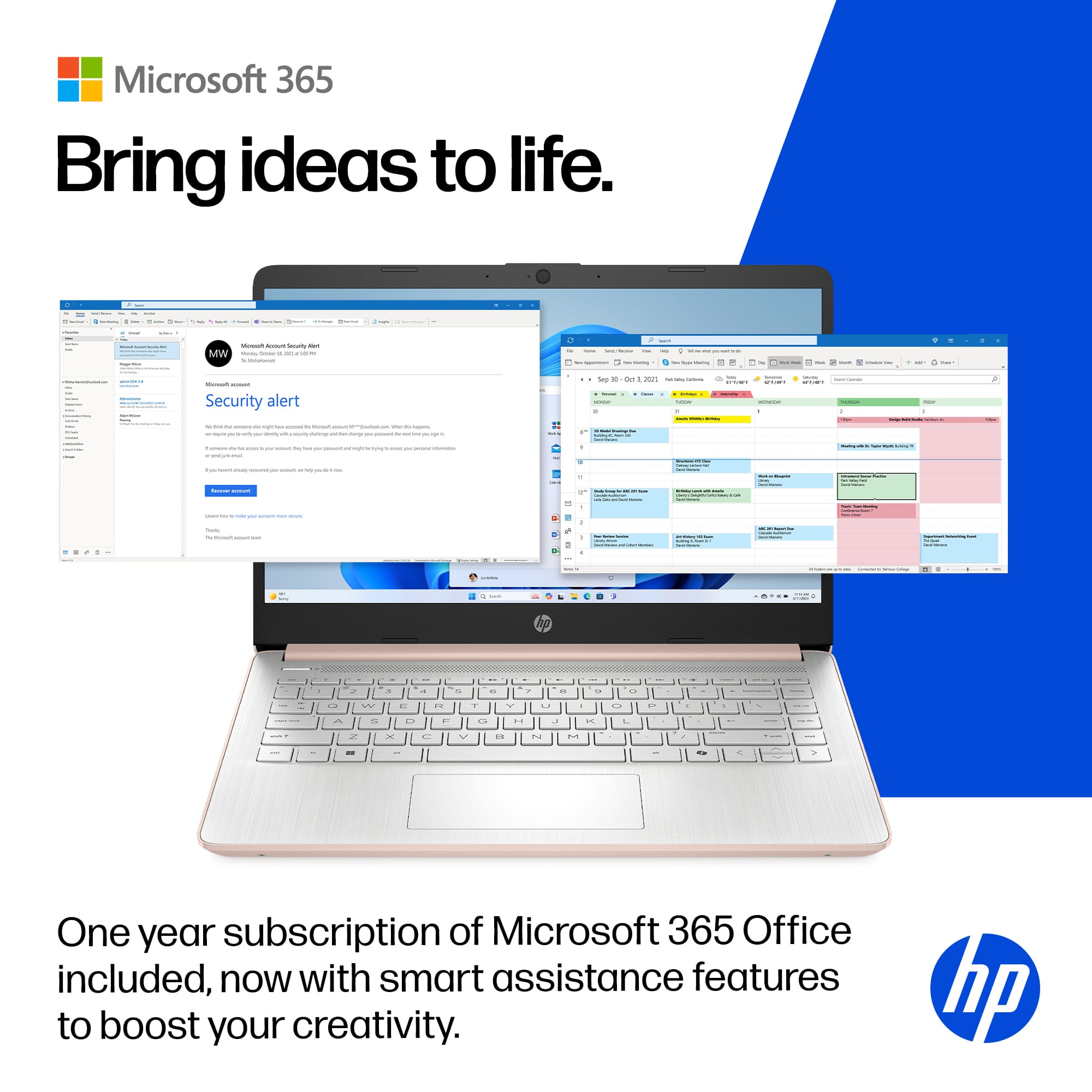
- A:Answer Thank you for your question. If you choose not to renew your Microsoft 365 subscription after the free year, your computer and internet operations will remain unaffected. However, your access to Microsoft 365 apps and services will change. Office Apps (Word, Excel, etc.): You can still open and view documents, but you won’t be able to edit or create new files.
Answered by HP Team
Q: QuestionIs this computer good enough for podcasting?
Asked by Erick.
This question was asked about the related product: HP - 14" Laptop - Intel Celeron - 4GB Memory - 64GB eMMC - Jet Black
- A:Answer Greetings from the Intel team. Thank you for your question. How good this Laptop is for podcasting depends on the system requirements of the software you will be using; therefore, to ensure the Laptop meets the system requirements of a specific program, check for the software's system requirements on the Developer's website and compare them with the Laptop specifications. For detailed information about the Intel® Celeron® processor N4120, visit: https://ark.intel.com/content/www/us/en/ark/products/197309/intel-celeron-processor-n4120-4m-cache-up-to-2-60-ghz.html Thank you for choosing Intel! Emilio_Intel
Answered by Intel team

Top Rated
- $779.00$779.00The price was $899.99
- $274.98$274.98The price was $279.00
- $329.00$329.00The price was $499.99