Questions & Answers
- Model:
- 14-dq3000dx
- |
- SKU:
- 10287103
Q: QuestionI'm launching a small business and need something that will support a lot of photos, YouTube, Ticktock and podcasting. Would this be suitable to start with?
Asked by Styledbykara.
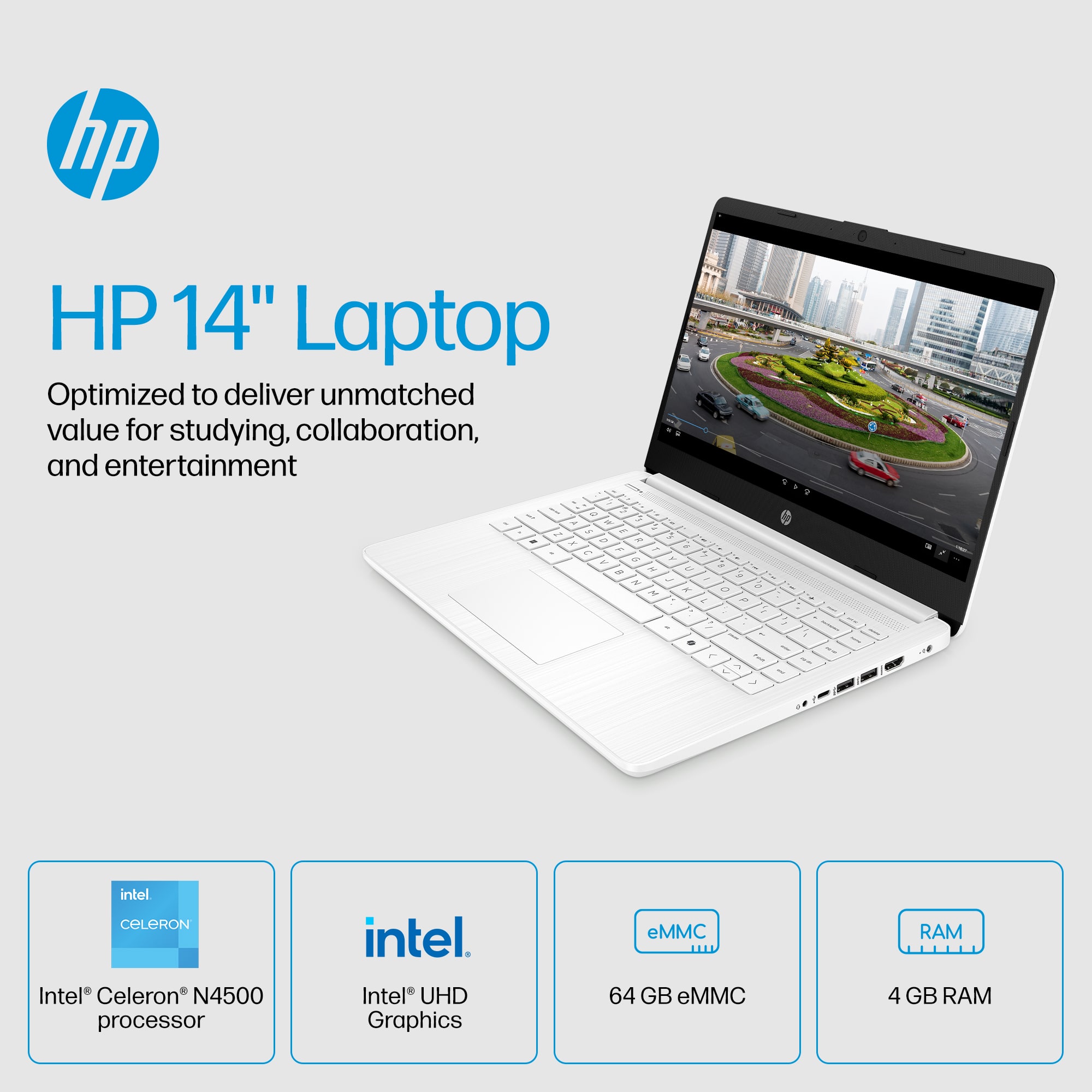
- A:Answer The only problem is the storage on this device. You will need an external storage device to store all your media files. A separate external storage device is between $50 to $100. If you are prepare to invest in external device then yes this would be good.
Answered by Anajum
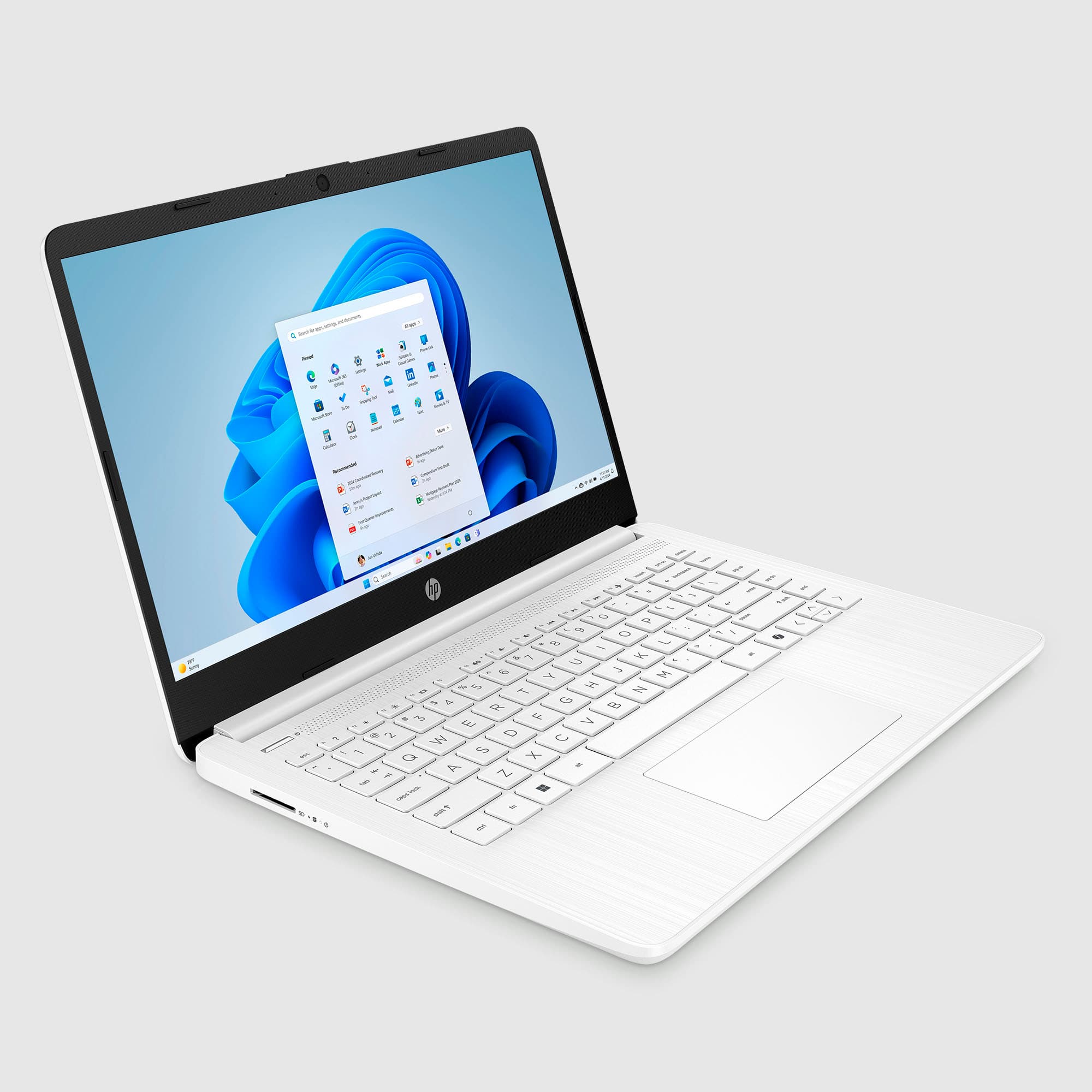
Q: QuestionDoes this laptop have touch screen capabilities?
Asked by Cheer1.
This question was asked about the related product: HP - 14" Laptop - Intel Celeron - 4GB Memory - 64GB eMMC - Indigo Blue
- A:Answer Yes!

Answered by CrystalG
Q: QuestionI’m going to school for care giving will this laptop work
Asked by Mel.
This question was asked about the related product: HP - 14" Laptop - Intel Celeron - 4GB Memory - 64GB eMMC - Indigo Blue
- A:Answer Yes
Answered by Reviewer
Q: QuestionCan Sims be played on this laptop?
Asked by SB.
- A:Answer I doubt it my son got it for school work and playing Fortnite and it lags so bad he can't do anything on the game
Answered by ChristyW
Q: QuestionMy daughter is starting her online business and does not like computers.Would this work ti keep track of invoices,recipients stuff like that.Also does it have or support PhotoShop?
Asked by SFALARCON.
- A:Answer Yes, I use it for my small business. Don’t know about Photoshop because that is a feature I do not use
Answered by PatriceR
Q: QuestionIs this compatible with the sims 4?
Asked by demi.
- A:Answer To run the Sims 4 system requirements, you will need an ATI Radeon HD 2600 Pro graphics card, an Intel Core 2 Duo T7600 CPU, and 20GB of HD space. The Sims 4 system requirements are very accessible, so you should be able to run the game on most modern PCs and laptops.
Answered by FelixL
Q: QuestionWhat is S mode?
Asked by Kathy.
This question was asked about the related product: HP - 14" Laptop - Intel Celeron - 4GB Memory - 64GB eMMC - Indigo Blue
- A:Answer S Mode is preloaded and blocks you from downloading non Microsoft apps like Chrome. You can turn it off, but you can't turn it back on, but that's not necessarily a bad thing.
Answered by Anonymous
Q: QuestionWith inexpensive Lenovo laptops and those’d refurbished will they be good for extensive word processing and take Word 11?
Asked by Anonymous.
This question was asked about the related product: HP - 14" Laptop - Intel Celeron - 4GB Memory - 64GB eMMC - Indigo Blue
- A:Answer My laptop was open box. Not refurbished
Answered by CrystalG
Q: QuestionDoes it have a Touchscreen
Asked by Tee.
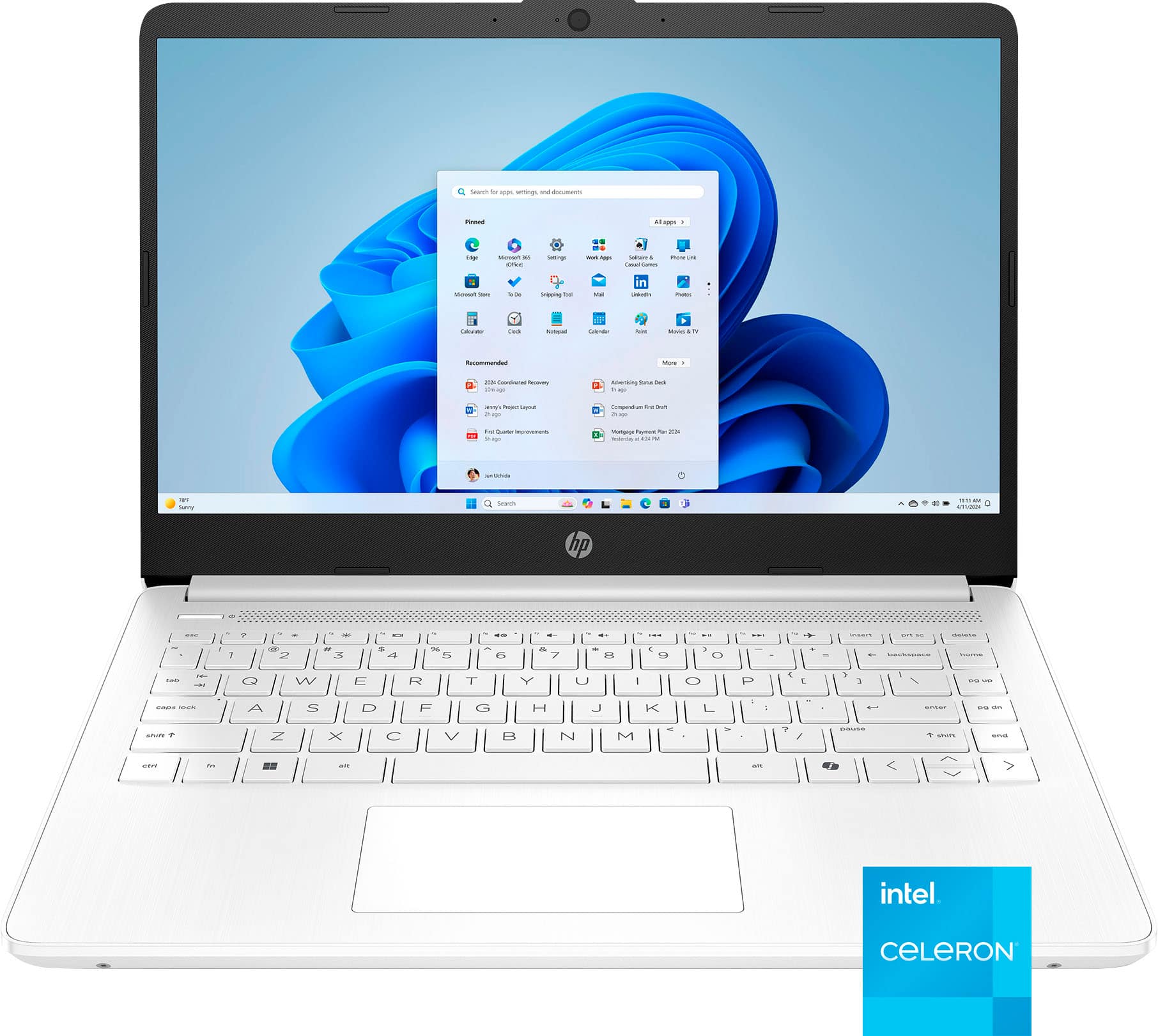
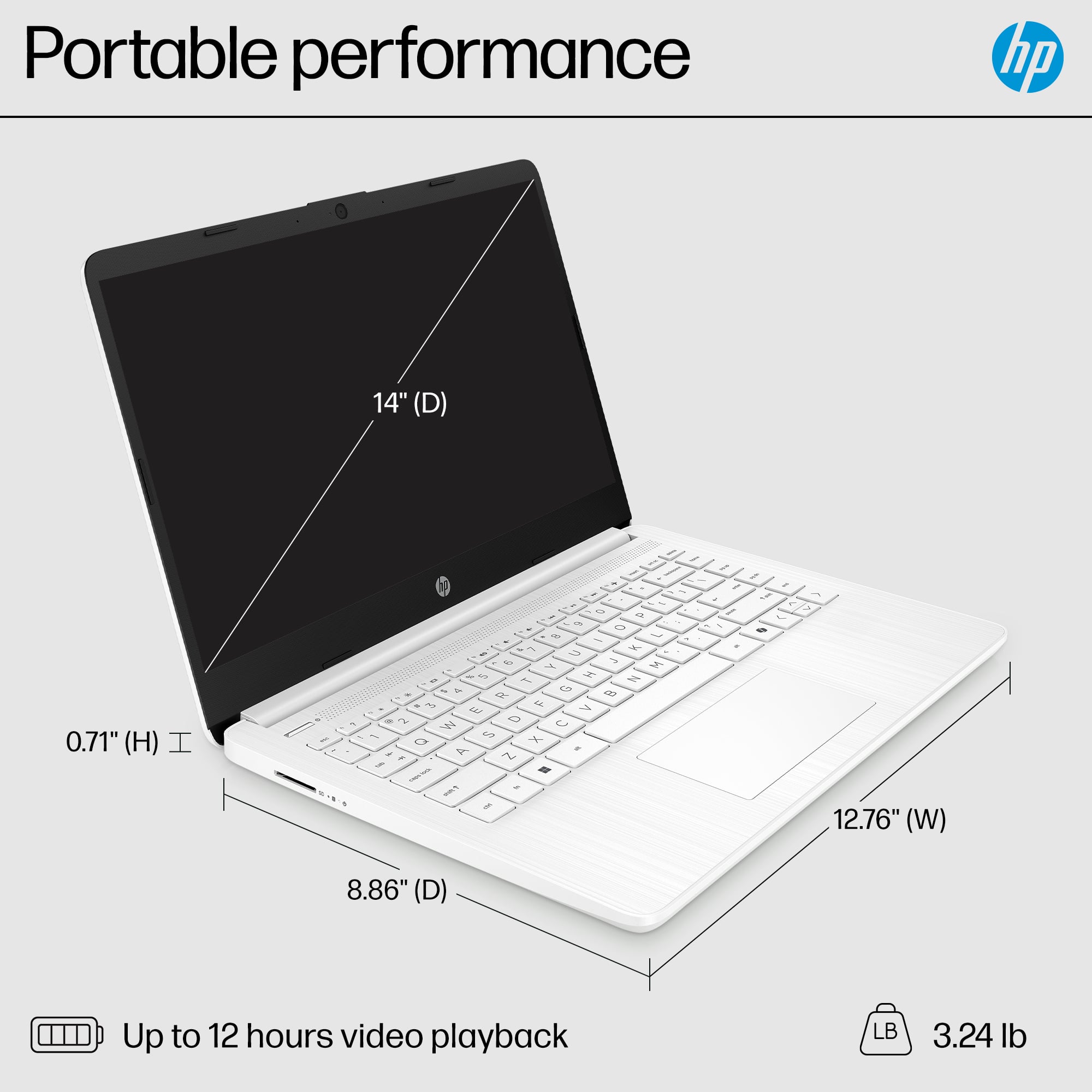
- A:Answer No, this laptop does not have a touch screen.
Answered by HP Team

Q: QuestionIs this laptop touchscreen
Asked by Maverick.
This question was asked about the related product: HP - 14" Laptop - Intel Celeron - 4GB Memory - 64GB eMMC - Indigo Blue
- A:Answer No it is not.
Answered by iamthetylerjames
Q: QuestionIs this a good computer for elementary school students to do homework on?
Asked by Cats.
- A:Answer Possibly...just a bit slow.
Answered by KatsB
Q: QuestionCan art softwares like Krita can be downloaded on the laptop?
Asked by Chris.
This question was asked about the related product: HP - 14" Laptop - Intel Celeron - 4GB Memory - 64GB eMMC - Indigo Blue
- A:Answer Thank you for choosing HP! According to the official Krita website, it would still run on this laptop. Although it is probable that you would experience slow response times from the laptop. This is due to the small amount of RAM it is installed.
Answered by HP Team

Q: QuestionCan I set this laptop up on multiple monitors
Asked by JasonH.
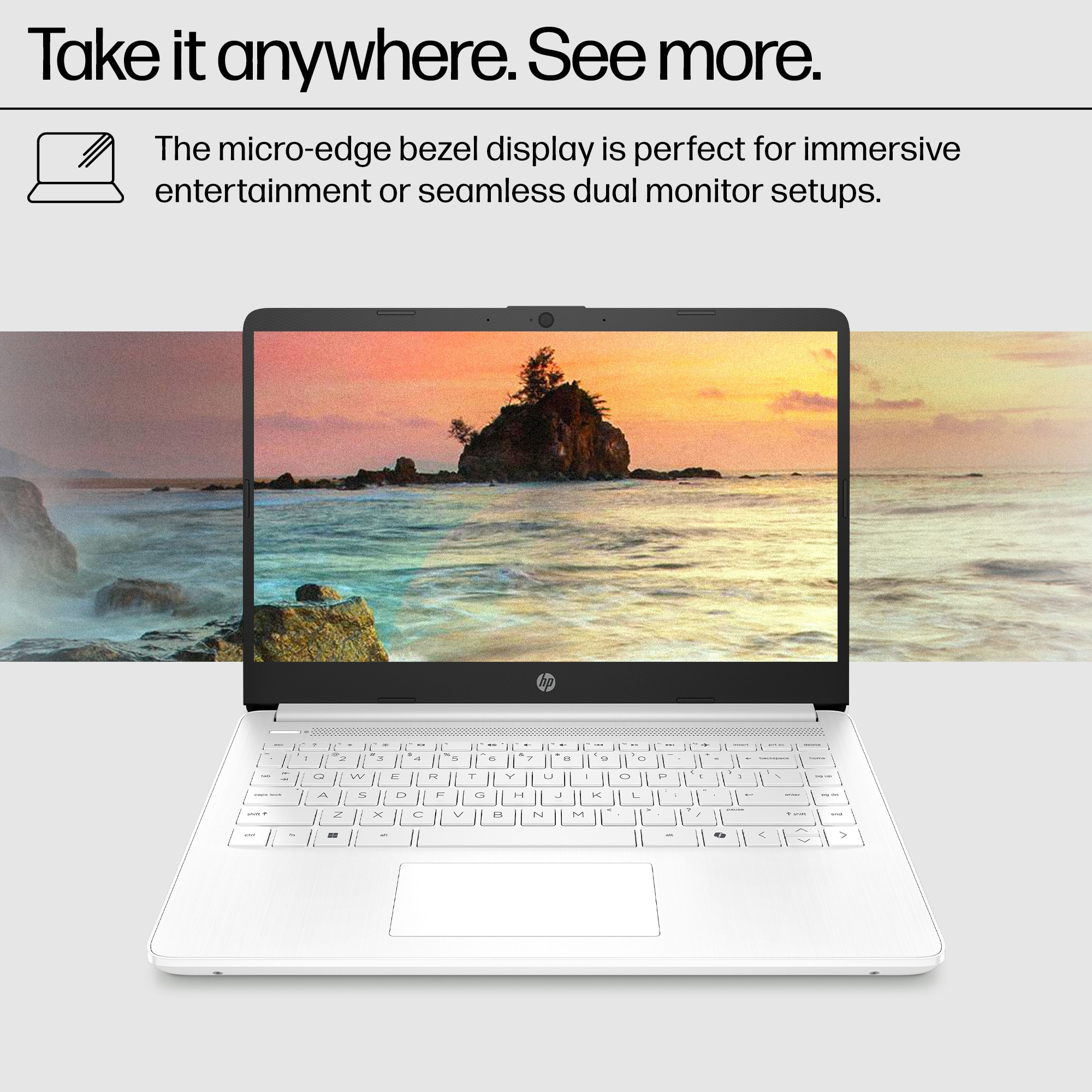
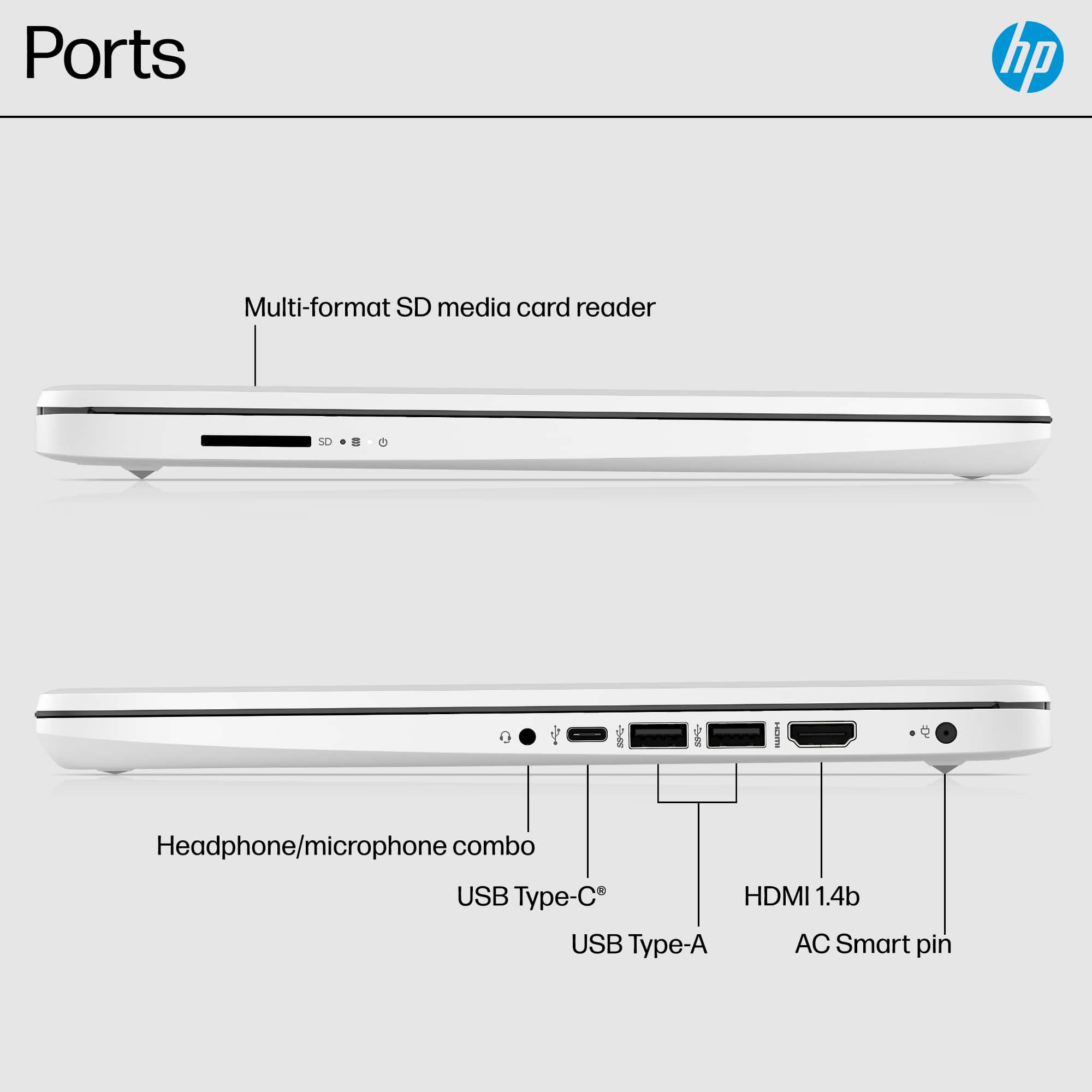
- A:Answer Yes,
Answered by Anonymous
Q: Questionare you able to run an HDMI cable and charge the laptop at the same time?
Asked by hdocapple.
This question was asked about the related product: HP - 14" Laptop - Intel Celeron - 4GB Memory - 64GB eMMC - Indigo Blue
- A:Answer Yes.
Answered by Good4ThePrice
Q: QuestionHow can I turn off s mode?
Asked by Tee.
- A:Answer To turn off S Mode on a Windows 10 or 11 PC, click the Start button and go to Settings > Update & Security > Activation. Select Go to the Store and click Get under the Switch out of S Mode panel. Then click Install and wait for the process to finish. Can’t reverse it but that’s fine because it sucks lol
Answered by Good4ThePrice
Q: QuestionAm I able to turn off Windows 11 S mode? In order to install apps that are not in the windows store?
Asked by Tasia.
- A:Answer It is possible to turn off S Mode, but you cannot turn it back on once you do. It is highly recommended that you look at the system requirements from the publisher's site of any software you are trying to download and make sure that the device you want to install it on meets the minimum requirements. Updates can change the requirements which can impact what settings you can run it on or if you can run it at all.
Answered by HP Team

Q: Questiondoes the computer run fast? using it for games such as roblox and discord. Also planning to get wolf quest anniversary edition as well. Do you think this laptop will be able to handle all three apps? If not, what other HP laptop do you recommened?
Asked by lili.
This question was asked about the related product: HP - 14" Laptop - Intel Celeron - 4GB Memory - 64GB eMMC - Indigo Blue
- A:Answer Thank you for the question. For any software you will want to look at the system requirements from the developer's website and make sure this meets the specifications for the settings you would like to use. Updates can change those requirements and that can affect what settings you use or impact if you can run it at all.
Answered by HP team
Q: QuestionWill i be able to download "VS Connect" on this computer?
Asked by Tee.
- A:Answer For any software you will want to check the publisher's website for the system requirements. Updates can change the requirements which can impact what settings you can run it on or if you can run it at all. You would have to turn off S Mode which will reduce the security of this device, but then you would be able to run and use it on low settings. You cannot turn S Mode back on after turning it off.
Answered by HP Team