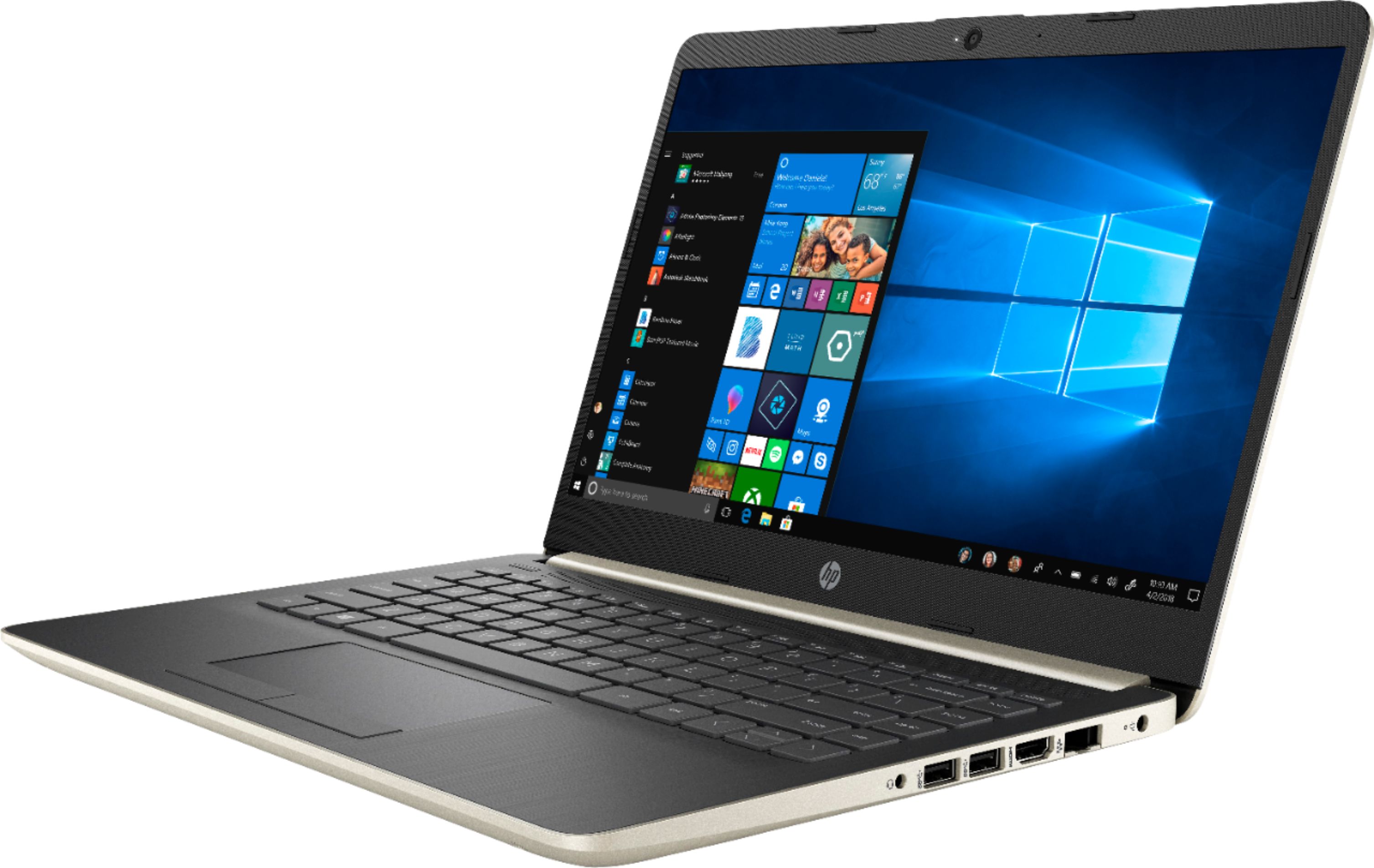
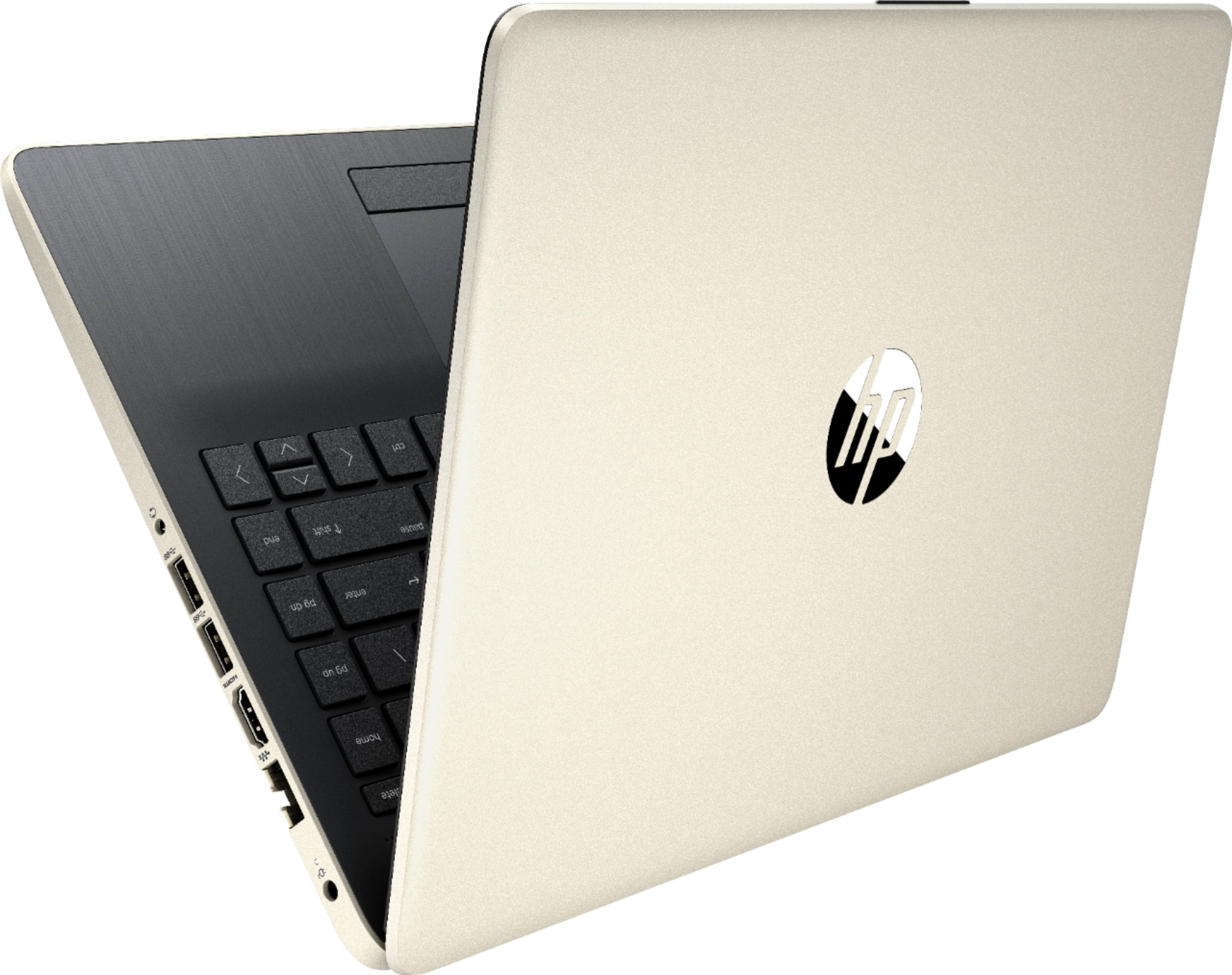
A:Answerif your adapter just splitting signal … your PC not gonna recognize the second monitor. There is only one video stream goes out from your laptop and then your splitter divide it on two: one goes to one monitor, and the other on second …
A:AnswerYou need to take it apart completely if you want to take out the HDD, but you gonna know that there is no option to install 2.5" mechanical HDD drive or SSD Drive easily without buying some components you need to make this upgrade … and of course you gonna loose your warranty after opening the laptop.
A:AnswerNot out-of-the box. And it won't let you install Chrome (or any other non-Microsoft product) unless you first switch the laptop out of Windows 10 "S Mode". That switch is easy to do (although you need to set up a Microsoft account first), but it's a one-time action which you can't undo. If the security of "S Mode" is something you want to keep, then you're limited to the pre-installed Edge browser.
A:AnswerIt is Windows 10 in S mode. Windows' more secure version that only allows you to use apps from their store, and the Edge browser. It can easily be activated to Windows 10 Home if you desire.
A:AnswerThis computer does run Windows and has the Microsoft app store. If you wanted to run Microsoft Applications such as Office it is compatible with those programs as well.