A:AnswerYou can use any of HP's current wireless printers. If you are a person that does not print a lot, we recommend looking at the HP Deskjet Plus 4155 printer. If you print a lot, we recommend looking at the HP Officejet Pro 9015 printer.
A:AnswerWhile this is not a computer designed primarily for gaming, it could play some games. We recommend reaching out to the developers of the game to inquire about the specifications needed to meet their minimum and recommended specifications. A lot of modern AAA titles will list a dedicated GPU as a recommended requirement and this unit does not feature one. Additionally, this computer runs ChromeOS so you would need to take this into consideration when looking at available games.
A:AnswerThis Chromebook cannot handle World of Warcraft. You need a Windows 10 Home laptop like the HP Pavilion Gaming or Omen laptop to play World of Warcraft. The Chromebook allows you to use the Chrome browser to surf the internet. The Chrome operating system is on the Chromebook. You can use the Microsoft Office app from the Google Play Store or Microsoft 365 with this Chromebook. For Work, if you need to download software, you look at a Windows 10 Home laptop with at least the Intel i3 or i5 or AMD Ryzen 3 or 5 processor.
A:AnswerHi Cherry. Yes Chromebooks have many games available for download from the Google play store. Each game may be different in how it responds to touch, depending on how it is designed.
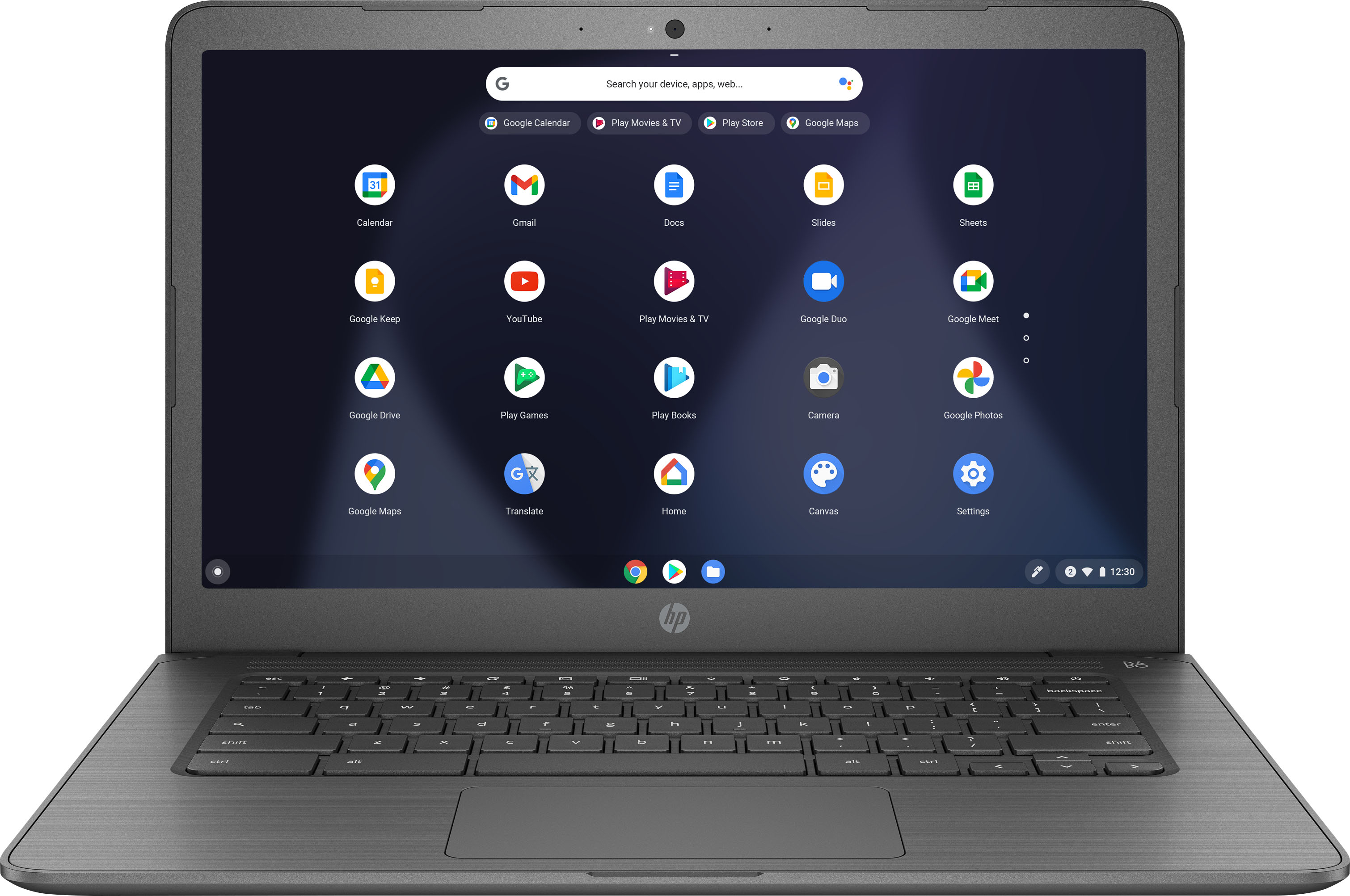
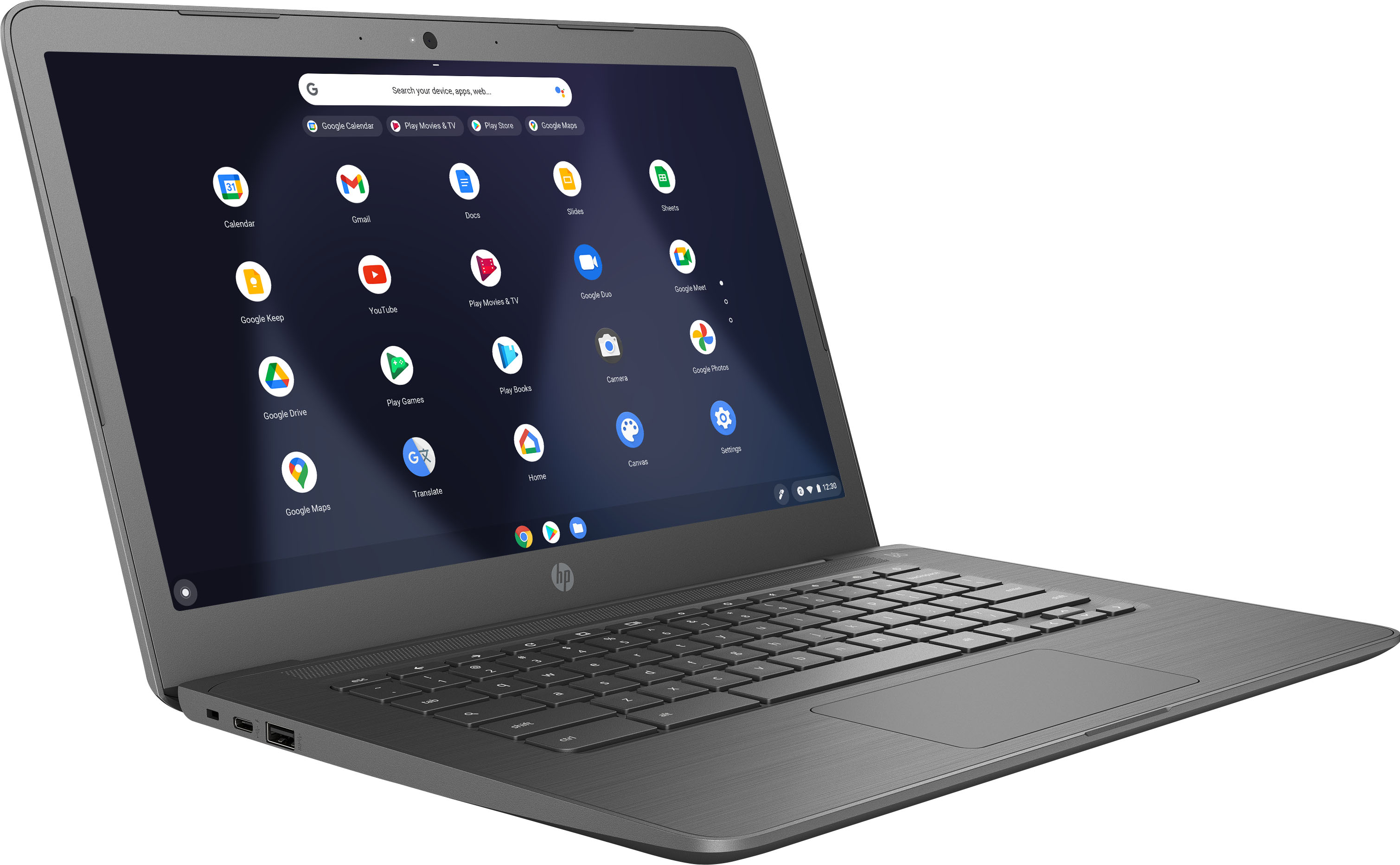
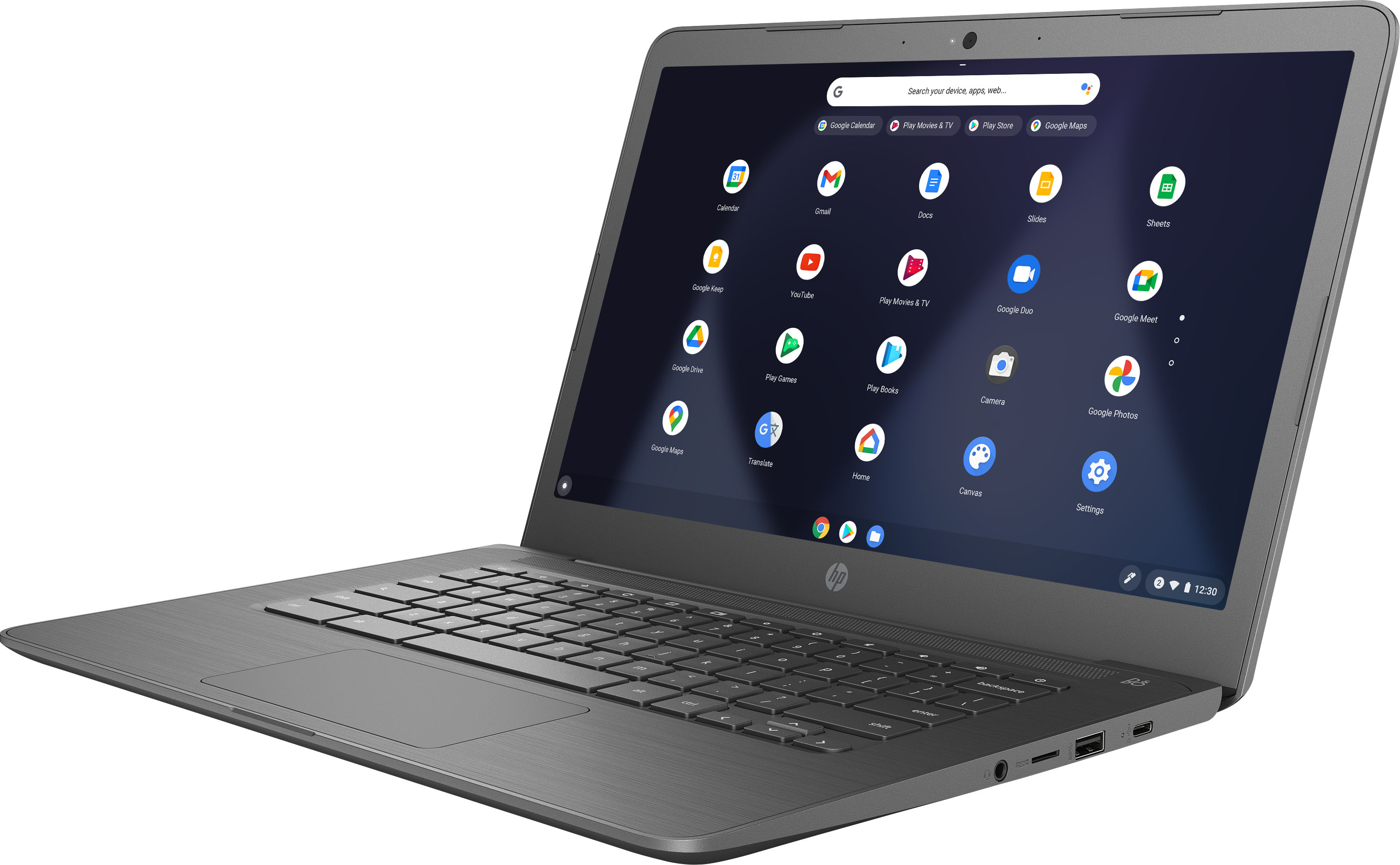
A:AnswerAlthough, this is a touchscreen Chromebook. It does not flip in the tablet mode. The HP Chromebook x360 models allow you to flip them into four modes, laptop, tent, presentation, and tablet.