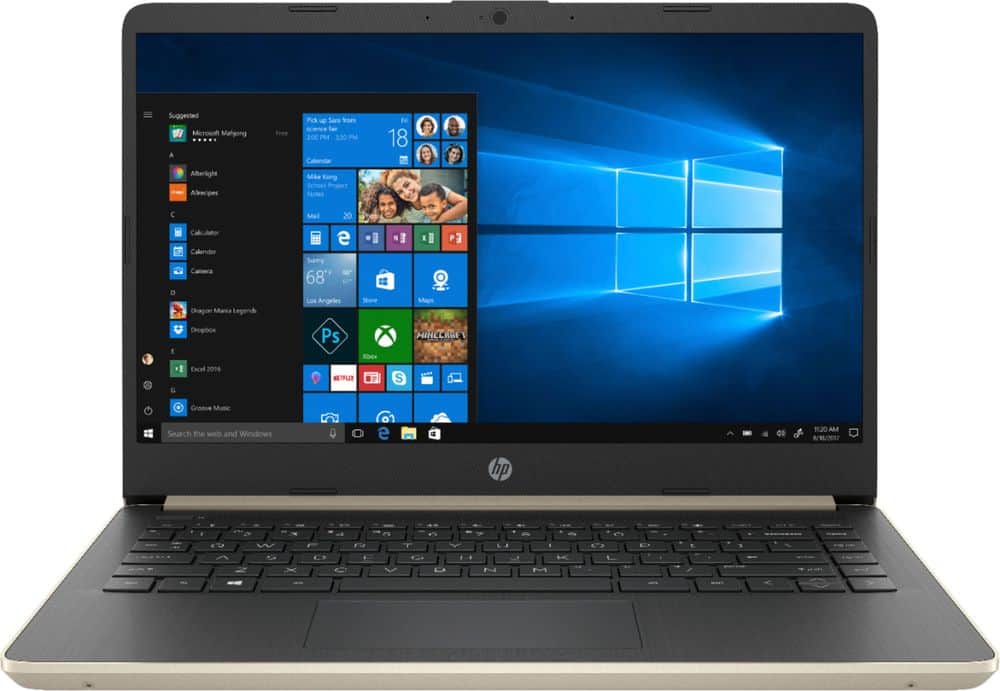
A:AnswerI would recommend a 15.6 laptop case. I use that and it keeps the laptop supported, but I am not sure about hard case. Possibly whatever size is the actual laptop.
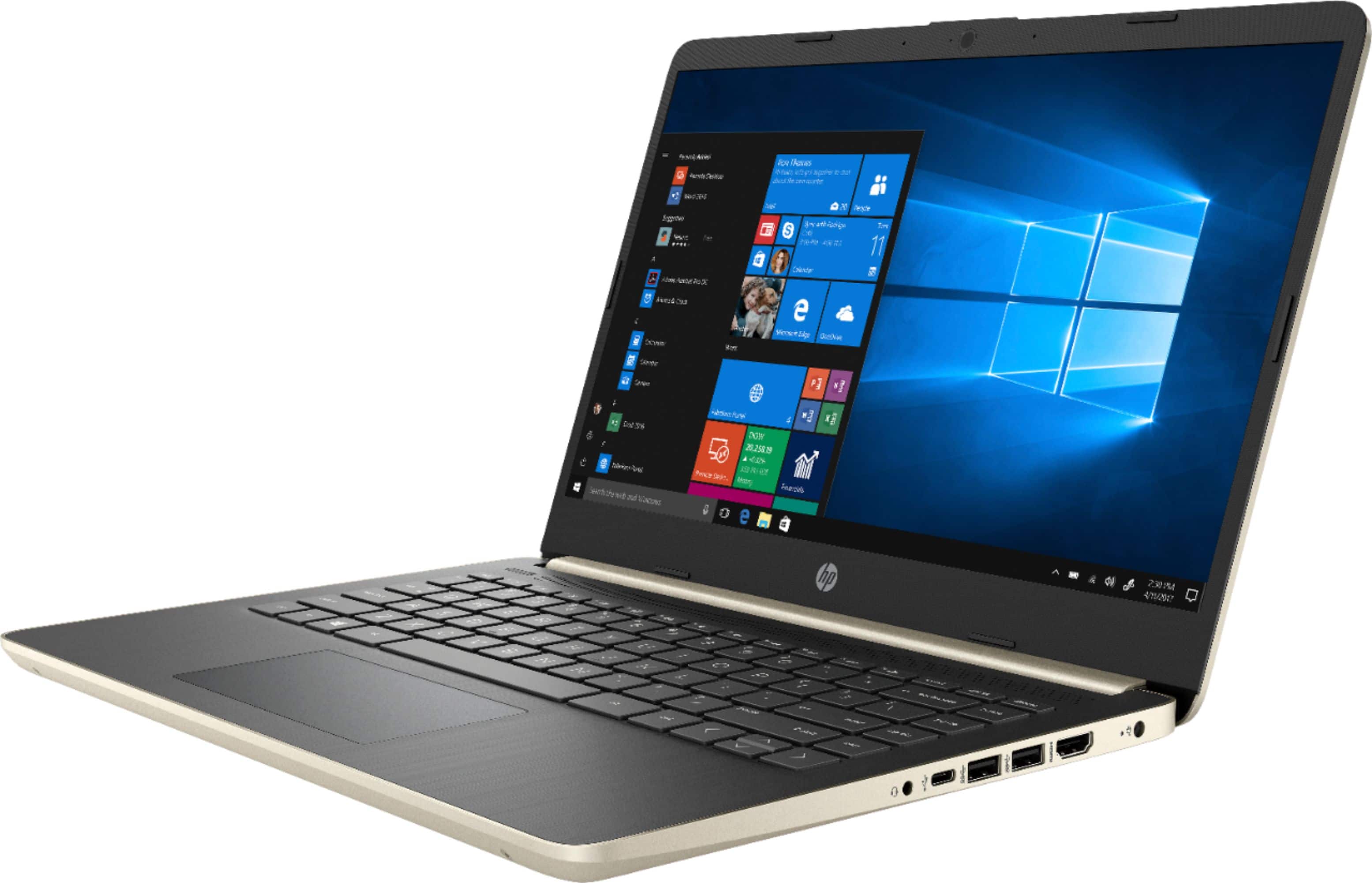
A:AnswerUnfortunately, there isn't an available drive bay to add a second internal drive. You could either replace the existing SSD with a drive with higher capacity, or you could use an external drive for additional storage.
A:AnswerI'm sorry that you have experienced this issue. I recommend reaching out to HP Support so they can assist you. They have access to more tools to assist you. Here's the link to HP Support: http://support.hp.com/us-en . Click "Contact HP" at the bottom left of the page. Alternatively, you can reach them by phone at 1-800-474-6836.
A:AnswerIt is necessary to go to settings to switch from S mode. If you have done that then there will no doubt about it. You can download the utility from the store and it is quick and easy to make the change.