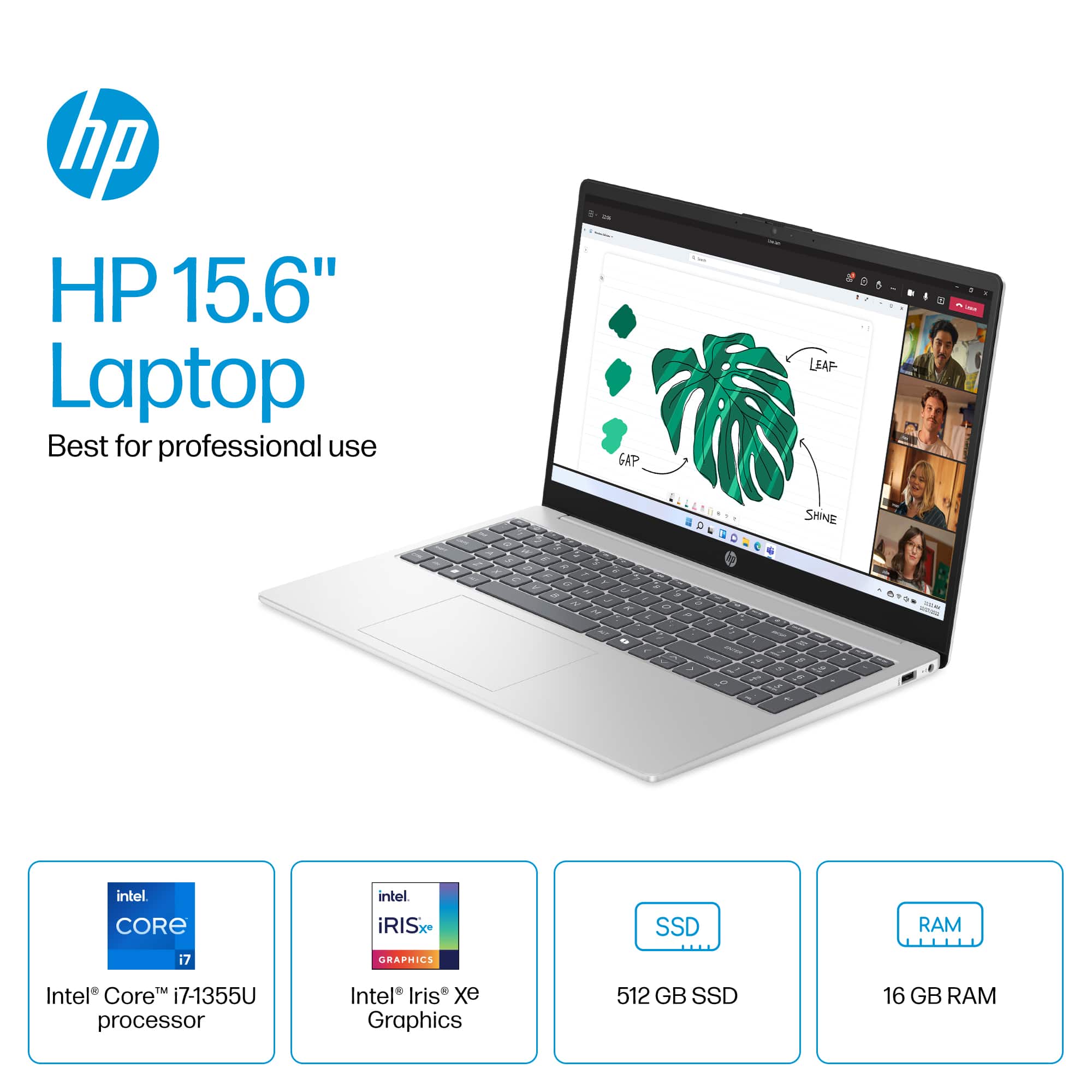
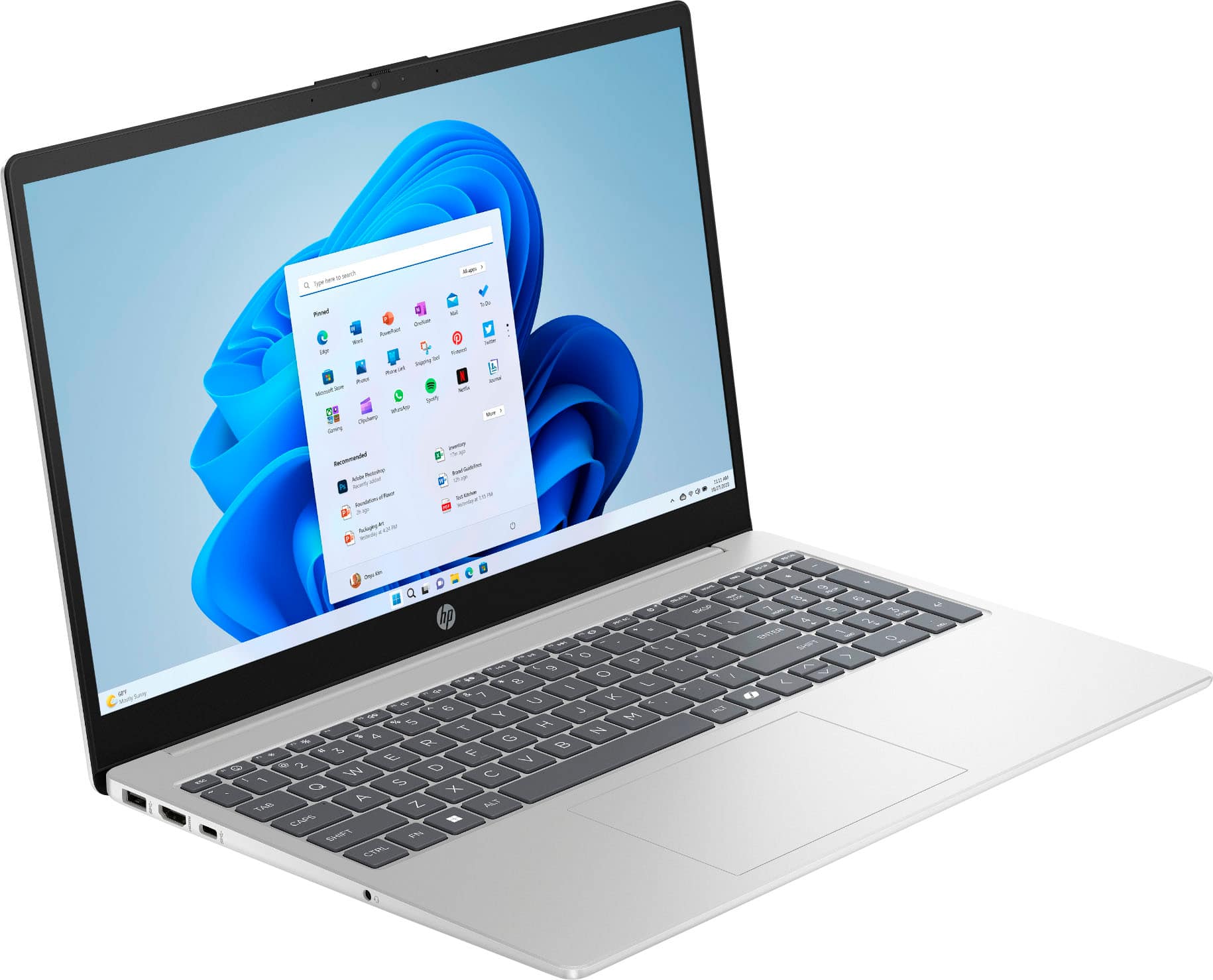
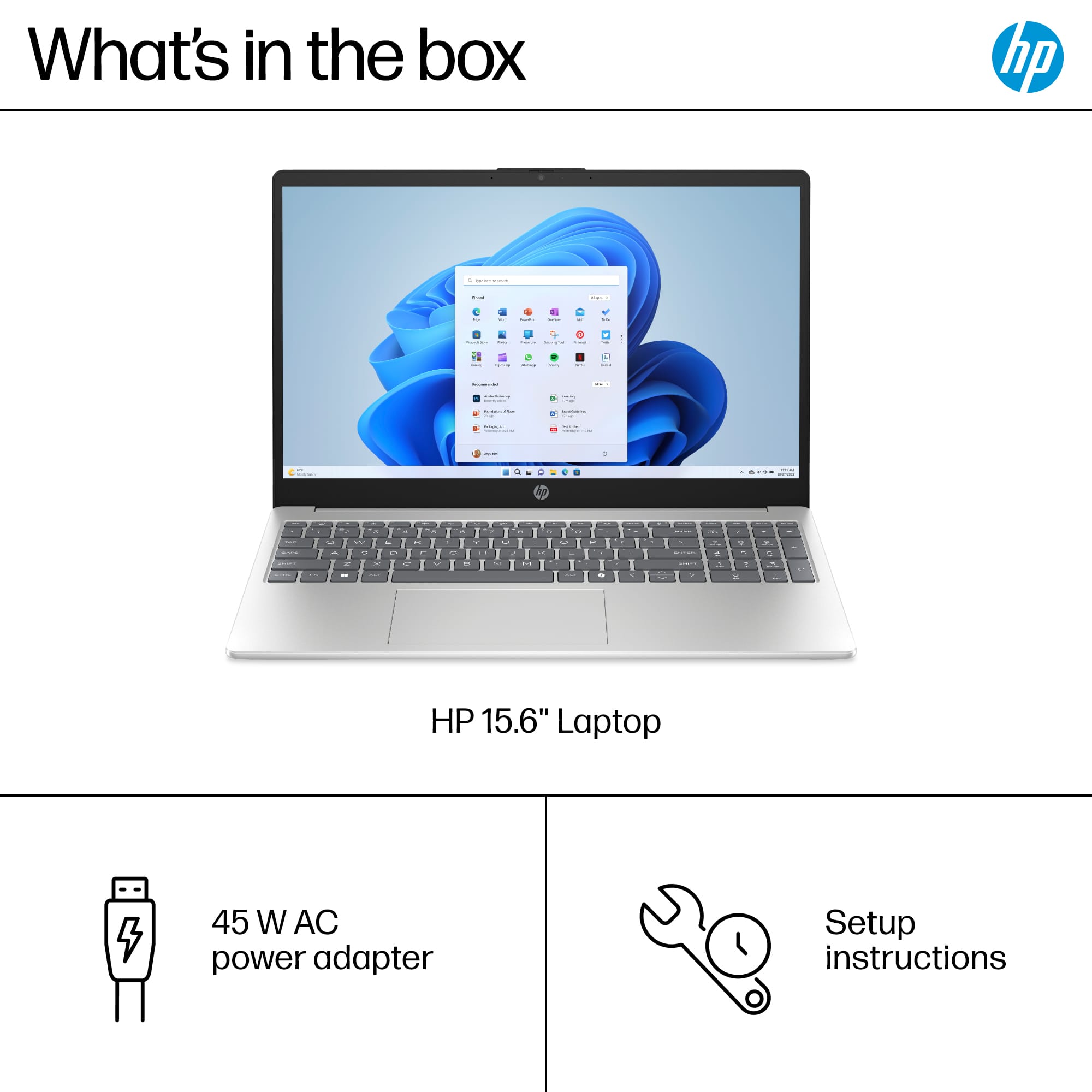
A:AnswerIf the customer-supplied photos are of the Model 15-fd0127dx (SKU: 6612253) advertised, HP's replies on this question are inaccurate. These photos clearly show two standard SODIMM slots and corresponding modules, meaning they can be easily replaced by the owner, not soldered in chips, as HP states. I searched MemoryStock and they say that the RAM can be upgraded to 32GB (2x16GB). Feel free to fact check me.
A:AnswerCompatible with practically any printer, from any manufacturer, manufactured in the past 10+ years, right out of the box. For basic printing. Advanced features may require installation of the printer software.
A:AnswerYour question is unclear as to whether you are speaking about a PERSONAL account or one associated with a company you work for. If you wish to use a personal computer (i.e., one you purchased outside of work) in the latter instance, you will have to contact your company's tech support department to have them set it up (or talk you through it) for use with the company account. This also might require you to upgrade the operating system to one of the Windows Pro iterations available, either through your purchase of same, or the company's supply of such. They also might require any outside purchase conforms to company specified specs.
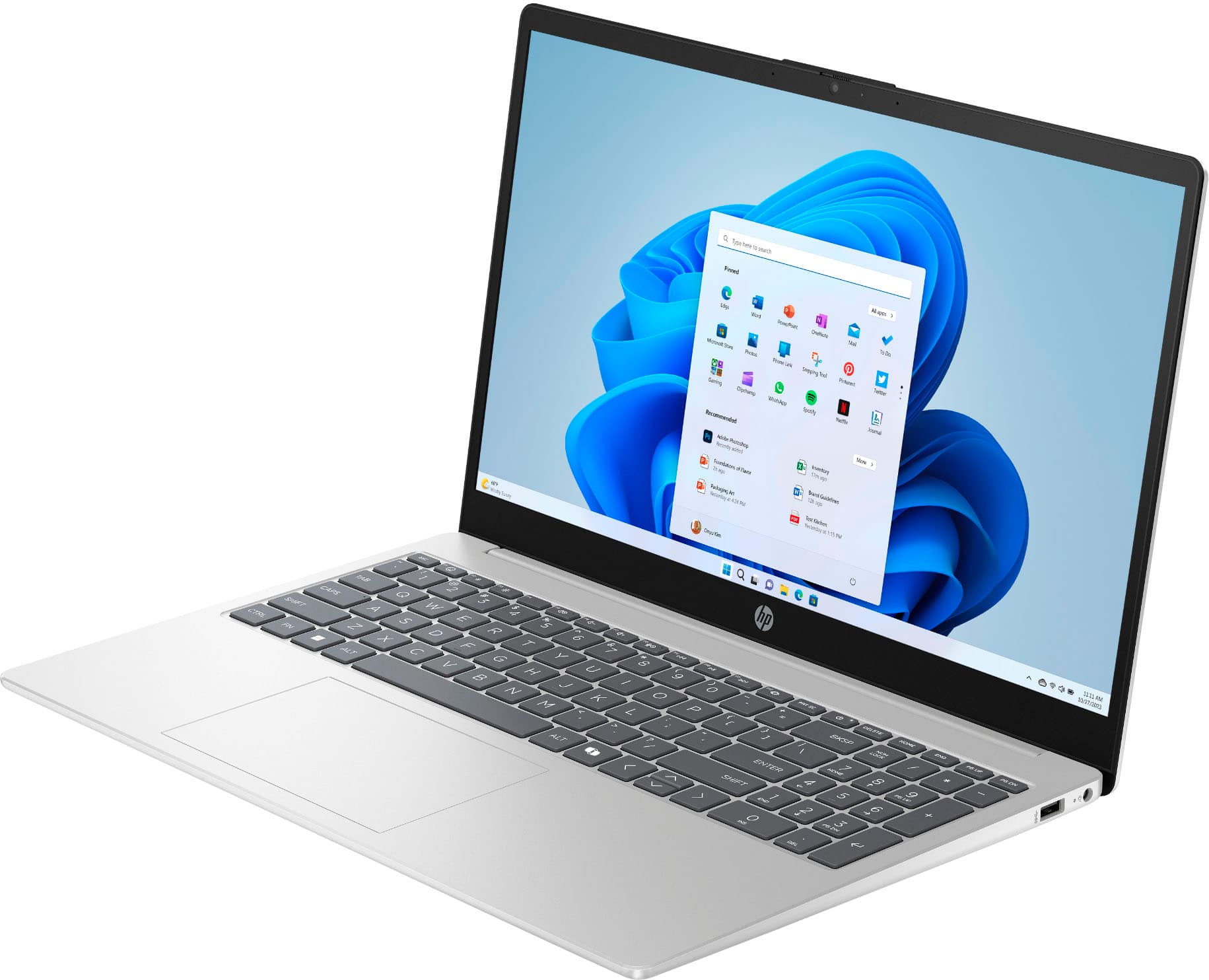
A:AnswerNot all versions of this model have it. Some configurations do, some don’t. If your keyboard doesn’t have the backlight icon (glowing keyboard symbol) on the function keys, then your version does not include it.. My laptop doesn,t have it
A:AnswerNot all versions of this model have it. Some configurations do, some don’t. If your keyboard doesn’t have the backlight icon (glowing keyboard symbol) on the function keys, then your version does not include it. My version doesn't have it.
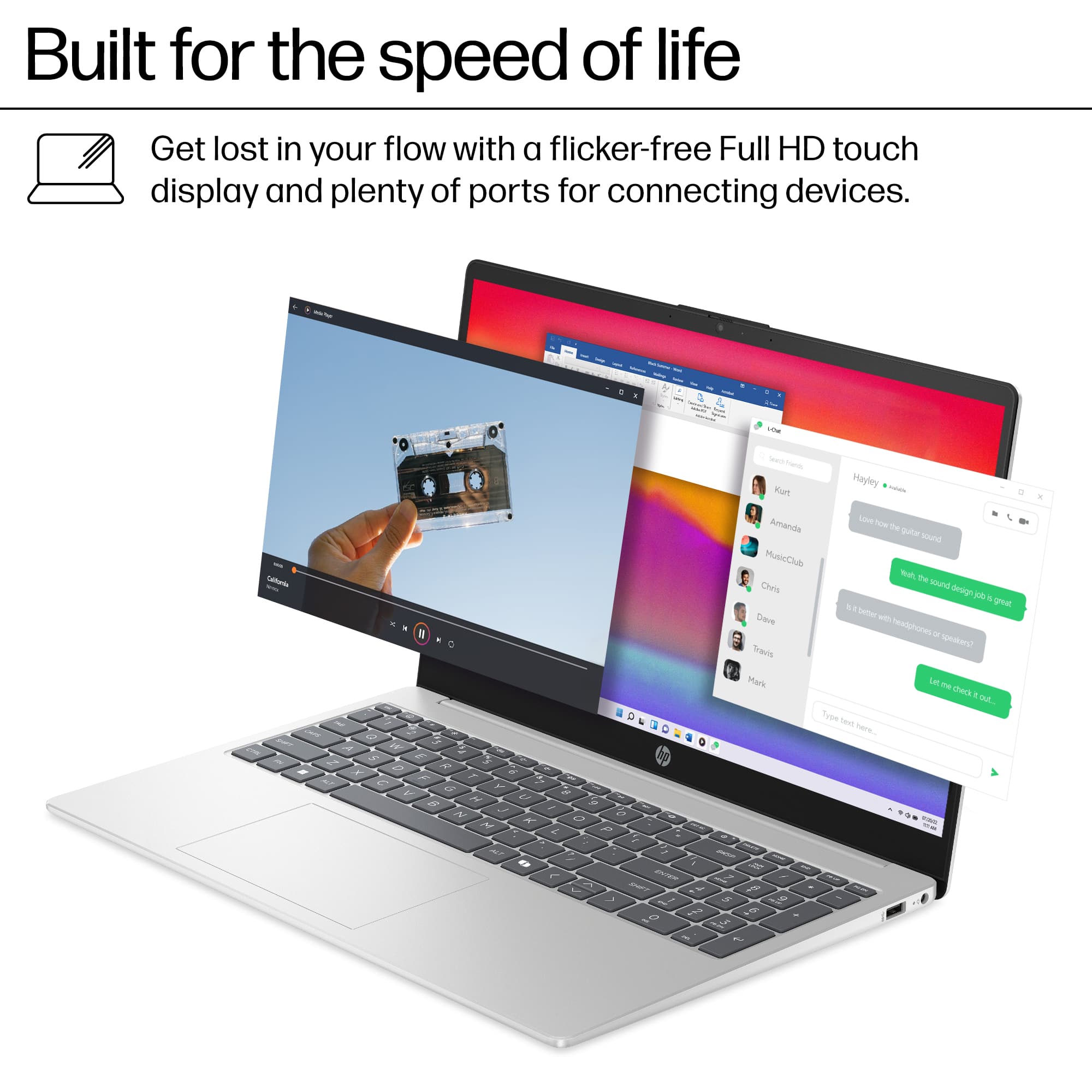
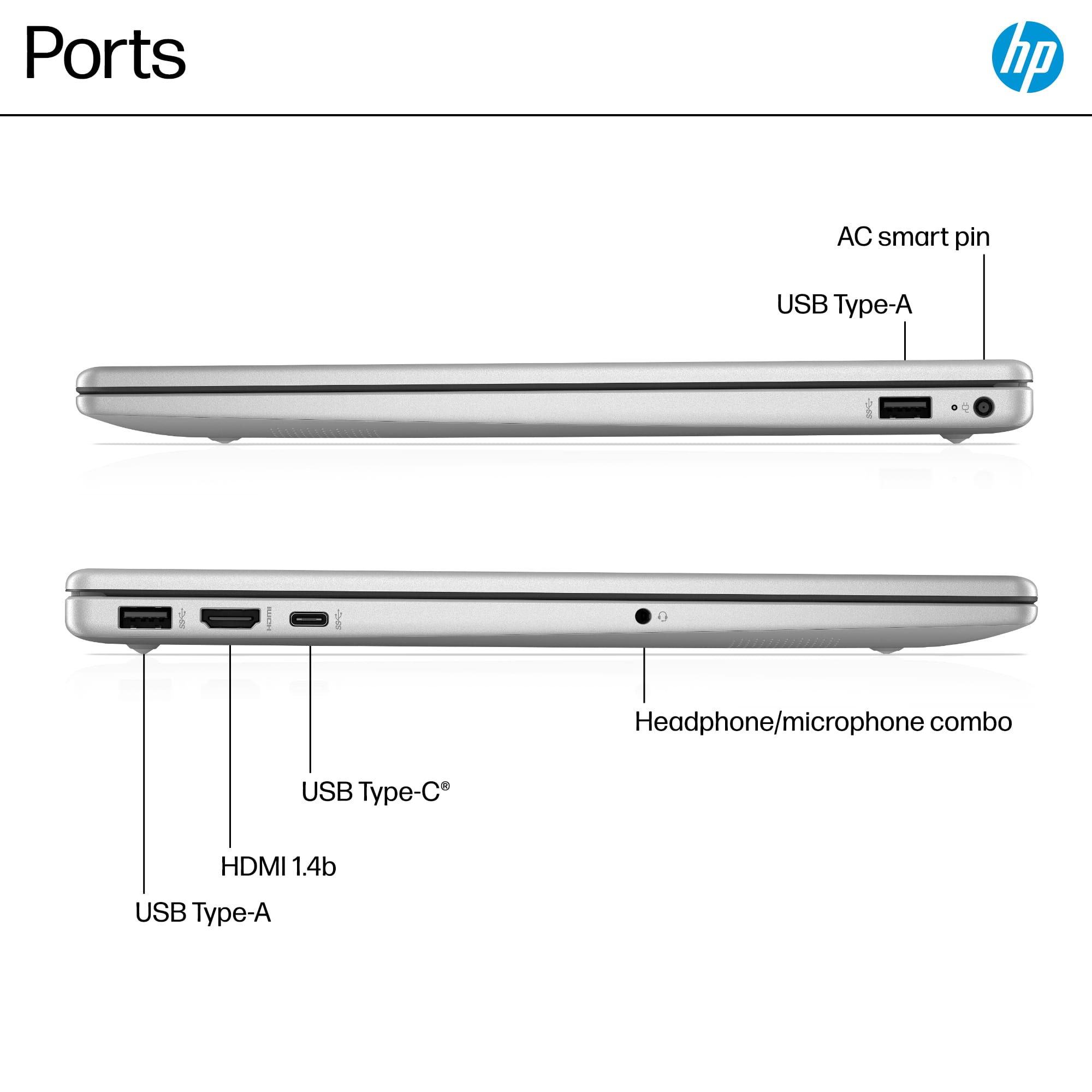
A:AnswerYes, you can. This laptop has an HDMI port, so you can connect an external monitor or TV easily. You can also use a USB-C to HDMI adapter if needed.