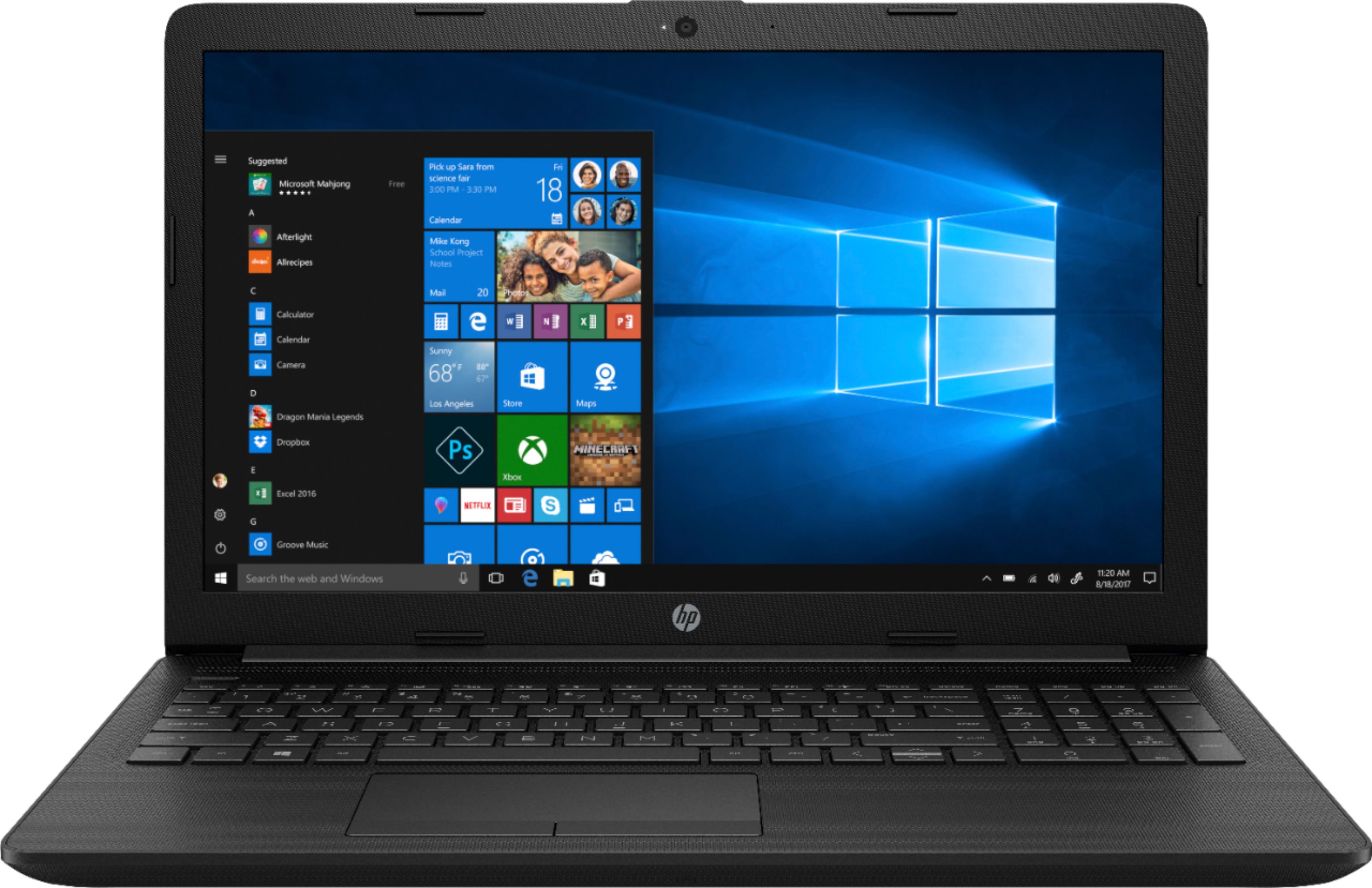
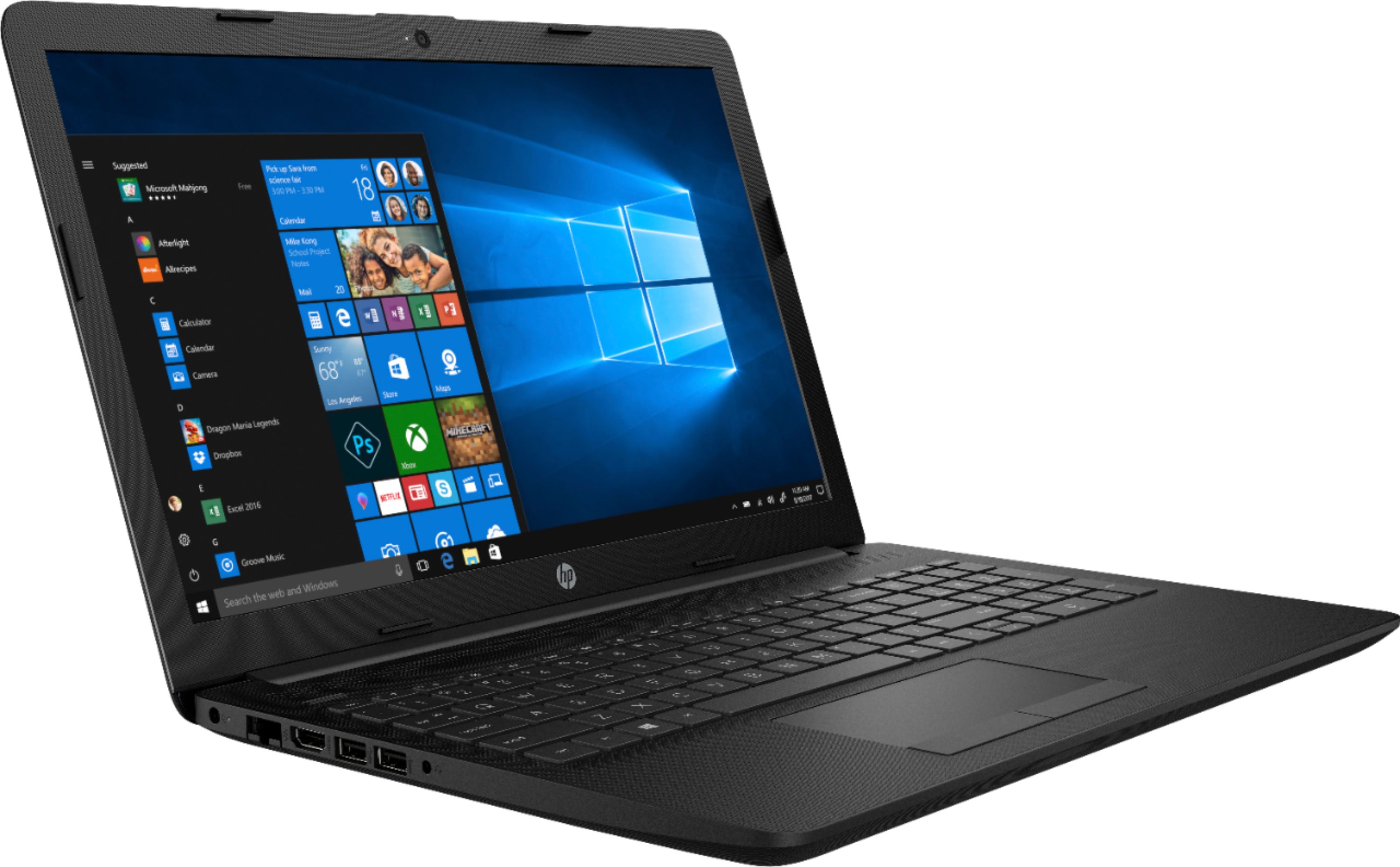
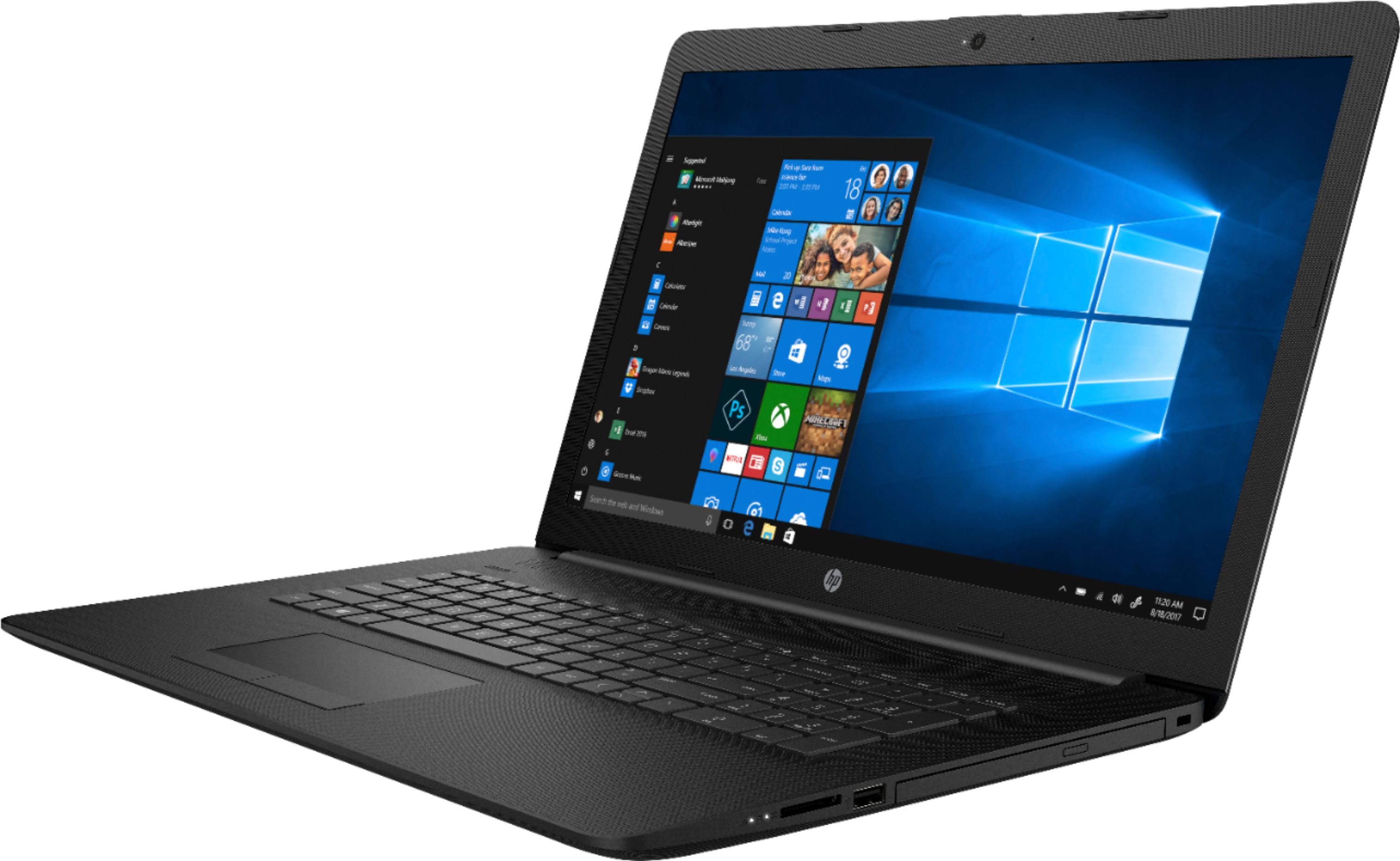
A:Answer If one of the monitors is the built-in display, you simply need to plug the second monitor into the HDMI port. If you need two ADDITIONAL monitors beyond the laptop display, you would have to use a USB adapter (to HDMI, DisplayPort, DVI etc) to give you a second output. If you use a HDMI splitter you can have two monitors, but they will both show the same thing.