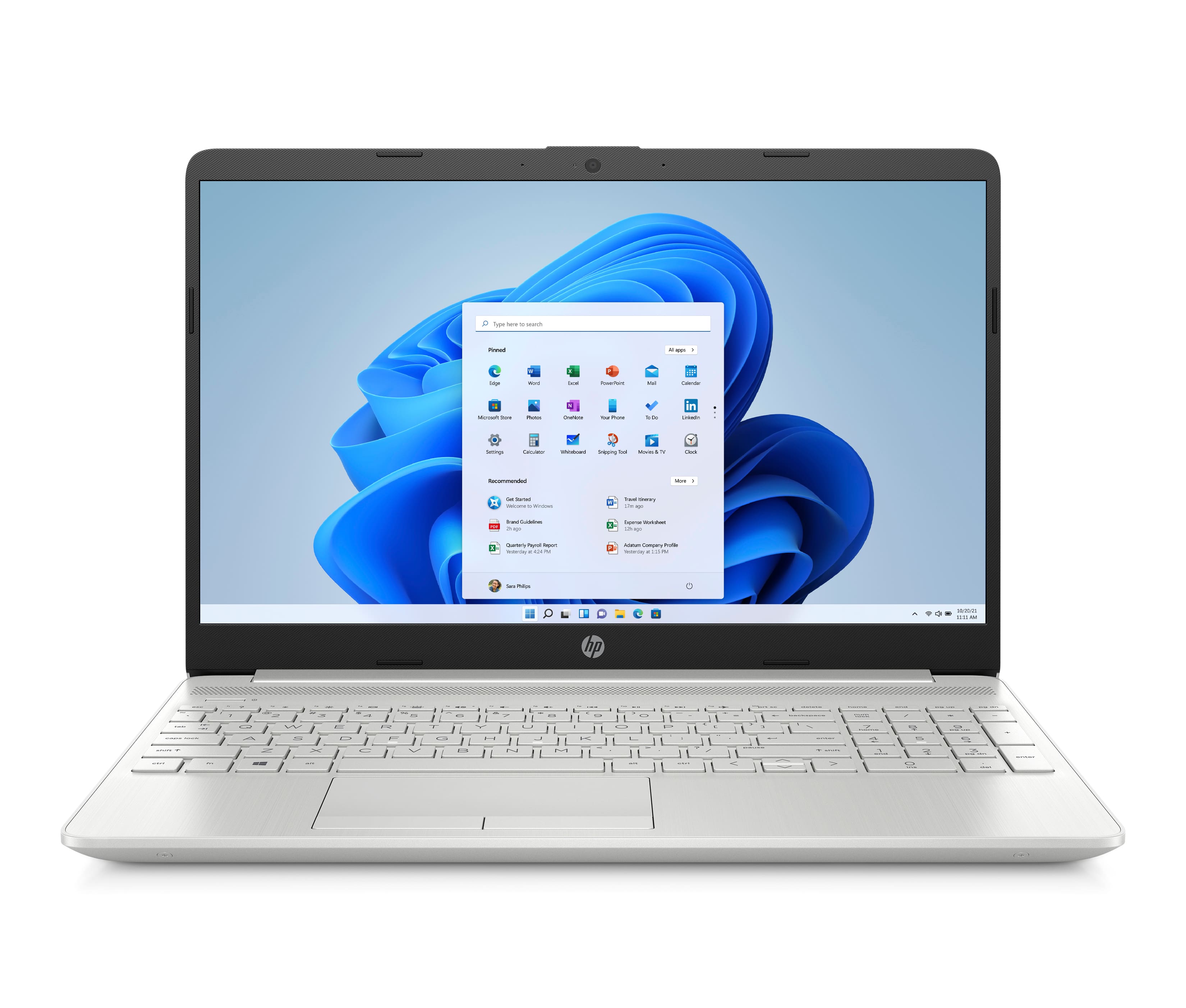
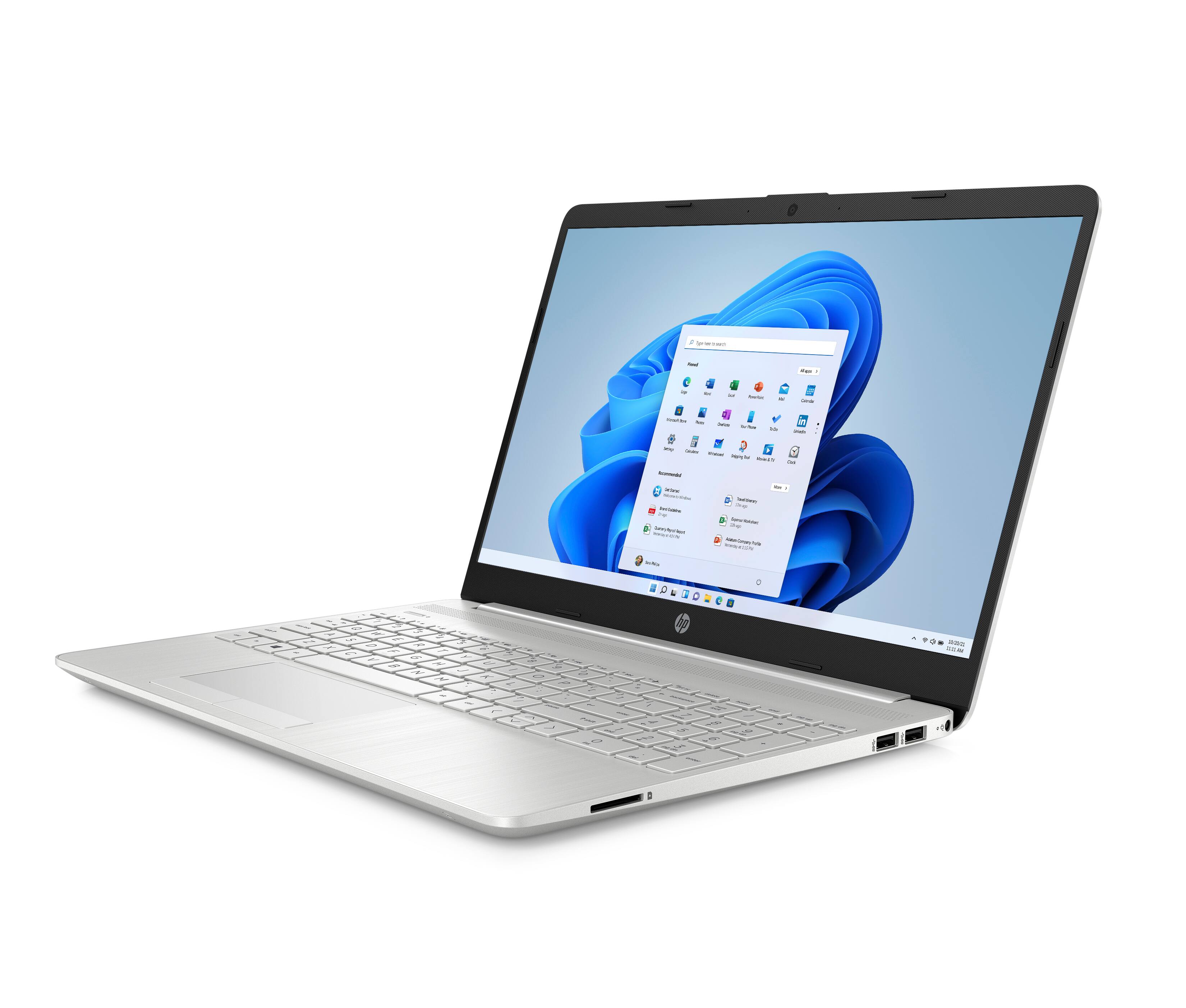
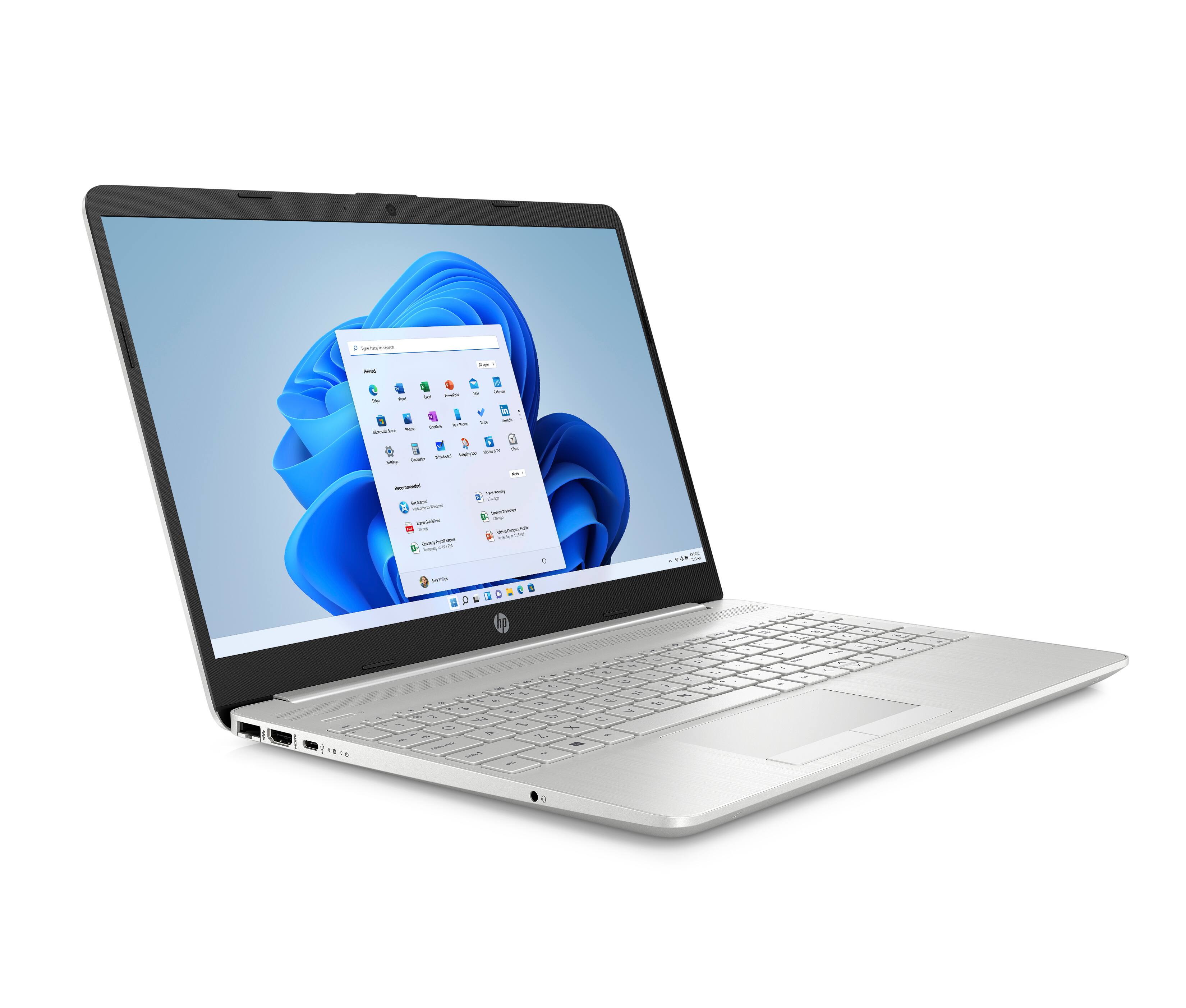
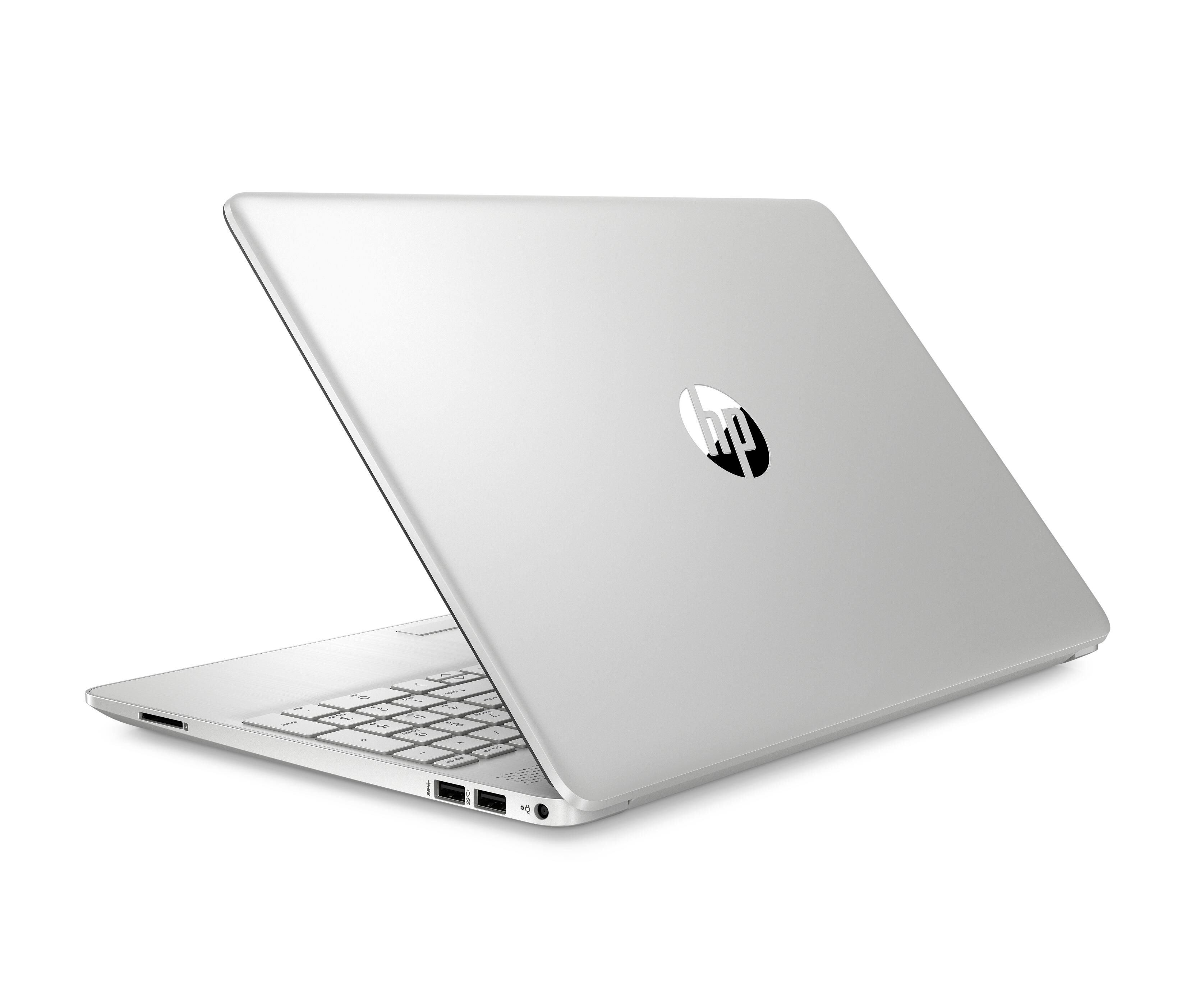
A:AnswerYou will want to check the developer's site for Zoom about the system requirements for the virtual background and make sure that this device meets those requirements. This laptop also comes with Windows 11 Home in S Mode, and the S Mode might have to be turned off to use Zoom. Turning off S Mode lowers some of the security for this device.
A:AnswerThank you for the question. This laptop has the recommended RAM and storage, but Cricut Explore Air 2 sets a minimum processor requirement at i3 or Ryzen 3, This laptop has an Intel Celeron processor, which would be minimally compatible.